


Use the LiveSession connector to analyze user sessions and website behavior.
Integrating your application with LiveSession lets you use these operations in an automation. It exposes 1 action, listed below. Add the connector from the Connections area, authenticate, then select its operations in the automation builder. Capabilities: actions.
Authentication
Before you begin, make sure you have the following information:
Connection Name: Choose a meaningful name for your connection. This name helps you identify the connection within your application or integration settings.
Authentication Type: The authentication method for this connector is defined in the connection setup. Select the connector in the Connections area to see the fields it requires.
Authentication & setup
The LiveSession API uses Personal Access Tokens (PAT) for authentication. The API is HTTP-based and is hosted at https://api.livesession.io/v1.
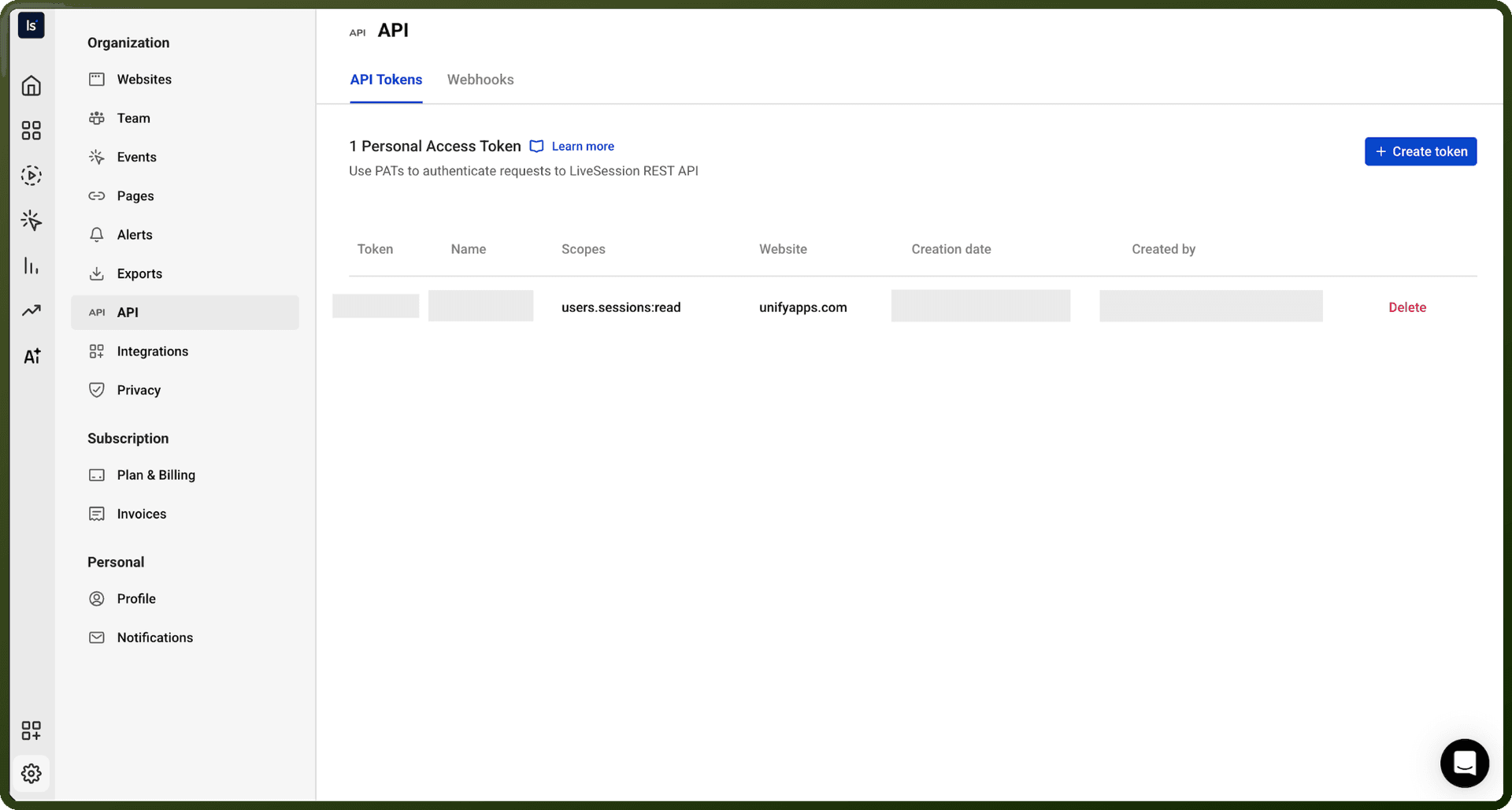
To create a Personal Access Token:
Go to the settings of your account
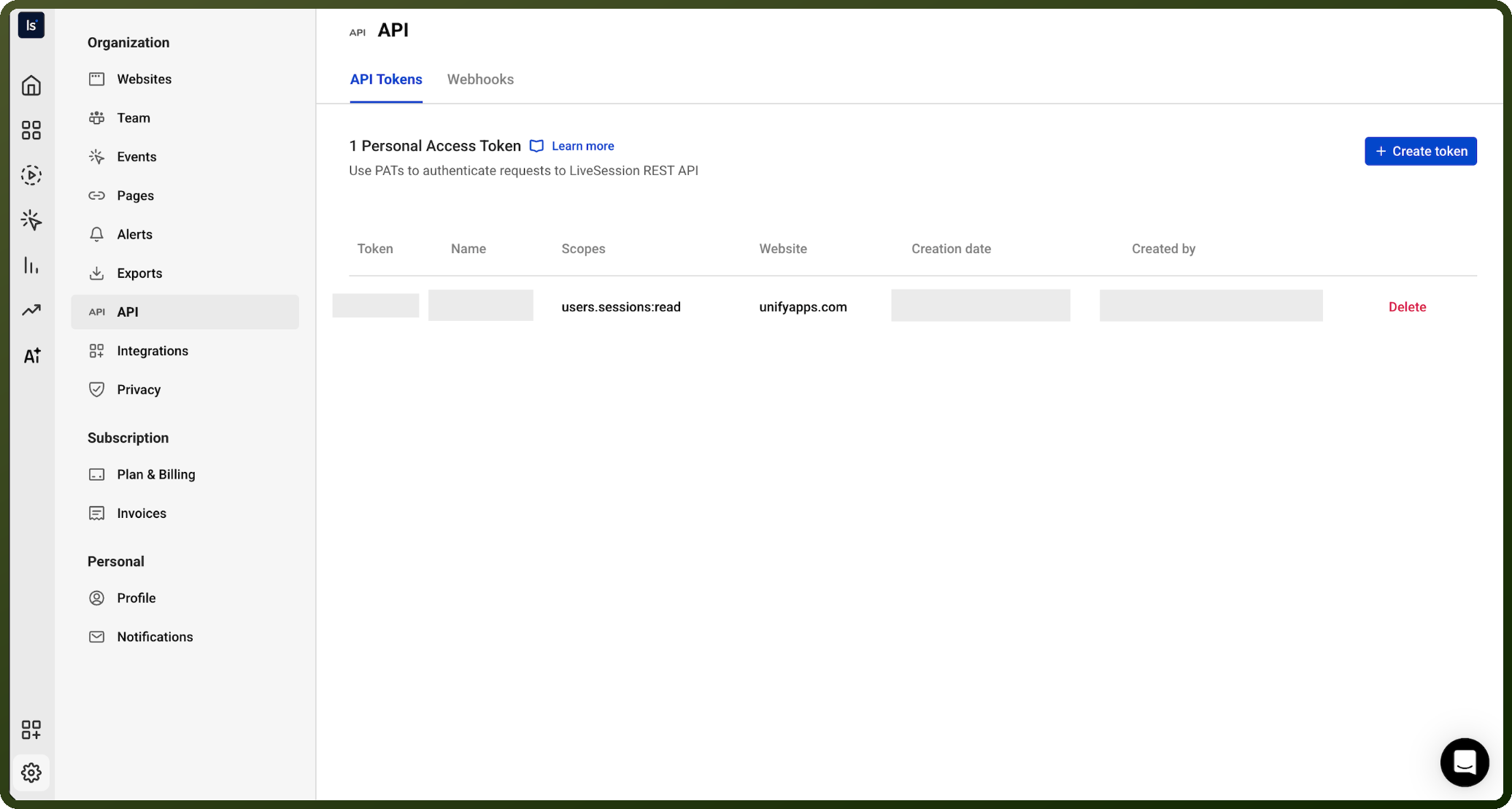
Click API Tokens from left menu
In the upper-right corner of API Tokens page click the creation button
Give your token a descriptive name
Select the website you want to access through the REST API
Select the scopes you'd like to grant this token
Click the confirm button
To access your data, send the personal access token with your request through headers: Authorization: Bearer <YOUR_PERSONAL_ACCESS_TOKEN>
Security Note: Remember that your API key is a secret! Do not share it with others or expose it in any client-side code (browsers, apps). Keep tokens in backend environment variables only.
Actions
Action Name | Description |
|---|---|
Get sessions | Retrieve sessions from LiveSession |
About the API
LiveSession provides SDKs and API access for session management and analytics:
Browser SDK for client-side integration
Node.js SDK for backend integration
REST API for HTTP requests
GraphQL API for graph queries
Webhooks for event-driven integrations
Core functionality includes session management (list, retrieve sessions data).
Rate Limiting: By default all tokens are set to 2 Queries Per Second (QPS), which is a per token limit.