


Use the DevCycle connector to manage feature flags and software releases.
Integrating your application with DevCycle lets you use these operations in an automation. It exposes 8 actions, listed below. Add the connector from the Connections area, authenticate, then select its operations in the automation builder. Capabilities: actions.
Authentication
Before you begin, make sure you have the following information:
Connection Name: Choose a meaningful name for your connection. This name helps you identify the connection within your application or integration settings.
Authentication Type: DevCycle supports Client credentials authentication.
Authentication & setup
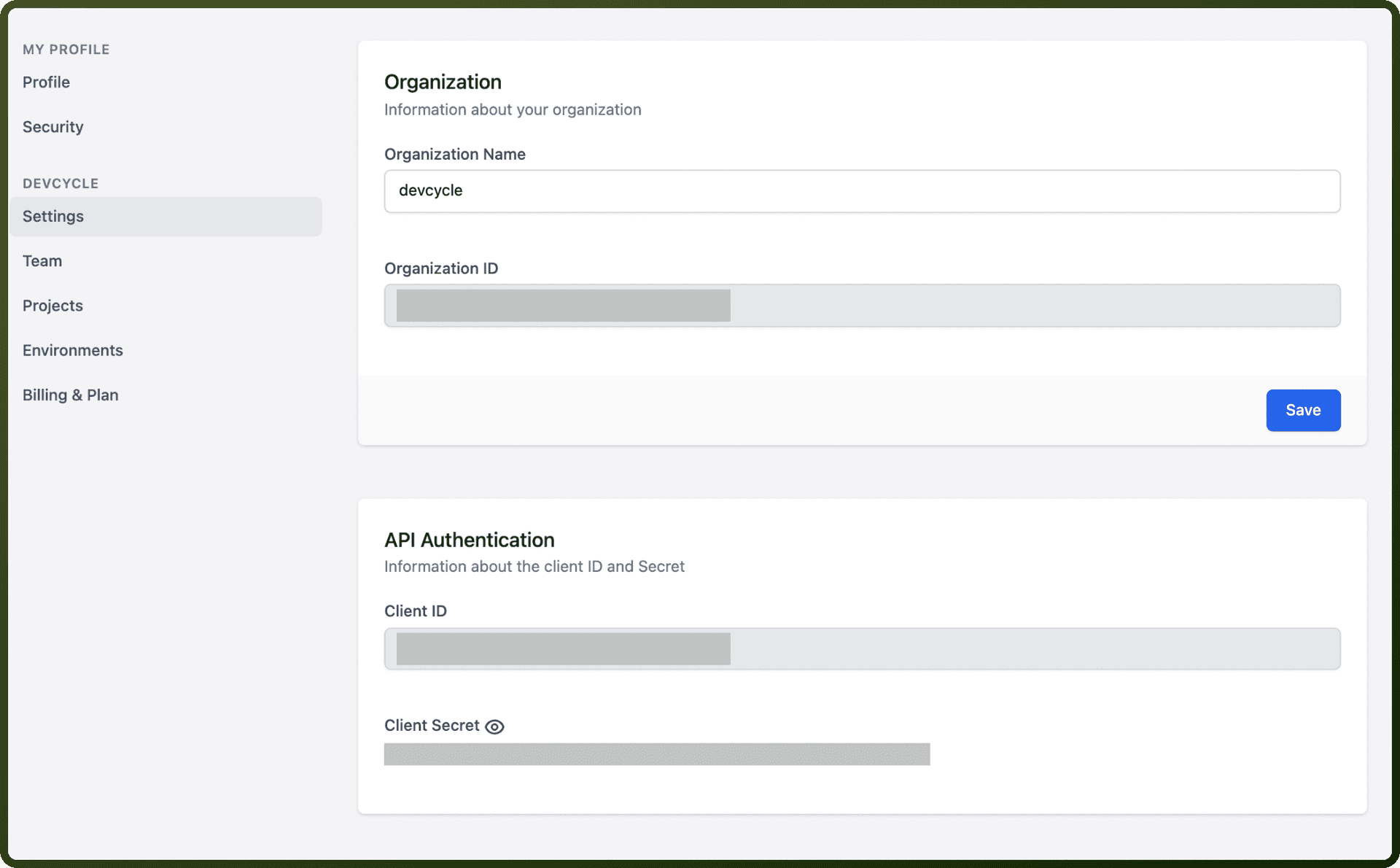
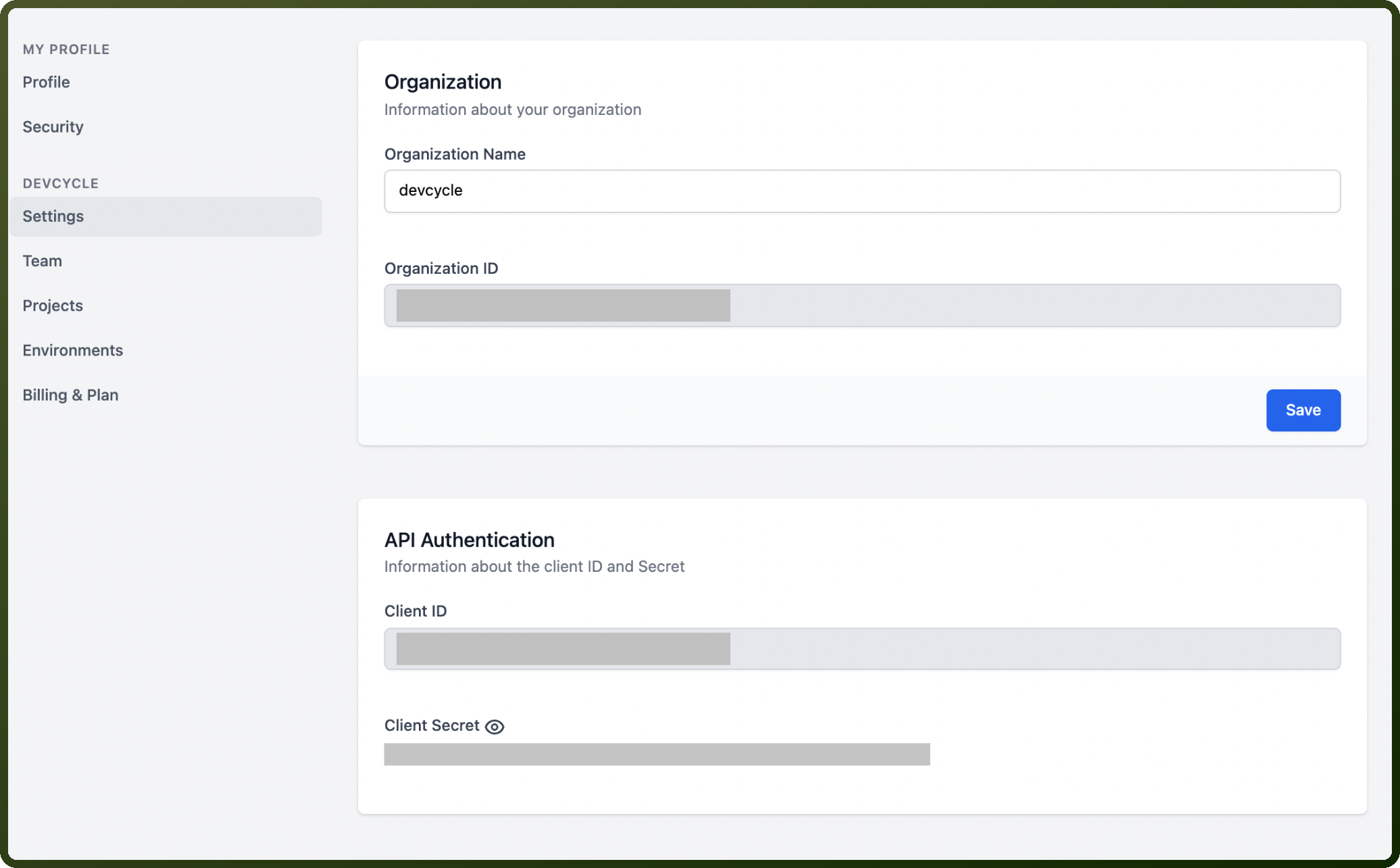
DevCycle uses OAuth 2.0 client credentials for API authentication. Obtain credentials from the DevCycle dashboard:
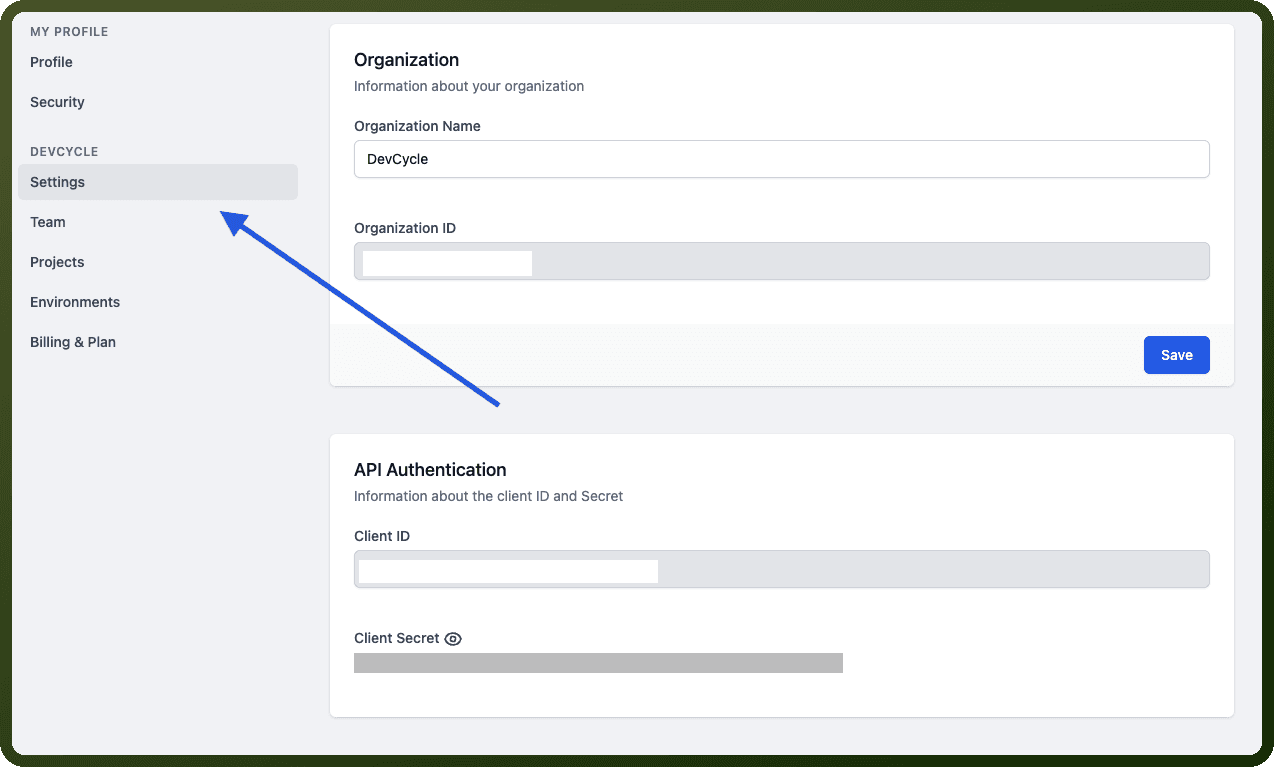
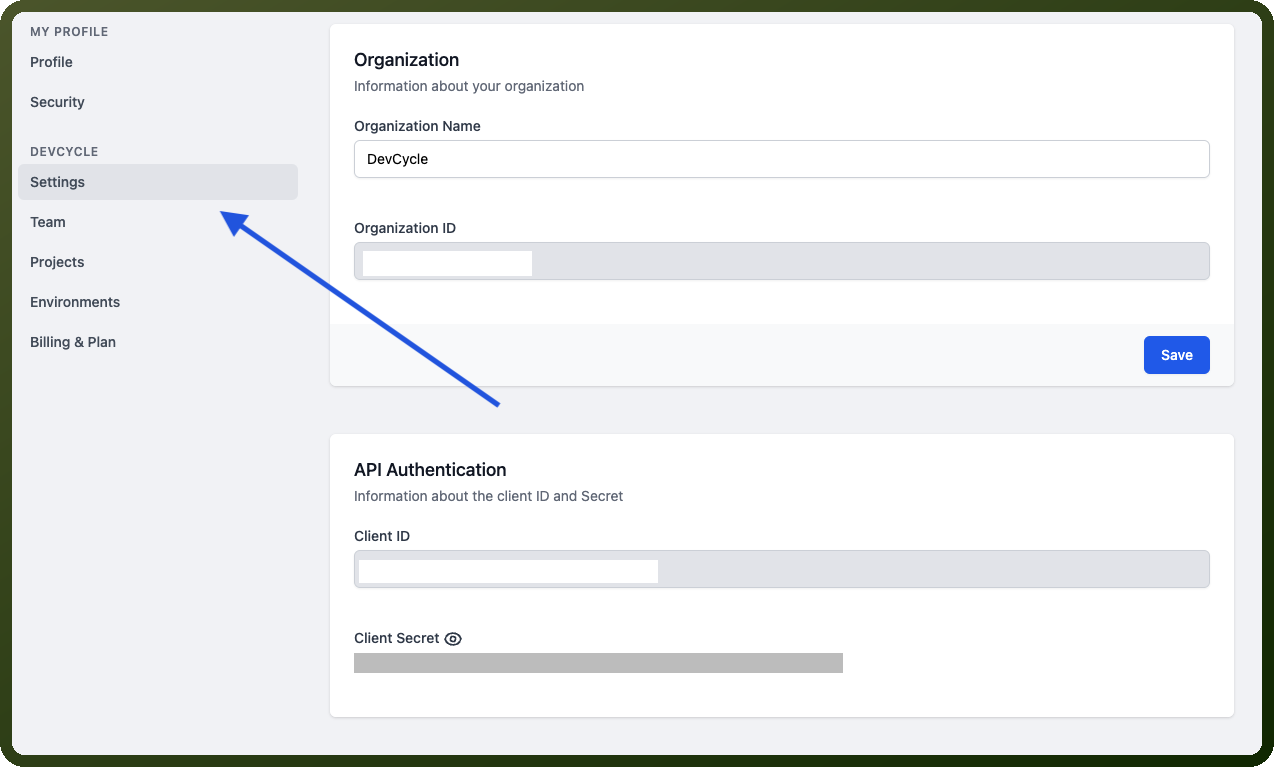
Navigate to Settings (gear icon in dashboard header)
Scroll to the "API Authentication" section
Copy your Client ID and Secret
Submit a POST request to https://auth.devcycle.com/oauth/token with:
grant_type=client_credentialsclient_id: Your Client IDclient_secret: Your Client Secretaudience=https://api.devcycle.com/
Enterprise customers with strict role-based access control use an alternate flow with grant_type=refresh_token.
Actions
Action Name | Description |
|---|---|
Create environment | Creates a new environment in DevCycle |
Create project | Creates a new project in DevCycle |
Get environment | Gets an environment by key or ID in DevCycle |
Get project | Gets project by ID or key in DevCycle |
List environments | List all environments for a project in DevCycle |
List projects | Lists projects in DevCycle |
Update environment | Updates an environment by ID or key in DevCycle |
Update project | Updates a project by ID or key in DevCycle |
About the API
The DevCycle Management API enables programmatic control of feature flags and variables. Core capabilities include:
Projects & Environments – Create and manage projects, define environments (development, staging, production)
Features – Create, update, and list feature flags with variations and targeting rules
Variables – Define and manage variables referenced within feature variations
Audiences – Build audience segments for targeted rollouts
Metrics – Track and associate custom metrics with features
Webhooks – Configure event notifications
Change Requests & Approvals – Manage feature approval workflows
SDK Key Management – Generate and invalidate SDK keys