


Use the BuiltWith API connector to retrieve website technology stack information.
Integrating your application with BuiltWith API lets you use these operations in an automation. It exposes 1 action, listed below. Add the connector from the Connections area, authenticate, then select its operations in the automation builder. Capabilities: actions.
Authentication
Before you begin, make sure you have the following information:
Connection Name: Choose a meaningful name for your connection. This name helps you identify the connection within your application or integration settings.
Authentication Type: The authentication method for this connector is defined in the connection setup. Select the connector in the Connections area to see the fields it requires.
Obtaining Your API Key
Go to builtwith.com/signup and create a free BuiltWith account, or log in if you already have one.
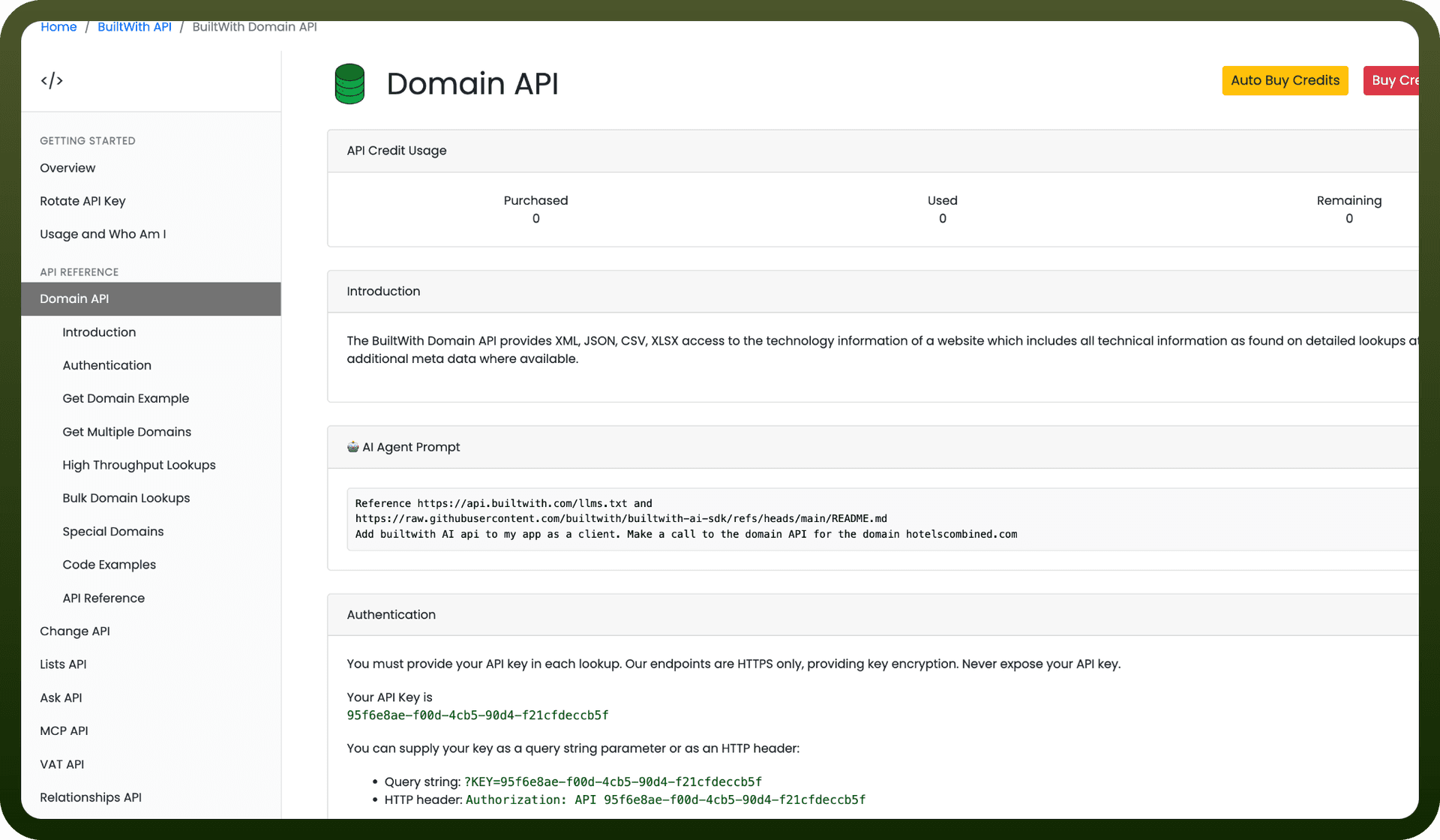
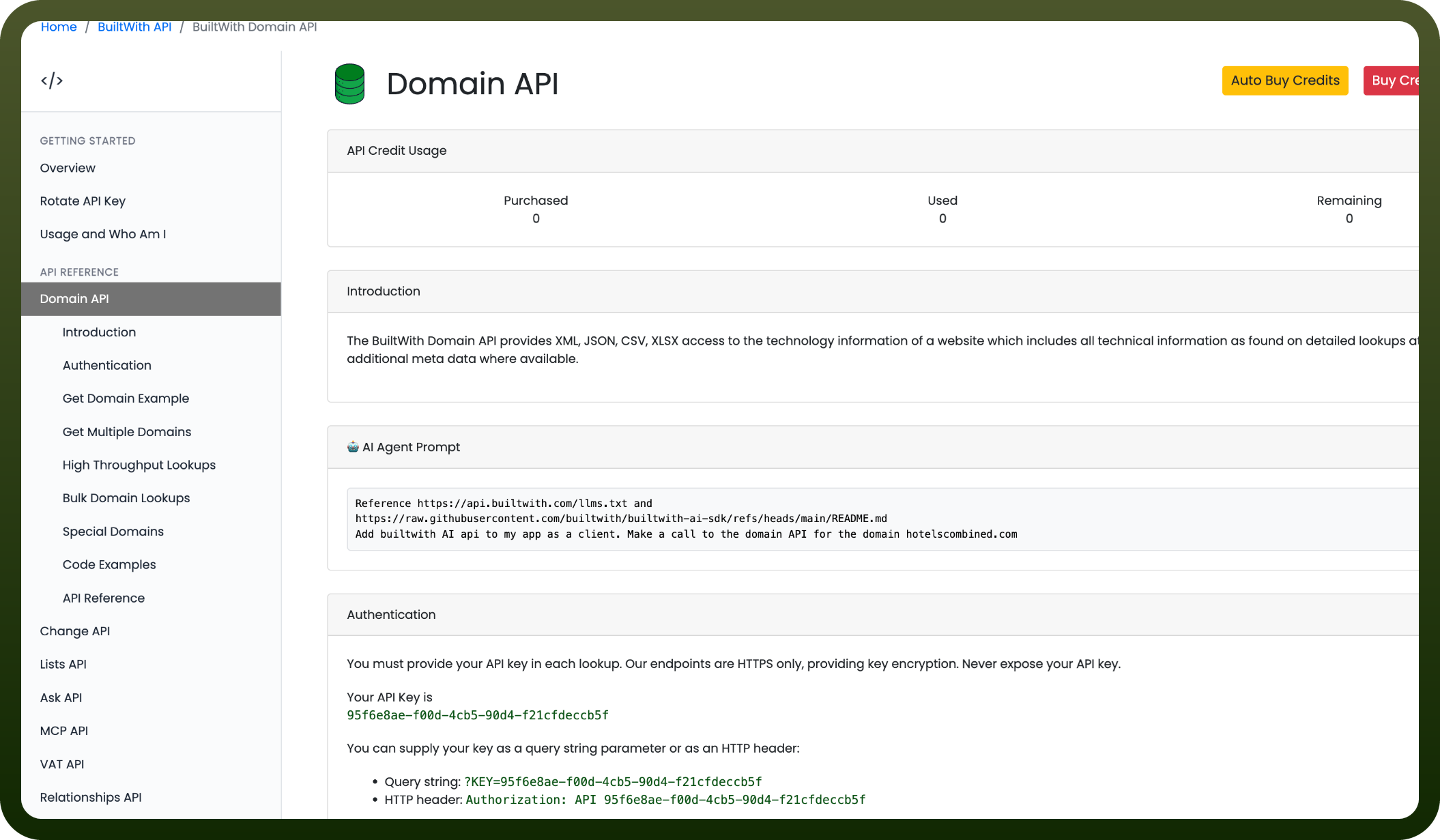
Once logged in, go to api.builtwith.com and open the Domain API page.
Click Get API Key.
Copy the API key now shown on the page (formatted like 00000000-0000-0000-0000-000000000000).
Store the key securely — you'll pass it as the KEY query parameter or in the Authorization header when connecting.
Actions
Action Name | Description |
|---|---|
Get sigle domain API | Gets a single domain API in BuiltWith API |