


Use the FraudLogix connector to detect ad fraud and verify traffic.
Integrating your application with FraudLogix lets you use these operations in an automation. It exposes 1 action, listed below. Add the connector from the Connections area, authenticate, then select its operations in the automation builder. Capabilities: actions.
Authentication
Before you begin, make sure you have the following information:
Connection Name: Choose a meaningful name for your connection. This name helps you identify the connection within your application or integration settings.
Authentication Type: The authentication method for this connector is defined in the connection setup. Select the connector in the Connections area to see the fields it requires.
Obtaining Your API Key
Go to the FraudLogix IP Risk Score registration page at ipui.fraudlogix.com and sign up with your name, company, company website, and phone number.
Check your email for the verification message and click the link to activate your account.
Log in to your FraudLogix dashboard at ipui.fraudlogix.com.
Navigate to the API Access page.
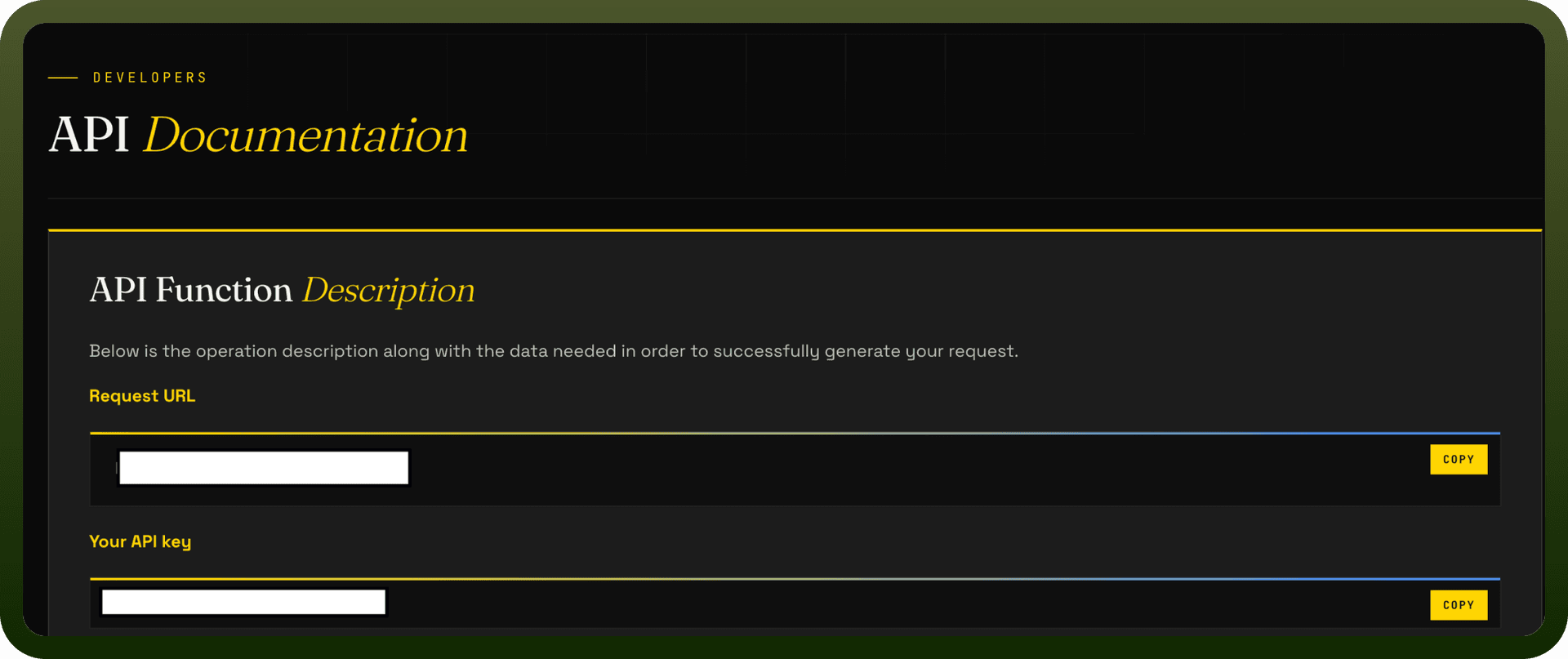
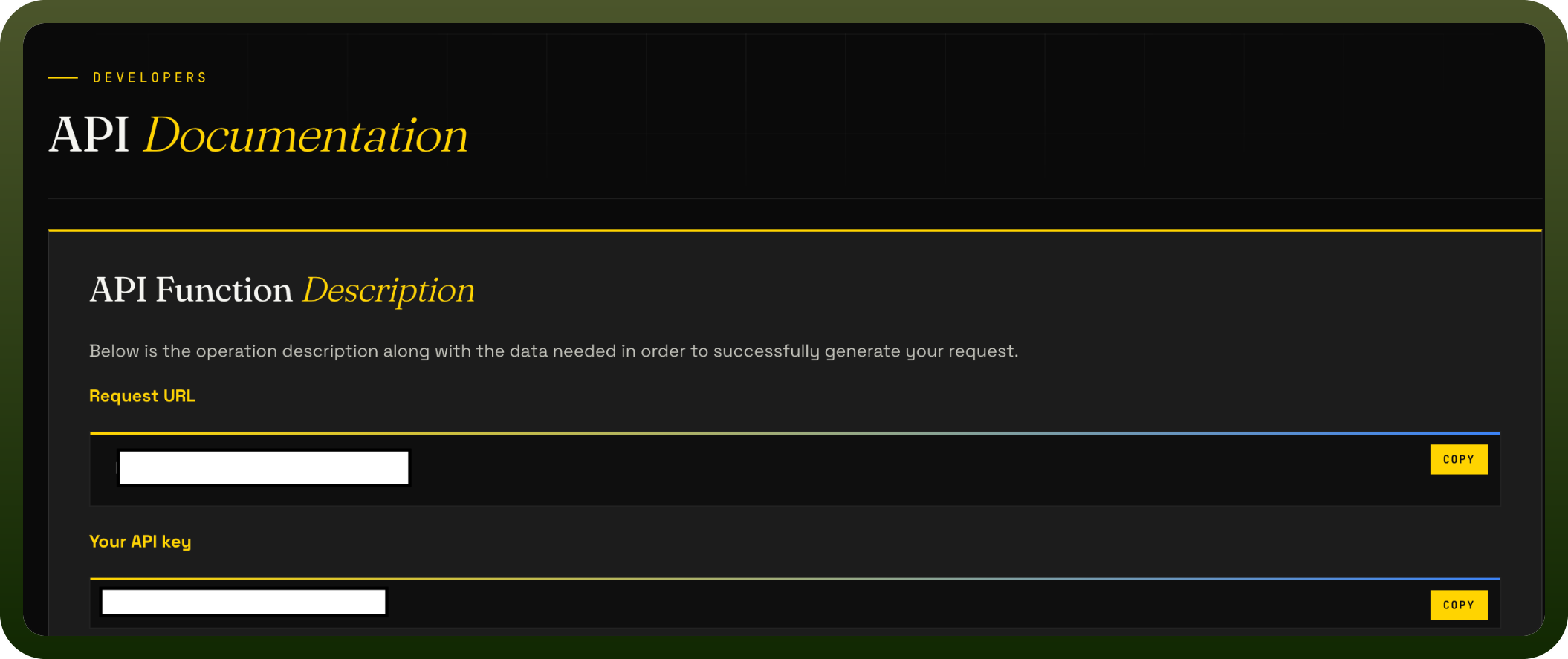
Copy your API key and store it securely for further authentication purposes.
Authentication & setup
FraudLogix offers two primary authentication methods depending on which API you're using:
IP Blocklist API: Requires basic credential authentication with three required parameters:
user: Your FraudLogix dashboard username
password: Your FraudLogix dashboard password
version: API version (currently version 15)
Credentials are passed as query parameters (GET) or form data (POST).
Bot & Fraud API: Uses an API key for authentication passed via the "x-api-key" header. To retrieve your unique API key, once registered and logged in, navigate to the "API Access" page.
Actions
Action Name | Description |
|---|---|
Gets IP risk score in FraudLogix | Get IP risk score |
About the API
FraudLogix provides access to fraud detection and IP blocking services:
IP Blocklist API:
Access to a continuously maintained database of fraudulent IP addresses
Coverage: 30M+ threat IPs monitored across 300M+ URLs and apps
Update frequency: Updated hourly from live advertising traffic with approximately 6% daily changes
Response formats: JSON or CSV
Request methods: GET or POST
Capabilities: Filter by risk level, retrieve reason codes, separate IPv4/IPv6 results
Bot & Fraud API:
Look up risk-related information about IP addresses
Detect malicious activity, proxy detection, VPN status
Real-time information to identify fraudulent or suspicious activity