


Use the Audienceful connector to create and automate email campaigns.
Integrating your application with Audienceful lets you use these operations in an automation. It exposes 2 actions and 1 trigger, listed below. Add the connector from the Connections area, authenticate, then select its operations in the automation builder. Capabilities: actions, triggers.
Authentication
Before you begin, make sure you have the following information:
Connection Name: Choose a meaningful name for your connection. This name helps you identify the connection within your application or integration settings.
Authentication Type: The authentication method for this connector is defined in the connection setup. Select the connector in the Connections area to see the fields it requires.
Authentication & setup
Audienceful API authentication uses API keys sent via the X-Api-Key header.
Getting Credentials
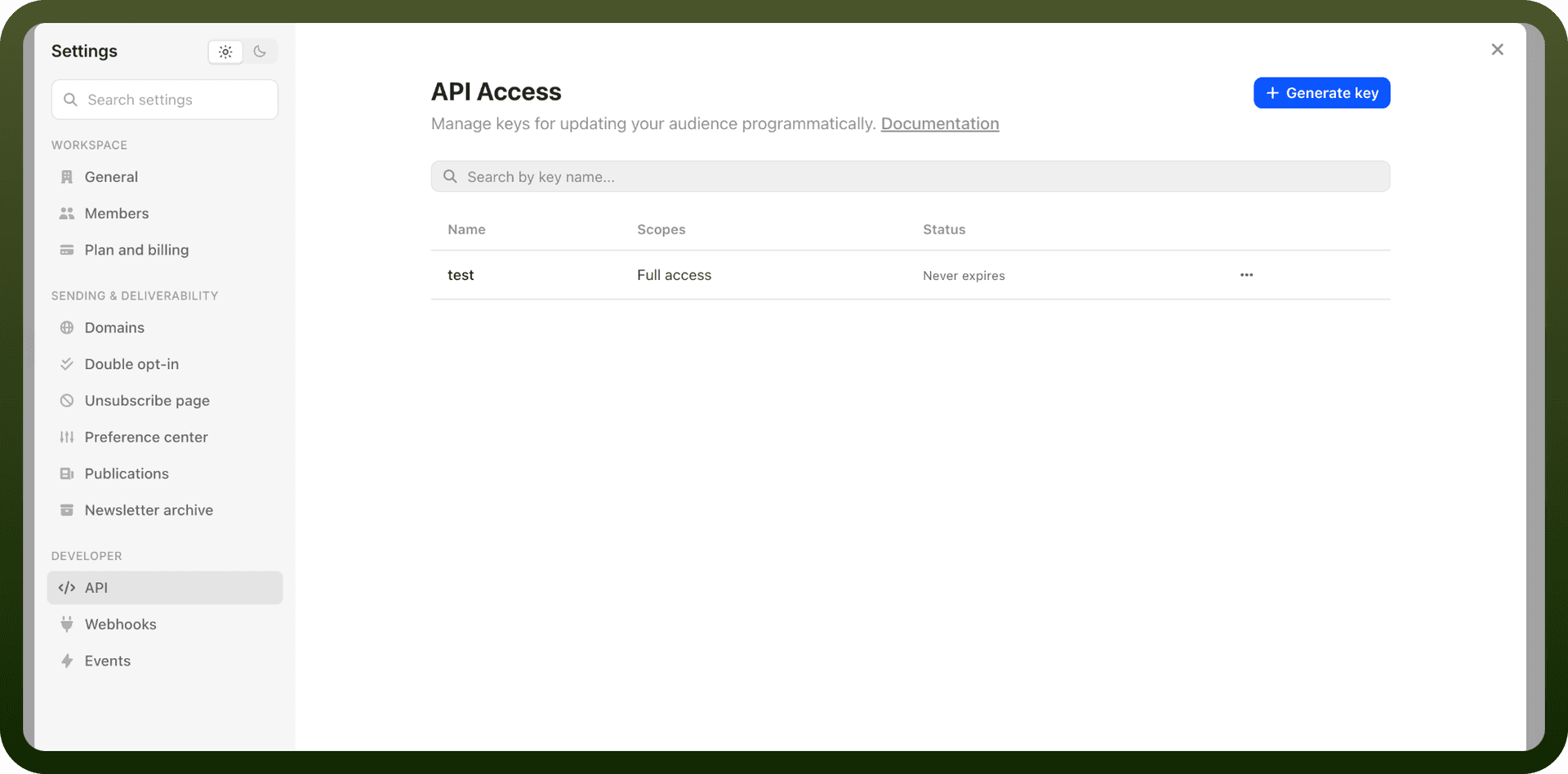
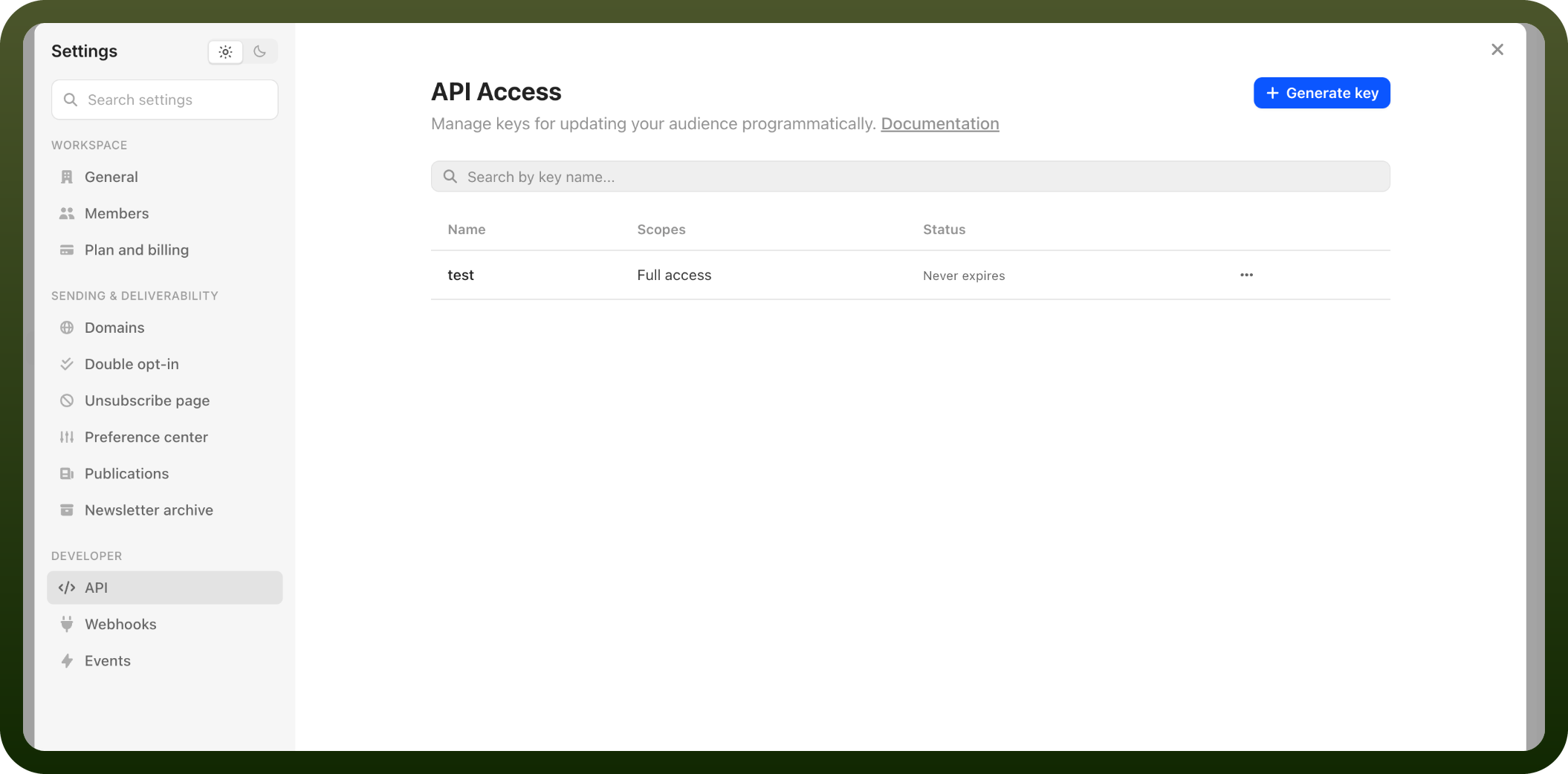
Log into Audienceful
Navigate to Settings > API keys
Click Generate Key
Provide a key name and optional expiration date
Save immediately—the token is only displayed once
Authentication Method
Include the API key in all requests using the X-Api-Key header:
X-Api-Key: YOUR_API_TOKEN
Security Best Practices
⚠️ Important: Your API key should never be exposed to a frontend client. Only access the API through a backend service.
Key Management
Keys can be revoked anytime through the Settings page
You can optionally set an expiration date for keys
After the expiration interval, the key can no longer authenticate requests
Keep keys secure—they provide access to all APIs listed in the documentation
Actions
Action Name | Description |
|---|---|
Delete person | Deletes a person in Audienceful |
Upsert person | Upserts a person in Audienceful |
Triggers
Trigger Name | Description |
|---|---|
Person created | Triggers when a new person is created in Audienceful |
About the API
Audienceful provides APIs for audience management and engagement, supporting data discovery and audience-based operations. For a complete overview of available endpoints and features, consult the full documentation at https://developer.audienceful.com/llms.txt