


Use the EmailOctopus connector to create and manage email campaigns.
Integrating your application with EmailOctopus lets you use these operations in an automation. It exposes 22 actions, listed below. Add the connector from the Connections area, authenticate, then select its operations in the automation builder. Capabilities: actions.
Authentication
Before you begin, make sure you have the following information:
Connection Name: Choose a meaningful name for your connection. This name helps you identify the connection within your application or integration settings.
Authentication Type: The authentication method for this connector is defined in the connection setup. Select the connector in the Connections area to see the fields it requires.
Obtaining Your API Key
Log in to your EmailOctopus account.
Open your account settings and go to the Developer section.
Click API Keys.
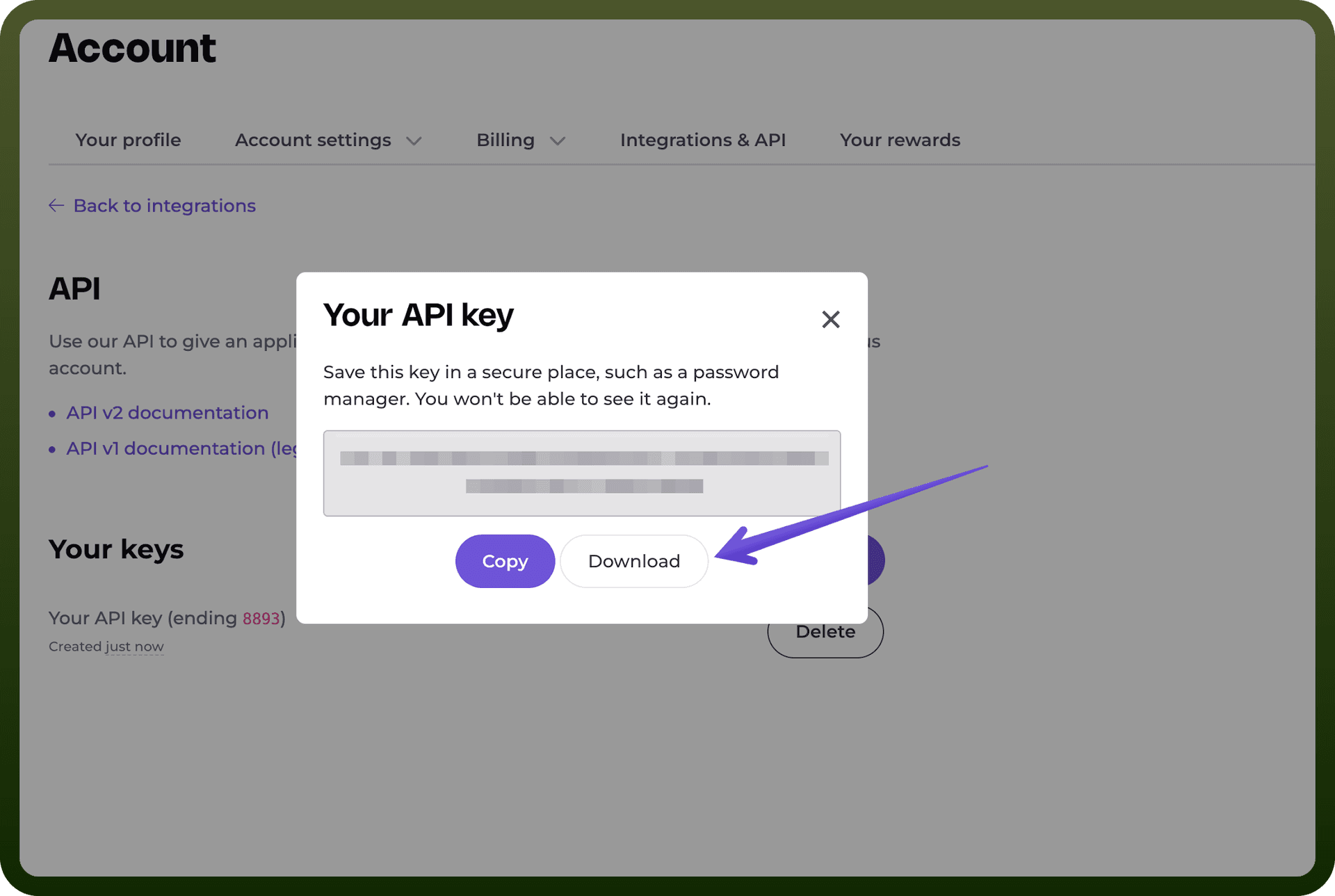
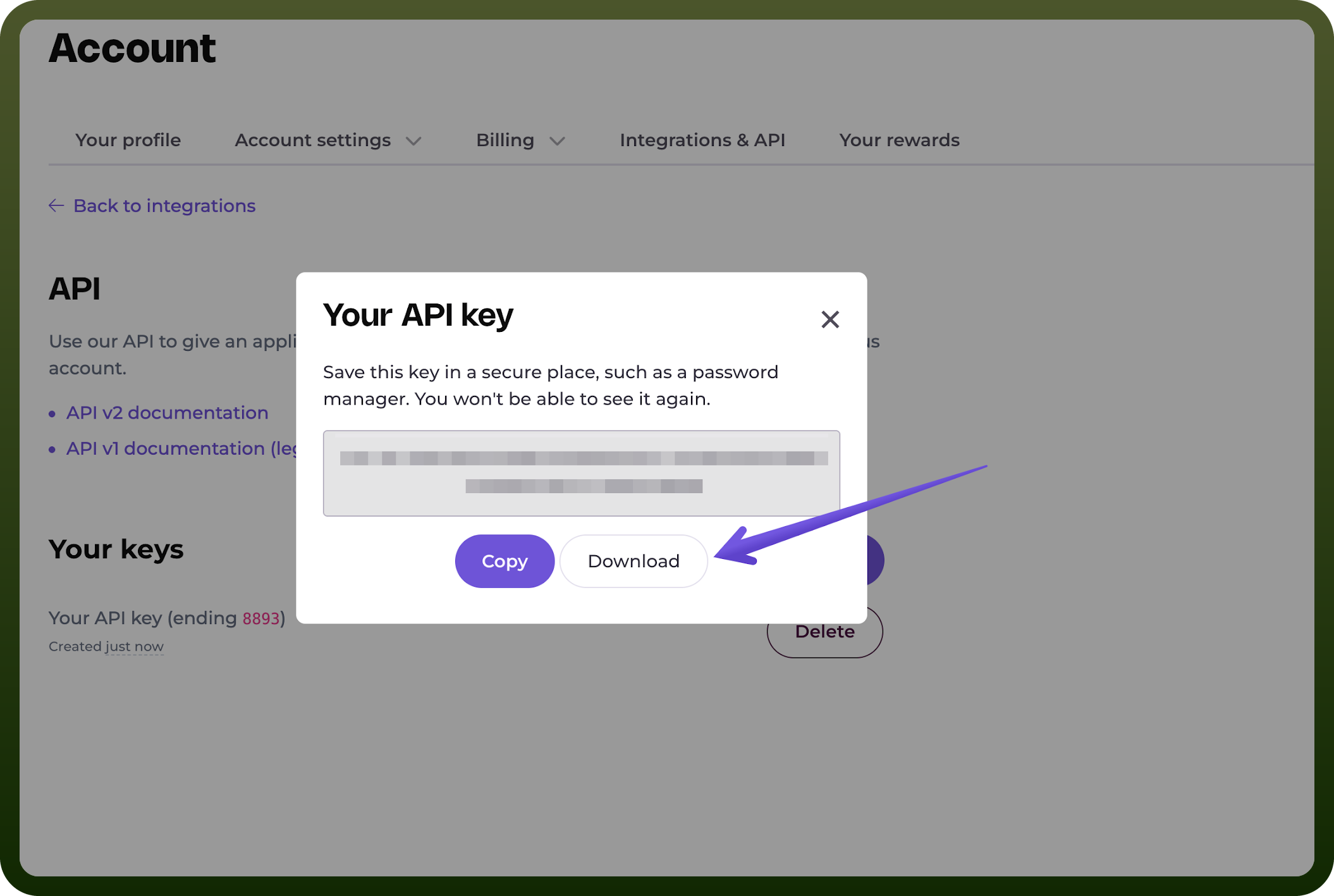
Click to generate a new API key.
Copy the generated API key and store it securely for authenticating your requests.
Actions
Action Name | Description |
|---|---|
Create contact | Creates a contact of a list in EmailOctopus |
Create field | Creates a list field in EmailOctopus |
Create list | Creates a new list in EmailOctopus |
Create tag | Creates a list tag in EmailOctopus |
Delete contact | Deletes a contact of a list in EmailOctopus |
Delete field | Deletes a list field in EmailOctopus |
Delete list | Deletes a list using list ID in EmailOctopus |
Delete tag | Deletes a list tag in EmailOctopus |
Fetch bounced | Fetches information on the contacts who the campaign was sent to but bounced in EmailOctopus |
Fetch campaign | Fetches details of campaign using campaign ID in EmailOctopus |
Fetch campaigns | Fetches details of all campaigns in EmailOctopus |
Fetch clicked | Fetches information on the contacts who clicked a link in the campaign in EmailOctopus |
Fetch contact | Fetches details of a contact of a list in EmailOctopus |
Fetch contacts | Fetches details of all contacts of a list in EmailOctopus |
Fetch list | Fetches details of a list using list ID in EmailOctopus |
Fetch list tags | Fetches details all tags on a list in EmailOctopus |
Fetch lists | Fetches details of all lists in EmailOctopus |
Fetch opened | Fetches information on the contacts who opened the campaign in EmailOctopus |
Fetch sent | Fetches information on the contacts who the campaign was sent to in EmailOctopus |
Fetch subscribed contacts | Fetches details of all subscribed contacts of a list in EmailOctopus |
Fetch summary | Fetches summary of all campaigns in EmailOctopus |
Fetch unsubscribed contacts | Fetches details of all unsubscribed contacts of a list in EmailOctopus |