


Google Chat
Google Chat integration allows your application to seamlessly connect with users and teams within Google Workspace. Using secure authentication and the Google Chat API, you can send messages, build interactive bots, and automate workflows directly in Chat spaces and direct messages. This enables real-time collaboration, streamlined communication, and enhanced productivity across your organization.
Authentication:
Connecting your application with Google Chat enables you to leverage its APIs to build bots, post messages, and automate interactions within Chat spaces and direct conversations. Before you begin, ensure you have the following information:
Connection Name : Choose a meaningful name for your connection. This name helps you identify the connection within your application or integration settings. It could be something descriptive like "MyAppGoogleChatIntegration".
Authentication Type : Google Chat supports three types of authentications. They are :
Service Account
OAuth with Client Credentials
OAuth
Create a Project in Google Cloud Console : Visit Google Cloud Console to create a project.
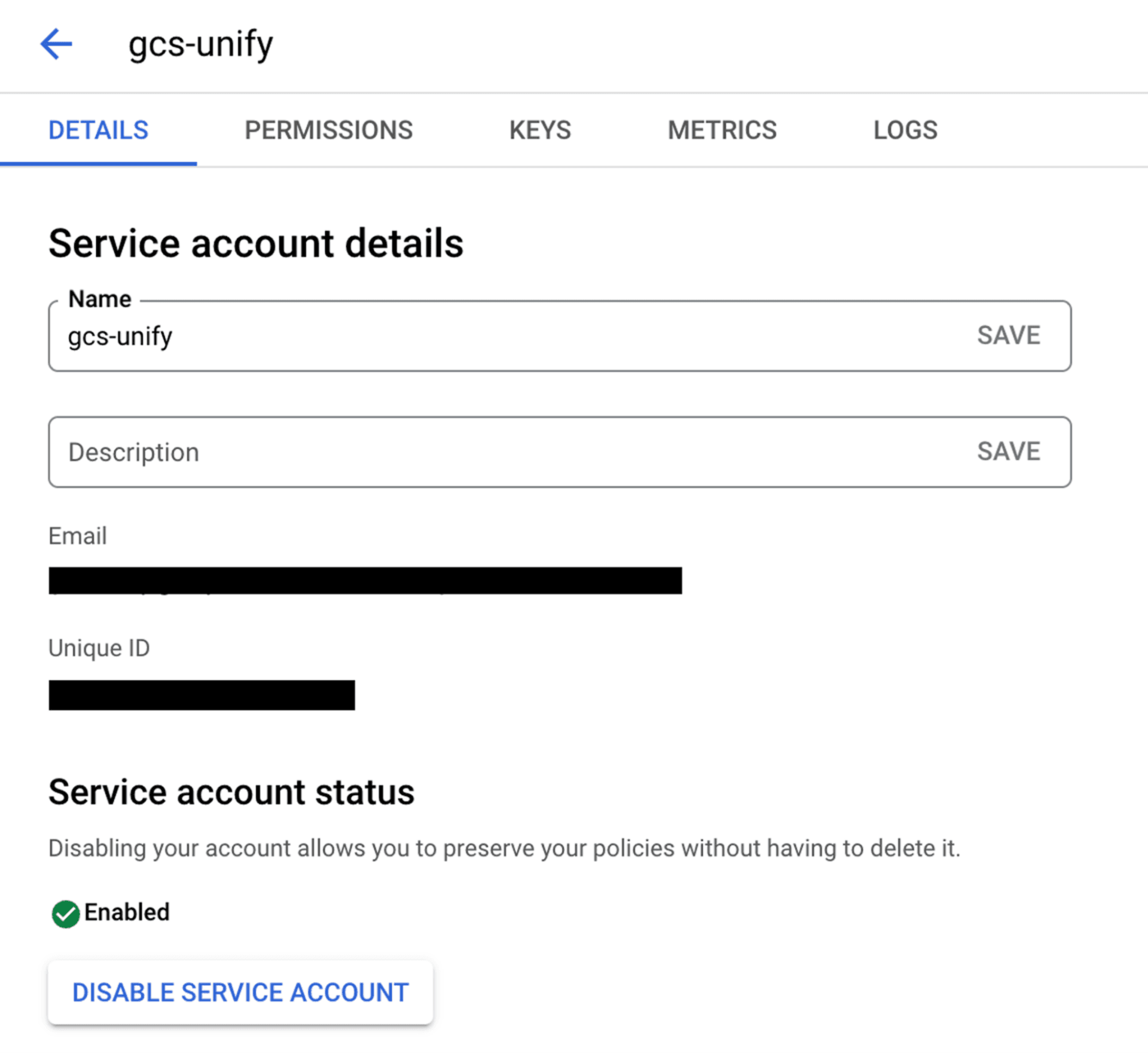
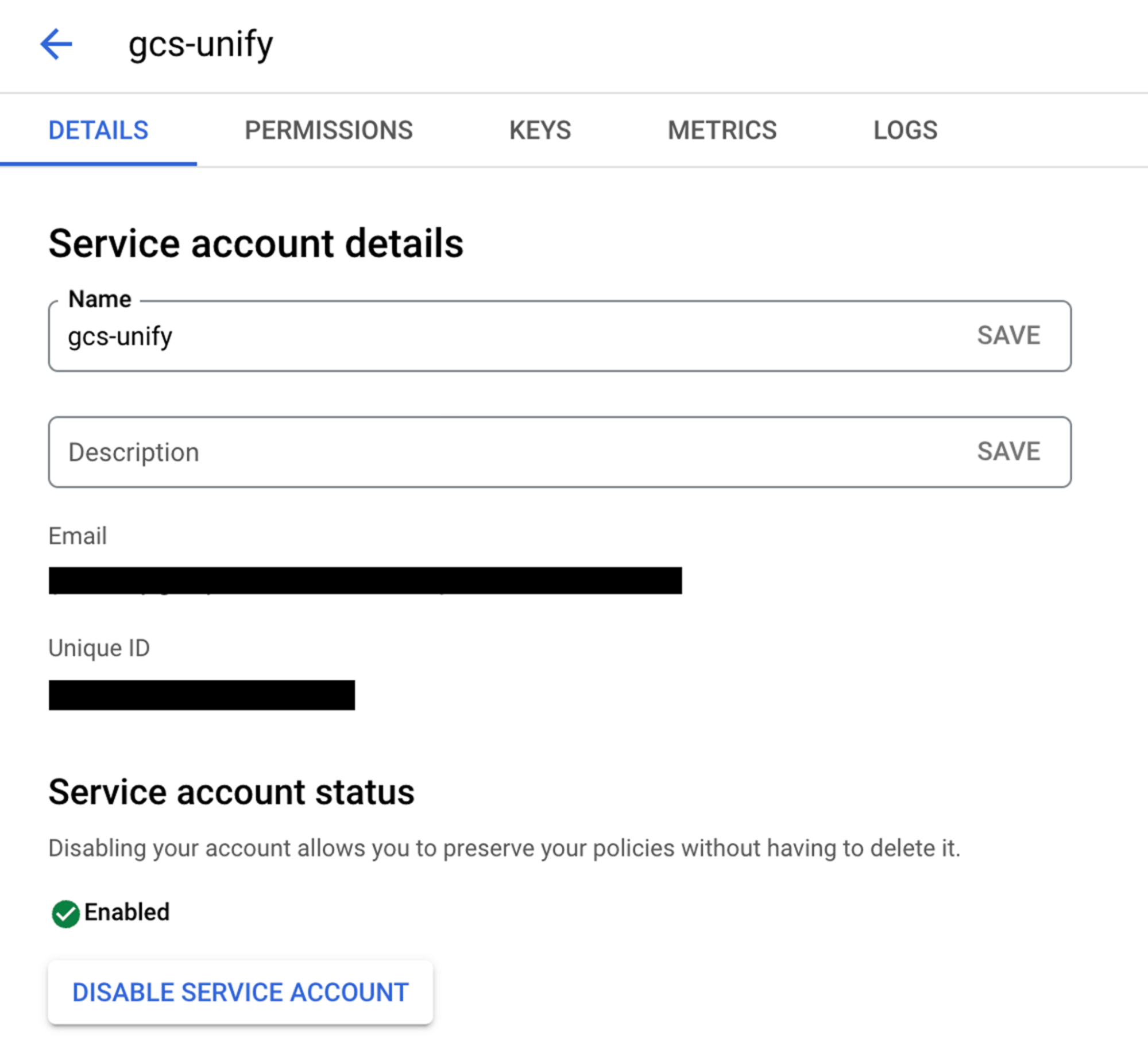
Service Account Based:
Create a service account by following these steps.
Add domain-level access to the service account (based on client ID) by following these steps.
Use the service account email, private key, required scopes, and a sample user email to authenticate the connection.
OAuth with Client Credentials Based:
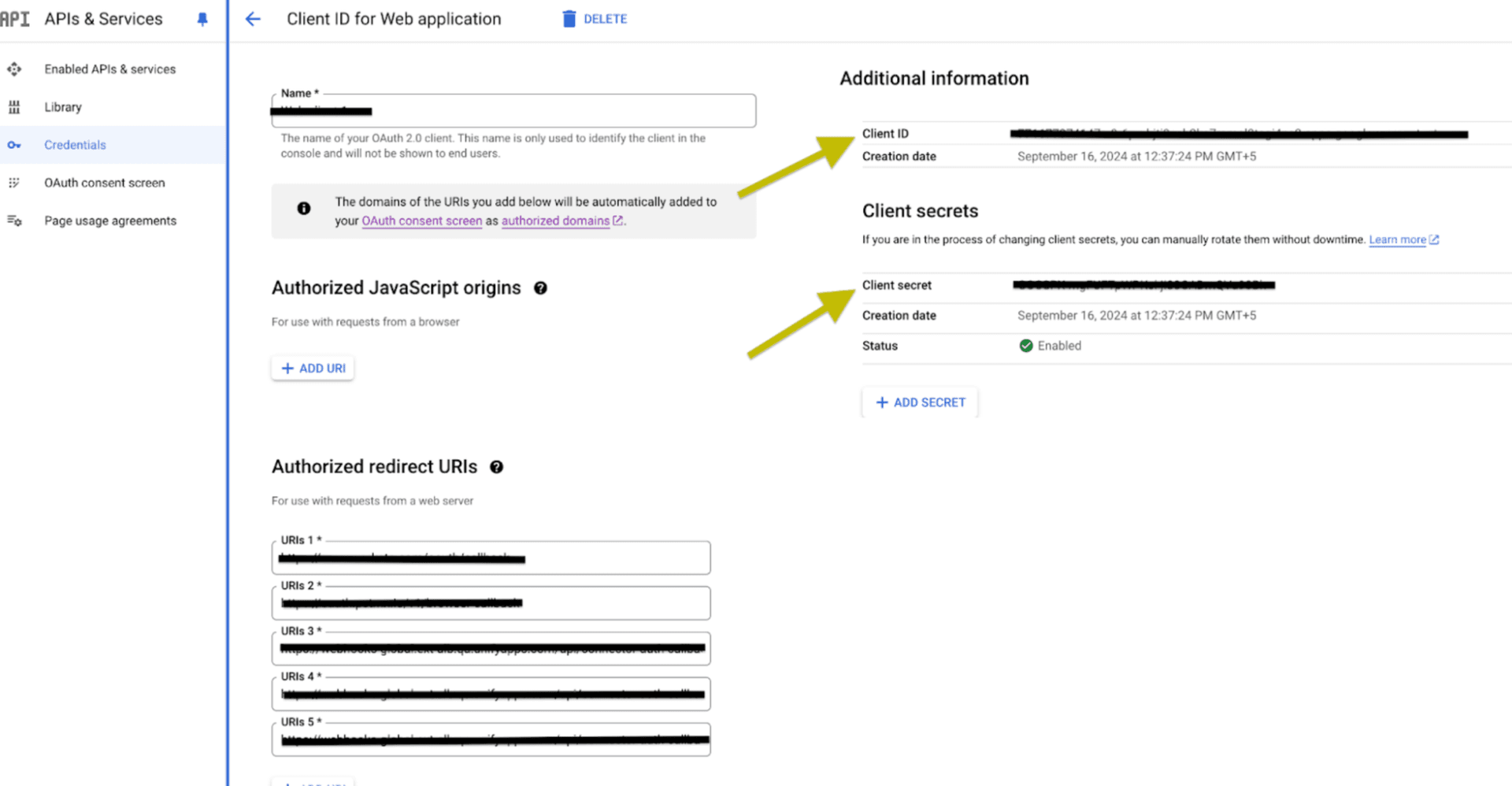
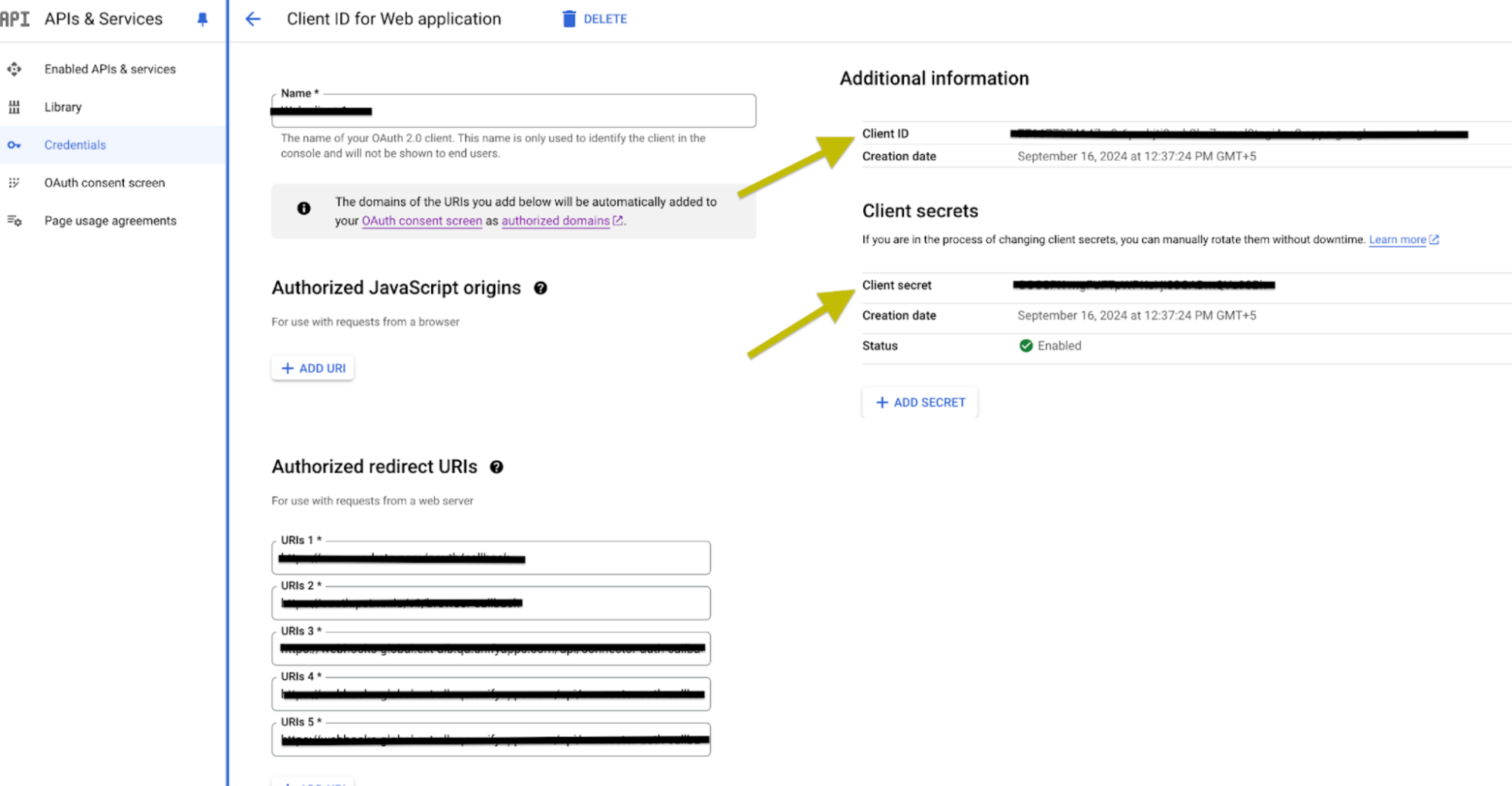
Create an OAuth Client Credentials by following these steps.
Select the scopes required.
Use the Client ID and Client secret generated, press the Authorise button. You’ll be redirected to a Google sign-in page.
If you're not already logged into Google, enter your Google account credentials and Sign in.
Google will display a permissions request screen, showing the app name and the specific Google services we are requesting access to.
Carefully review the permissions being requested. If you’re comfortable with them, click the "Allow" or "Grant Access" button.
After granting access, you will be automatically redirected back to our platform, where you should see a confirmation message indicating that your Google account is now connected and authorized.
OAuth Based :
Press the Authorize button. You'll be redirected to a Google sign-in page.
If you're not already logged into Google, enter your Google account credentials.
Google will display a permissions request screen. You'll see our app name and the specific Google services we request access to.
Carefully review the permissions we're asking for. If you're comfortable with the permissions, click the "Allow" or "Grant Access" button.
After granting access, you'll be automatically redirected back to our platform. You should see a confirmation message that your Google account is now connected.
SCOPES :
Scope code | Description |
User messages - Read and write all chat messages (requires domain-wide delegation) (https://www.googleapis.com/auth/chat.messages) | Allows your application to send and manage messages in Google Chat. |
Spaces management - View and manage chat spaces (https://www.googleapis.com/auth/chat.spaces) | Allows your application to view and manage Google Chat spaces. |
Delete operations - Remove messages and spaces (https://www.googleapis.com/auth/chat.delete) | Allows your application to delete messages and content in Google Chat. |
Memberships management - View and manage space memberships (https://www.googleapis.com/auth/chat.memberships) | Allows your application to view and manage memberships in Google Chat spaces. |
App messages - Send and manage messages as the app (https://www.googleapis.com/auth/chat.app.messages) | Allows your Chat app to send and manage messages as the application in Google Chat spaces and conversations. |
App memberships - Manage memberships on behalf of the app (https://www.googleapis.com/auth/chat.app.memberships) | Allows your Chat app to manage its own memberships in Google Chat spaces. |
App spaces creation - Create spaces on behalf of the app (https://www.googleapis.com/auth/chat.app.spaces.create) | Allows your Chat app to create new Google Chat spaces. |
Bot operations - Send messages, cards, and handle interactions (https://www.googleapis.com/auth/chat.bot) | Allows your application to interact in Google Chat as a bot, including sending messages. |
ACTIONS :
Action Name | Description |
| Adds a bot to a Google Chat space |
| Adds a user to a Google Chat space |
| Bot sends a rich card message with interactive elements to a Google Chat space |
| Creates a message in Google Chat |
| Creates a space in Google Chat |
| Deletes a message in Google Chat |
| Deletes a space in Google Chat |
| Downloads a attachment in Google Chat |
| Gets a message from Google Chat |
| Gets a space in Google Chat |
| Get a list of messages in Google Chat |
| Get a list of members in Google space |
| Get a list of spaces in Google Chat |
| Sends a rich card message with interactive elements to a Google Chat space |
TRIGGERS :
Trigger Name | Description |
| Triggers when your Google Chat app is added to a new space |
| Triggers when your Google Chat app receives a message |