


Use the Buddy Works connector to automate software deployment workflows.
Integrating your application with Buddy Works lets you use these operations in an automation. It exposes 27 actions, listed below. Add the connector from the Connections area, authenticate, then select its operations in the automation builder. Capabilities: actions.
Authentication
Before you begin, make sure you have the following information:
Connection Name: Choose a meaningful name for your connection. This name helps you identify the connection within your application or integration settings.
Authentication Type: Buddy Works supports OAuth authentication.
Obtaining Your OAuth Client Credentials
Log in to your Buddy account and click your avatar in the top-right corner.
Select Apps from the menu.
On the Apps tab, click the + icon to add a new application.
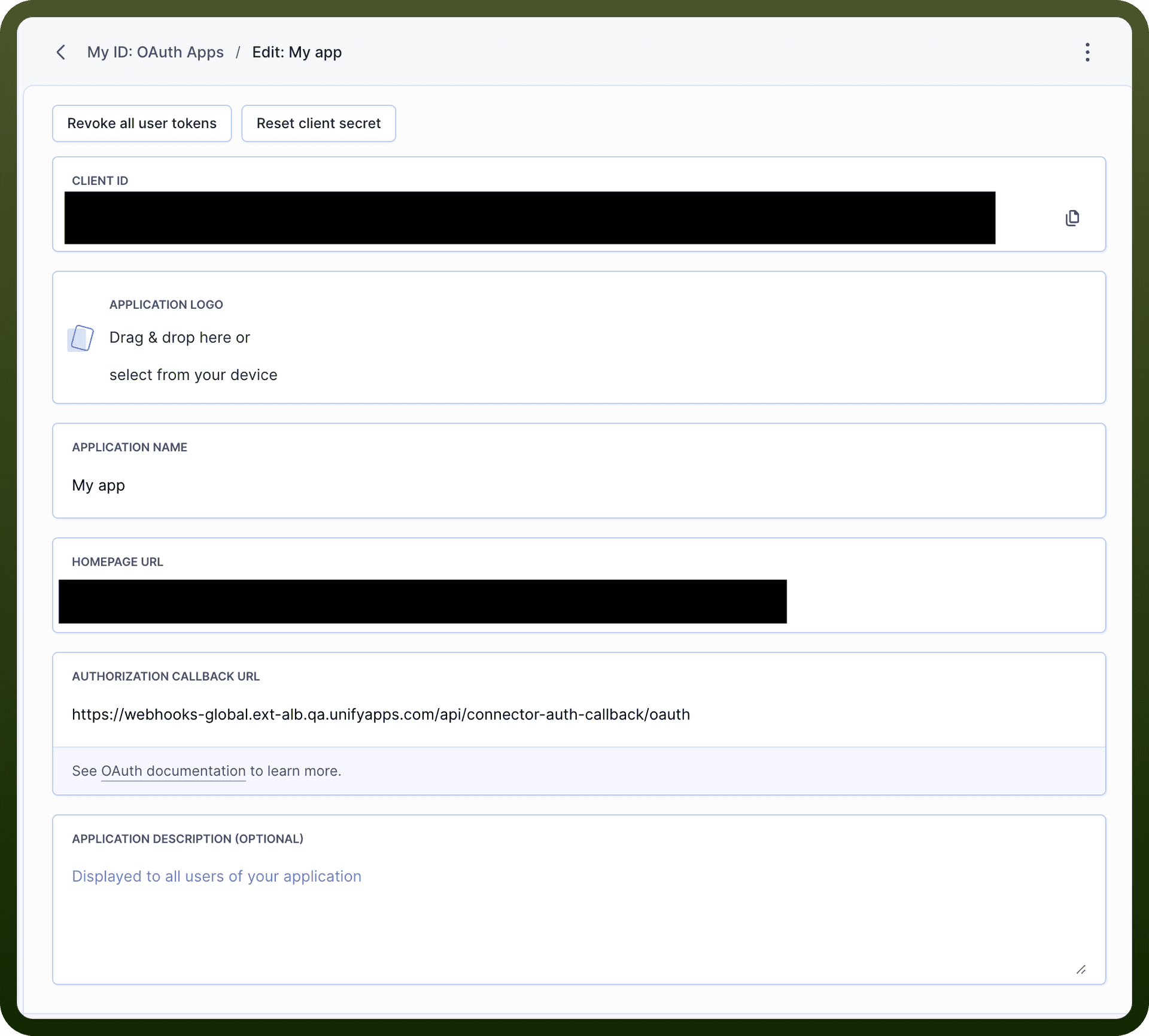
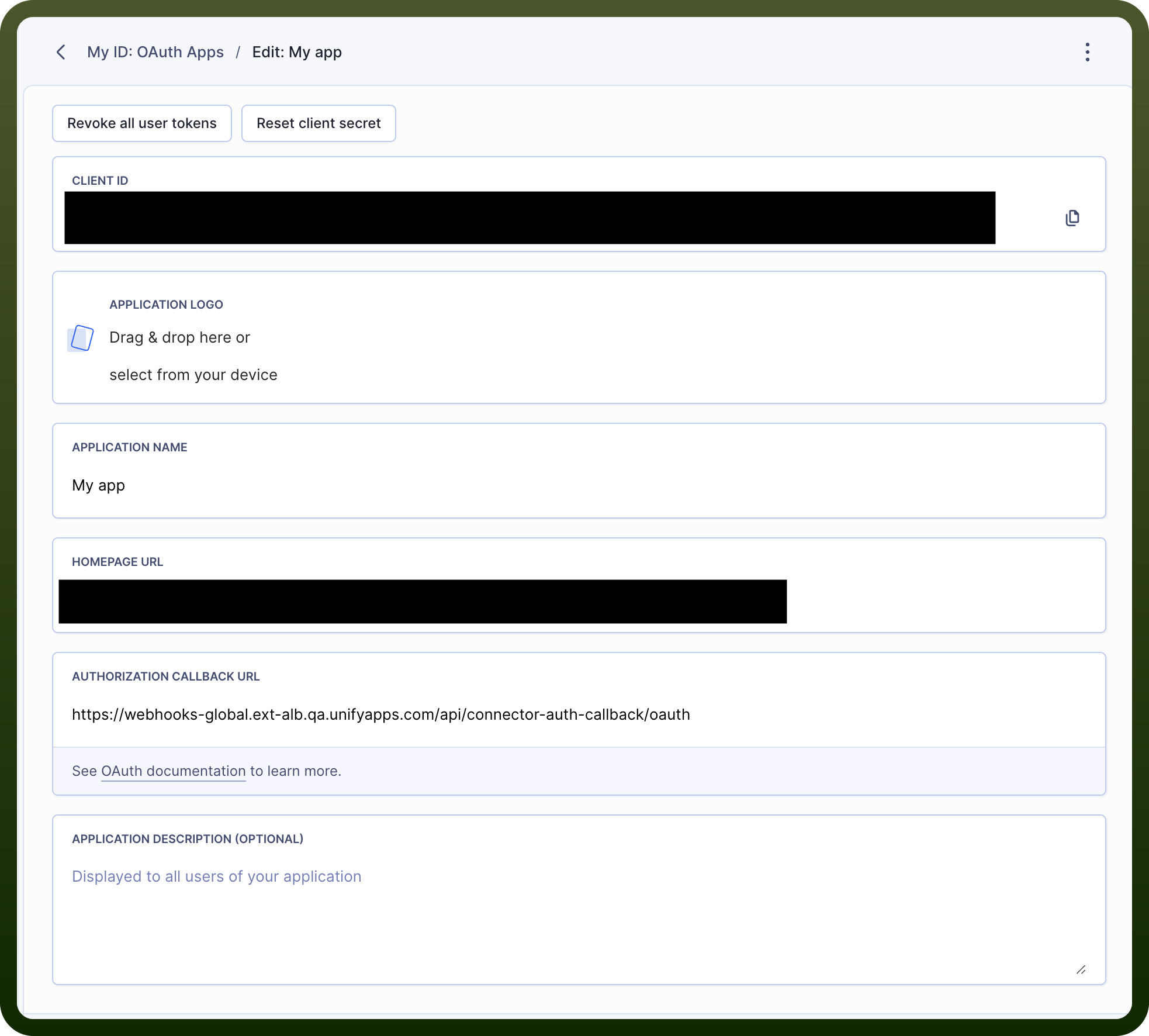
Enter an application name and homepage URL, then add the redirect URL that Buddy should send users to after authorization.
Save the form to register the application.
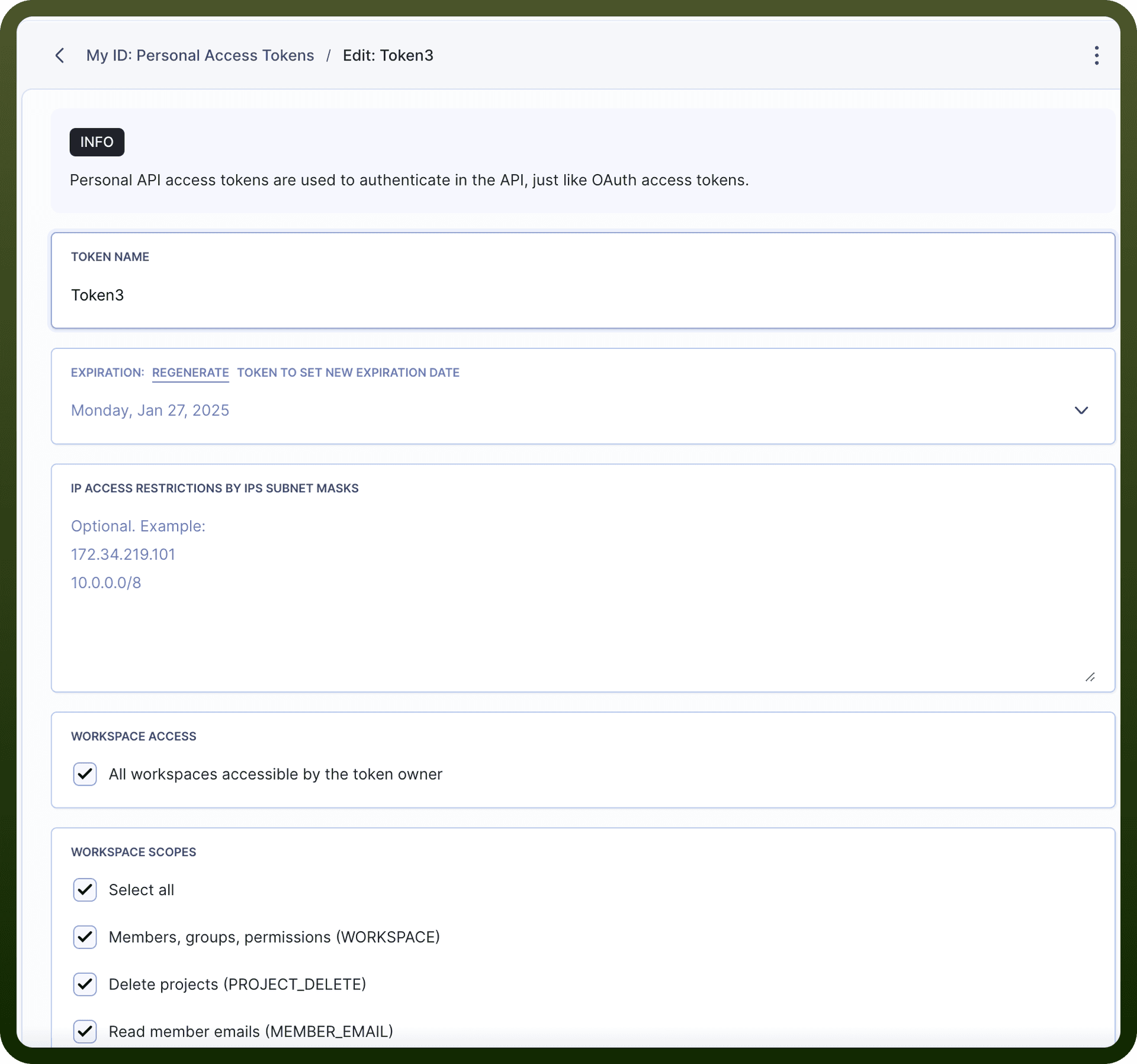
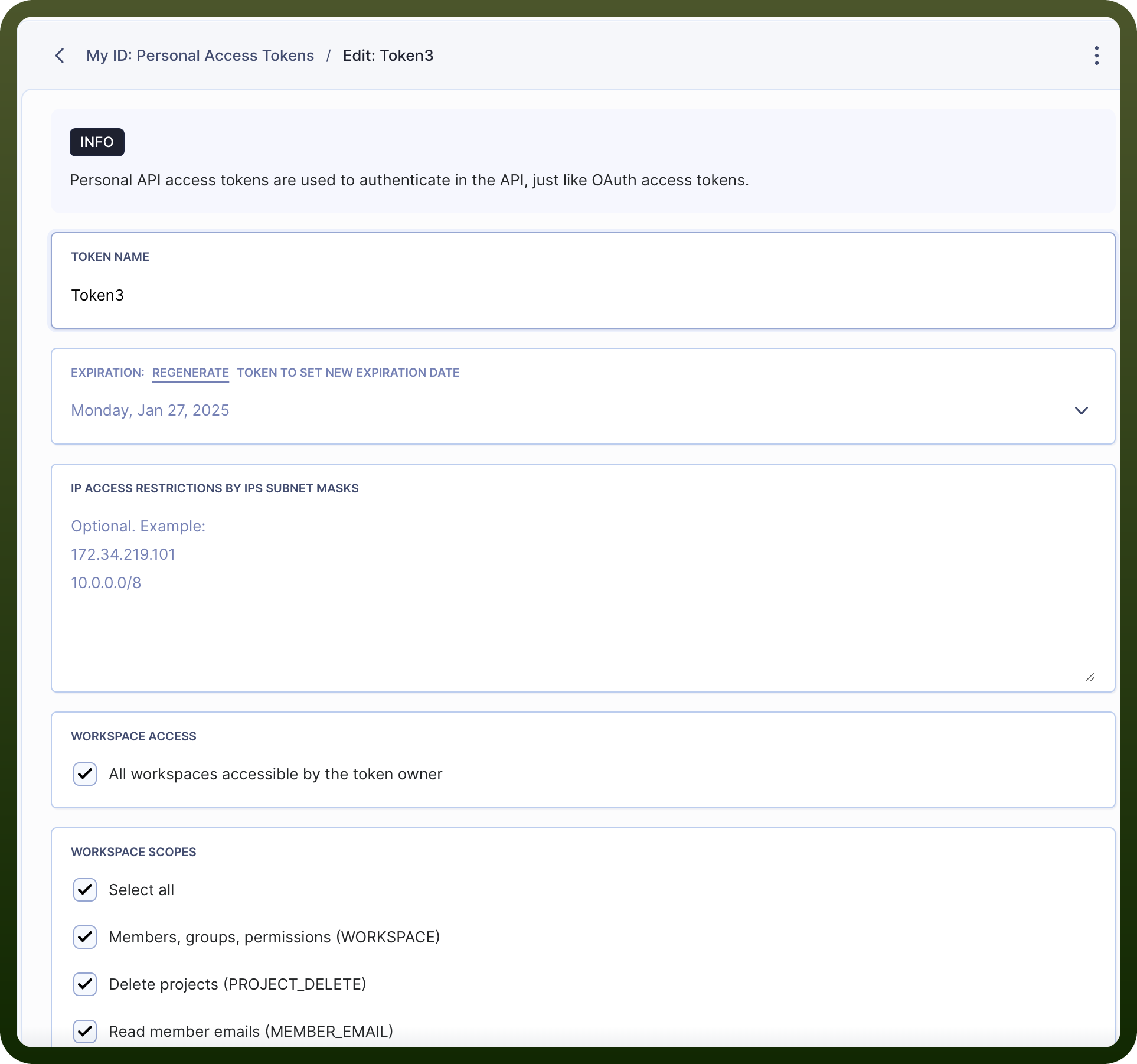
Copy the generated Client ID and Client Secret and store them securely — the Client Secret is shown only once and disappears when you close the popup.
Actions
Action Name | Description |
|---|---|
Add member to group | Adds a user to the group in Buddy Works |
Add members | Adds a user to the workspace in Buddy Works |
Assign admin rights | Assigns admin rights to the specified user in Buddy Works |
Create group | Creates a new group in Buddy Works |
Create permissions | Creates a custom permission set in Buddy Works |
Create project | Create a project in a workspace in Buddy Works |
Delete group or member | Deletes user group or group member in Buddy Works |
Delete members | Deletes a single workspace member in Buddy Works |
Delete permission | Deletes a custom permission set in Buddy Works |
Delete project | Deletes a project from a workspace in Buddy Works |
Get group in project | Returns the details of group in specific project in Buddy Works |
Get group or member | Returns the details of user group or group member in Buddy Works |
Get members | Returns details of a single workspace member in Buddy Works |
Get permission | Returns the details of permission set in Buddy Works |
Get project | Returns the details of a project in Buddy Works |
Get project member | Returns the details of a project member in Buddy Works |
Get workspaces | Returns details of a single workspace in Buddy Works |
List groups in project | |
List groups or members | Returns the list of user groups or group members in Buddy Works |
List members | Returns the list of members in Buddy Works |
List members in project | Returns the list of members in project in Buddy Works |
List projects in workspace | Returns the list of projects in workspace in Buddy Works |
List user projects | Returns the list of user projects in Buddy Works |
List workspace | Returns the workspaces of the authorized user in Buddy Works |
Update group or member | Updates user groups or group members in Buddy Works |
Update permissions | Updates a custom permission set in Buddy Works |
Update project | Updates a project in Buddy Works |