


Use the LC.CX connector to create and track shortened URLs.
Integrating your application with LC.CX lets you use these operations in an automation. It exposes 10 actions, listed below. Add the connector from the Connections area, authenticate, then select its operations in the automation builder. Capabilities: actions.
Authentication
Before you begin, make sure you have the following information:
Connection Name: Choose a meaningful name for your connection. This name helps you identify the connection within your application or integration settings.
Authentication Type: The authentication method for this connector is defined in the connection setup. Select the connector in the Connections area to see the fields it requires.
Obtaining Your API Key
Log in to your LC.CX (Nemorius) account.
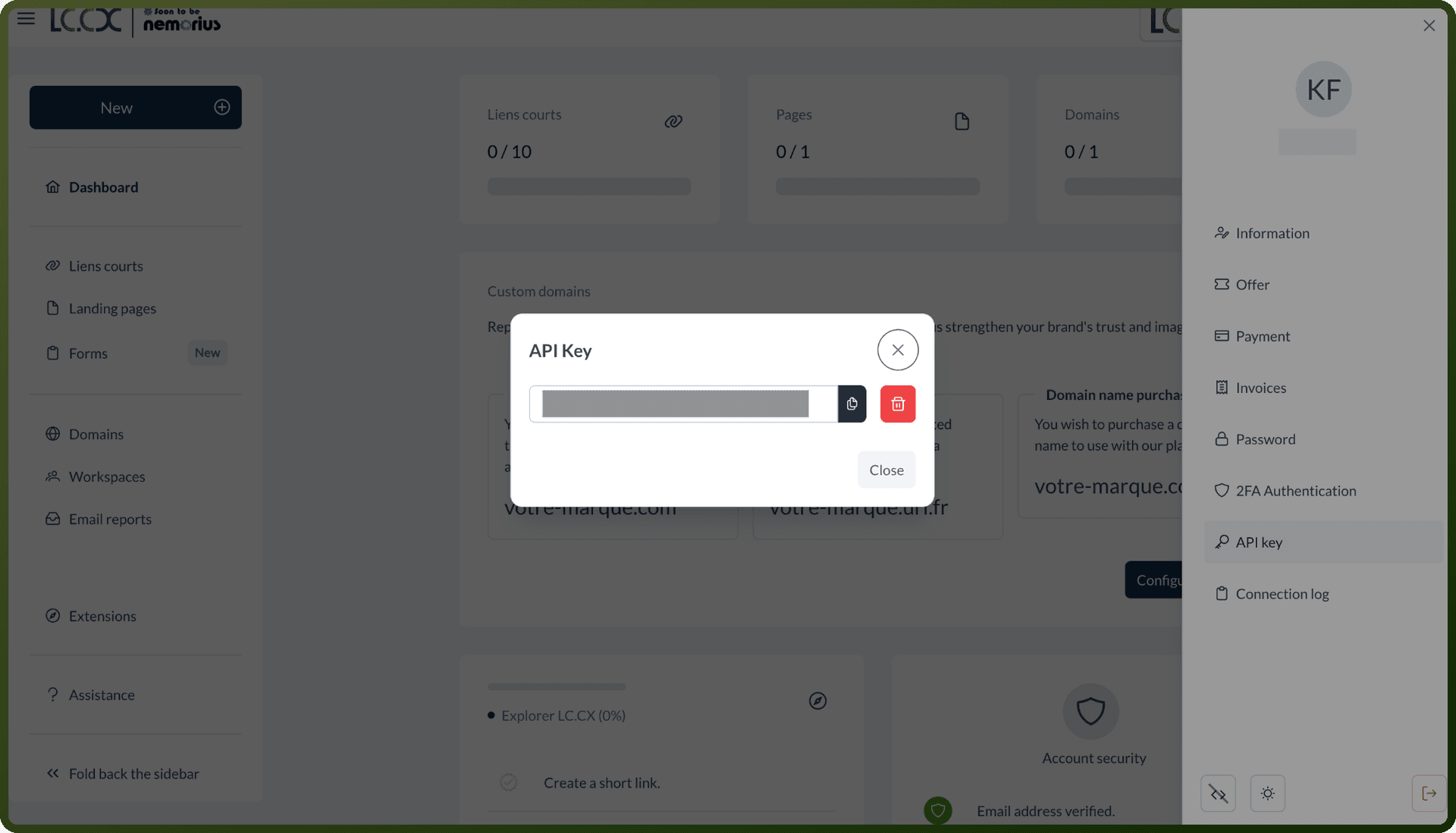
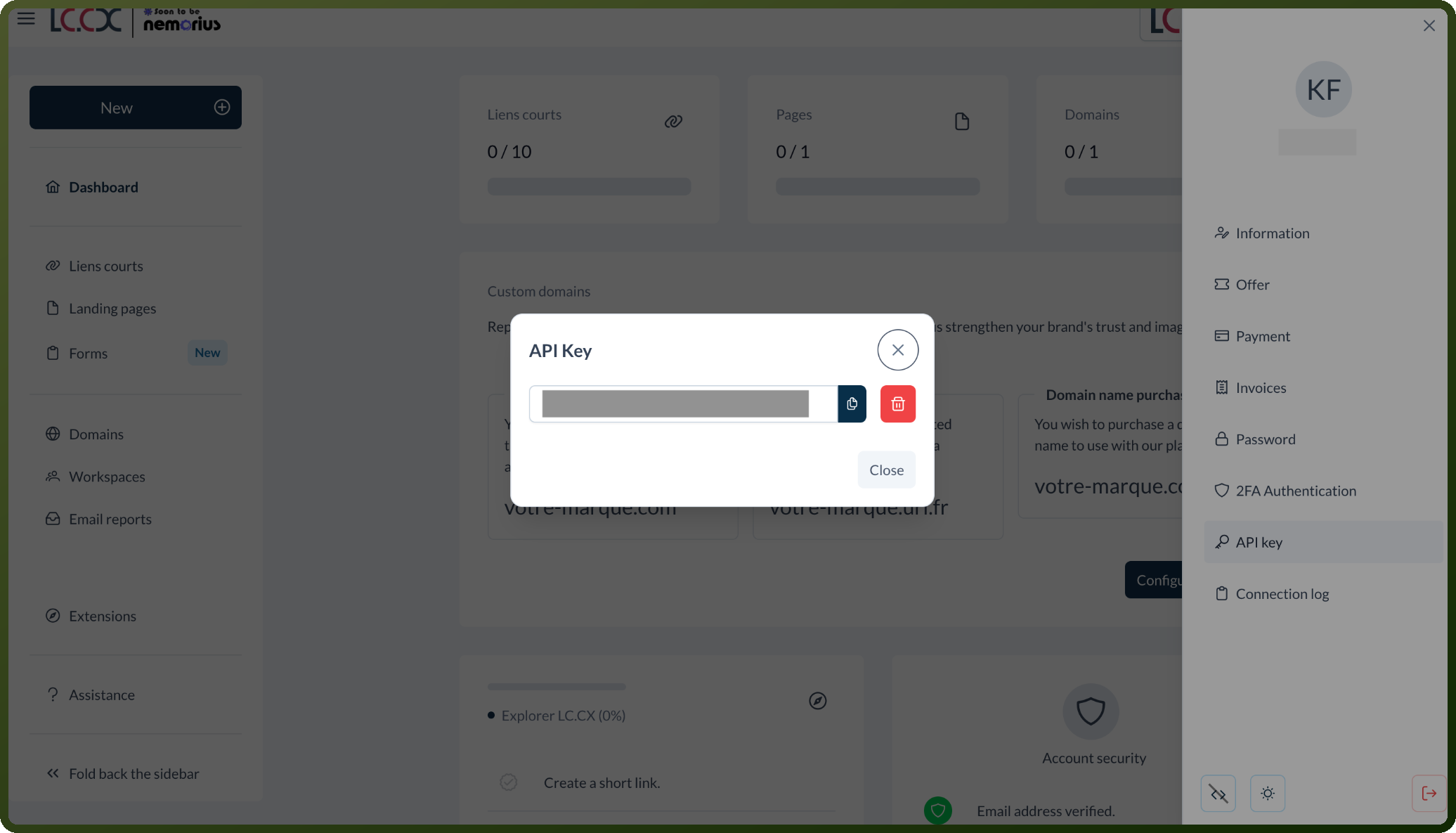
Go to Account, then API Key.
Click Create API Key to generate a new key.
Copy the generated API key and store it securely for further authentication purposes.
Authentication & setup
In order to use the LC.CX API, you will have to generate an API Key in your account. The API key must be set in the Header section for each call. To get started with authentication, you need to generate your API key by navigating to the API integration section, clicking "generate a new API key", specifying the usage and clicking next, then retrieving your API key once it is displayed.
Actions
Action Name | Description |
|---|---|
Add domain | Adds a new domain for shortening long URLs in lc.cx |
Create tags | Creates one or several tags in LC.CX |
Get account | Retrieves account information from LC.CX |
Get domain | Gets domain information from LC.CX |
Get tag | Gets tag information from LC.CX |
List domains | Gets a list of branded domains from LC.CX |
List links | Gets a list of shortlinks from LC.CX |
List tags | Gets a list of tags from LC.CX |
List workspaces | Gets a list of workspaces from LC.CX |
Update tags in bulk | Updates tag names in bulk in LC.CX |
About the API
The LC.CX API documentation is available at https://dev.lc.cx and provides detailed information on API usage (authentication and endpoints), as well as technical examples in several programming languages (PHP, NodeJS, Java...).