


Integrating your application with Brevo enhances customer communication and marketing automation by enabling you to manage email campaigns, transactional messaging, and contact data within a single platform. Brevo provides APIs to handle email delivery, SMS campaigns, and audience segmentation efficiently, helping businesses engage customers effectively and streamline their communication workflows.
Authentication:
Connecting your application to Brevo streamlines customer engagement through automated email and SMS campaigns, contact management, and real-time communication tracking. Before you begin, ensure you have the following information:
Connection Name : Choose a meaningful name for your connection. This name helps you identify the connection within your application or integration settings. It could be something descriptive like "MyAppBrevoIntegration".
API Token Based:
Log in to your Brevo account.
Click on your profile icon in the top-right corner.
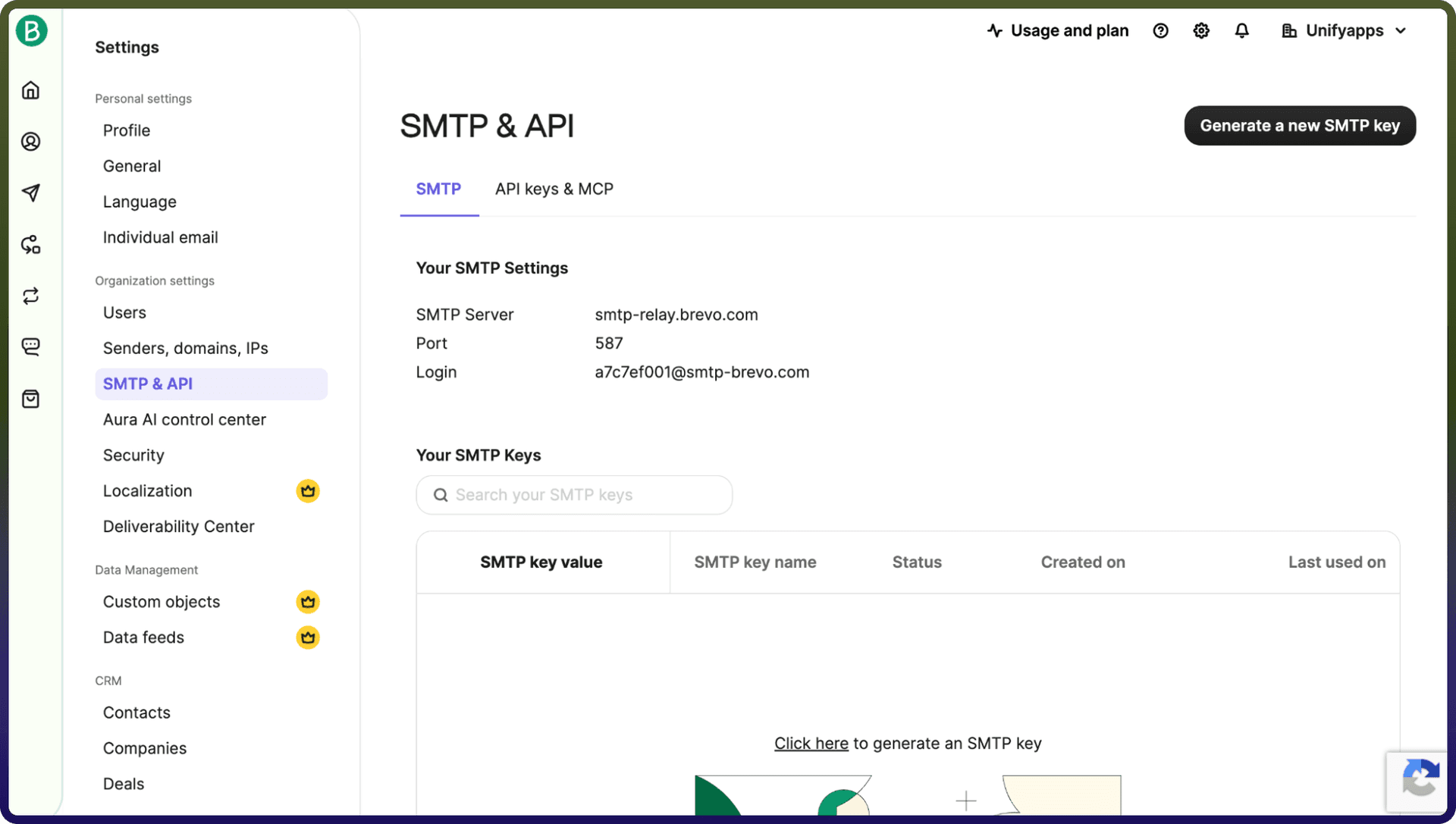
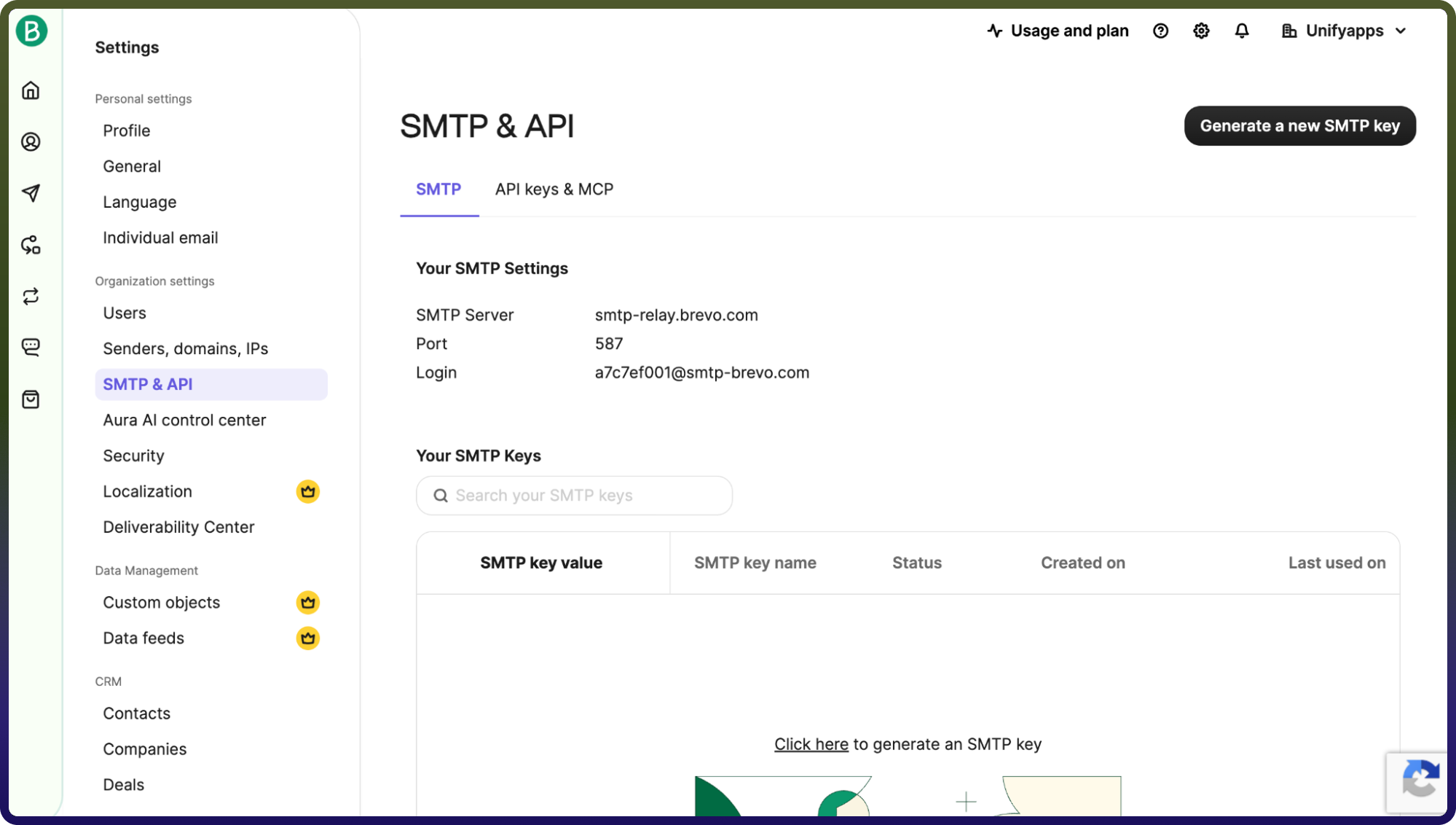
Navigate to SMTP & API.
Click on Generate a new API key, provide a name, and click Generate.
Copy the generated API key and use it for further authentication purposes.
Actions
Action Name | Description |
| Check permissions of a user in Brevo |
| Creates a company in Brevo |
| Creates a contact in Brevo |
| Creates a new sender in Brevo |
| Delete company in Brevo |
| Delete contact in Brevo |
| Delete sender in Brevo |
| Gets a contact in Brevo |
| Gets all companies in Brevo |
| Get company in Brevo |
| Gets contact details in Brevo |
| Gets list of senders in Brevo |
| Lists users in Brevo |
| Updates company in Brevo |
| Updates contact in Brevo |
| Updates sender in Brevo |