


Use the BigML connector to build and deploy machine learning models.
Integrating your application with BigML lets you use these operations in an automation. It exposes 10 actions, listed below. Add the connector from the Connections area, authenticate, then select its operations in the automation builder. Capabilities: actions.
Authentication
Before you begin, make sure you have the following information:
Connection Name: Choose a meaningful name for your connection. This name helps you identify the connection within your application or integration settings.
Authentication Type: The authentication method for this connector is defined in the connection setup. Select the connector in the Connections area to see the fields it requires.
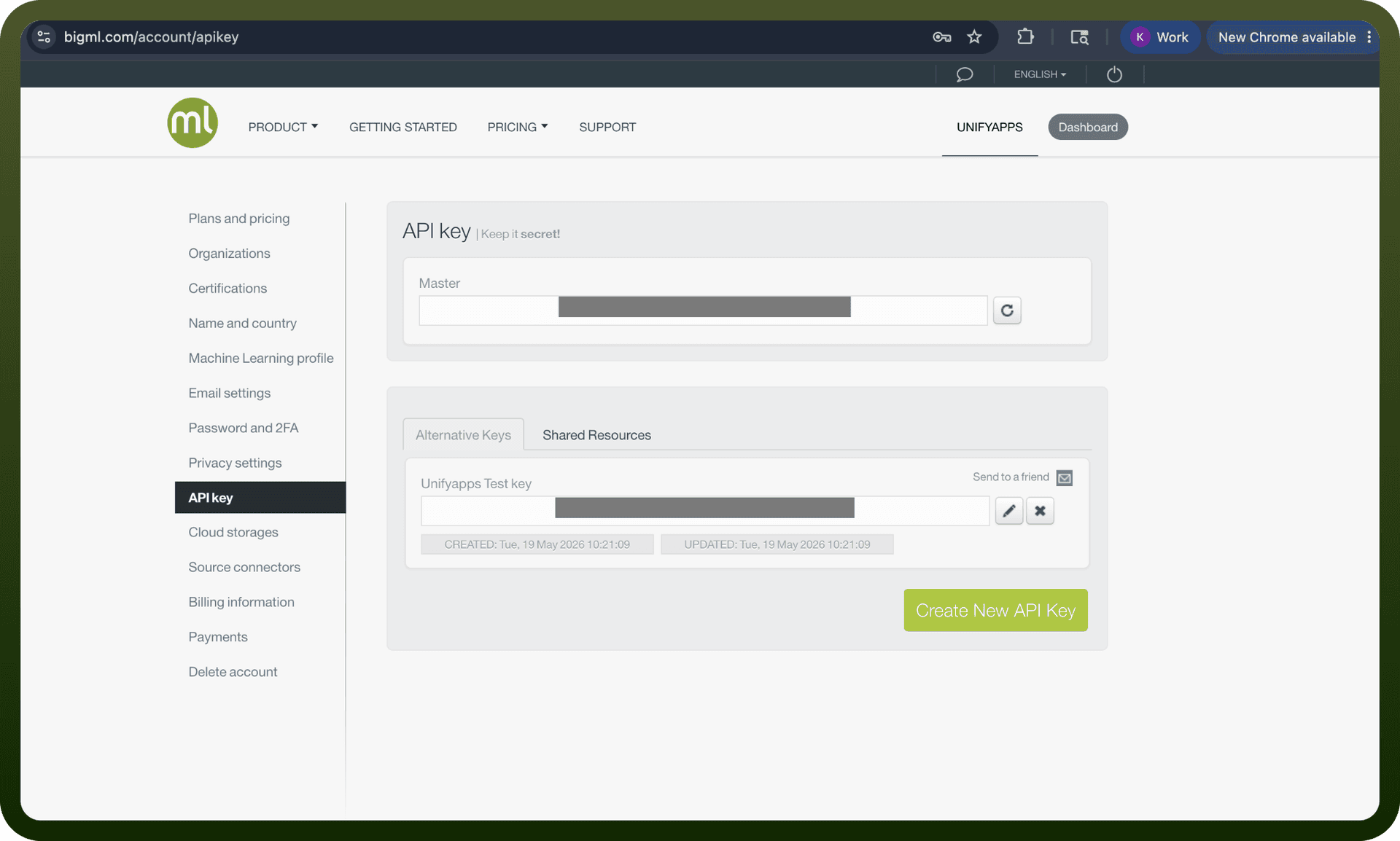
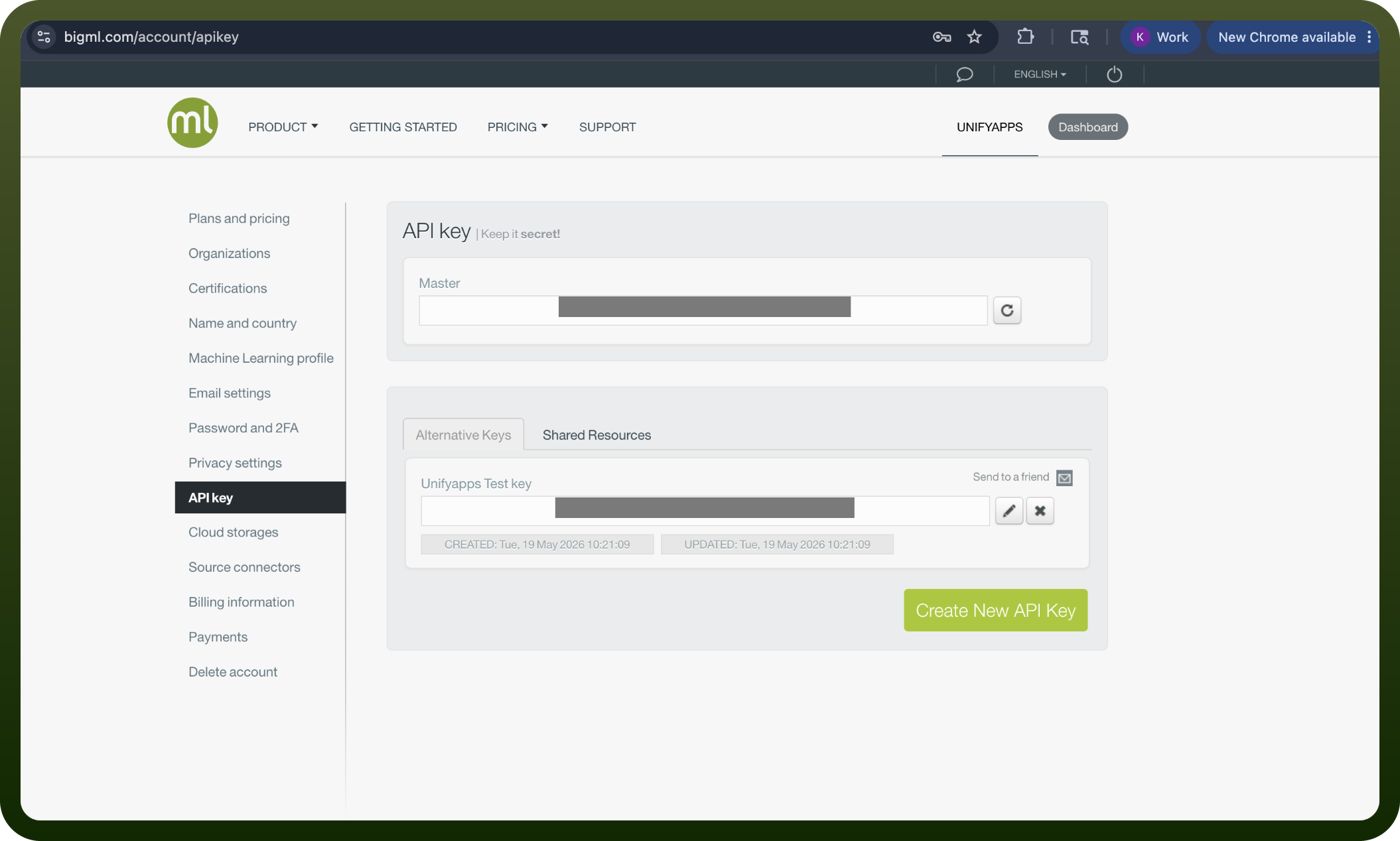
Obtaining Your API Key
Log in to your BigML account and open the Dashboard.
Note your username, shown in the top bar of the Dashboard.
Click the configuration icon in the top menu of the Dashboard.
In the window that opens, copy your API key.
Store your username and API key securely — both are required together to authenticate requests.
Authentication & setup
Username and API Key Authentication
Obtain API key from BigML account settings or by clicking the configuration icon
Use username and API key together for all requests
Set environment variables BIGML_USERNAME and BIGML_API_KEY (recommended)
All requests transmitted over HTTPS
Development Mode
New accounts come with free credits
Enable development mode to avoid spending credits
Development mode limits data size to ~1 MB
Actions
Action Name | Description |
|---|---|
Create dataset | Creates a new dataset in BigML |
Create project | Creates a new project in BigML |
Create sample | Creates a new sample in BigML |
List datasets | Lists datasets in BigML |
List projects | Lists projects in BigML |
List samples | Lists samples in BigML |
List statistical tests | Lists statistical tests in BigML |
Retrieve project | Retrieves a project in BigML |
Retrieve sample | Retrieves a sample in BigML |
Update project | Updates a project in BigML |
About the API
BigML provides a REST API for building and deploying machine learning models. The platform handles supervised and unsupervised learning tasks including classification, regression, clustering, and anomaly detection. The API supports dataset creation, model training, prediction generation, and evaluation. Multiple language bindings (Python, JavaScript, etc.) are available, and SDKs handle authentication automatically when environment variables are properly configured.