


Use the Configcat connector to manage feature flags and application configuration.
Integrating your application with Configcat lets you use these operations in an automation. It exposes 8 actions, listed below. Add the connector from the Connections area, authenticate, then select its operations in the automation builder. Capabilities: actions.
Authentication
Before you begin, make sure you have the following information:
Connection Name: Choose a meaningful name for your connection. This name helps you identify the connection within your application or integration settings.
Authentication Type: The authentication method for this connector is defined in the connection setup. Select the connector in the Connections area to see the fields it requires.
Obtaining Your Public API Credentials
Log in to your ConfigCat account and go to My Account, then Public API credentials (or navigate directly to https://app.configcat.com/my-account/public-api-credentials).
Click + Add New Credentials.
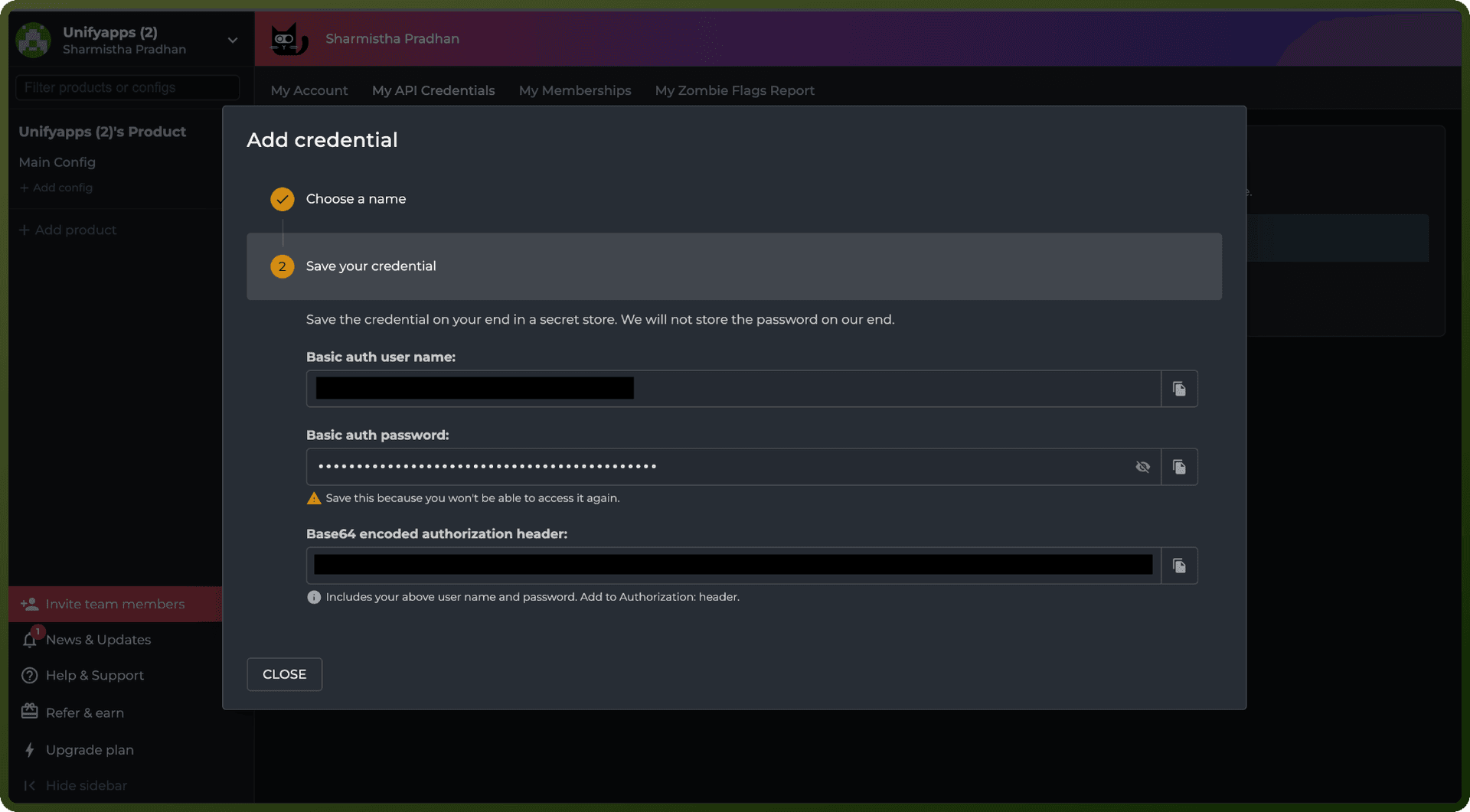
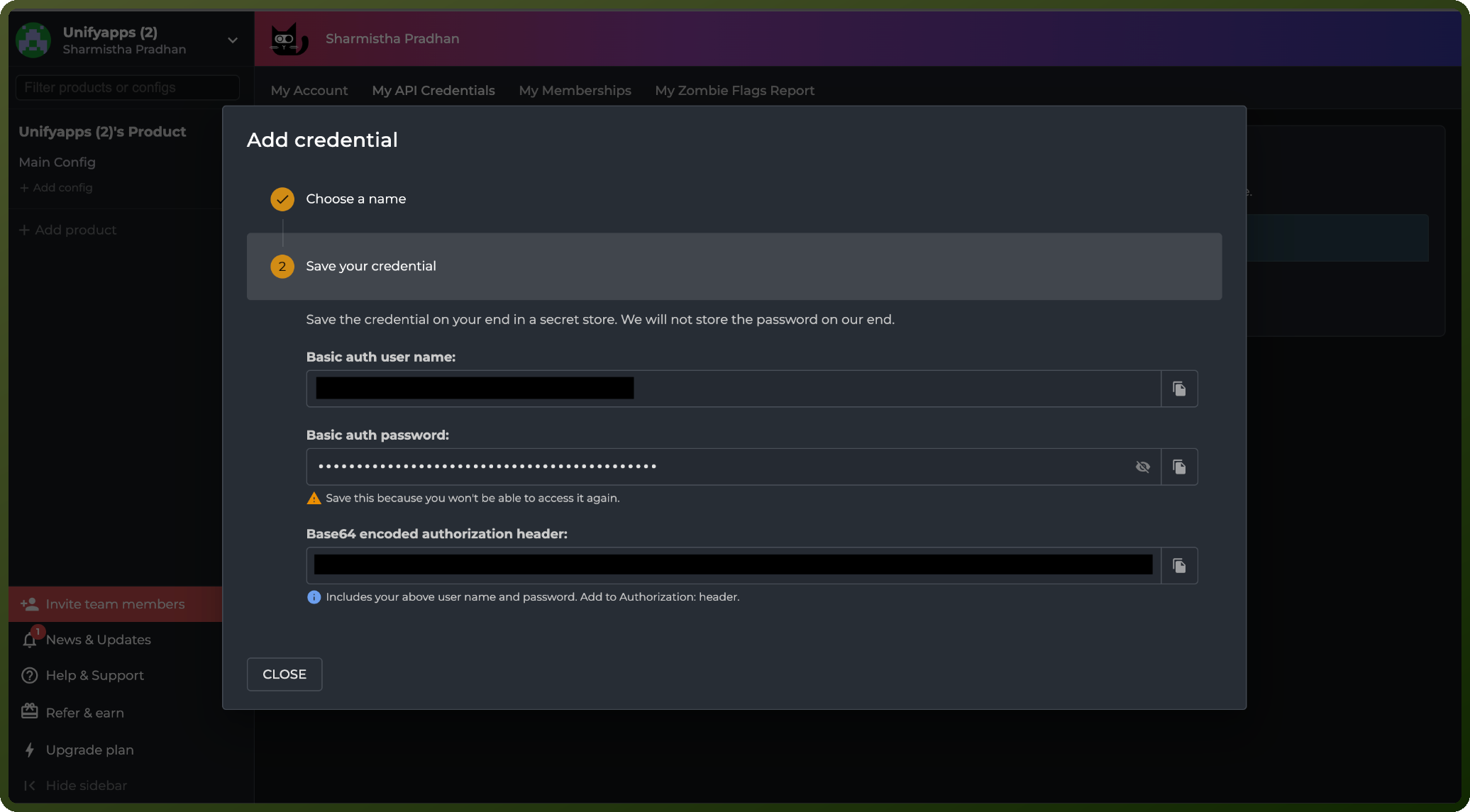
Enter a name for the credential and click Generate.
Copy the generated username and password immediately and store them securely. ConfigCat does not store the password, and you cannot view it again once you close the dialog.
Use the username and password as HTTP Basic Auth credentials when connecting to the ConfigCat Public Management API.
Authentication & setup
HTTP Basic Authentication
Generate credentials from Public API credentials management page: https://app.configcat.com/my-account/public-api-credentials
Click + Add New Credentials, name it, and click Generate
Use username-password credentials (not for feature flag evaluation)
Keep credentials secure; don't embed in code
Actions
Action Name | Description |
|---|---|
Create a config | Creates a config in Configcat |
Create a product | Creates a product in Configcat |
Delete a config | Deletes a config in Configcat |
Delete a product | Deletes a product in Configcat |
Get a config | Retrieves config details in Configcat |
Get a product | Retrieves product details in Configcat |
List configs | Lists all configs in Configcat |
List products | Lists all products in Configcat |
About the API
ConfigCat provides REST APIs for feature flag and configuration management. The base URL is https://api.configcat.com. The API supports creating, reading, updating, and deleting feature flags, configs, environments, and products. API documentation available in OpenAPI v3 and Swagger v2 formats. Rate limiting includes X-Rate-Limit-Remaining and X-Rate-Limit-Reset headers. Exceeding limits returns HTTP 429 with Retry-After header. Note: API is not intended for feature flag evaluation; use SDKs or ConfigCat Proxy instead.
Official documentation
https://configcat.com/docs/api/reference/configcat-public-management-api/