


Use the Databox connector to track business metrics and dashboards.
Integrating your application with Databox lets you use these operations in an automation. It exposes 7 actions, listed below. Add the connector from the Connections area, authenticate, then select its operations in the automation builder. Capabilities: actions.
Authentication
Before you begin, make sure you have the following information:
Connection Name: Choose a meaningful name for your connection. This name helps you identify the connection within your application or integration settings.
Authentication Type: The authentication method for this connector is defined in the connection setup. Select the connector in the Connections area to see the fields it requires.
Obtaining Your API Key
Log in to your Databox account as an Admin user (only Admins can manage API keys).
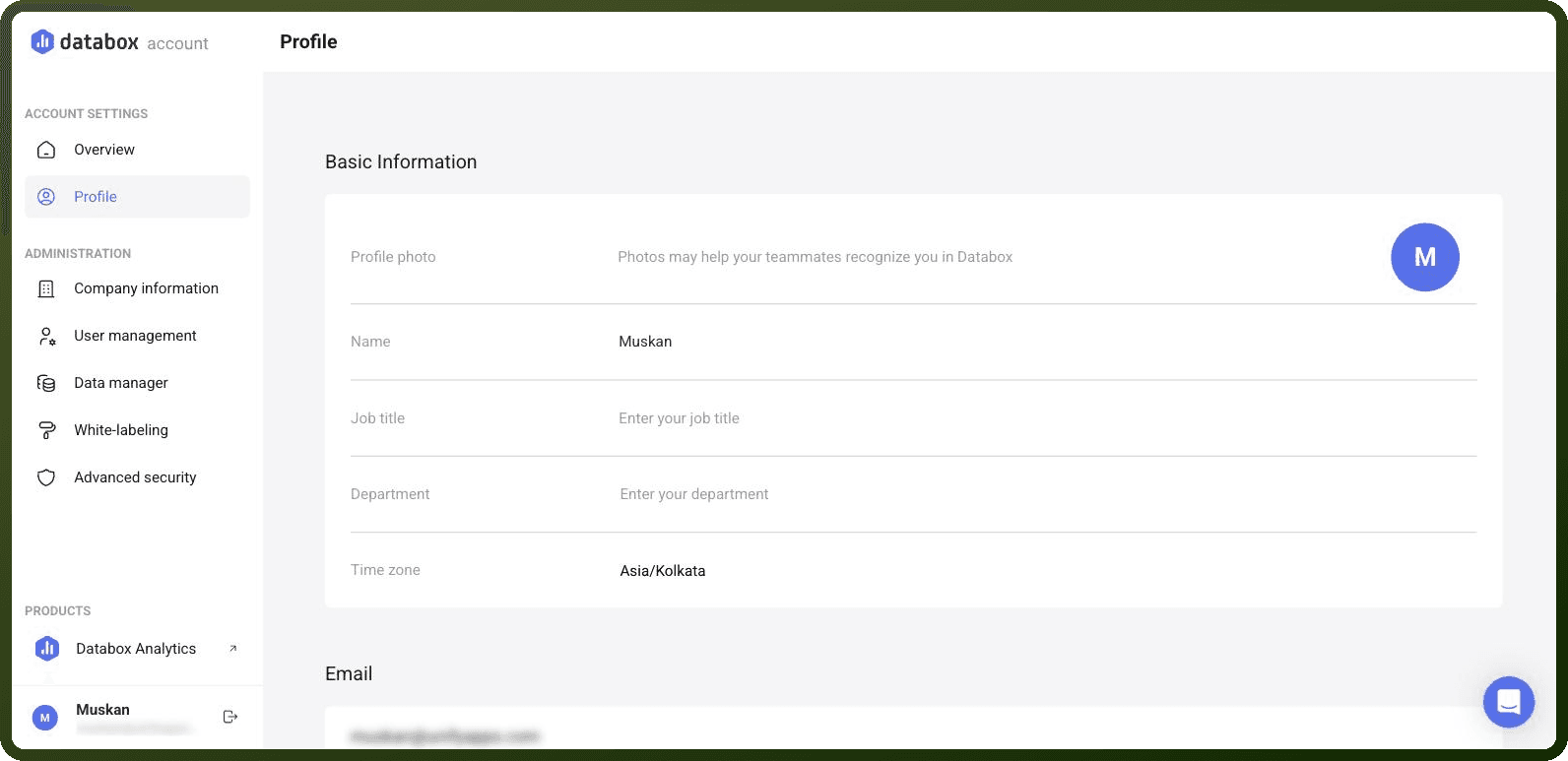
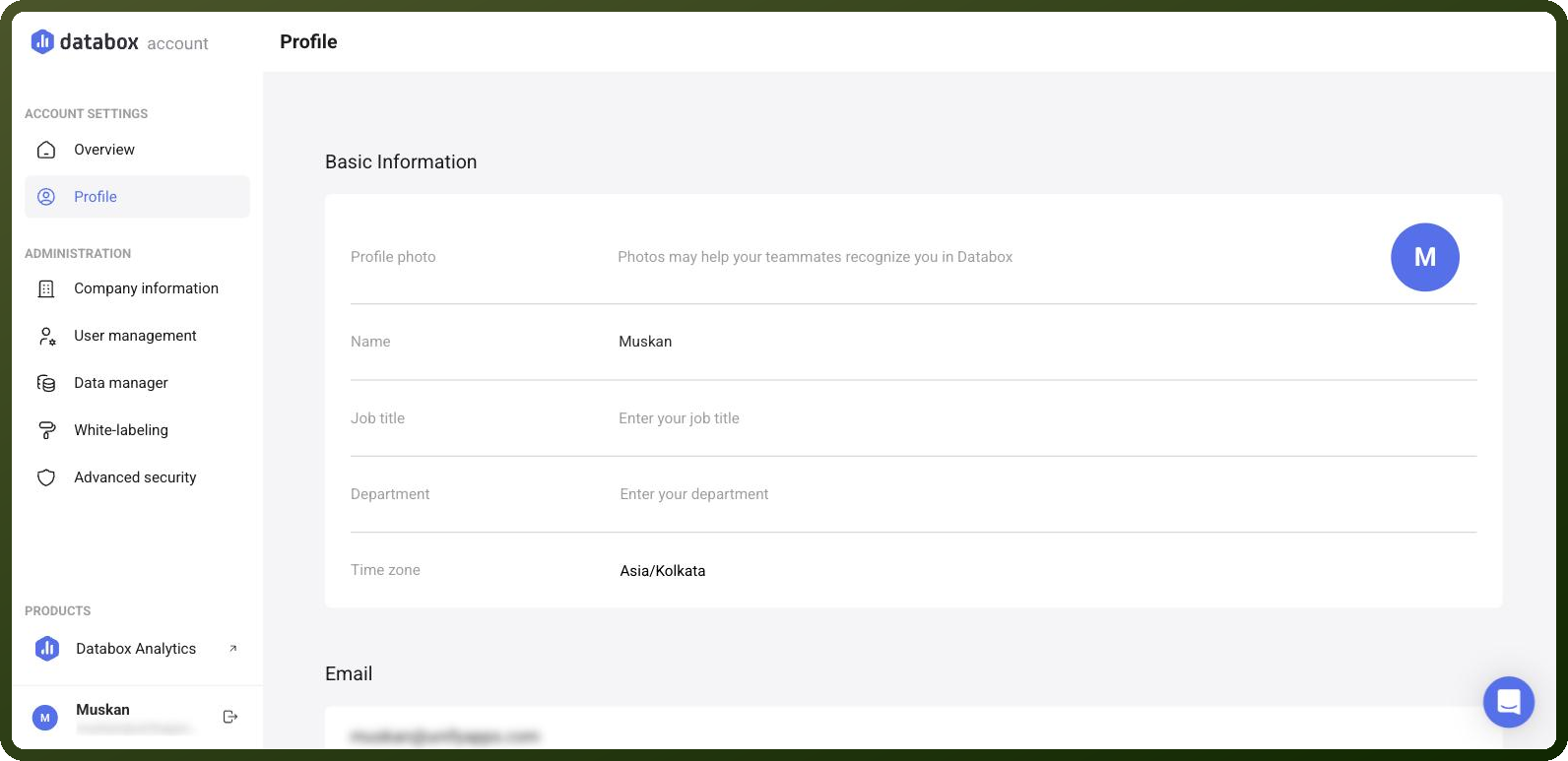
Go to Account Management, then open your Profile page.
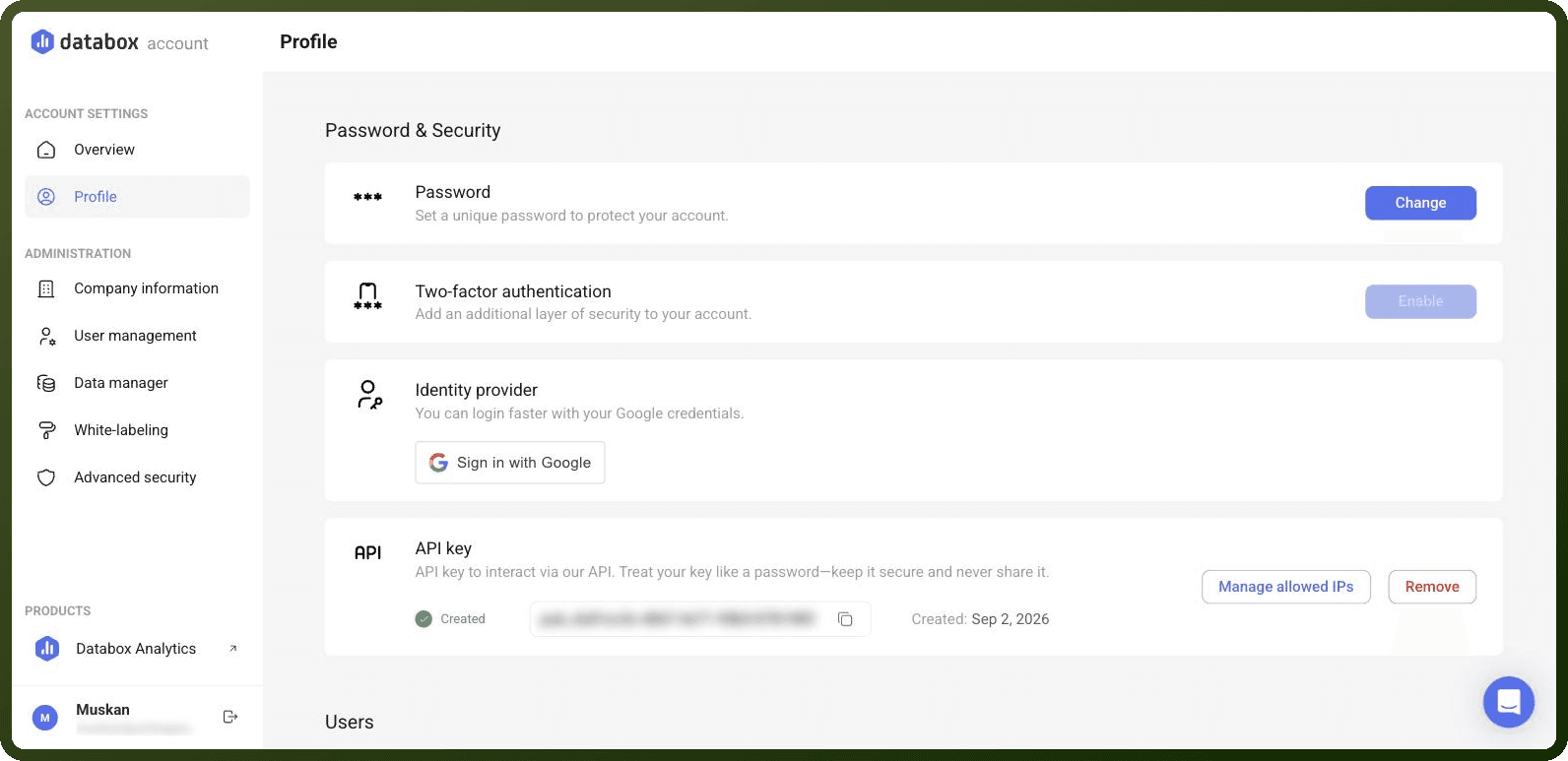
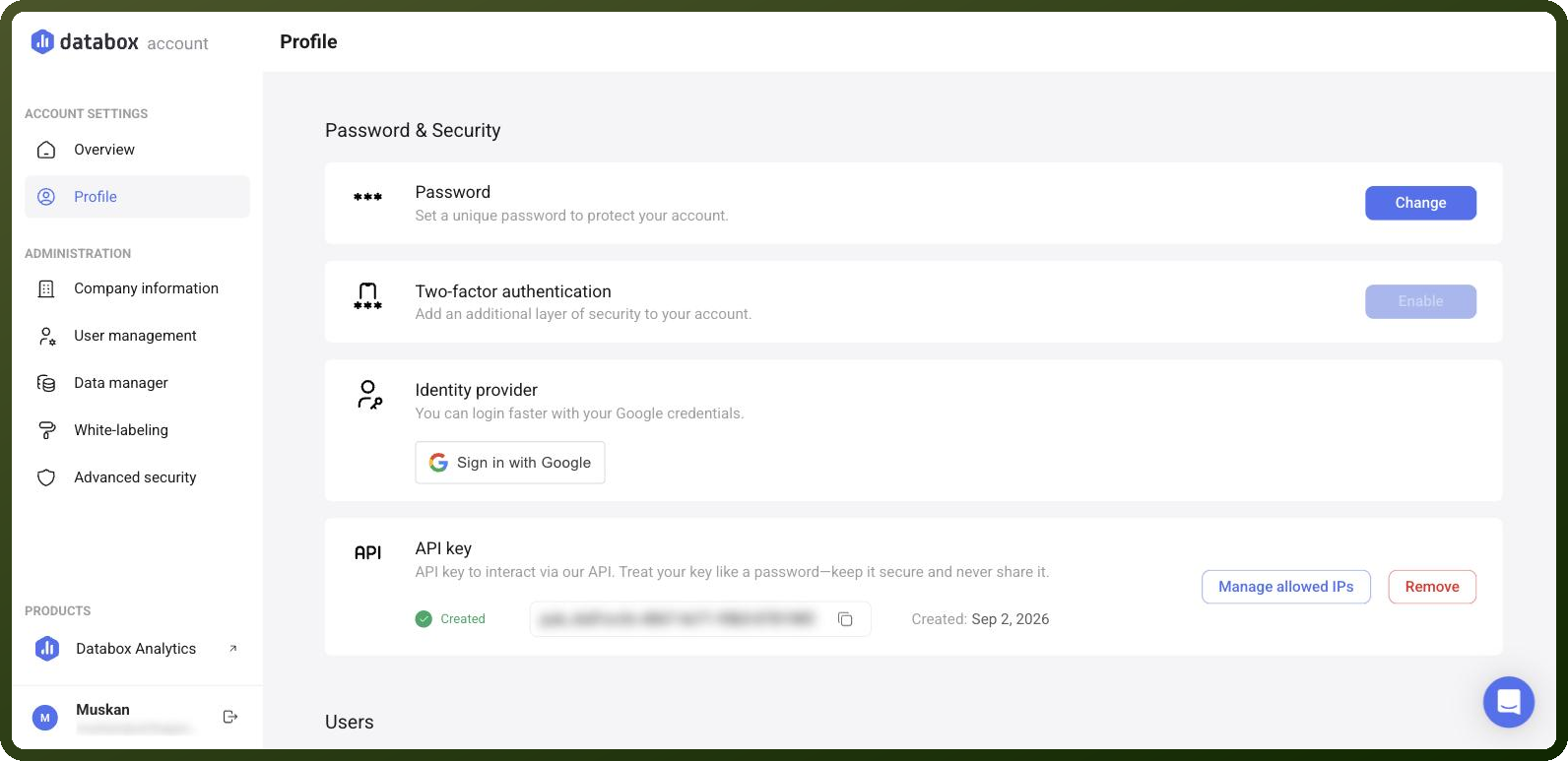
In the Password & Security section, locate the API Key area.
Click Create to generate a new API key.
Copy the generated API key and store it securely for further authentication purposes.
Authentication & setup
Databox uses API key authentication. To create an API key, navigate to your Profile page via Account Management, locate the API key option in the Password & Security section, and click Create to generate a new key. Note that only Admin users can access API key management.
Optionally, restrict key usage to specific IP addresses through the "Manage allowed IPs" feature. Each key is tied to an individual user and inherits their permissions.
API keys can be validated using the /v1/auth/validate-key endpoint, which validates the API key supplied in the x-api-key header and can be used as a setup/health check.
Actions
Action Name | Description |
|---|---|
Create dataset | Creates a dataset in Databox |
Create datasource | Creates a datasource in Databox |
Delete dataset | Deletes a dataset in Databox |
Delete datasource | Deletes a datasource in Databox |
List accounts | Lists accounts in Databox |
List datasets | Lists datasets in Databox |
List datasources | Lists datasources in Databox |
About the API
The Databox API follows standard REST conventions with predictable, resource-oriented URLs and JSON-encoded request/response bodies. It uses standard HTTP verbs and status codes. The API is available to all users on the Professional plan and above.