


Linear streamlines your issue tracking and project management by providing fast, modern, and developer-friendly workflows. This integration allows for efficient management of issues, teams, projects, and workflows with real-time updates and automation. For a smooth integration process, ensure you have the following information ready:
Authentication:
Connecting your application to Linear enables seamless issue tracking, team collaboration, and workflow automation.
Before starting, ensure you have the following information:
Connection Name: Choose a meaningful name for your connection. This name helps you identify the connection within your application or integration settings. It could be something descriptive like "MyAppLinearIntegration".Authentication Type: Linear supports OAuth authentication.
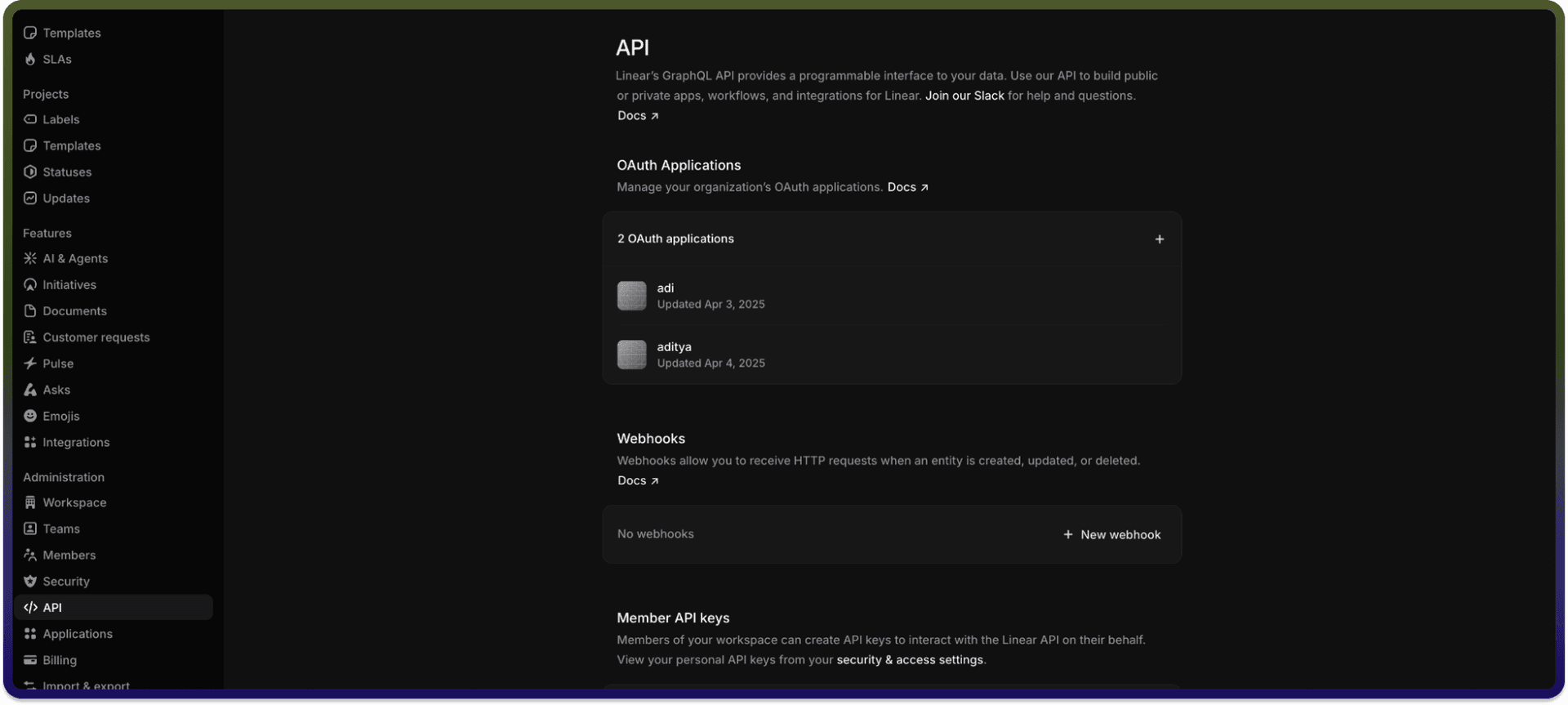
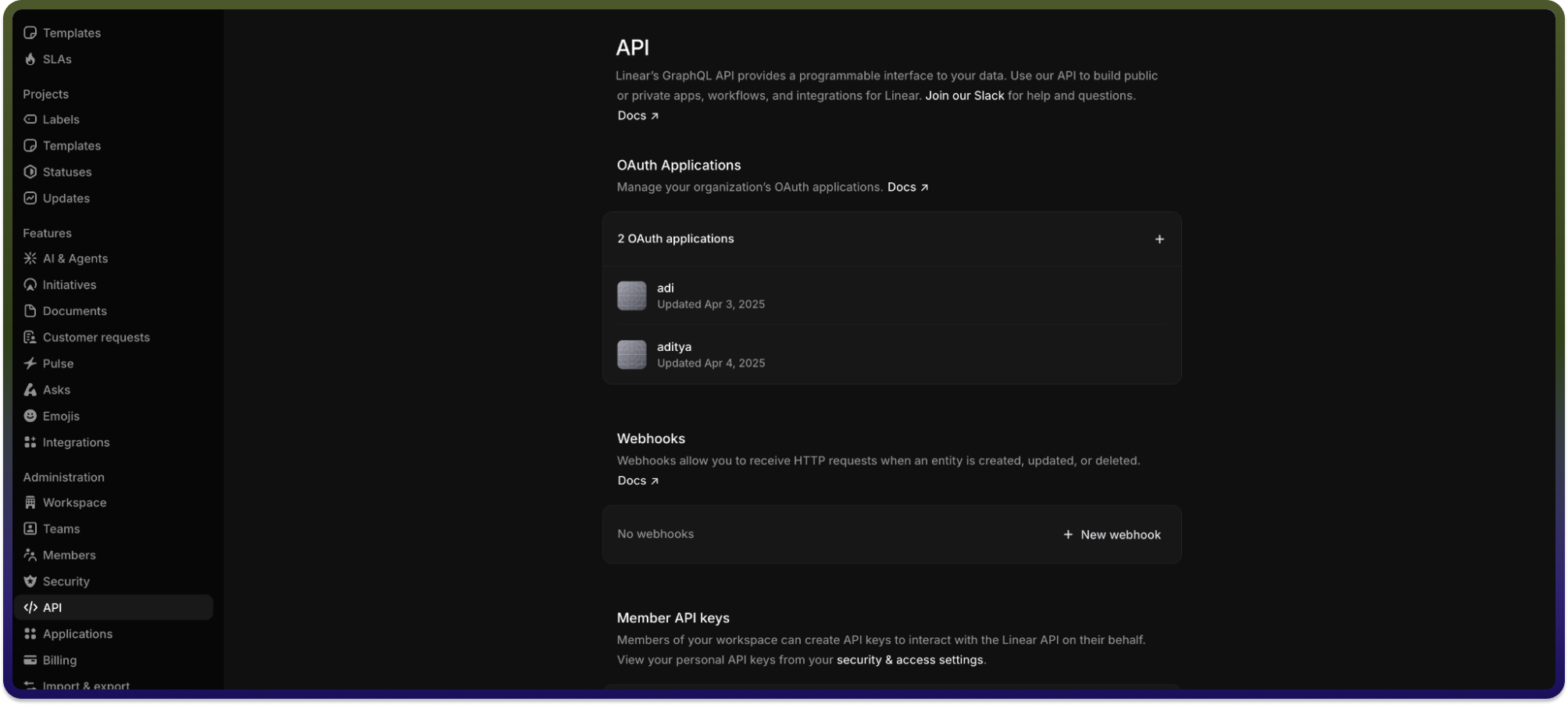
OAuth Based:
Click on
Create new OAuth application.Fill in the required details such as application name and redirect URI.
Complete the registration process.
Upon successful creation, you will receive your OAuth 2.0 credentials:
Client IDandClient Secret.
Actions :
Action name | Description |
| Gets issue details of a particular issue from Linear |
| Gets all issues for a particular team from Linear |
| Gets project details of a particular project from Linear |
| Gets all projects for a particular team from Linear |
| Gets all teams from Linear |
| Gets all teams for a particular project from Linear |
| Gets all teams for a particular user from Linear |