


Use the Enrich connector to enrich customer and company information.
Integrating your application with Enrich lets you use these operations in an automation. It exposes 5 actions, listed below. Add the connector from the Connections area, authenticate, then select its operations in the automation builder. Capabilities: actions.
Authentication
Before you begin, make sure you have the following information:
Connection Name: Choose a meaningful name for your connection. This name helps you identify the connection within your application or integration settings.
Authentication Type: The authentication method for this connector is defined in the connection setup. Select the connector in the Connections area to see the fields it requires.
Obtaining Your API Key
Go to dash.enrich.so and sign up for a free account, or log in if you already have one.
In the dashboard, open the API Keys page.
Click Create Key to generate a new API key.
Copy the generated key (it starts with
sk_) and store it securely — you'll need it to authenticate your requests.
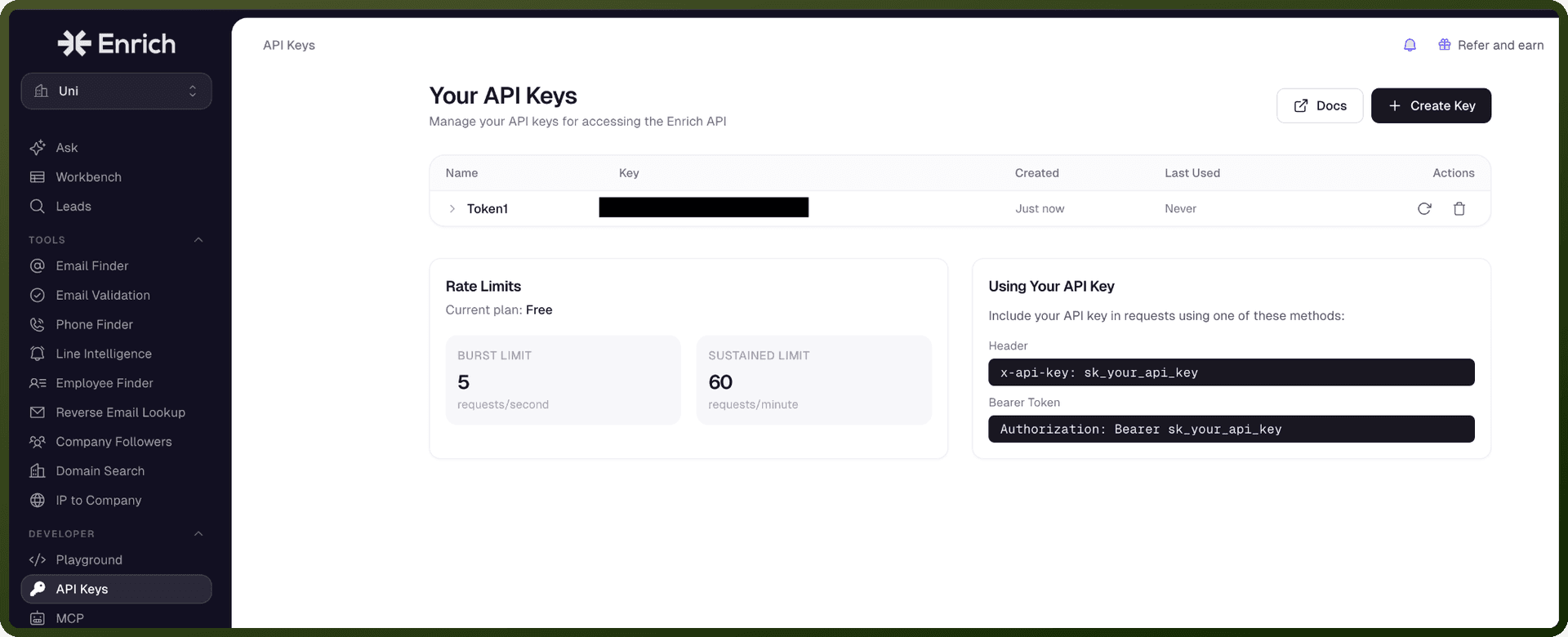
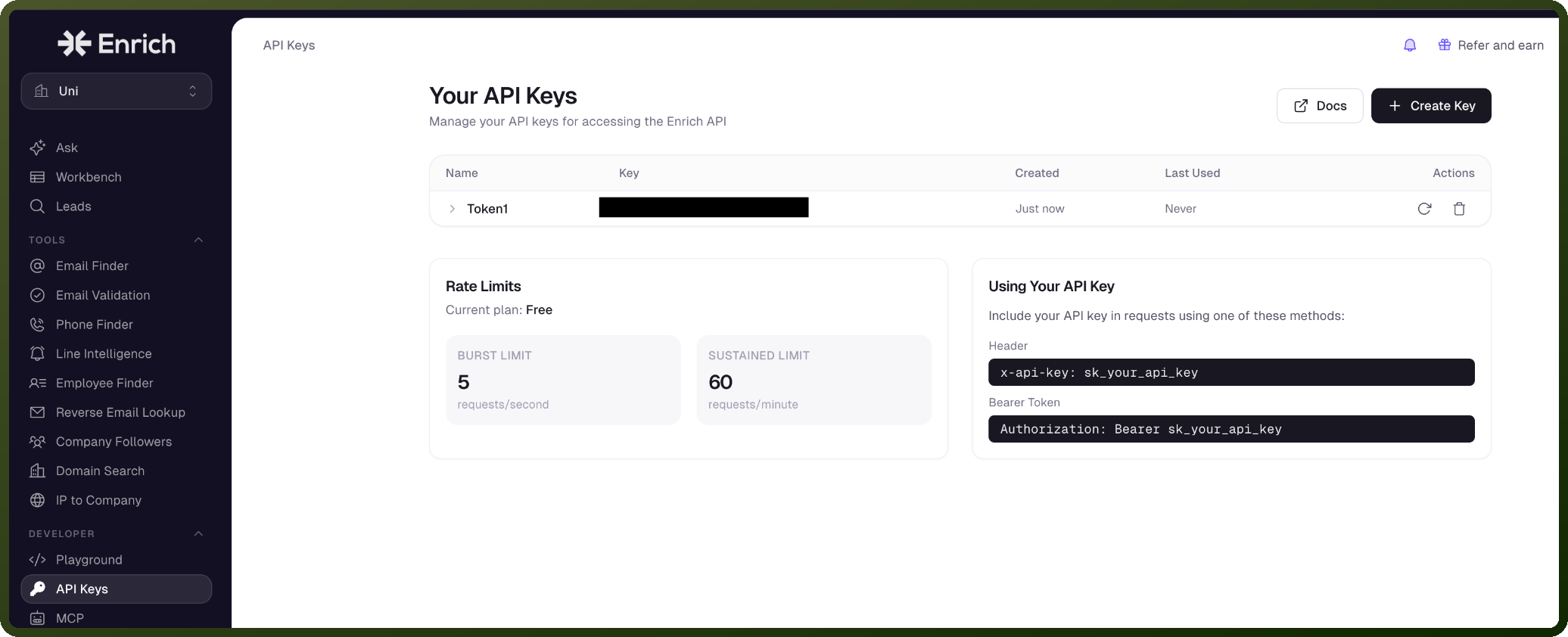
Authentication & setup
Enrich uses bearer token authentication. An Authorization header token is mandatory, formatted as a bearer token: Bearer <token>
You can locate the API token on the settings page of your Enrich account.
Actions
Action Name | Description |
|---|---|
Check batch validation progress | Checks the progress of an email validation batch in Enrich |
Find a professional email | Finds a professional email address in Enrich |
Get credit balance | Gets the current credit balance for your organization in Enrich |
Validate email | Validates an email address in Enrich |
Validate emails in batch | Validates multiple email addresses in Enrich |
About the API
Enrich is a comprehensive suite of tools designed to streamline the integration of fresh and processed data into your application. The platform provides data enrichment services for business intelligence and data processing workflows.