


Use the Exa connector to search and retrieve web knowledge for AI.
Integrating your application with Exa lets you use these operations in an automation. It exposes 9 actions, listed below. Add the connector from the Connections area, authenticate, then select its operations in the automation builder. Capabilities: actions.
Authentication
Before you begin, make sure you have the following information:
Connection Name: Choose a meaningful name for your connection. This name helps you identify the connection within your application or integration settings.
Authentication Type: The authentication method for this connector is defined in the connection setup. Select the connector in the Connections area to see the fields it requires.
Obtaining Your API Key
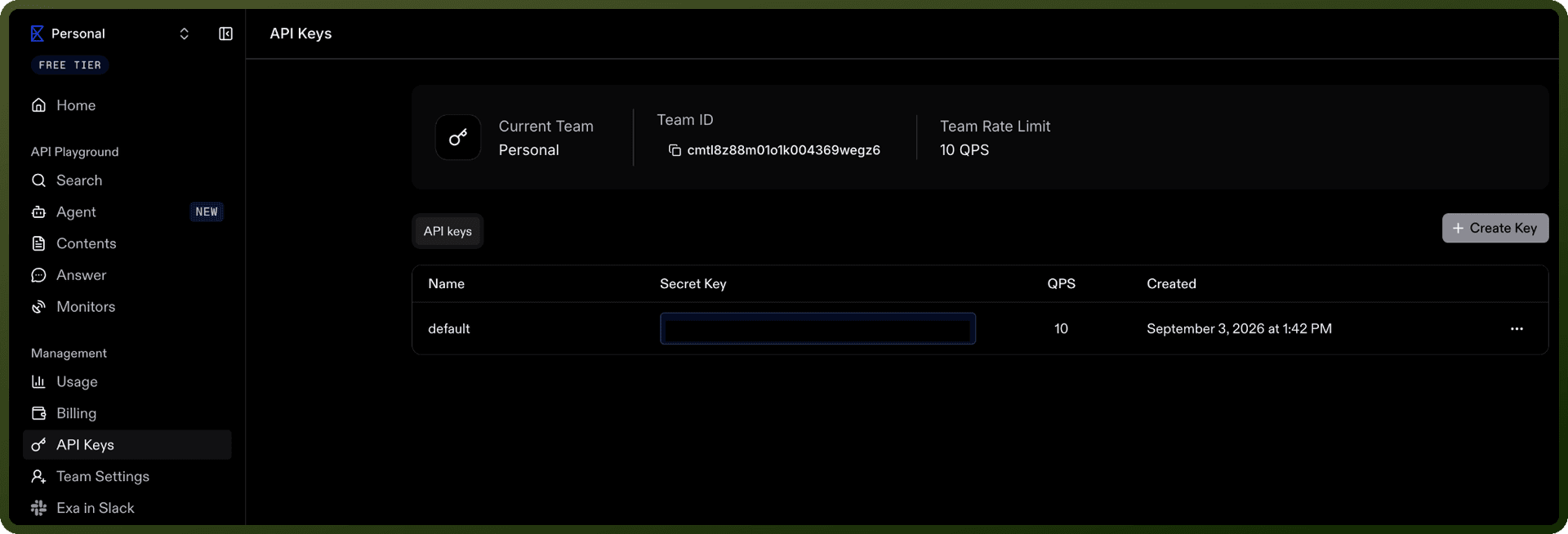
Go to dashboard.exa.ai and sign in, or sign up with Google or your email if you're new.
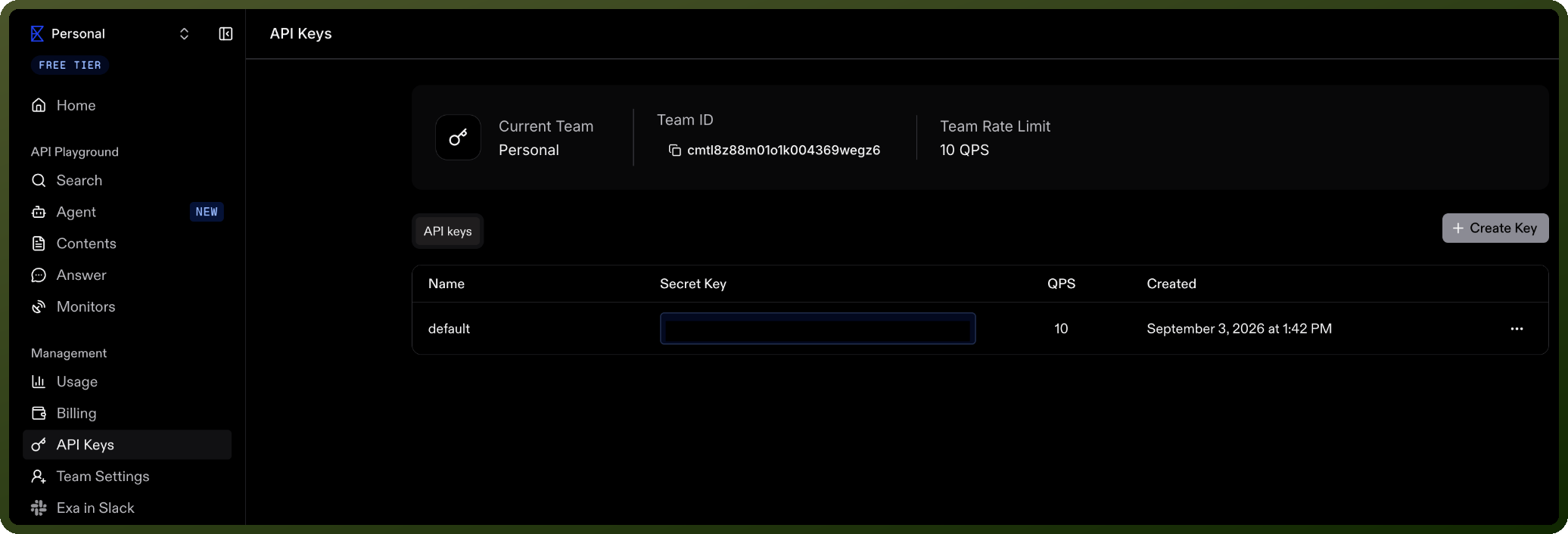
Open the API Keys page.
Click Create API Key to generate a new key.
Copy the generated key and store it securely for authentication purposes.
Authentication & setup
Exa uses API key-based authentication. Obtain your API key from the Exa Dashboard at https://dashboard.exa.ai/api-keys.
Include the API key in the x-api-key HTTP header or in the Authorization header using the Bearer scheme: Authorization: Bearer <api_key>
Set as environment variable: EXA_API_KEY
Actions
Action Name | Description |
|---|---|
Answer question | Answers question in Exa |
Cancel run | Cancels a queued or running agent run in Exa |
Create run | Creates an asynchronous agent run. The response returns the run object immediately unless you request server-sent events in Exa |
Delete run | Deletes an agent run by ID in Exa |
Get contents | Gets the full page contents, summaries, and metadata for a list of URLs in Exa |
Get run | Retrieves an agent run by ID in Exa |
List run events | Lists stored agent run events or replay them as server-sent events in Exa |
List runs | Retrieves a paginated list of agent runs for your team in Exa |
Search web | Searches the web and extract contents from the results in Exa |
About the API
Exa is a custom search engine built for AI. The Search API provides:
Search Types: Six modes ranging from ~250ms instant search to 12-40 second deep-reasoning search, optimized for different latency-quality tradeoffs.
Content Processing:
Token-efficient webpage summaries via highlights
Full text extraction
LLM-generated summaries
Structured JSON outputs through
output_schema
Specialized Indexes:
Companies (50M+)
People (1B+)
Research papers (100M+)
News
Personal sites
Financial reports
SDKs: Python (exa-py) and JavaScript (exa-js) SDKs available; REST API via cURL.
REST API base: https://api.exa.ai