


Integrating your application with Sprinklr transforms your customer experience strategy by centralizing massive social, clinical, and marketing datasets into a high-performance, unified platform. Sprinklr enables teams to execute complex cross-channel queries in seconds, leverage AI-powered sentiment and trend analysis, and drive real-time engagement—all while maintaining enterprise-grade security and seamless scalability across the modern digital landscape.
Authentication:
Before you begin, ensure you have the following information:
Connection Name: Choose a descriptive name for your Sprinklr connection to help you identify it within your application or integration settings. A meaningful name, like "MyAppSprinklrntegration," helps maintain organization, especially when managing multiple integrations.
Authentication Type: Select the type of authentication to connect to your Sprinklr account securely:
OAuth
OAuth Based Authentication :
The OAuth method involves signing in with your Sprinklr account credentials on Sprinklr's Single Sign-On or login page and granting the necessary permissions to your application. For OAuth-based authentication, you'll need to perform the following steps to generate access credentials:
1. Register an Application in the Developer Portal
To start, you must create a developer account and register your application to receive your API Key and Secret.
Go to the Sprinklr Developer Portal and sign in.
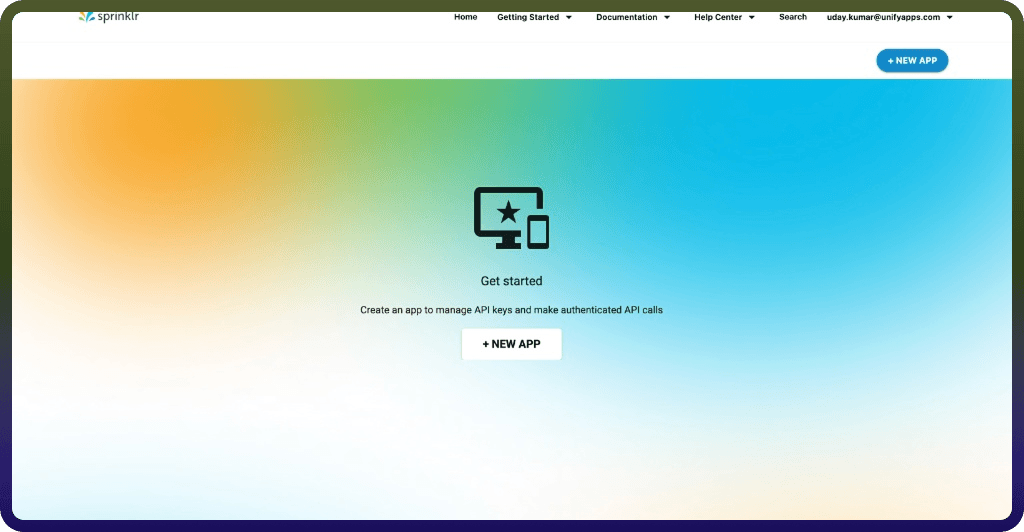
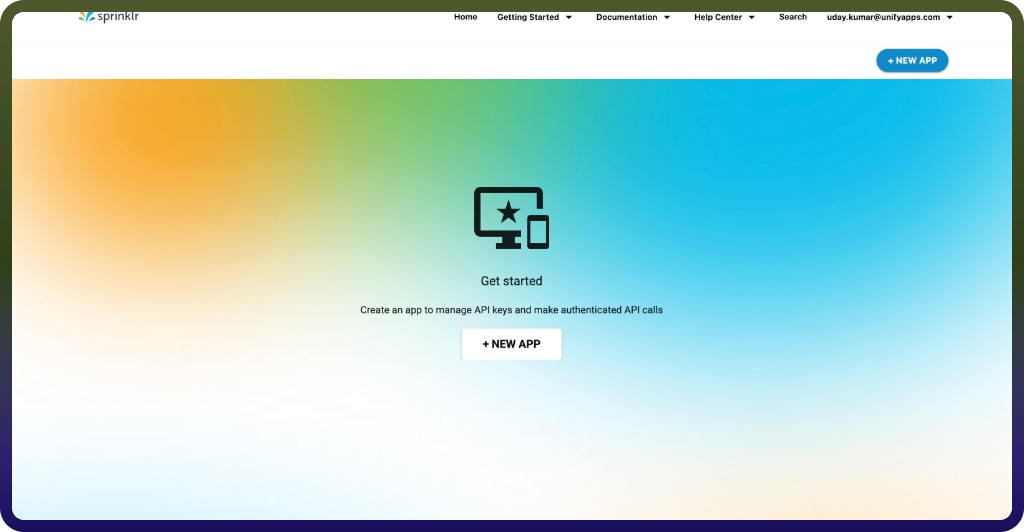
Navigate to My Account > Applications and click CREATE A NEW APP.
Important Fields:
Environment: You must select the specific environment where your instance is hosted (e.g., Prod0, Prod2, Prod4).Callback URL: Enter the exact redirect URI (e.g., https://your-app.com/callback) that your application will use.
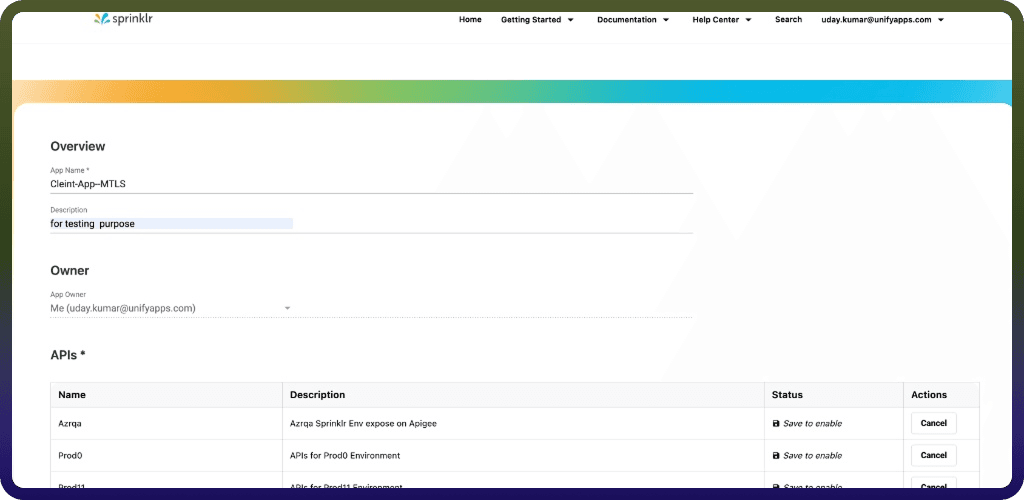
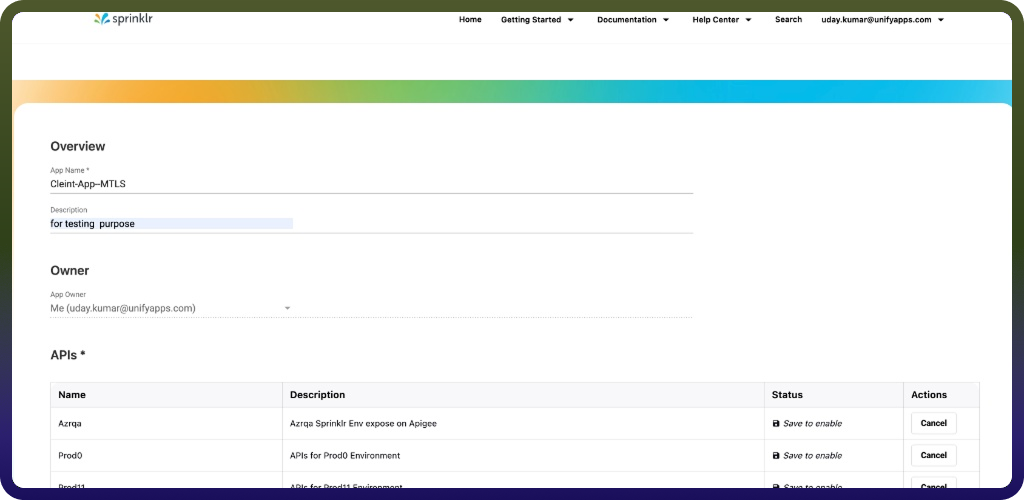
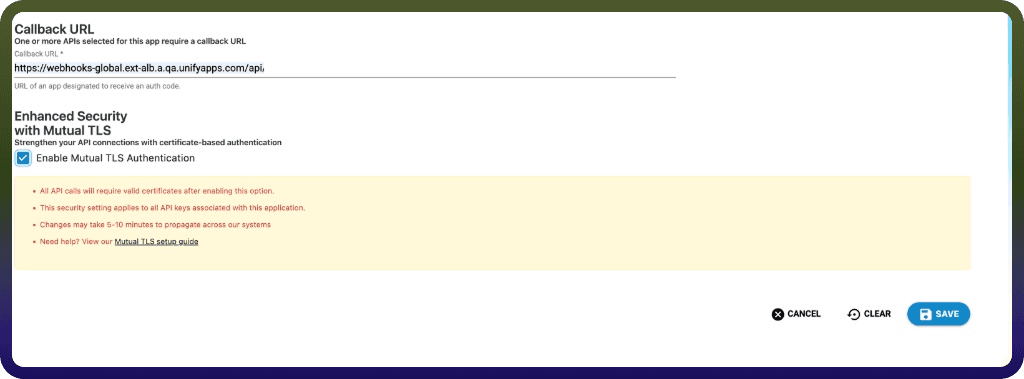
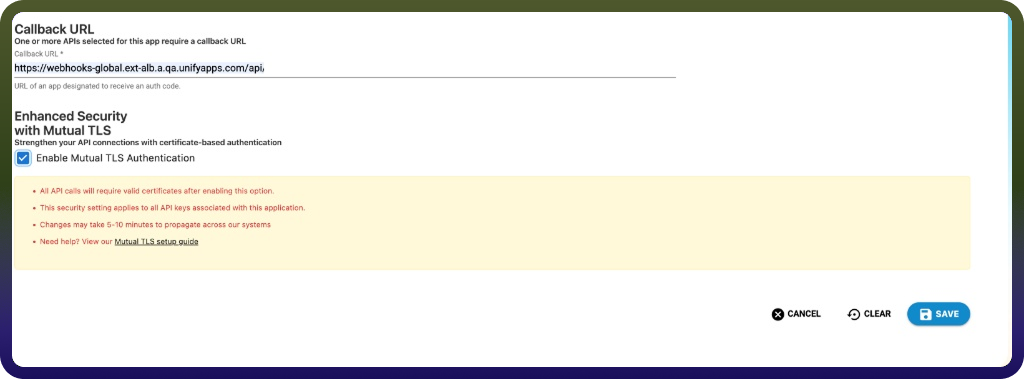
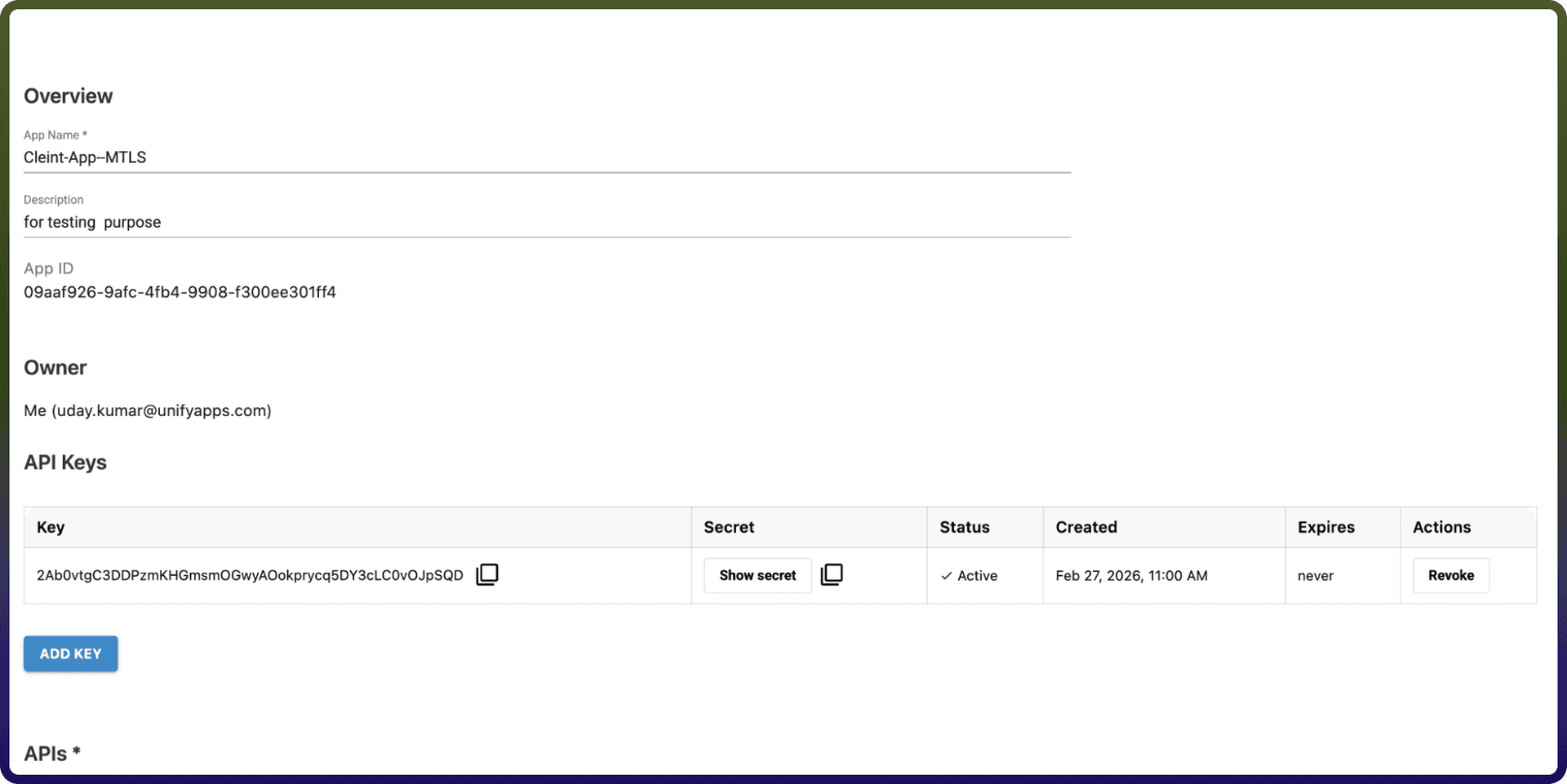
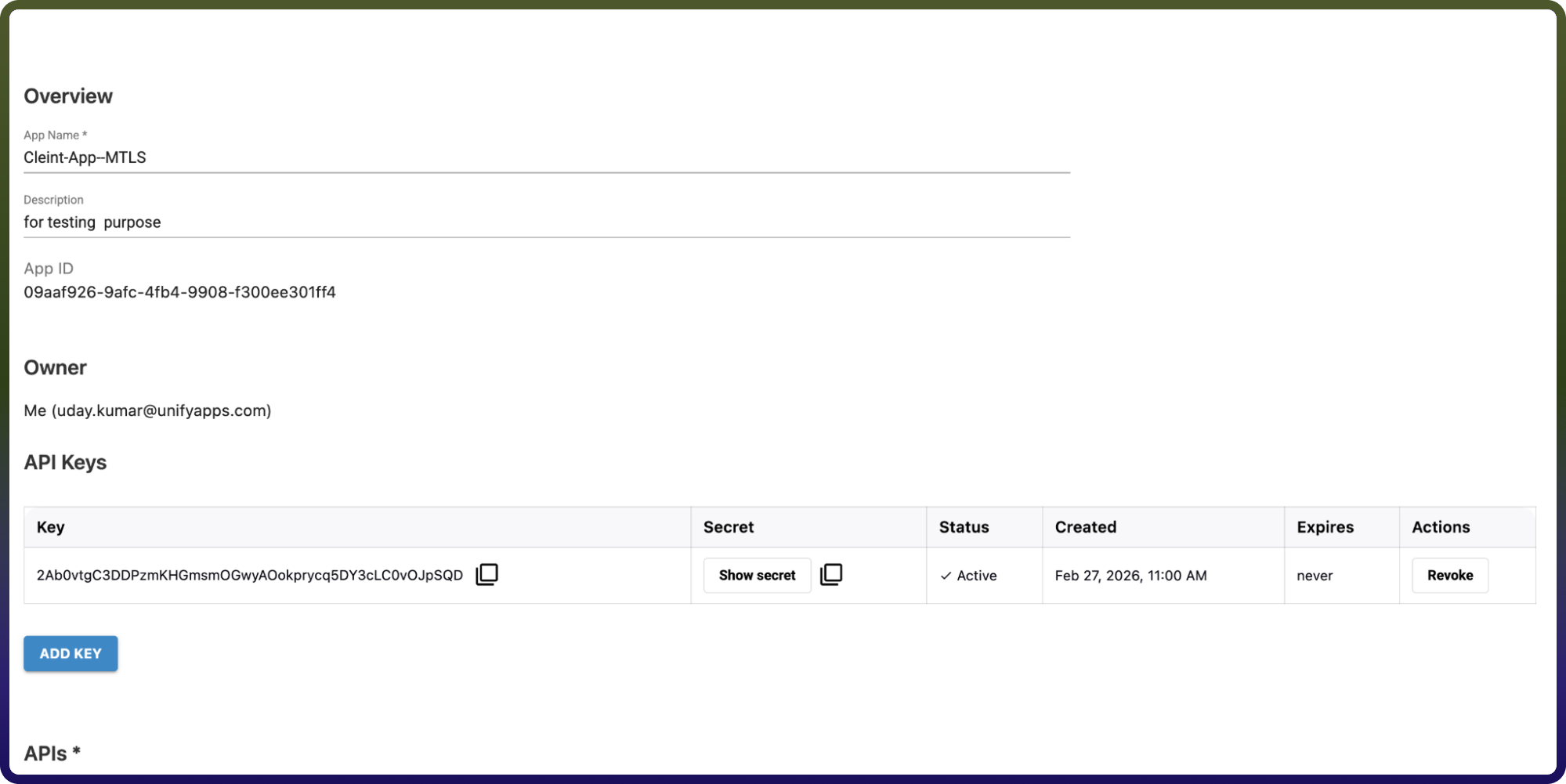
Once saved, your API Key (Client ID) and API Secret (Client Secret) will be visible under your app details.
2. Identify Your Sprinklr Environment
Sprinklr tokens are environment-specific. Before initiating the flow, you must confirm your host instance.
Log in to the Sprinklr UI.
Right-click on the page and select
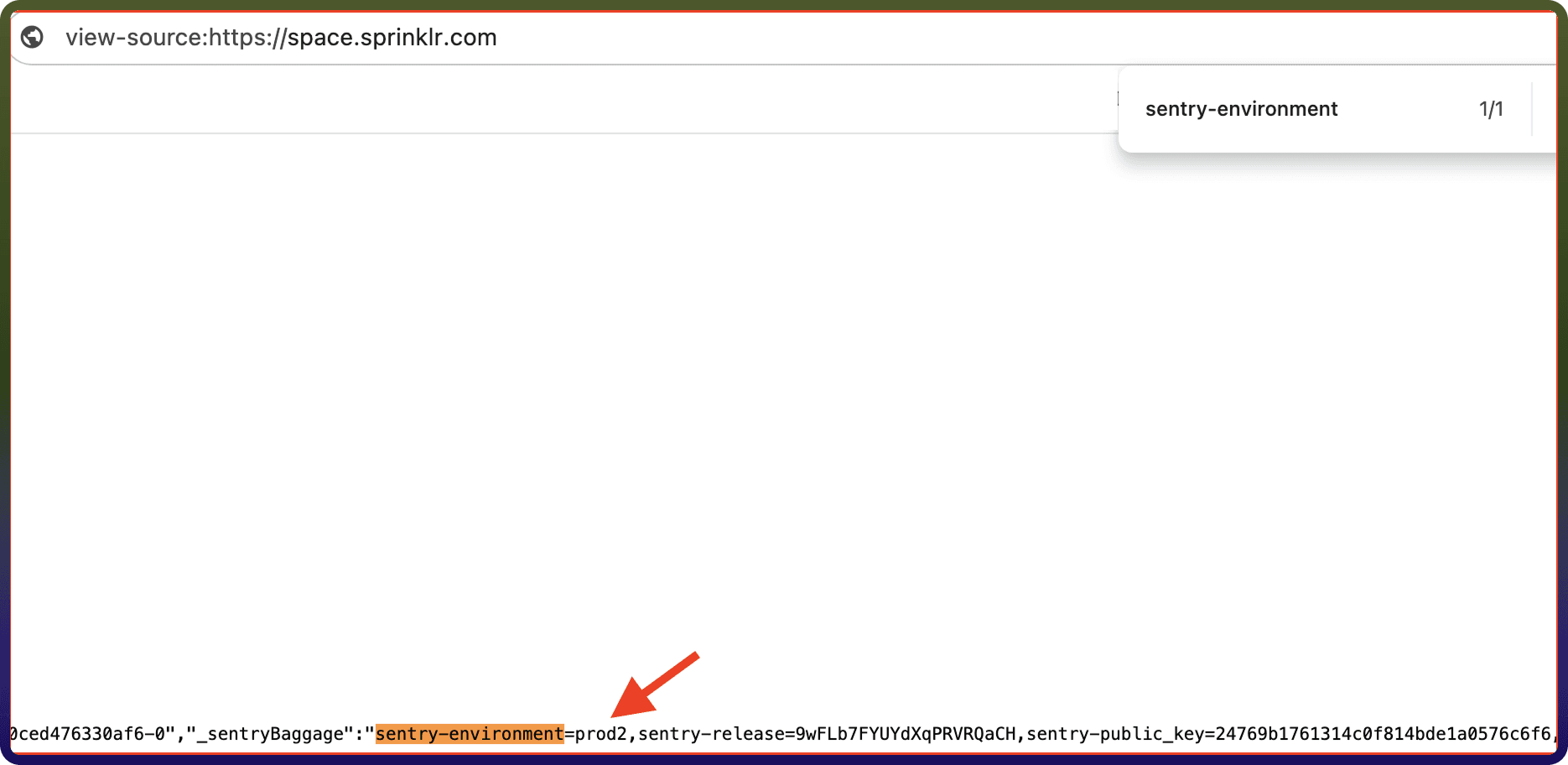
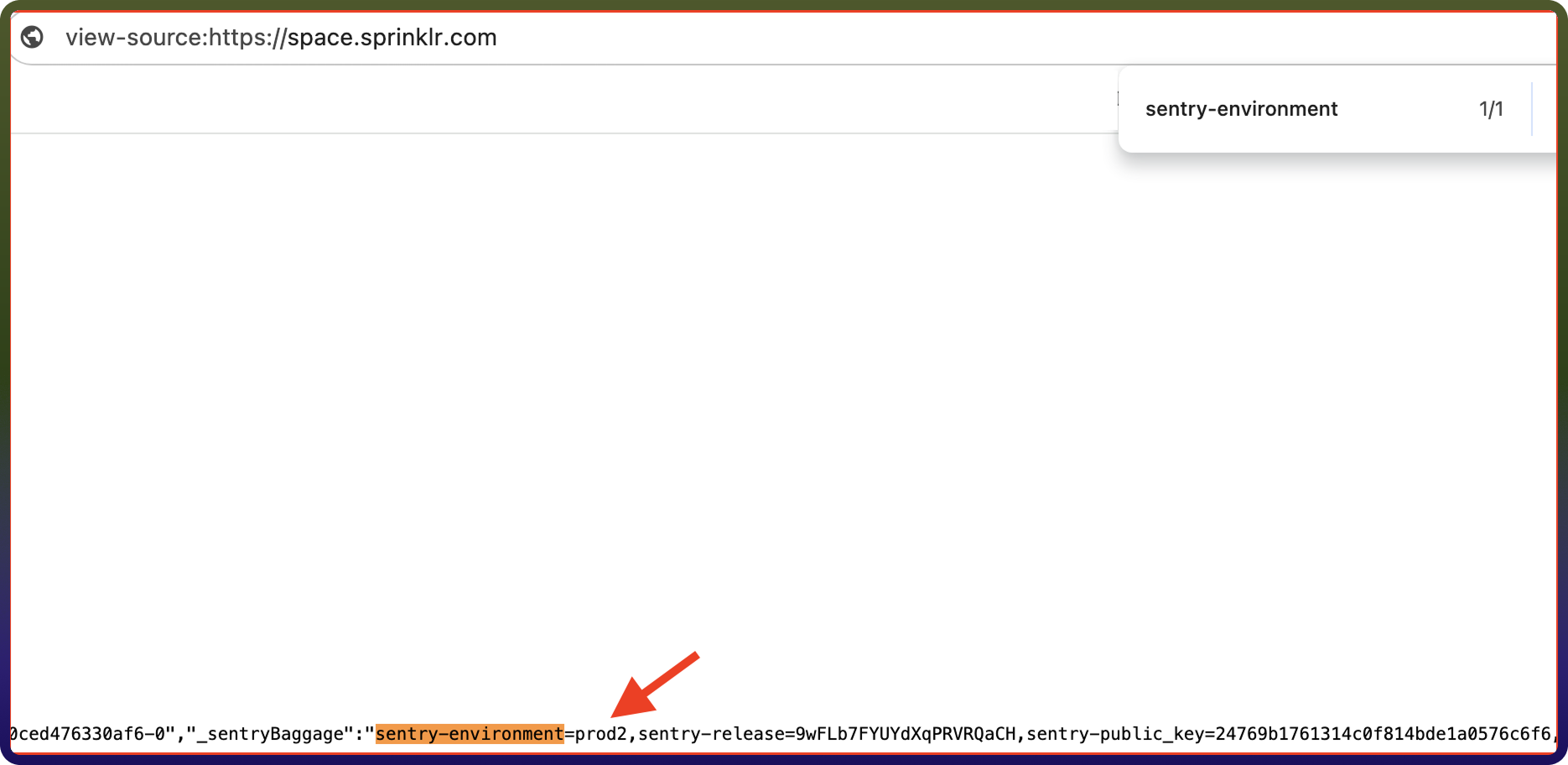
"View Page Source".Search for sentry-environment to find your instance name (e.g., prod2).
Note: For the global Production environment, no specific environment parameter is needed in the URL.
Notes: To generate an authorization token and access Sprinklr APIs, you must be granted the 'Generate Token' permission within the Sprinklr Platform. This security measure ensures that only authorized users can create tokens. For additional information, please consult the Add Roles article.
Ensure that the following permissions are granted for OAuth authentication and provide public access to your data in SprinklrActions
Action Name | Description |
| Adds a comment in Sprinklr |
| Fetches all the message IDs associated with a case in Sprinklr |
| Creates a case in Sprinklr and associates a message with it |
| Creates a case via profile in Sprinklr |
| Creates a profile in Sprinklr |
| Creates a custom entity in Sprinklr |
| Deflect the customer call to Modern Engagement channels in Sprinklr |
| Deletes a case by its case ID in Sprinklr |
| Deletes a case by its case number in Sprinklr |
| Fetches ACW to trigger in Sprinklr |
| Fetches associated comments in Sprinklr |
| Fetches the default campaign in Sprinklr |
| Fetches nudges for a case in Sprinklr |
| Fetches a profile based on the provided profile ID in Sprinklr |
| Fetches a profile by social network type and social network user ID in Sprinklr |
| Fetches a profile by social network type and username in Sprinklr |
| Generates OTA in Sprinklr |
| Fetch the knowledge base content in Sprinklr |
| Gets a message by ID from Sprinklr |
| Lists cases by profile ID in Sprinklr |
| Publishes a message in Sprinklr |
| Fetches a case through case ID in Sprinklr |
| Fetches a case through case number in Sprinklr |
| Reads multiple messages in Sprinklr |
| Performs smart assist search in Sprinklr |
| Triggers customer journey in Sprinklr |
| Updates the case details in Sprinklr |
| Updates a profile in Sprinklr |
| Upload media in Sprinklr |
| Upload media in bulk Sprinklr |