


Use the Airtop connector to automate browser-based tasks.
Integrating your application with Airtop lets you use these operations in an automation. It exposes 14 actions, listed below. Add the connector from the Connections area, authenticate, then select its operations in the automation builder. Capabilities: actions.
Authentication
Before you begin, make sure you have the following information:
Connection Name: Choose a meaningful name for your connection. This name helps you identify the connection within your application or integration settings.
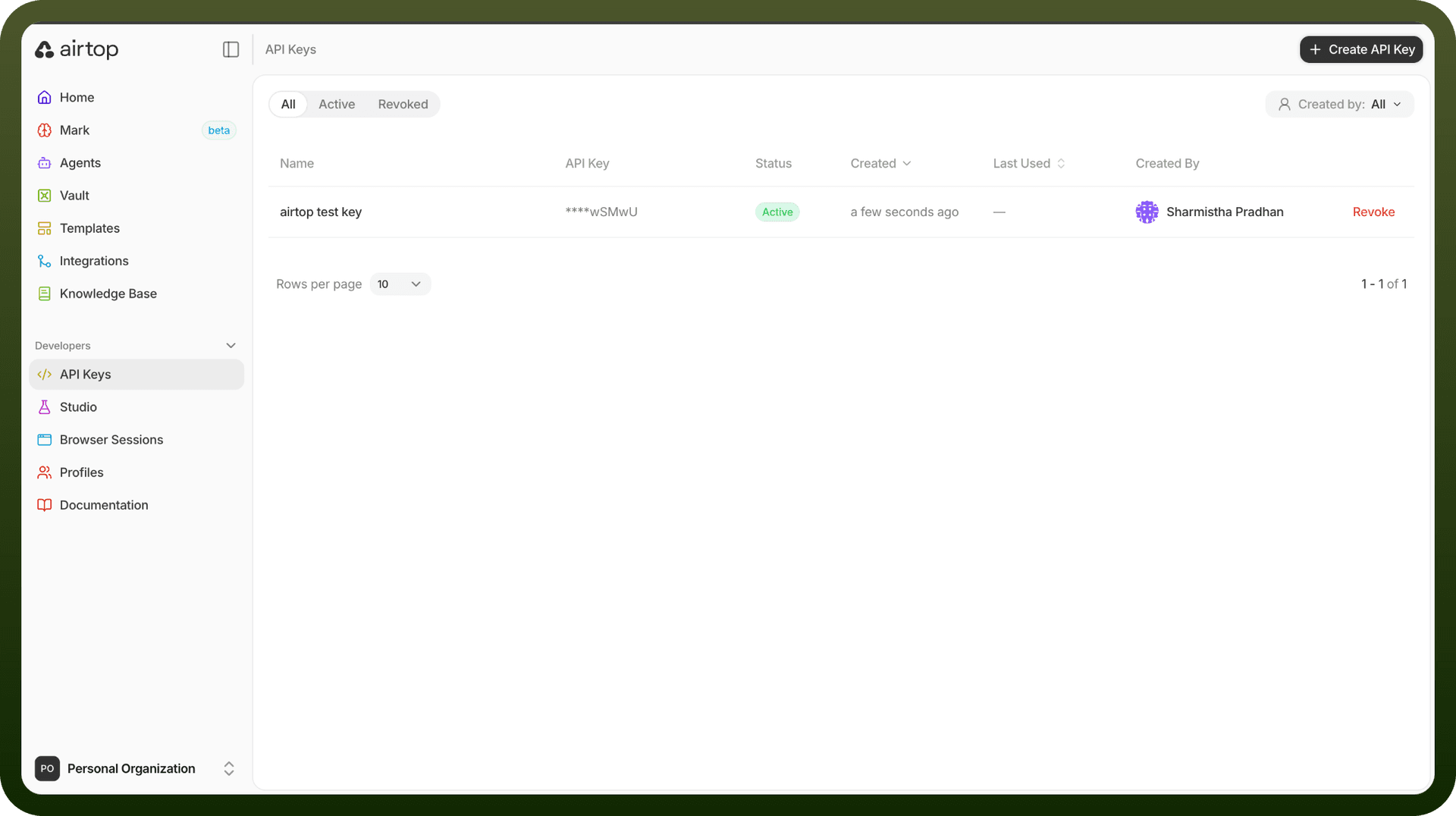
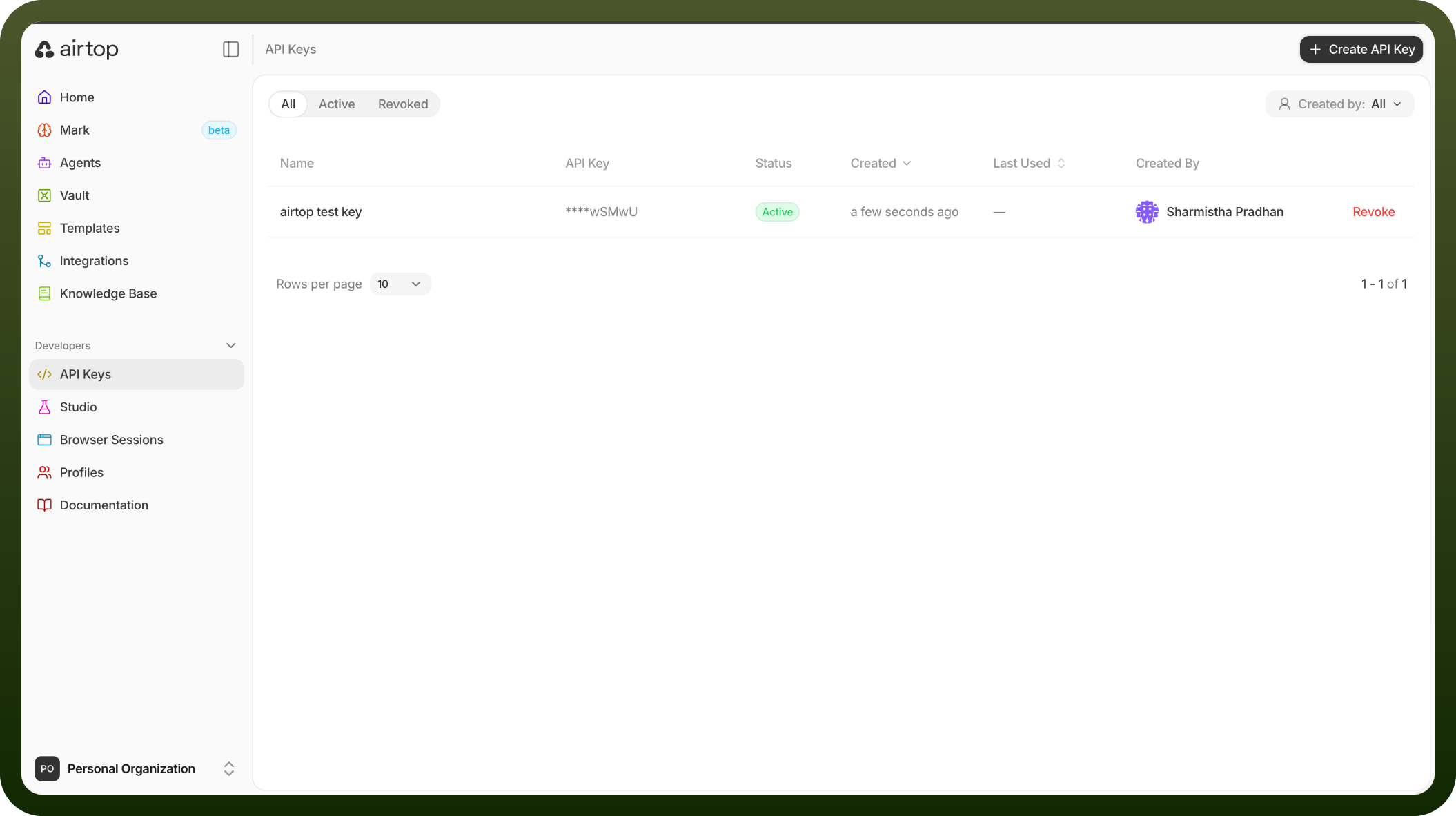
Authentication Type: The authentication method for this connector is defined in the connection setup. Select the connector in the Connections area to see the fields it requires.
Actions
Action Name | Description |
|---|---|
Create automation async | Creates an automation of a browser window asynchronously in Airtop |
Create file | Creates a file in Airtop |
Create session | Creates a session in Airtop |
Create window | Creates a new browser window in a session in Airtop |
Delete file | Deletes a file in Airtop |
Execute automation async | Executes an automation of a browser window asynchronously in Airtop |
Get file | Gets a file by ID in Airtop |
Get session | Gets a session by ID in Airtop |
Get window info | Gets browser window details and live view URL in Airtop |
List automations | Lists all automations for a given organization in Airtop |
List files | Gets a list of files filtered by session ID in Airtop |
List sessions | Gets a paginated list of sessions filtered by ID or status in Airtop |
List windows | Lists all browser windows in a session in Airtop |
Load url | Loads a specified URL on a given window in Airtop |