


Use the Dify connector to build AI applications and agents.
Integrating your application with Dify lets you use these operations in an automation. It exposes 6 actions, listed below. Add the connector from the Connections area, authenticate, then select its operations in the automation builder. Capabilities: actions.
Authentication
Before you begin, make sure you have the following information:
Connection Name: Choose a meaningful name for your connection. This name helps you identify the connection within your application or integration settings.
Authentication Type: The authentication method for this connector is defined in the connection setup. Select the connector in the Connections area to see the fields it requires.
Authentication & setup
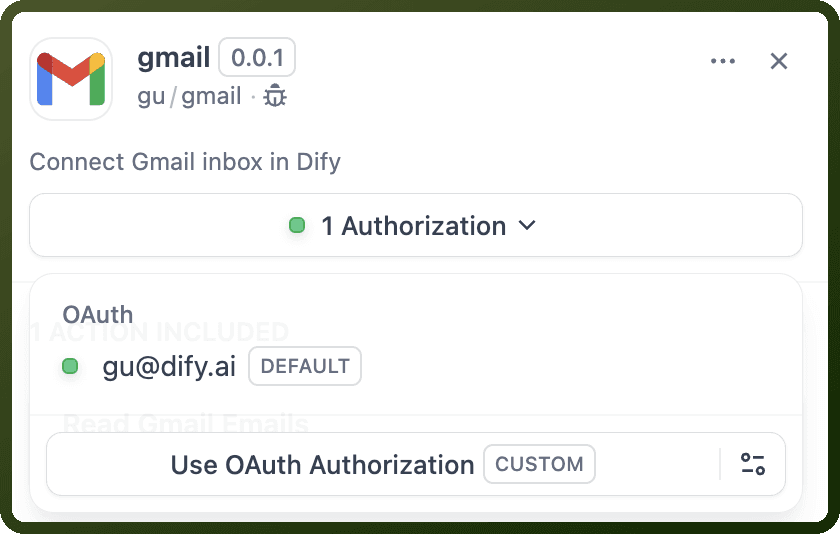
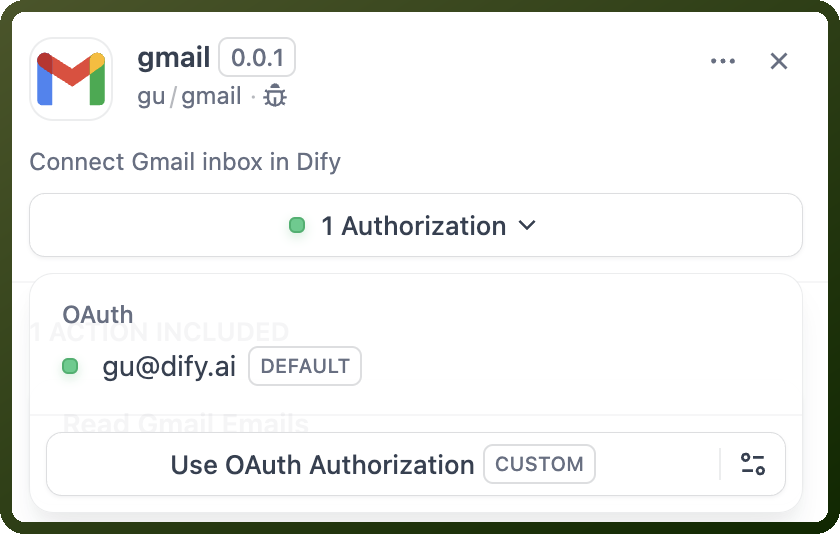
Dify supports OAuth 2.0 authorization flows for tool plugins. Access tokens are automatically provided via self.runtime.credentials["access_token"] with automatic token refresh handling.
To set up OAuth:
Register your OAuth app with the third-party service
Obtain
client_idandclient_secretConfigure credentials in Dify's OAuth Client settings
Register redirect URI with the OAuth provider
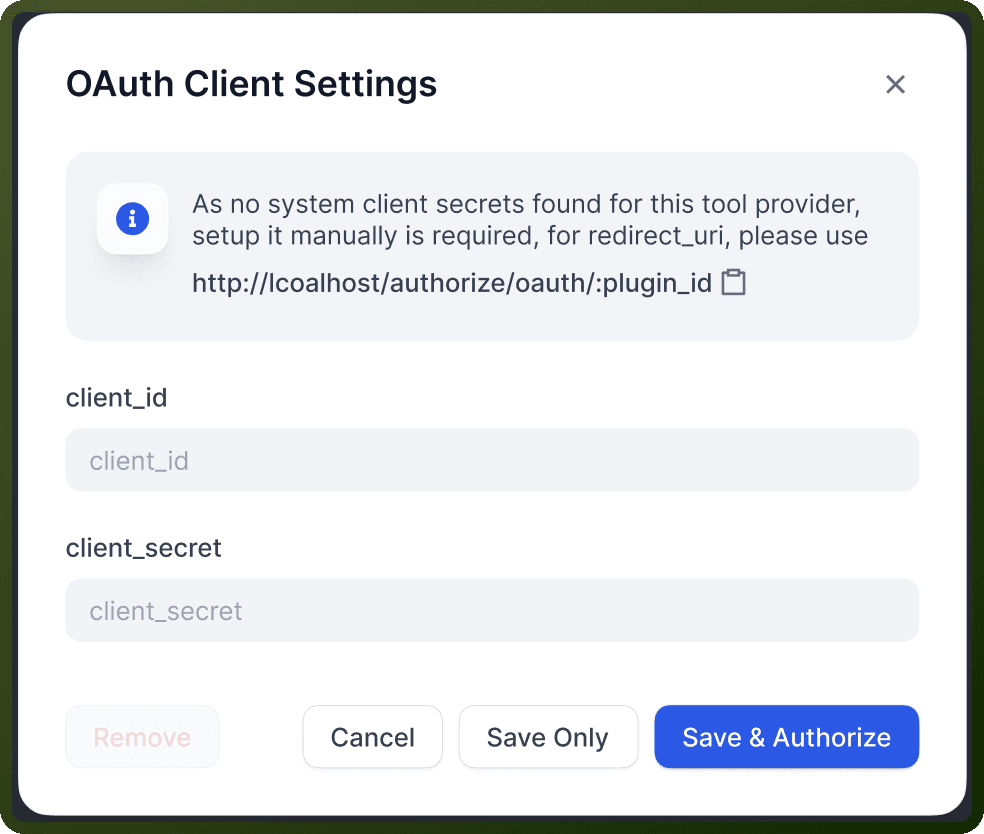
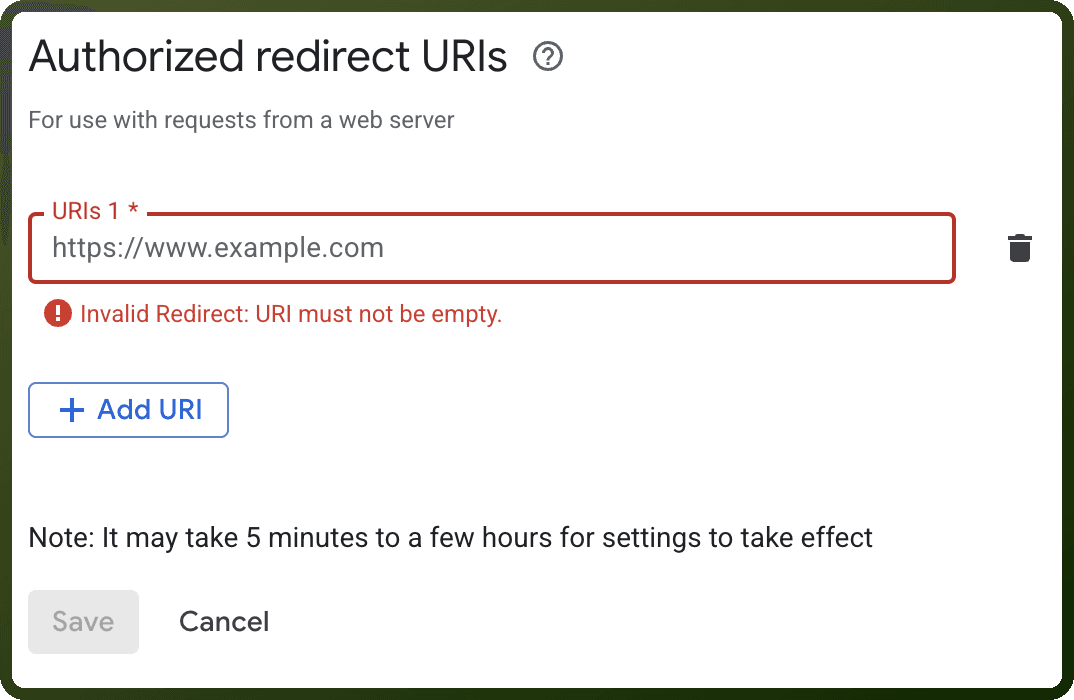
Users grant access to third-party services with one click through automatic OAuth flow handling.
Actions
Action Name | Description |
|---|---|
Get application feedbacks | Gets application feedbacks from Dify |
Get conversations | Gets conversations from Dify |
Get end user | Gets an end user by ID from Dify |
Get next suggested questions | Gets next suggested questions from Dify |
Stop generate chat message | Stops chat message generation in Dify |
Submit message feedback | Submits message feedback to Dify |
About the API
Dify provides a "Backend-as-a-Service" API that enables developers to access powerful large language model capabilities directly in applications. The API encapsulates prompt engineering, knowledge, and tool capabilities while allowing API users to access the AI capabilities provided by application developers.
Core features:
Large language model integration
Prompt engineering and knowledge management
Tool integration and automation
Application publishing via APIs
Official documentation
https://docs.dify.ai/en/develop-plugin/dev-guides-and-walkthroughs/tool-oauth