


Use the CentralStationCRM connector to manage customer relationships and sales.
Integrating your application with CentralStationCRM lets you use these operations in an automation. It exposes 14 actions, listed below. Add the connector from the Connections area, authenticate, then select its operations in the automation builder. Capabilities: actions.
Authentication
Before you begin, make sure you have the following information:
Connection Name: Choose a meaningful name for your connection. This name helps you identify the connection within your application or integration settings.
Authentication Type: The authentication method for this connector is defined in the connection setup. Select the connector in the Connections area to see the fields it requires.
Obtaining Your API Key
Log in to your CentralStationCRM account.
Click the gear icon in the top-right corner and open Account Settings.
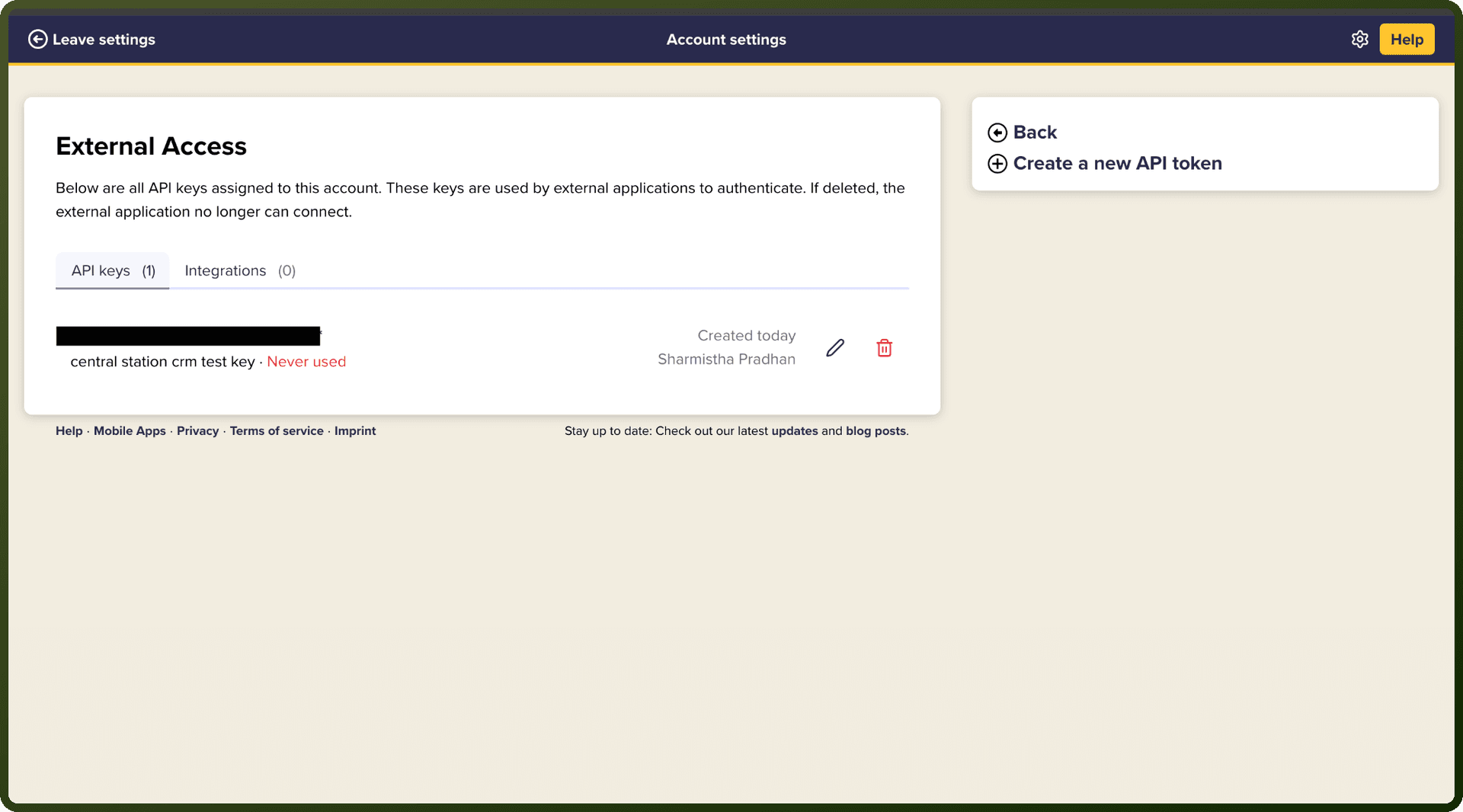
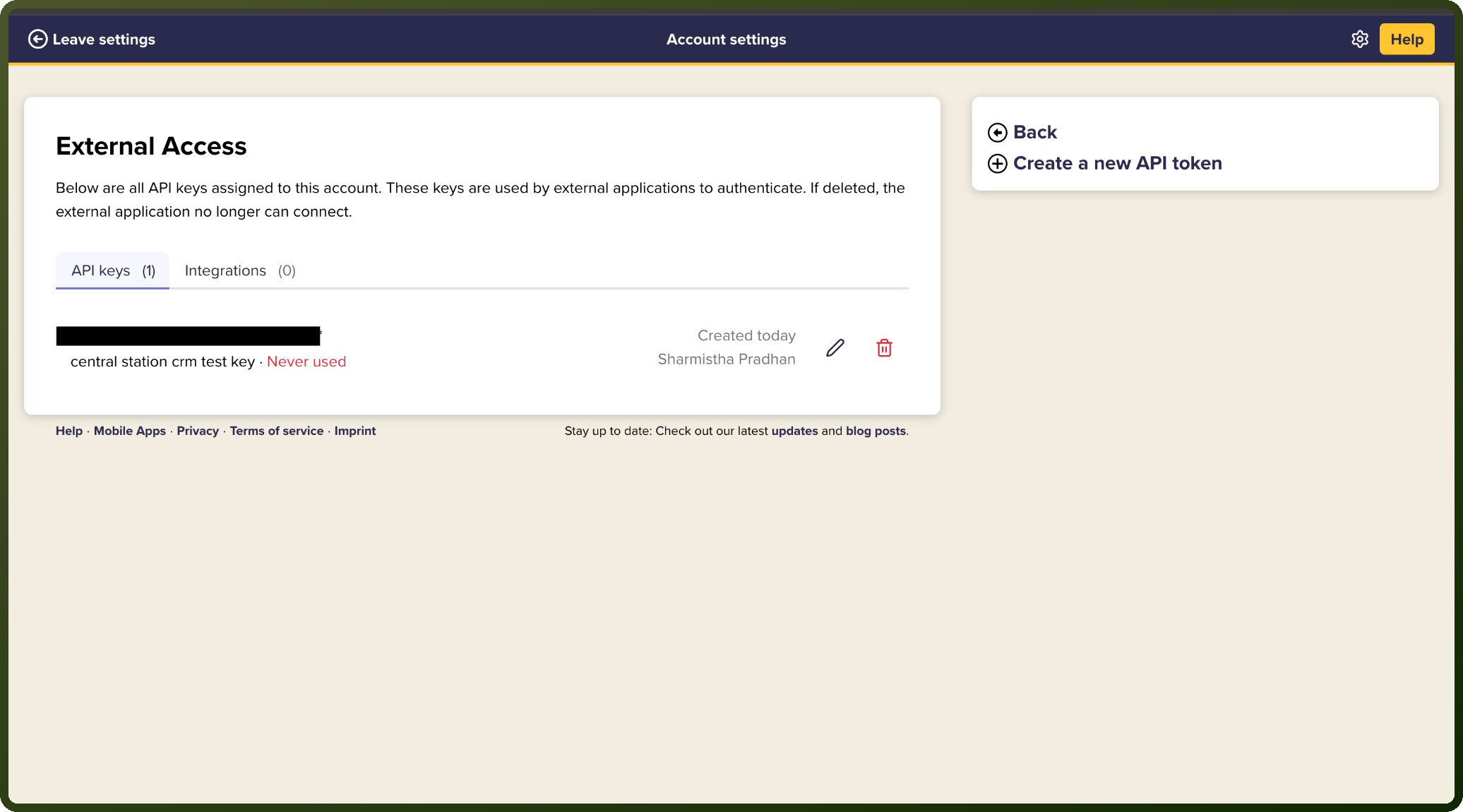
Click Manage External Applications (API).
Click Create New API Key to generate a new key.
Copy the generated API key and store it securely for further authentication purposes.
Actions
Action Name | Description |
|---|---|
Create company | Creates a basic company in CentralStationCRM |
Create deal | Creates a basic deal in CentralStationCRM |
Create person | Creates a person in CentralStationCRM |
Create task | Creates a task in CentralStationCRM |
Get companies | Retrieves all companies in CentralStationCRM |
Get company | Retrieves a company in CentralStationCRM |
Get deal | Retrieves a deal in CentralStationCRM |
Get deals | Retrieves all deals in CentralStationCRM |
Get people | Retrieves all people in CentralStationCRM |
Get person | Retrieves a person in CentralStationCRM |
Get task | Retrieves a task in CentralStationCRM |
Get tasks | Retrieves all tasks of the account in CentralStationCRM |
Search | Retrieves search results in CentralStationCRM |
Search people | Retrieves people matching the search in CentralStationCRM |