


Use the Gusto connector to manage payroll, HR, and benefits.
Integrating your application with Gusto lets you use these operations in an automation. It exposes 14 actions and 4 triggers, listed below. Add the connector from the Connections area, authenticate, then select its operations in the automation builder. Capabilities: actions, triggers.
Authentication
Before you begin, make sure you have the following information:
Connection Name: Choose a meaningful name for your connection. This name helps you identify the connection within your application or integration settings.
Authentication Type: Gusto supports OAuth authentication.
Obtaining Your OAuth Client Credentials
Sign in to the Gusto Developer Portal at dev.gusto.com, creating an account first if you don't already have one.
In the left navigation, click Organizations, then click + Create organization and enter your organization name, team email, and website.
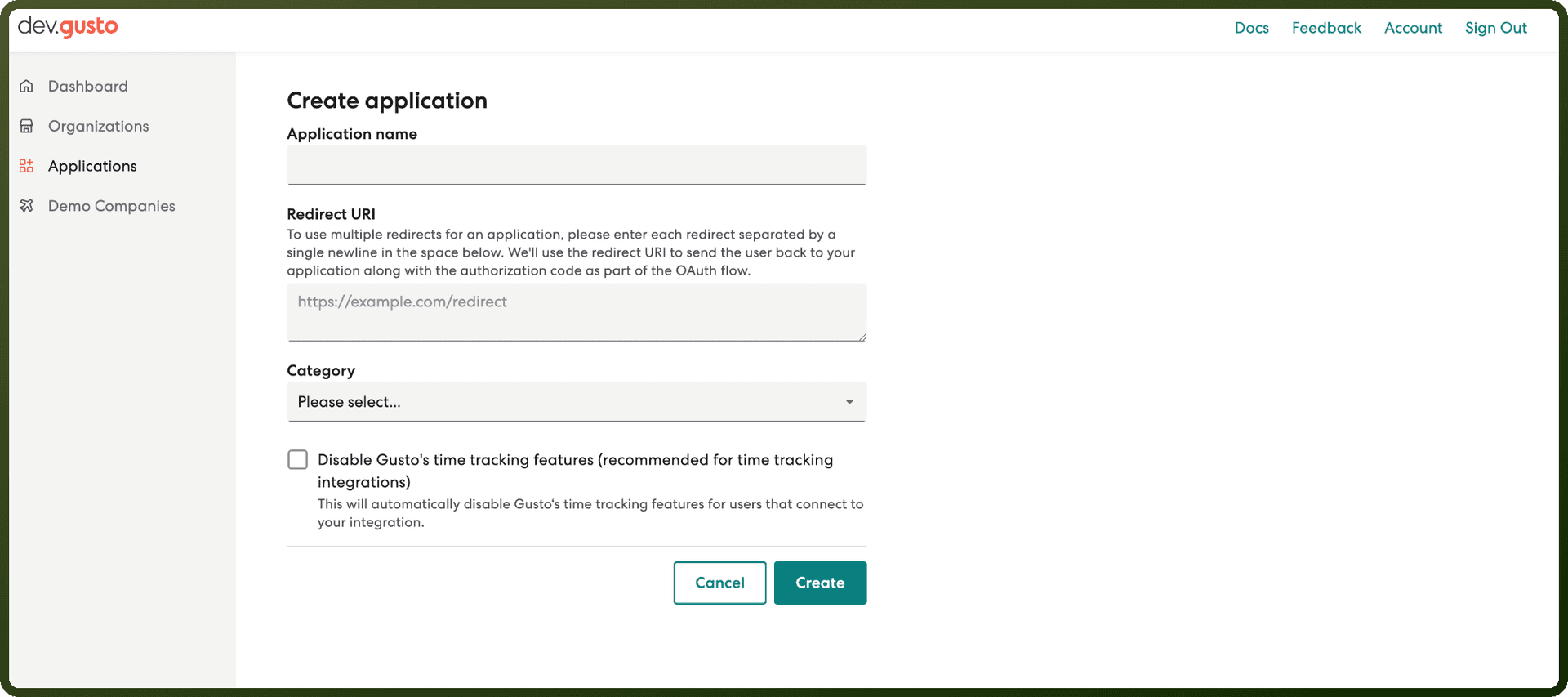
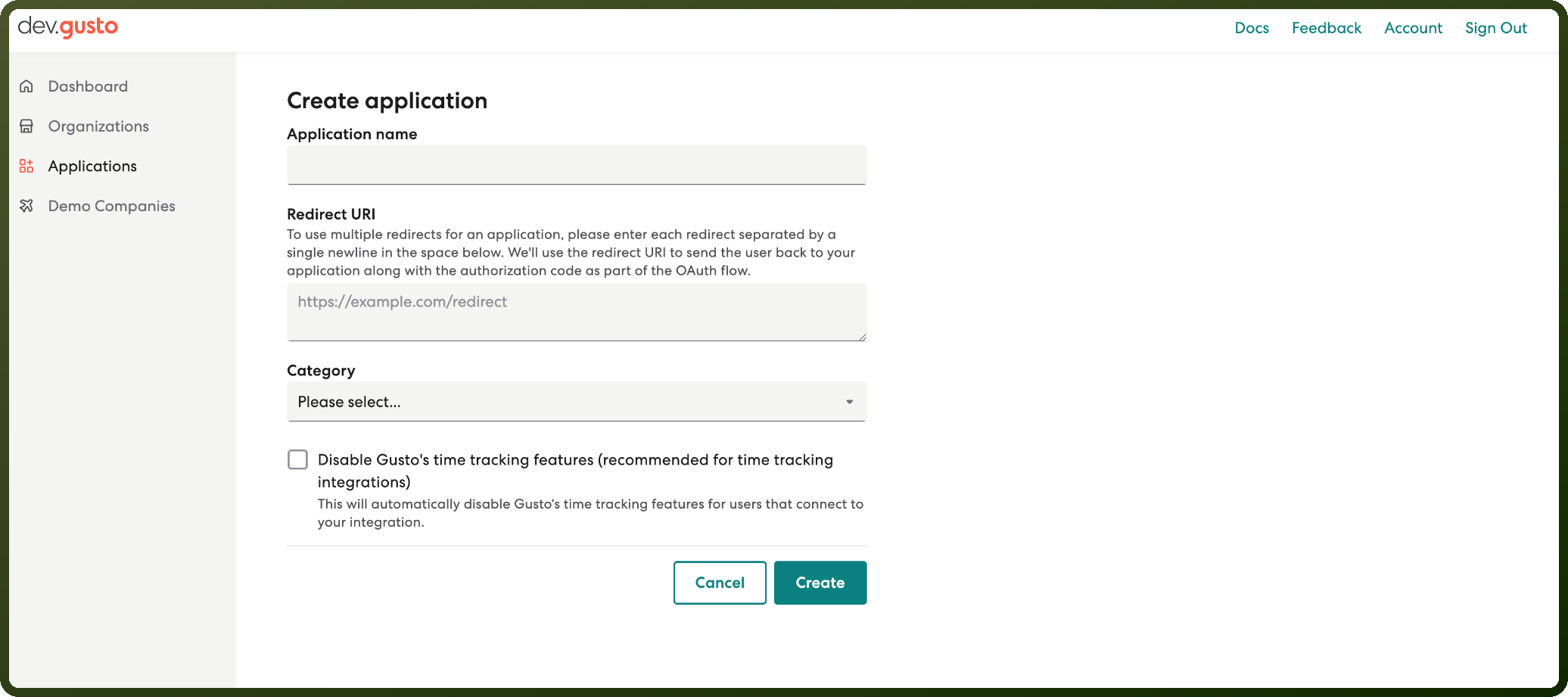
In the left navigation, click Applications, then click + Create application.
Enter an application name, provide at least one redirect URI, and click Create.
Copy the generated Client ID and Client Secret and store them securely for authentication.
Actions
Action Name | Description |
|---|---|
Create a company | Creates new company in Gusto |
Create a company benefit | Creates a company benefit in Gusto |
Create an employee | Creates an employee in Gusto |
Delete a company benefit | Deletes a company benefit by its ID in Gusto |
Delete an employee | Deletes an onboarded employee by its ID in Gusto |
Get a company | Gets a company by its ID in Gusto |
Get a company benefit | Gets a company benefit by its ID in Gusto |
Get a contractor payment | Gets a single contractor payment by its ID in Gusto |
Get a single payroll | Returns a single payroll by company and payroll ID in Gusto |
Get all payrolls | Returns a list of payrolls for a company in Gusto |
Get an employee | Gets an employee by its ID in Gusto |
Update a company | Updates a company by its ID in Gusto |
Update a company benefit | Updates a company benefit by its ID in Gusto |
Update an employee | Updates an employee by its ID in Gusto |
Triggers
Trigger Name | Description |
|---|---|
Company benefit record | This trigger will be invoked when a company benefit record in Gusto undergoes significant changes, such as being created, updated, or deleted |
Company record | This trigger will be invoked when a company record in Gusto undergoes significant changes, such as being provisioned, deprovisioned, updated, onboarded, approved or partner_authorized |
Employee record | This trigger will be invoked when an employee record in Gusto undergoes significant changes, such as being created, updated, onboarded, marked for self-onboarding, terminated, rehired, or deleted |
Payroll record | This trigger will be invoked when a payroll record in Gusto undergoes significant changes, such as being created, updated, calculated, submitted, processed, paid, reversed, partially_reversed or cancelled |