


Use the Freshchat connector to provide customer messaging and live chat support.
Integrating your application with Freshchat lets you use these operations in an automation. It exposes 11 actions, listed below. Add the connector from the Connections area, authenticate, then select its operations in the automation builder. Capabilities: actions.
Authentication
Before you begin, make sure you have the following information:
Connection Name: Choose a meaningful name for your connection. This name helps you identify the connection within your application or integration settings.
Authentication Type: The authentication method for this connector is defined in the connection setup. Select the connector in the Connections area to see the fields it requires.
Authentication & setup
Freshchat API supports two authentication mechanisms:
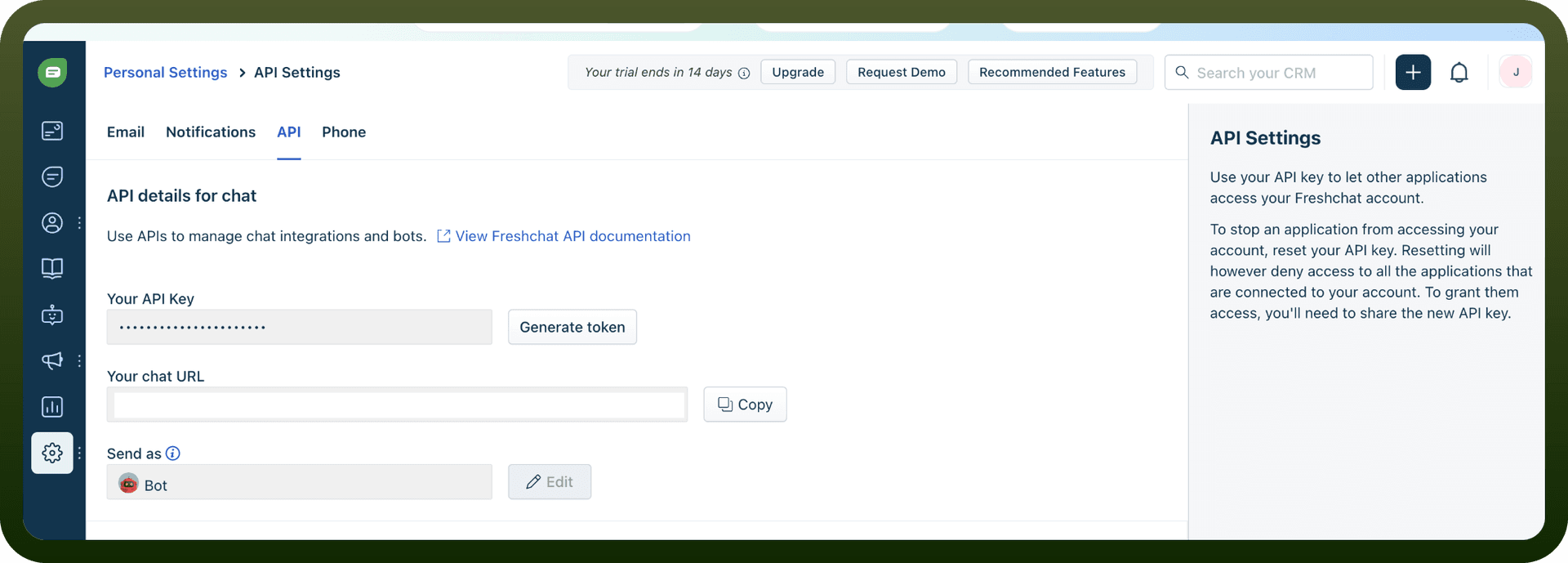
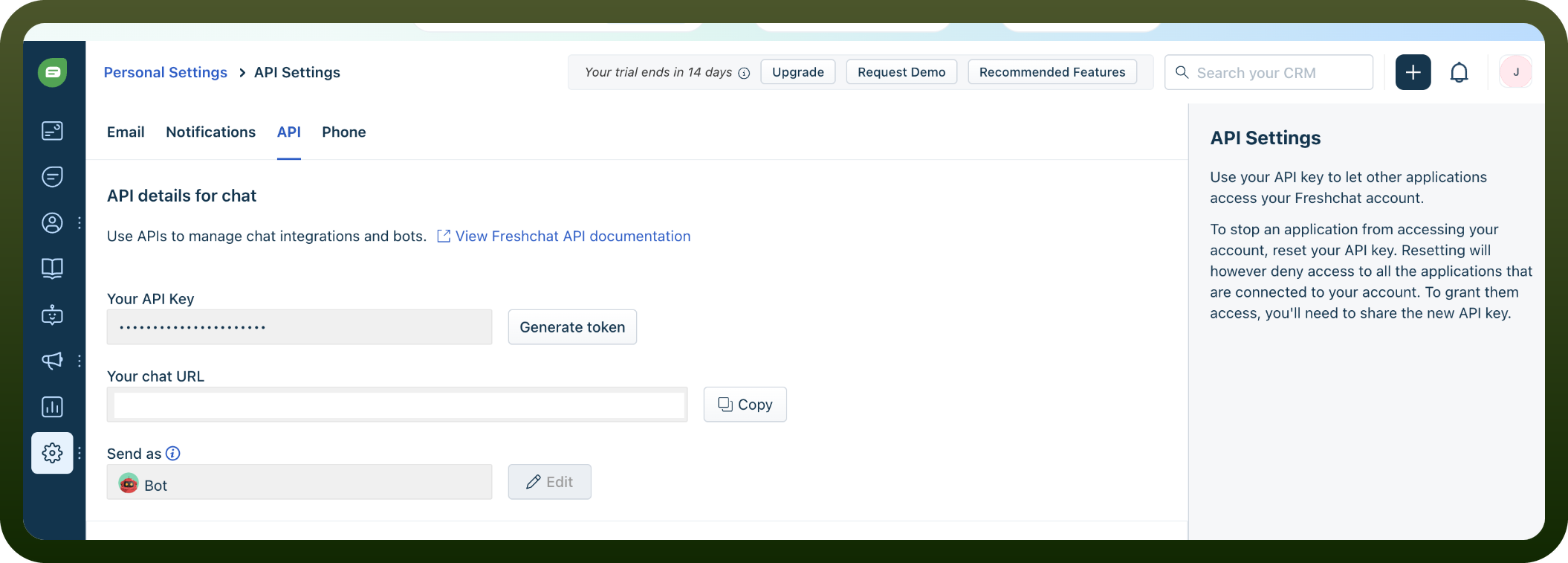
Bearer Token Authentication: Freshchat's v2 REST API authenticates via Bearer token, which is generated per agent. Use your account-specific subdomain as the base URL: https://{your-domain}.freshchat.com/v2
Include the authorization header: Authorization: Bearer <API_KEY>
Obtaining API Tokens:
Navigate to your Freshchat account settings
Click on "Developer Settings" section and "API Access"
Click the "Generate API Key" button
Securely store your API key
OAuth Authorization: Freshchat also supports OAuth authorization for apps to access resources securely without collecting or exposing sensitive credentials. Through OAuth authorization, apps access resources without exposing user credentials.
Regional Endpoints:
US: api.freshchat.com
EU: api.eu.freshchat.com
IN: api.in.freshchat.com
Actions
Action Name | Description |
|---|---|
Create conversation | Creates a conversation in Freshchat |
Create user | Creates a user in Freshchat |
Delete agent | Deletes an agent by ID in Freshchat |
Delete user | Deletes a user by ID in Freshchat |
Get agent | Gets agent details by ID in Freshchat |
Get conversation | Gets conversation details by ID in Freshchat |
Get user | Gets a user in Freshchat |
List agents | Lists agents in Freshchat |
List channels | Lists channels in Freshchat |
List users | Lists users in Freshchat |
Update conversation | Updates a conversation in Freshchat |
About the API
The Freshchat API provides access to Freshchat resources via REST APIs, supporting integration with the Freshworks app ecosystem.
Official documentation
https://developers.freshworks.com/docs/app-sdk/v3.0/chat_user/oauth-implementation-in-apps/