


Use the Easyship connector to automate shipping and fulfillment.
Integrating your application with Easyship lets you use these operations in an automation. It exposes 5 actions, listed below. Add the connector from the Connections area, authenticate, then select its operations in the automation builder. Capabilities: actions.
Authentication
Before you begin, make sure you have the following information:
Connection Name: Choose a meaningful name for your connection. This name helps you identify the connection within your application or integration settings.
Authentication Type: The authentication method for this connector is defined in the connection setup. Select the connector in the Connections area to see the fields it requires.
Obtaining Your API Access Token
Log in to your Easyship dashboard.
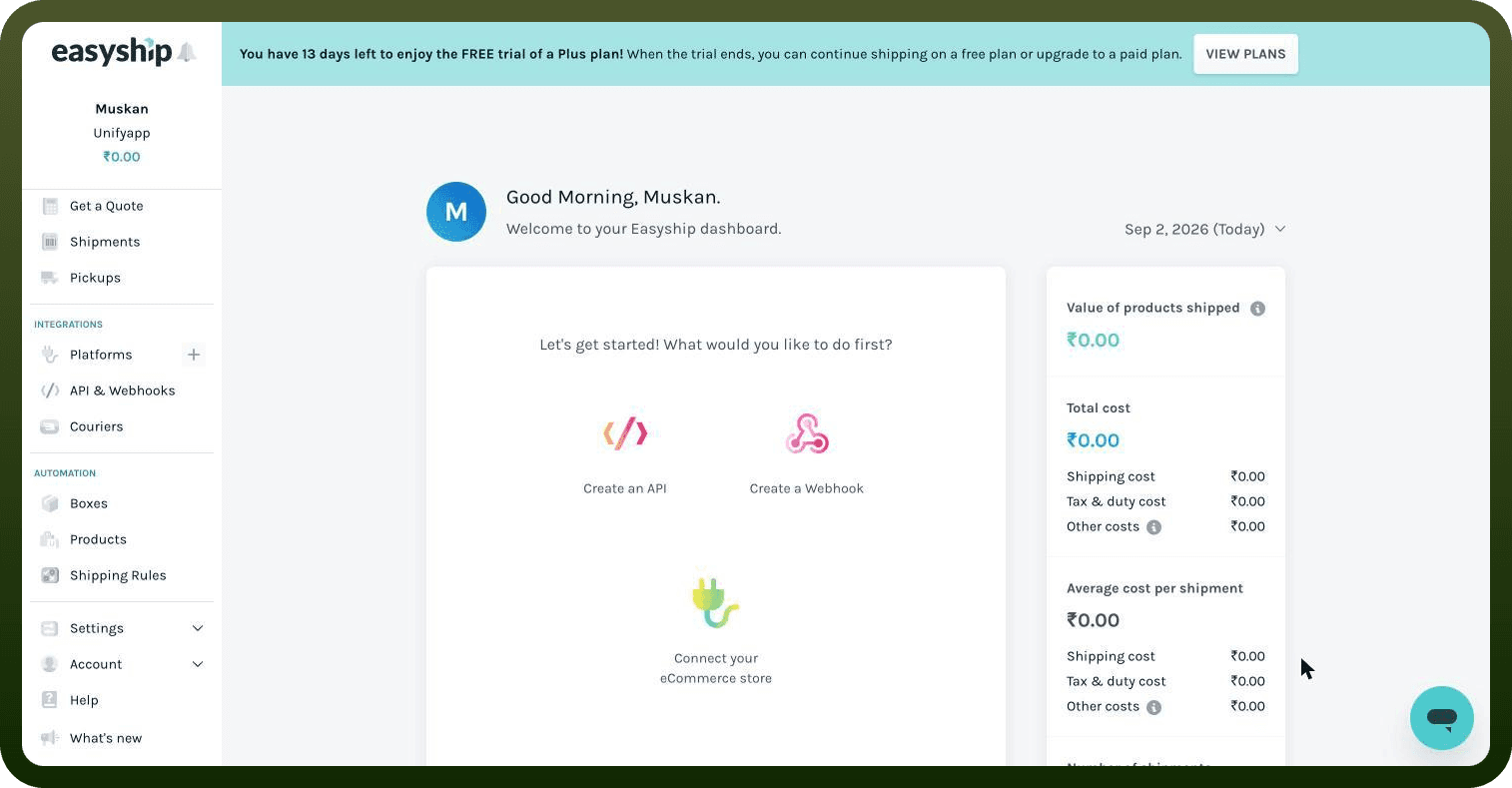
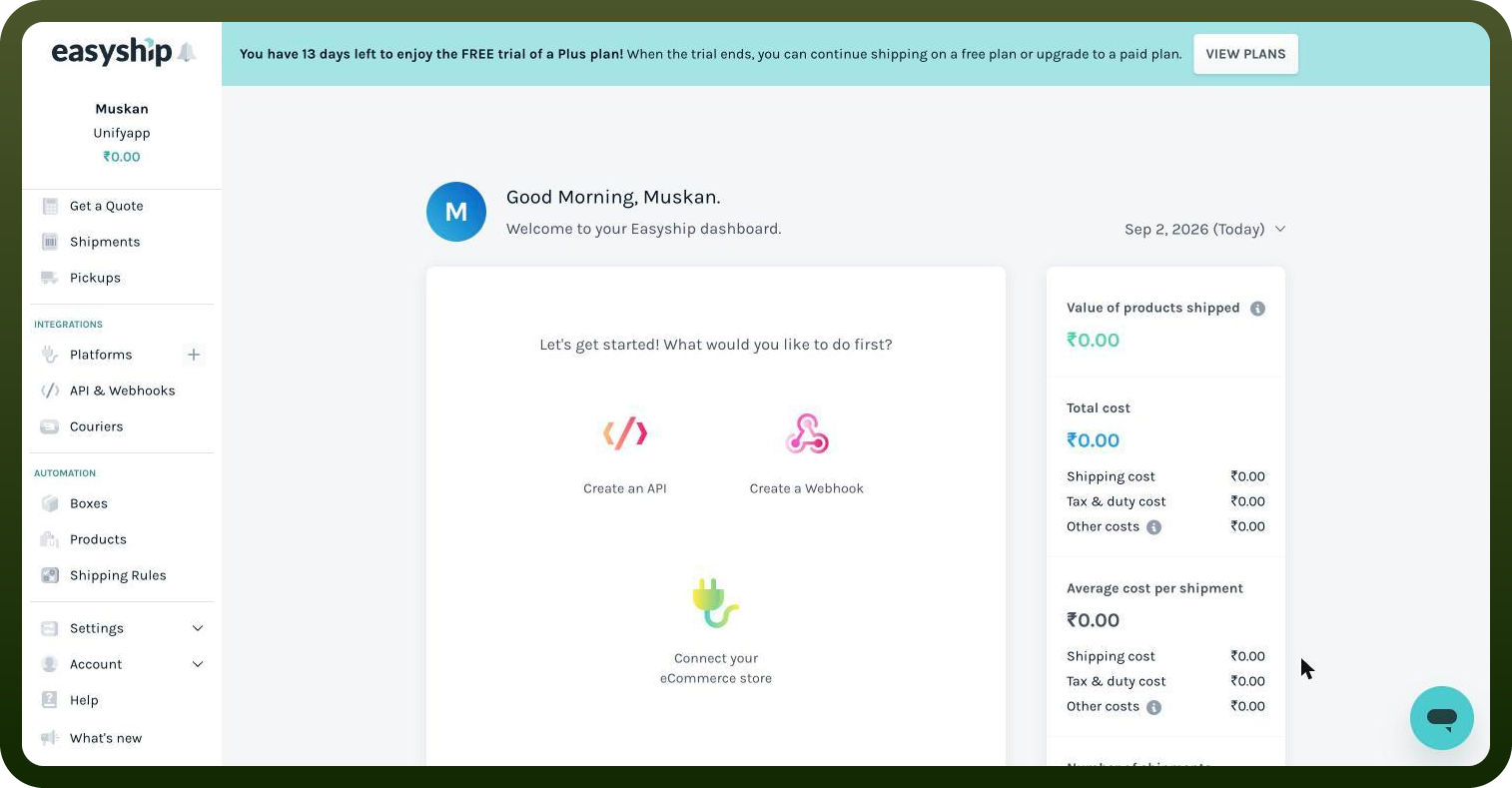
Click Connect, then select New Integration.
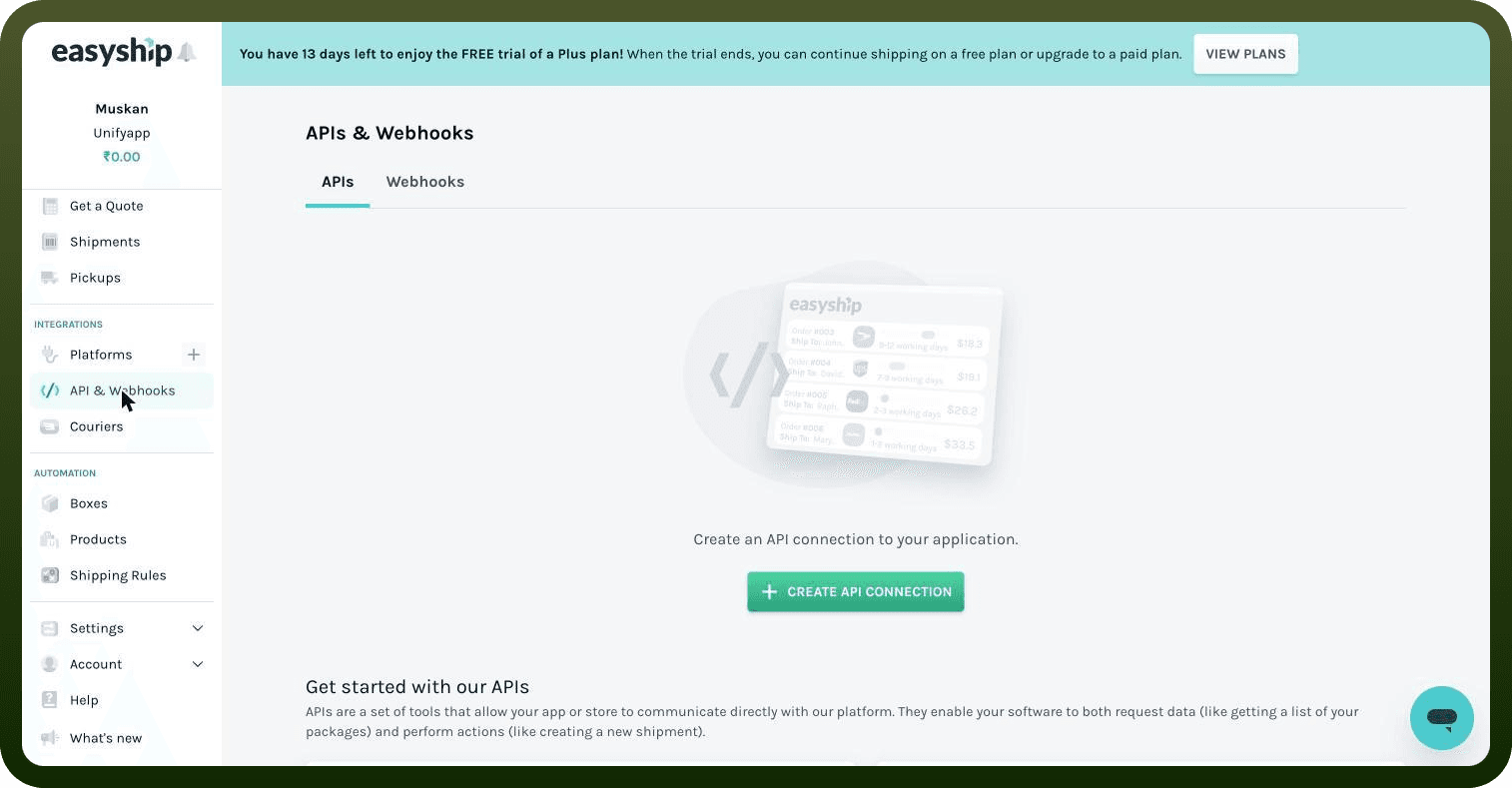
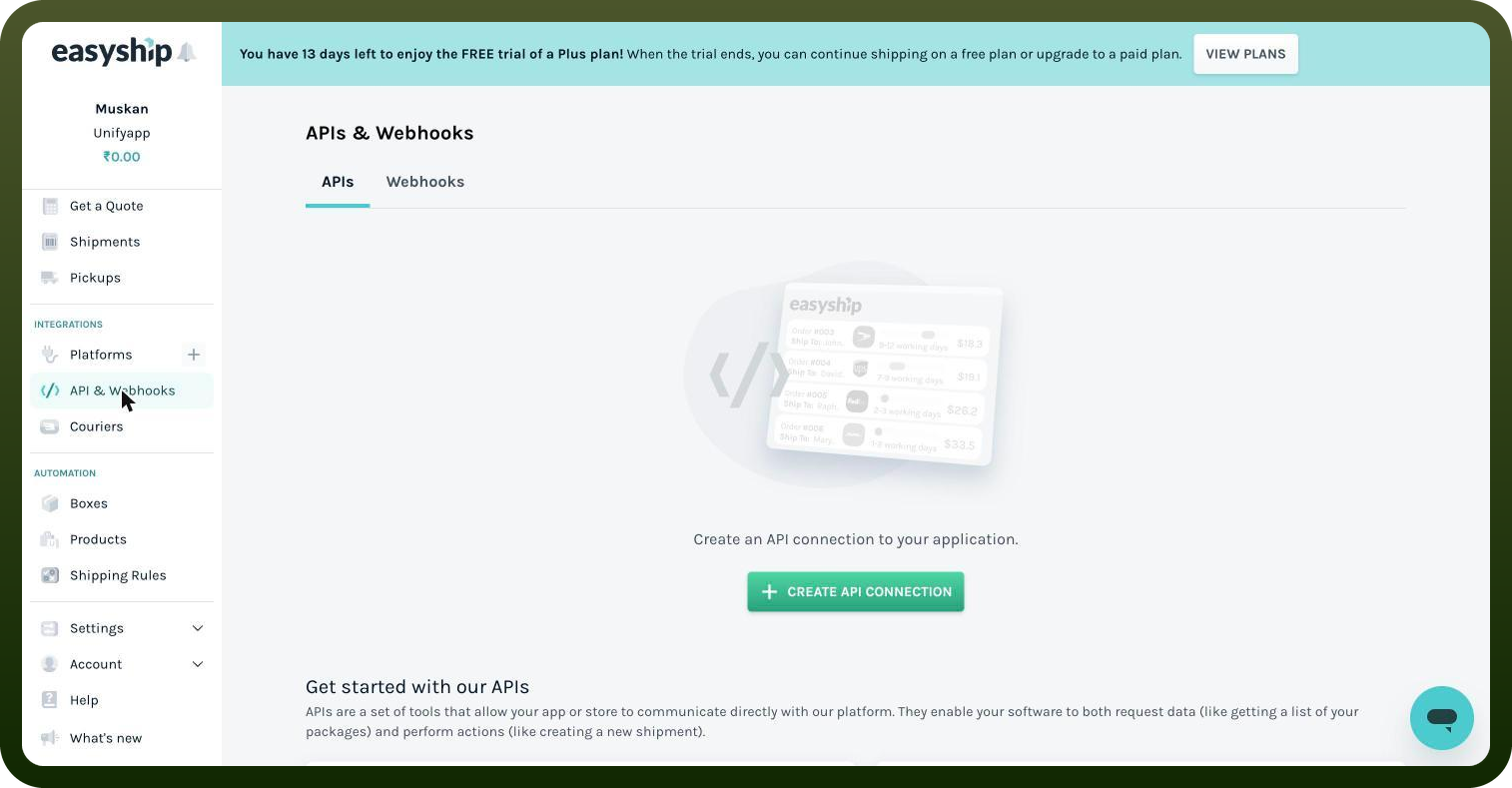
Choose API Integration from the list.
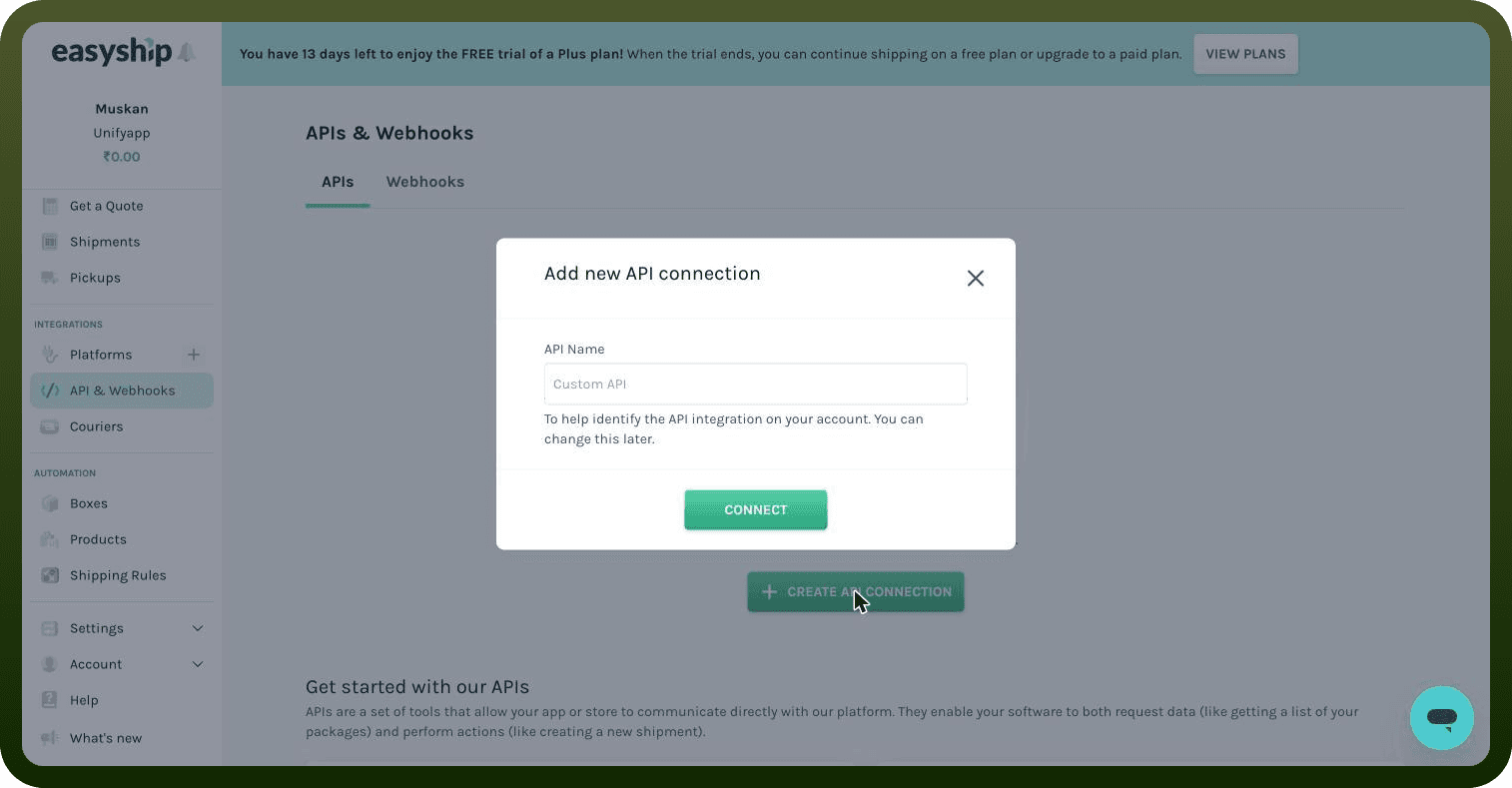
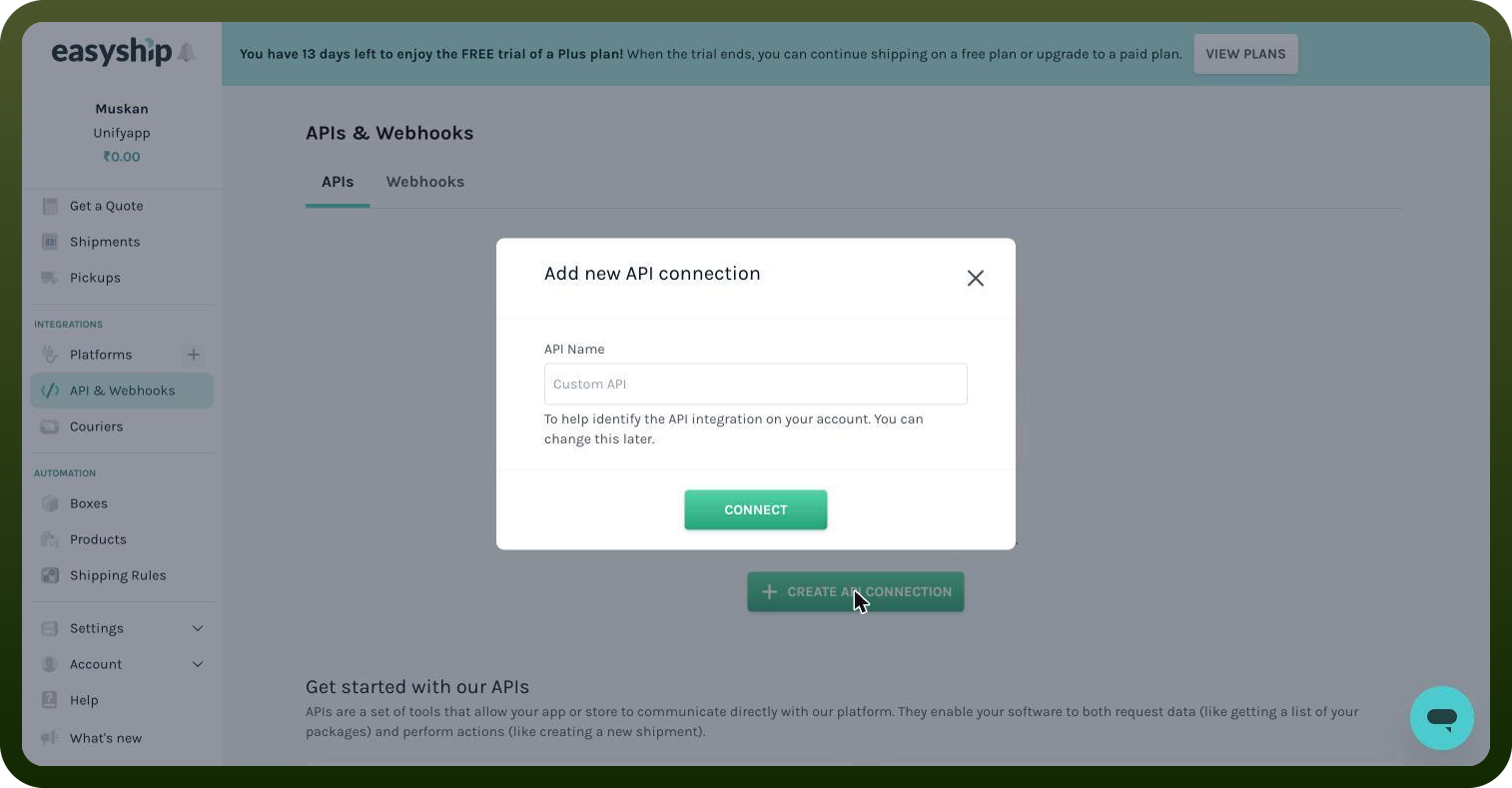
Give the integration a name and click Connect.
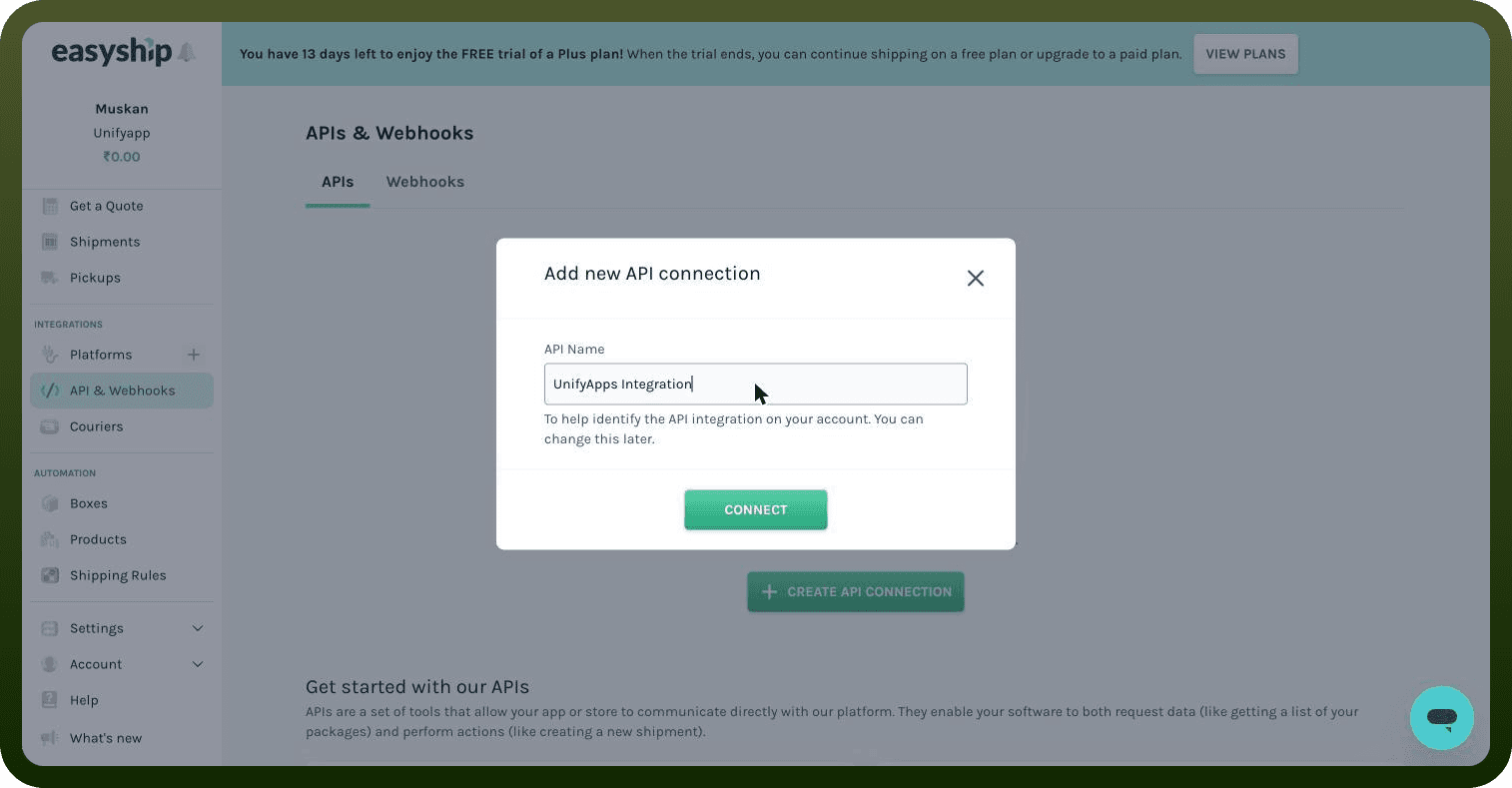
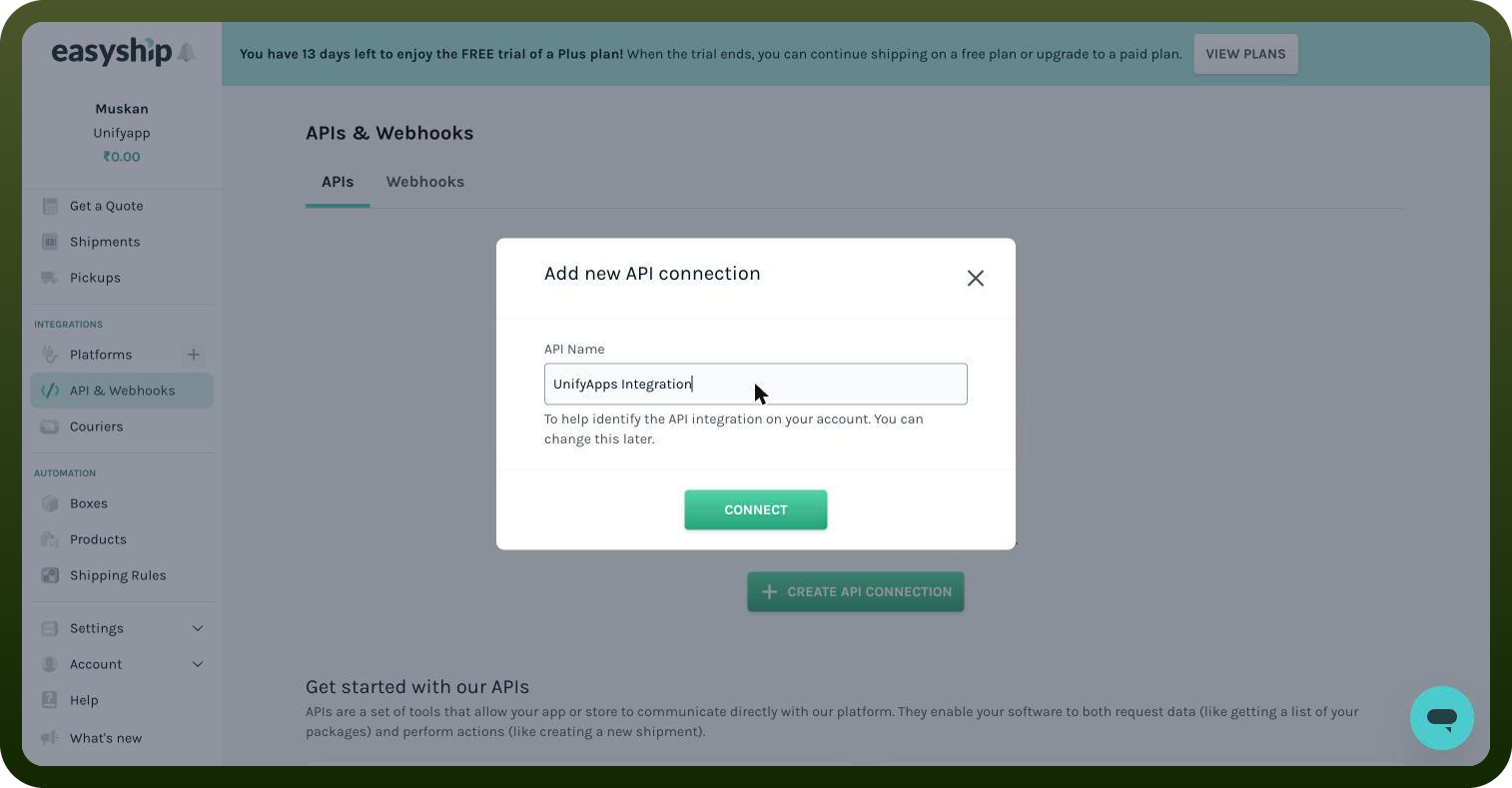
Copy the generated access token (production or sandbox) and store it securely for further authentication purposes.
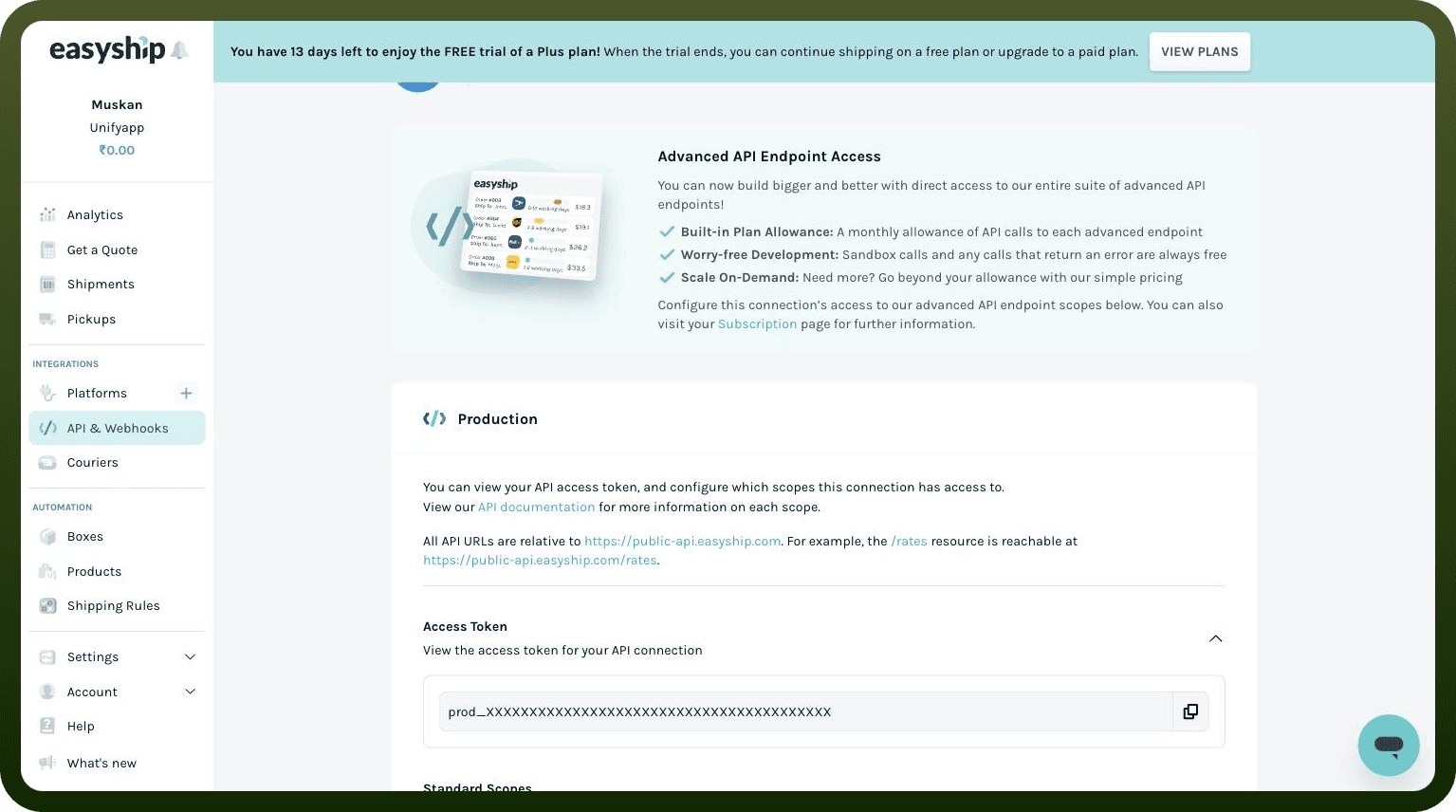
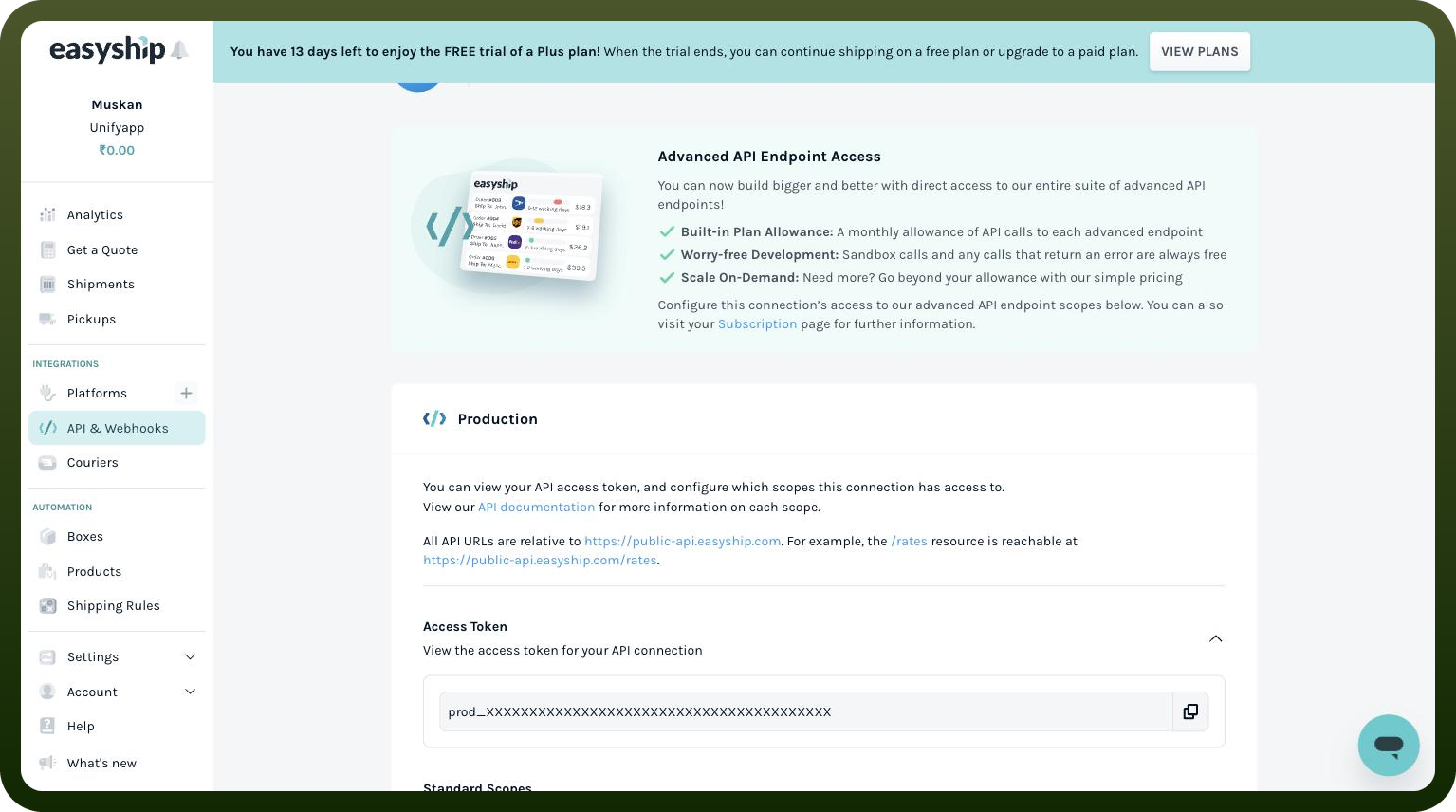
Authentication & setup
Easyship uses bearer authentication for API requests. Include Authorization: Bearer in the header for all requests.
Before you get started, generate an API access token from your Easyship dashboard.
OAuth 2.0 Support: For user authorization scenarios, OAuth 2.0 Authorization Code flow is available at https://auth.easyship.com/oauth2/authorize. After successful authentication, the user will be redirected back to redirect_uri with a code parameter, which can then be exchanged for an access token using the OAuth2 Token endpoint.
A sandbox environment is available for testing all APIs using your Sandbox token.
Actions
Action Name | Description |
|---|---|
Create address | Creates a new address in Easyship |
Delete address | Deletes a address in Easyship |
Get account info | Lists details of all account in Easyship |
List addresses | Lists details of all addresses in Easyship |
Update address | Updates the address in Easyship |
About the API
The Easyship Shipping API provides comprehensive shipping integration capabilities for ecommerce developers, enabling connection to the Easyship shipping platform for logistics and fulfillment operations.