


Use the Amazon SQS connector to manage message queues between applications.
Integrating your application with Amazon SQS lets you use these operations in an automation. It exposes 4 actions and 1 trigger, listed below. Add the connector from the Connections area, authenticate, then select its operations in the automation builder. Capabilities: triggers, actions.
Authentication
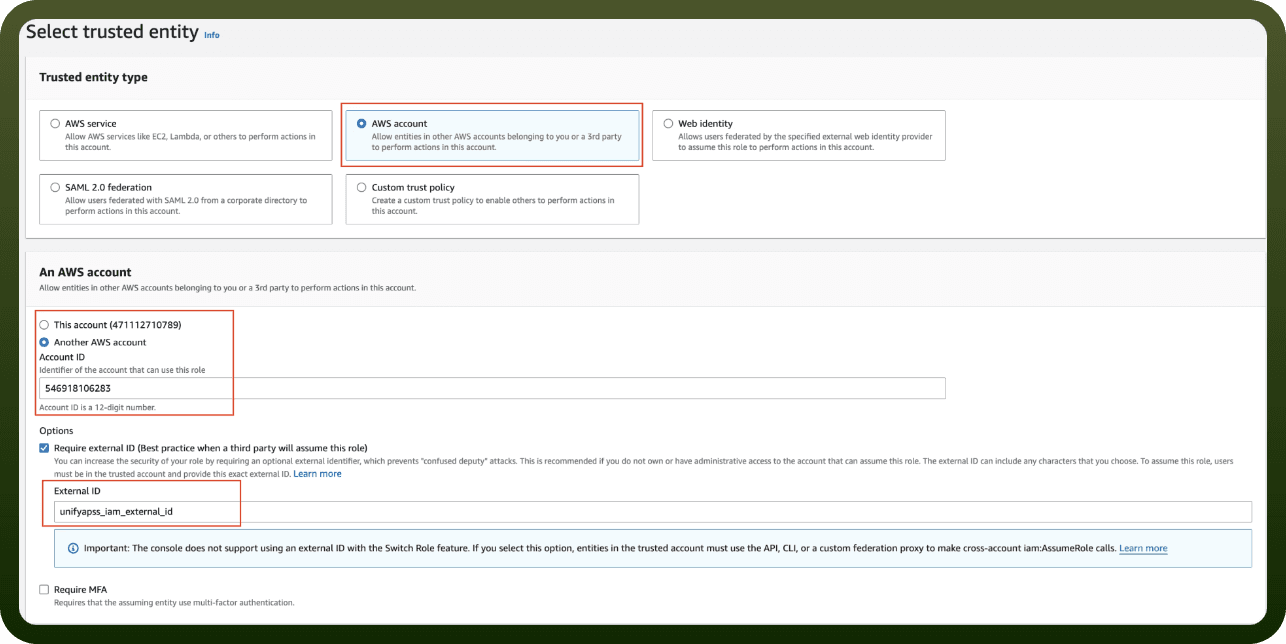
Before you begin, make sure you have the following information:
Connection Name: Choose a meaningful name for your connection. This name helps you identify the connection within your application or integration settings.
Authentication Type: The authentication method for this connector is defined in the connection setup. Select the connector in the Connections area to see the fields it requires.
Authentication & setup
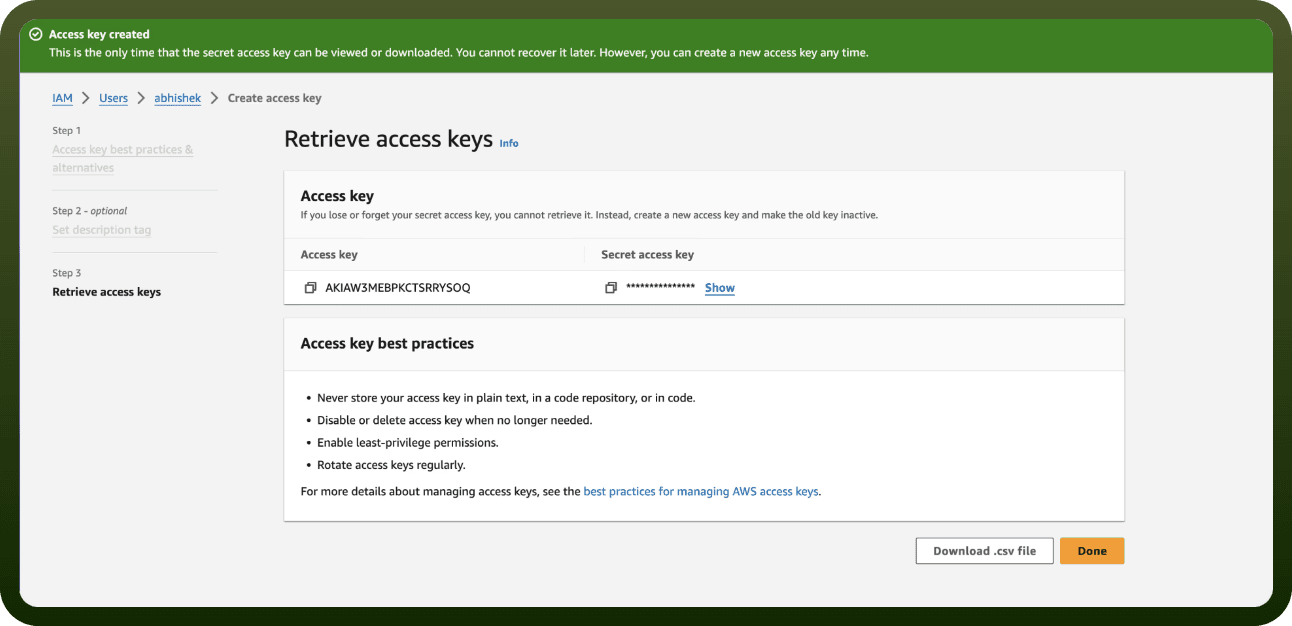
Amazon SQS uses AWS Signature Version 4 for request signing. When accessing Amazon SQS using the Query API, you must provide:
AWS Access Key ID and HMAC-SHA request signature calculated using your Secret Access Key
Alternatively, use AWS Security Token Service for temporary security credentials
Best Practices:
Use Signature Version 4 for new applications (Signature Version 2 is deprecated)
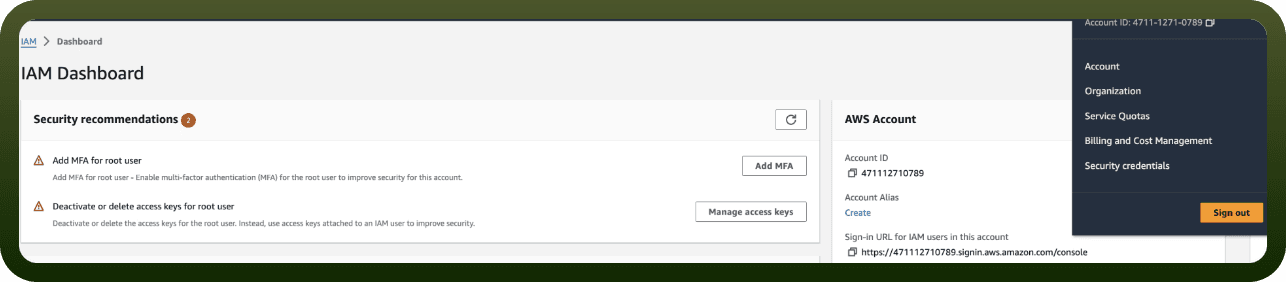
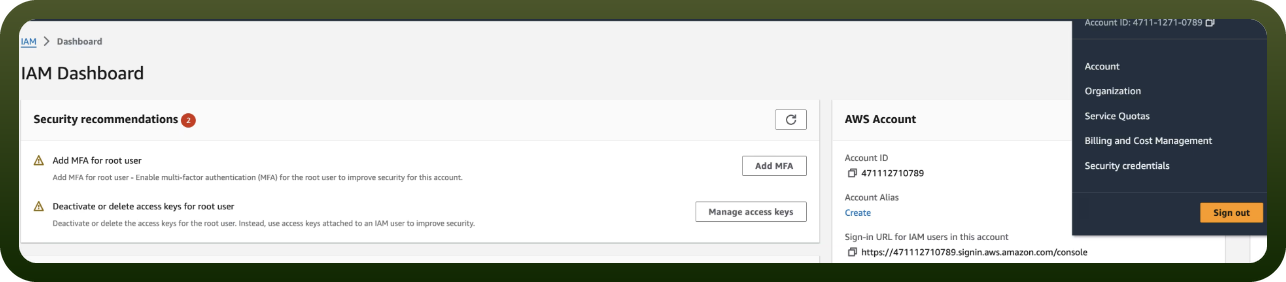
Do not create access keys for your root user
Use IAM users with appropriate permissions for specific tasks
Use AWS Command Line Interface (AWS CLI) or AWS SDKs to automatically sign requests
Actions
Action Name | Description |
|---|---|
Delete message | Deletes a message in Amazon SQS |
Delete message batch | Deletes messages in Amazon SQS (batch) |
Receive message | Receives a message from Amazon SQS |
Send message | Sends messages in Amazon SQS (batch) |
Triggers
Trigger Name | Description |
|---|---|
On event received | Triggers when an event is received in Amazon SQS |
About the API
Amazon SQS is a reliable, highly-scalable hosted queue service for storing messages as they travel between applications or microservices. Amazon SQS moves data between distributed application components and helps you decouple these components.
Core Capabilities:
Send, receive, and delete messages from queues
Set message visibility timeout and retention period
Create and manage queue attributes
Use message attributes for metadata
Configure Dead-Letter Queues for failed messages
Batch operations for improved efficiency
Long polling for reduced API calls
You can use AWS SDKs to access Amazon SQS in your favorite programming language. The SDKs perform tasks automatically including cryptographically signing requests, retrying requests, and handling error responses.
Official documentation
https://docs.aws.amazon.com/AWSSimpleQueueService/latest/APIReference/Welcome.html