


Use the Hubstaff connector to track employee time and productivity.
Integrating your application with Hubstaff lets you use these operations in an automation. It exposes 10 actions, listed below. Add the connector from the Connections area, authenticate, then select its operations in the automation builder. Capabilities: actions.
Authentication
Before you begin, make sure you have the following information:
Connection Name: Choose a meaningful name for your connection. This name helps you identify the connection within your application or integration settings.
Authentication Type: Hubstaff supports the following authentication methods:
API token
OAuth
Authentication & setup
Hubstaff provides multiple authentication methods:
OpenID Connect & OAuth 2.0 (Recommended):
Request the OpenID Connect configuration from the discovery endpoint:
https://account.hubstaff.comUse the authorization code flow for secure authentication
Basic authorization can be performed using client_id and client_secret as username and password
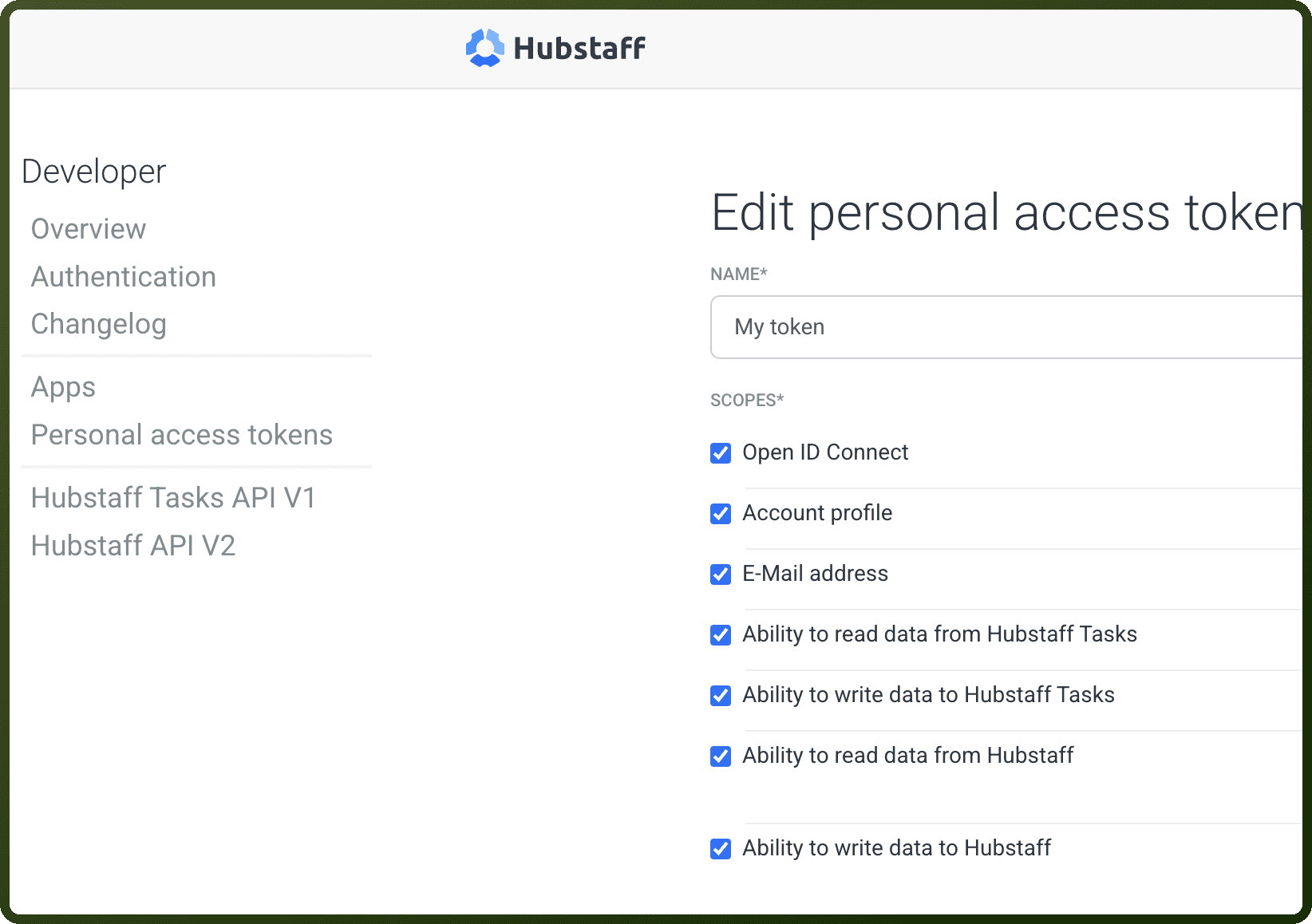
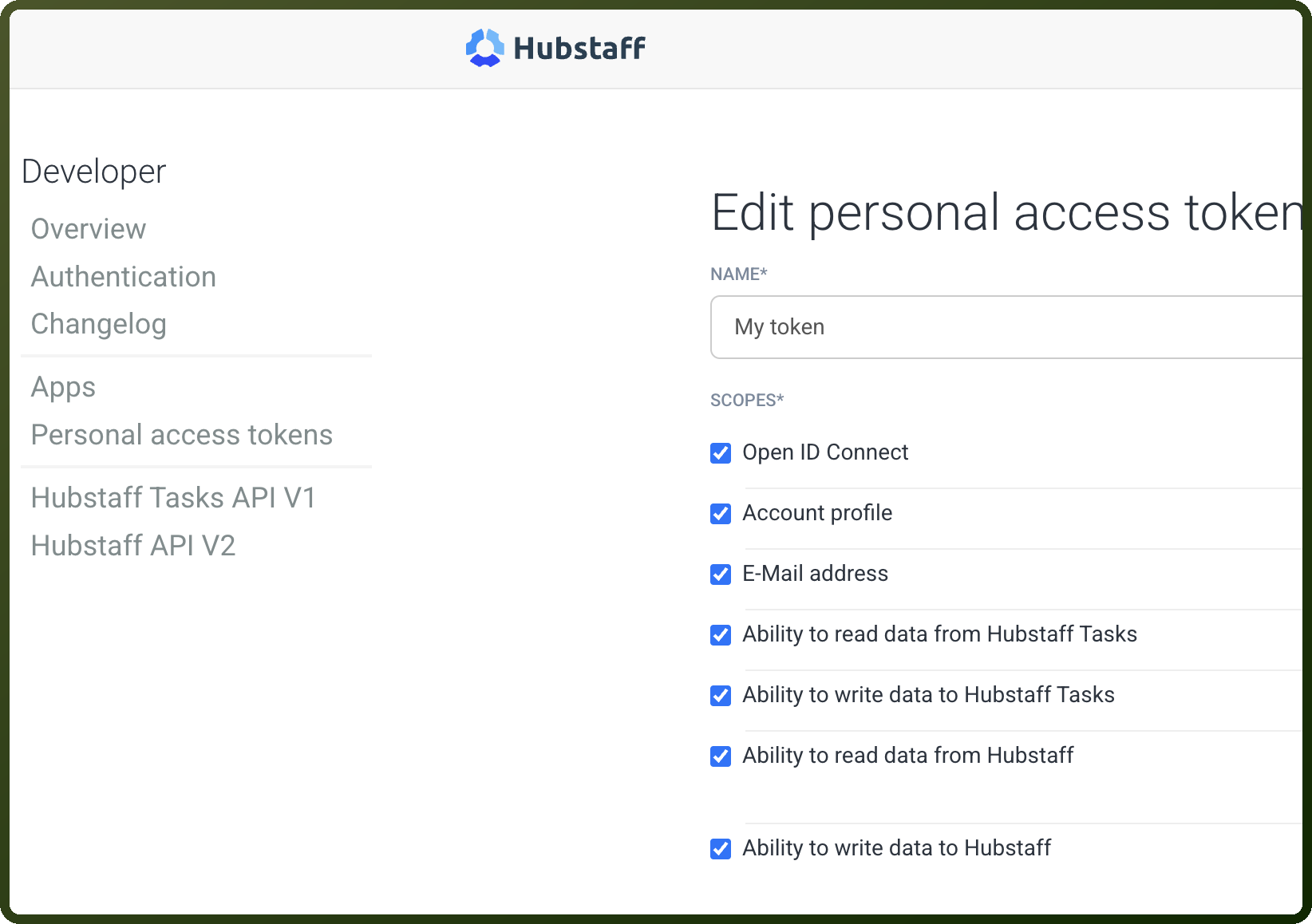
Personal Access Tokens (PAT):
Better for server-side scripts that cannot use interactive login
Tokens are refresh tokens with 90-day expiration
Must be renewed before expiration
Include in Authorization header:
Authorization: Bearer <token>
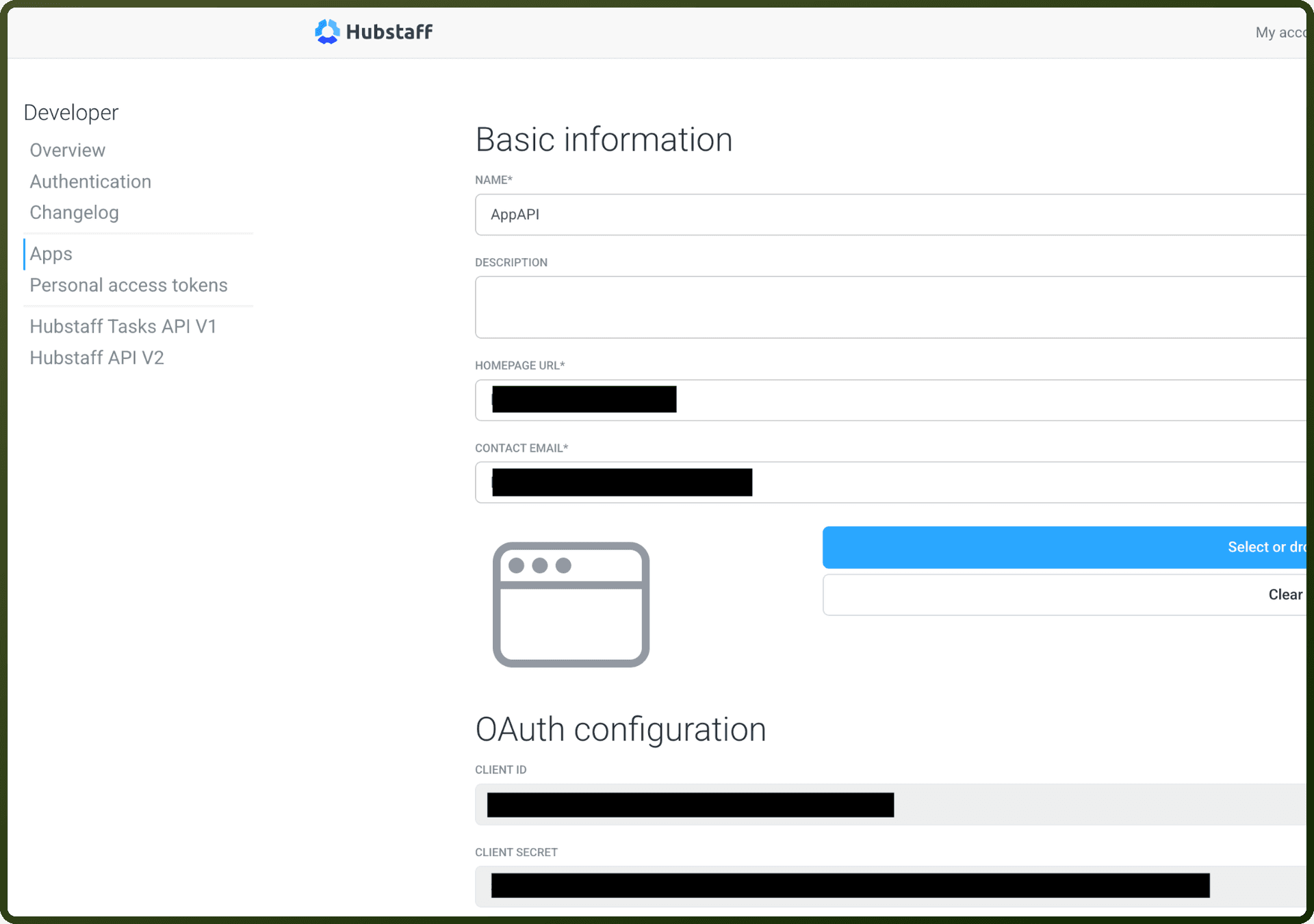
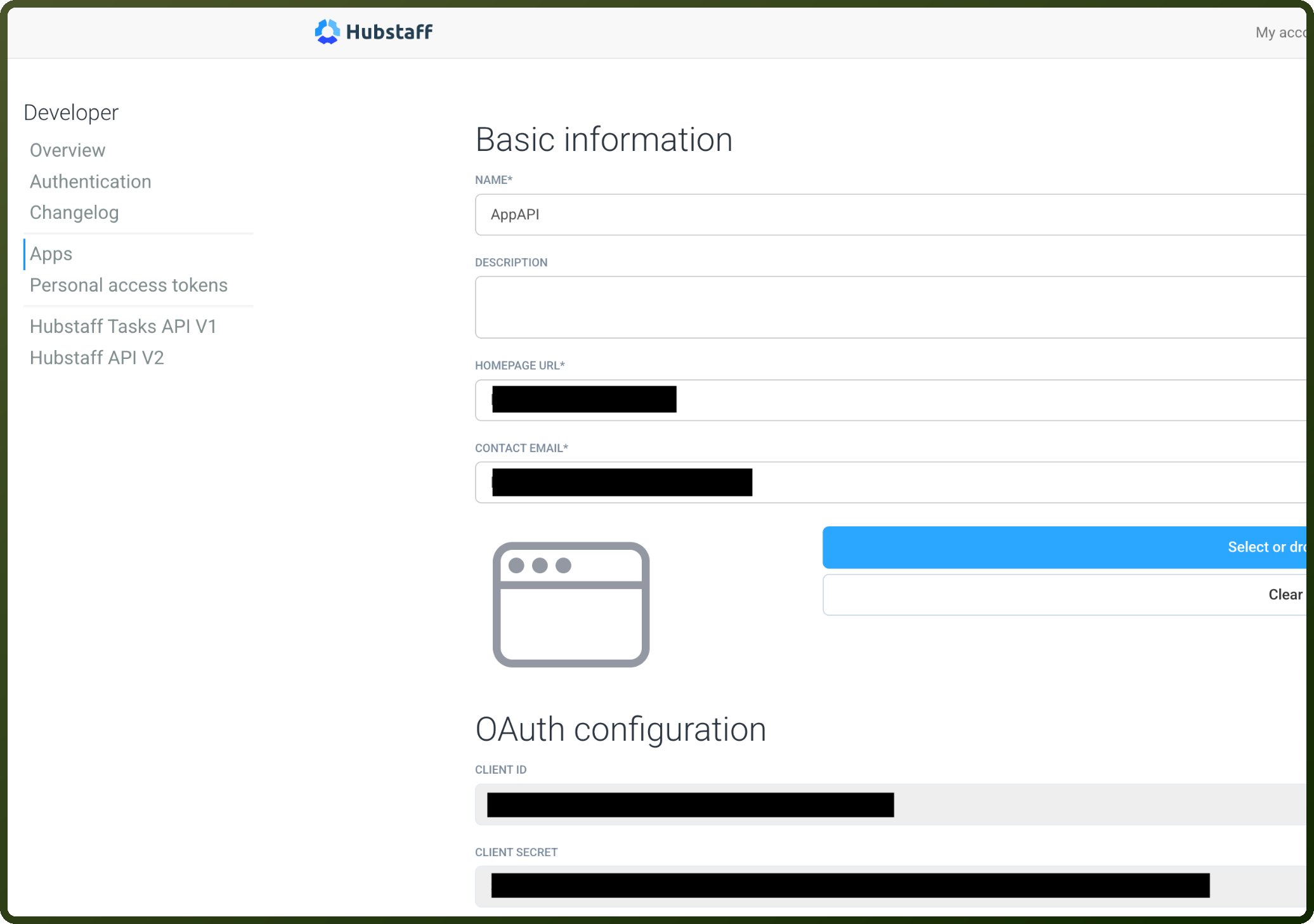
To create an app:
Go to
https://developer.hubstaff.com/appsClick "New" to create a new app
Configure your application details
Receive your client_id and client_secret
API Requests:
Base URL:
https://api.hubstaff.comAll requests require HTTPS
Use REST with JSON-encoded request bodies and responses
API v2 Endpoints: Access the complete list at https://developer.hubstaff.com/docs/hubstaff_v2
Actions
Action Name | Description |
|---|---|
Create client | Creates a new client in Hubstaff |
Create project | Creates a new project in Hubstaff |
Create todo | Creates a new todo in Hubstaff |
Get client | Gets a client in Hubstaff |
Get organization | Gets an organization in Hubstaff |
Get project | Gets a project in Hubstaff |
List clients | Lists all clients in Hubstaff |
List organizations | Lists all organizations in Hubstaff |
List projects | Lists all projects in Hubstaff |
List todo | Lists all todo in Hubstaff |
About the API
Hubstaff is a time tracking and team management platform API providing:
Time Tracking: Log, track, and report on time entries
Team Management: Manage projects, teams, and assignments
Activity Monitoring: Track activity levels and productivity
Reporting: Generate time tracking and productivity reports
Integrations: Connect with project management and accounting tools
Webhooks: Real-time event notifications