


Use the SimpleLocalize connector to manage application translations and localization.
Integrating your application with SimpleLocalize lets you use these operations in an automation. It exposes 10 actions, listed below. Add the connector from the Connections area, authenticate, then select its operations in the automation builder. Capabilities: actions.
Authentication
Before you begin, make sure you have the following information:
Connection Name: Choose a meaningful name for your connection. This name helps you identify the connection within your application or integration settings.
Authentication Type: The authentication method for this connector is defined in the connection setup. Select the connector in the Connections area to see the fields it requires.
Obtaining Your API Key
Log in to your SimpleLocalize account.
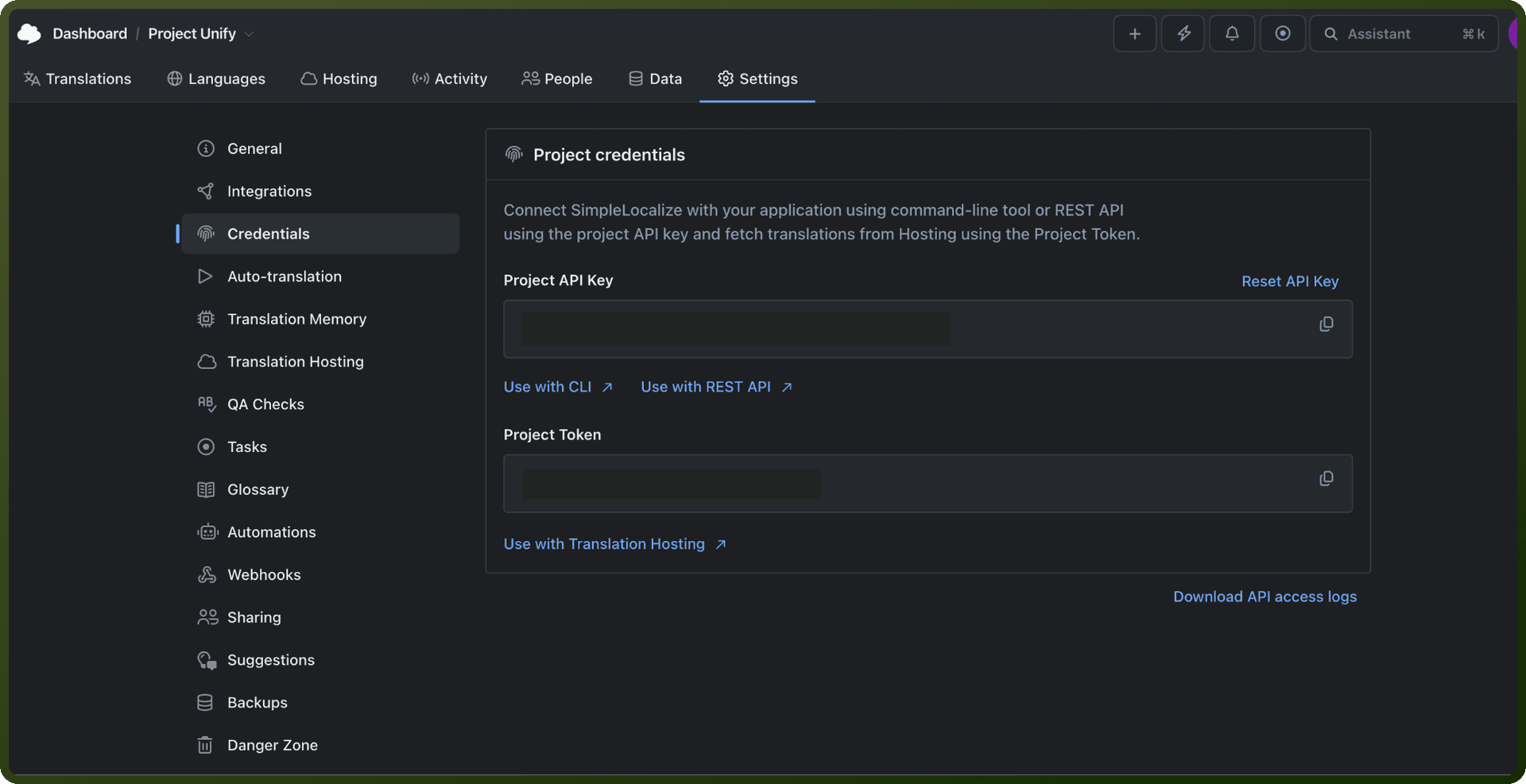
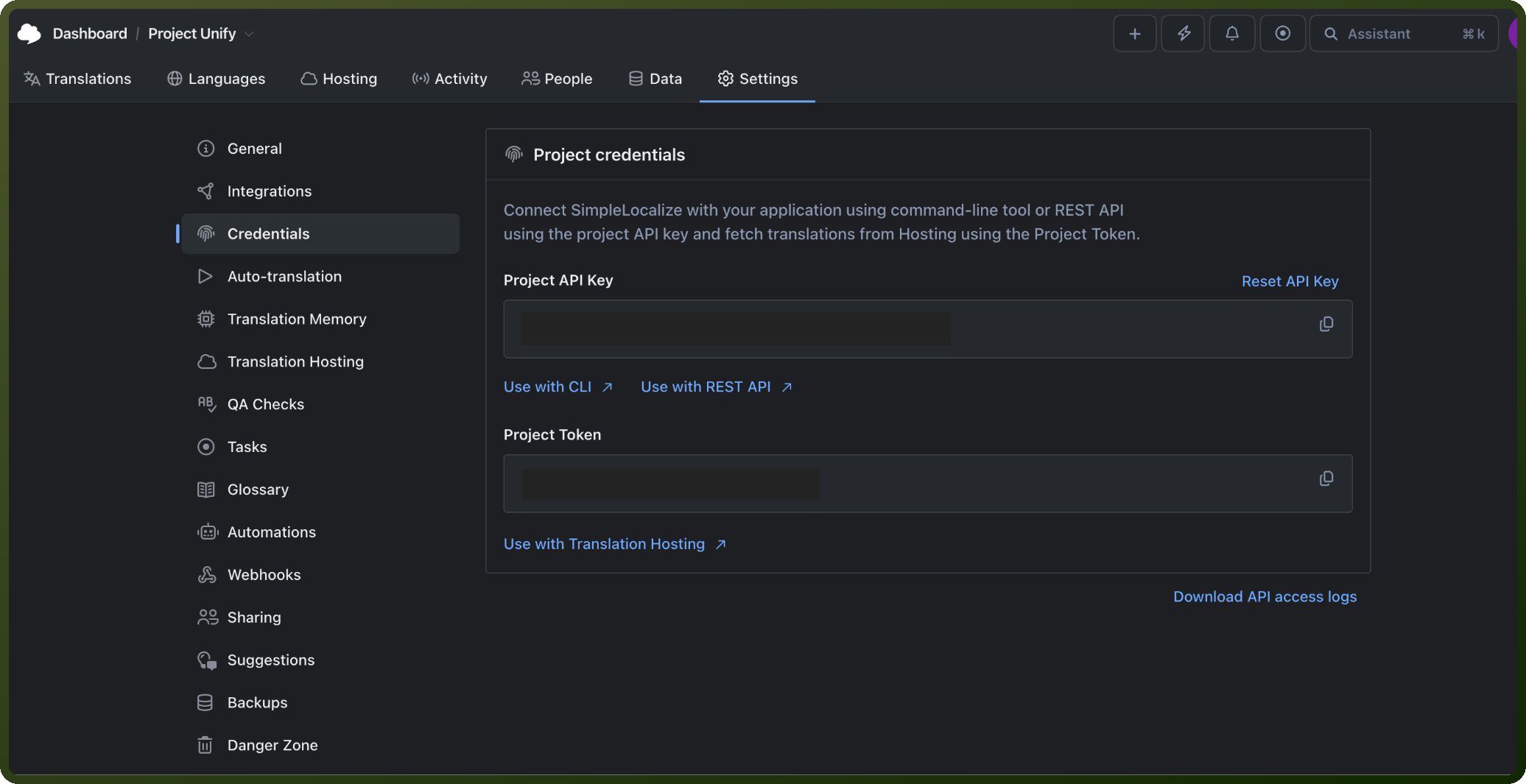
Open the project you want to connect, then go to Settings.
Click on Credentials.
Click on API Key.
Copy the API key shown and store it securely for further authentication purposes.
Authentication & setup
API Key Authentication
Uses a Project API Key passed via the X-SimpleLocalize-Token header. This is the primary method for creating, updating, reading, and deleting translations.
Getting Credentials:
Log into SimpleLocalize
Navigate to Settings > Credentials > API Key
Copy your API key and include it in request headers as
X-SimpleLocalize-Token: YOUR_KEY
Personal Token Authentication
Alternative authentication using personal tokens passed via the Authorization header.
Getting Credentials:
Generate personal tokens in your account settings (up to 5 per user)
Include in requests as
Authorization: Bearer YOUR_TOKEN
Actions
Action Name | Description |
|---|---|
Add translation | Add or update a translation in SimpleLocalize |
Create language | Create a language in SimpleLocalize |
Create translation key | Create a translation key in SimpleLocalize |
Delete language | Delete language in SimpleLocalize |
Export all translation files | Export all translations into multiple downloadable files from SimpleLocalize |
Export all translations into one file | Export all translations into one downloadable file from SimpleLocalize |
Fetch translations | Fetch translations from SimpleLocalize |
Get languages | Get languages from SimpleLocalize |
List auto-translate jobs | List auto-translate jobs in SimpleLocalize |
Start auto-translate job | Start an auto-translation job in SimpleLocalize |
About the API
SimpleLocalize provides a REST API designed for developer workflows, supporting over 30 file formats including JSON, YAML, XLIFF, Android XML, iOS Strings, Java Properties, PO/POT, CSV, and Excel. The API allows you to create, update, read, and delete translations, as well as import and export translation data.
Key Features:
OpenAPI 3.x specification with Swagger UI for testing
CORS support for browser-based integrations
Rate limits: 60 requests/minute per IP, 300 requests/minute per project
API access logs with export capability (last 1,000 requests)