


Tavily
Integrating your application with Tavily enhances AI-driven research by streamlining real-time data retrieval, factual grounding, and RAG (Retrieval-Augmented Generation) workflows in one centralized API. Tavily helps teams automate web searches, aggregate high-quality sources, and maintain information accuracy with improved efficiency and speed.
Authentication:
Integrating your application with Tavily enables automated real-time web research, factual grounding, and dynamic information retrieval workflows. Before you begin, ensure you have the following information:
Connection Name : Choose a meaningful name for your connection. This name helps you identify the connection within your application or integration settings. It could be something descriptive like "MyAppTavilyIntegration".
API Key Based:
Log in to your Tavily account here.
Click the overview in the top left corner.
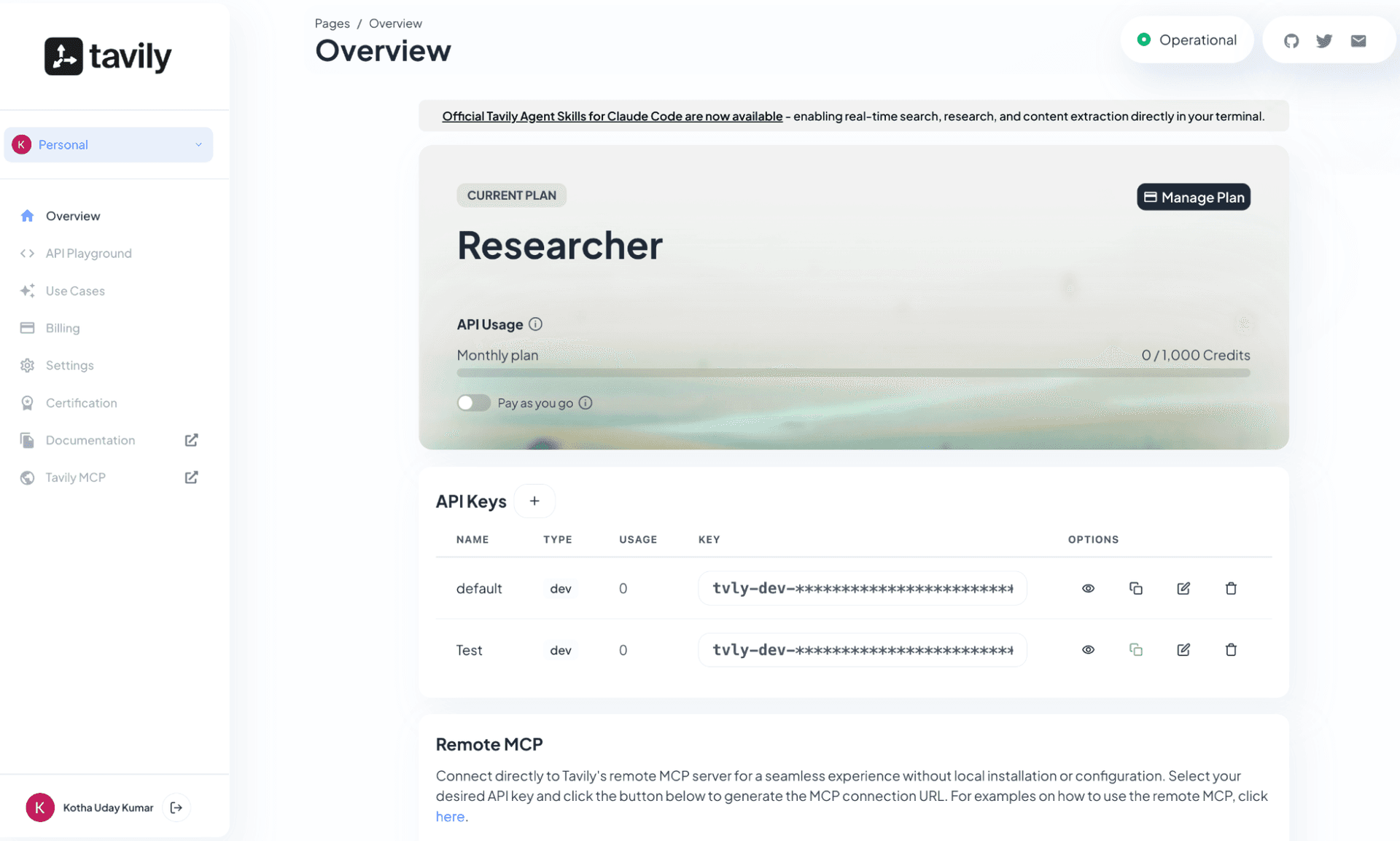
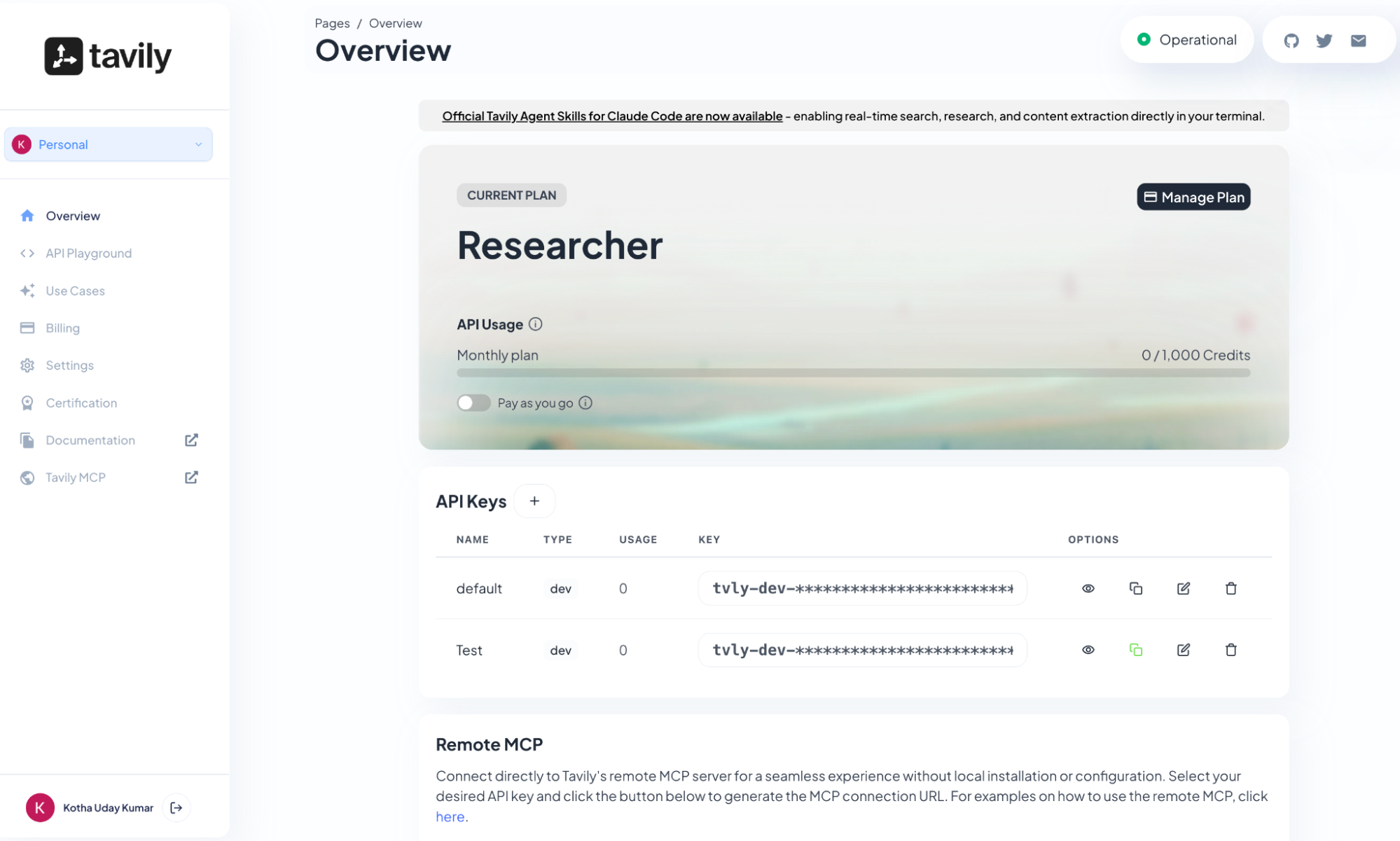
Navigate to and select the API Keys.
Create new api keys and store them securely for authentication purposes.
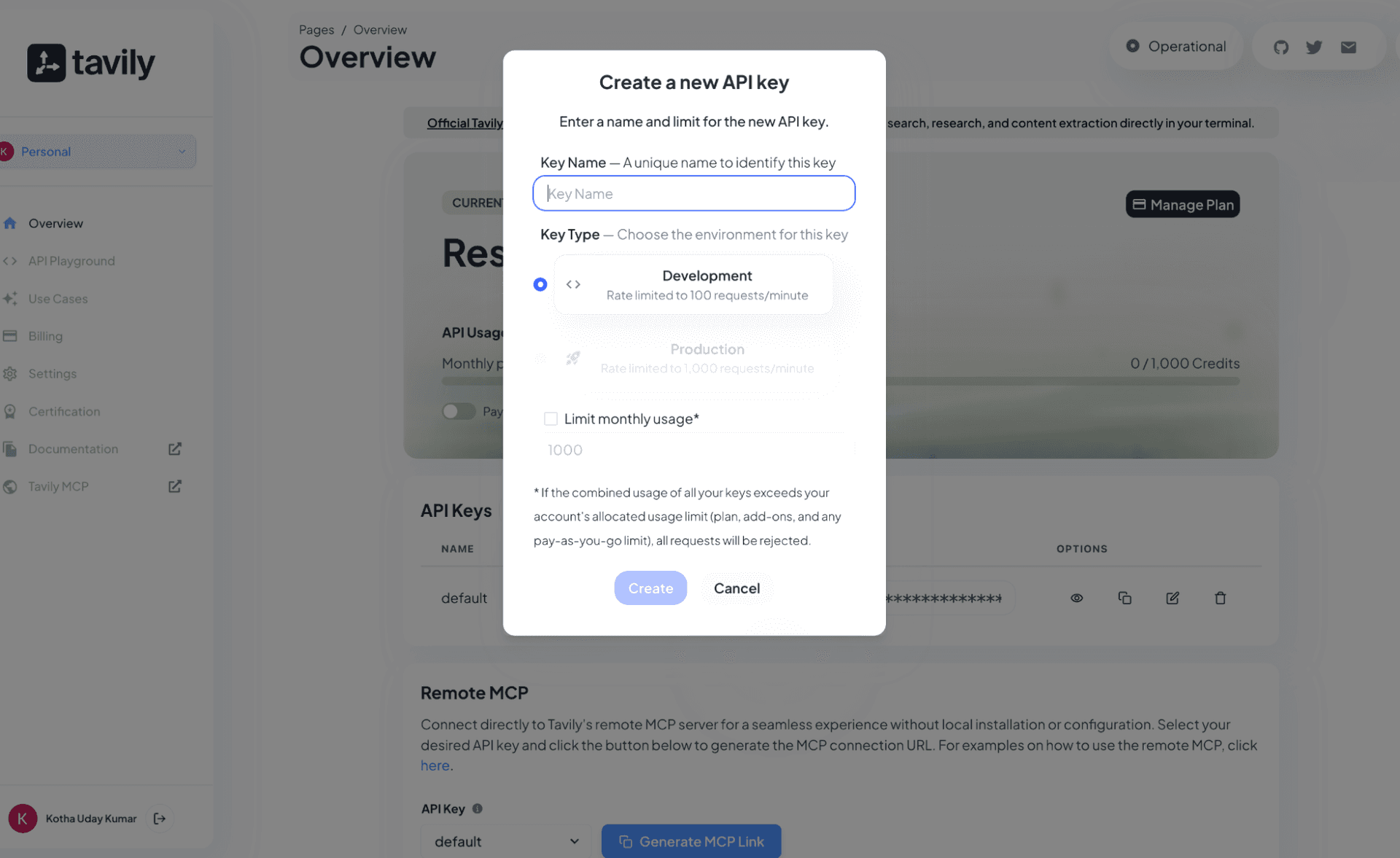
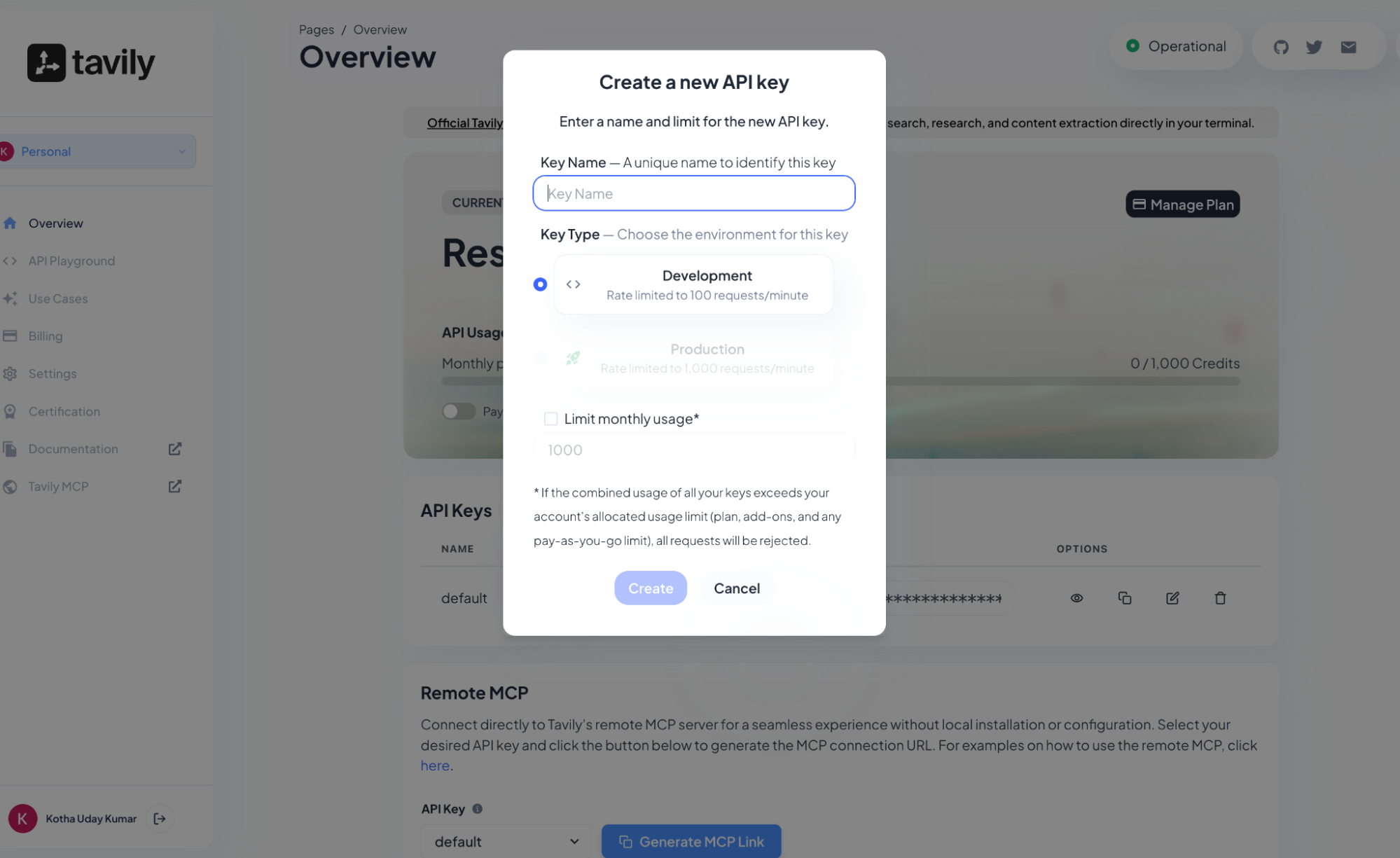
Store the below Api keys generated.
ACTIONS :
Action Name | Description |
| Extracts web page content from one or more specified URLs in Tavily |
| Executes a search query in Tavily |