


Use the Giphy connector to search and share animated GIFs.
Integrating your application with Giphy lets you use these operations in an automation. It exposes 5 actions, listed below. Add the connector from the Connections area, authenticate, then select its operations in the automation builder. Capabilities: actions.
Authentication
Before you begin, make sure you have the following information:
Connection Name: Choose a meaningful name for your connection. This name helps you identify the connection within your application or integration settings.
Authentication Type: The authentication method for this connector is defined in the connection setup. Select the connector in the Connections area to see the fields it requires.
Obtaining Your API Key
Go to developers.giphy.com and create a free developer account, or log in if you already have one.
Open your Developer Dashboard.
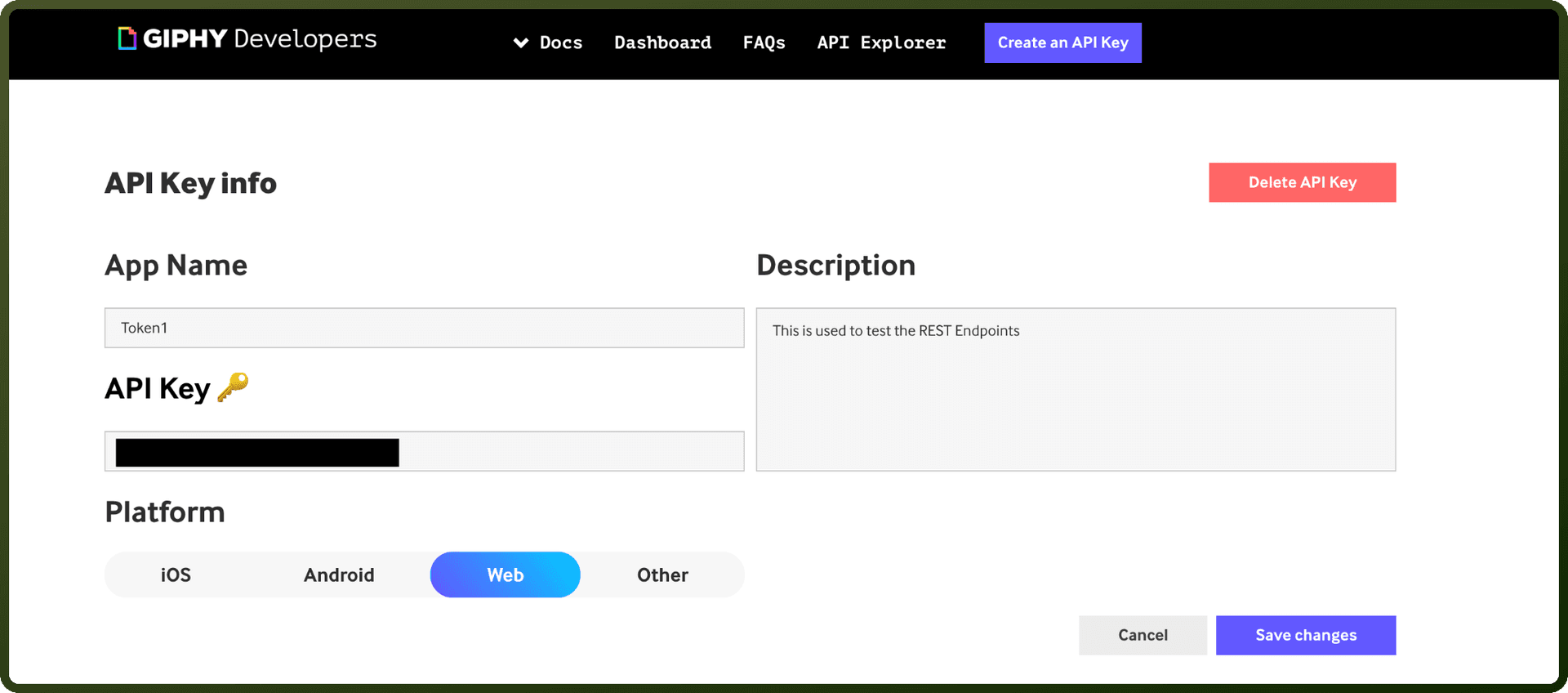
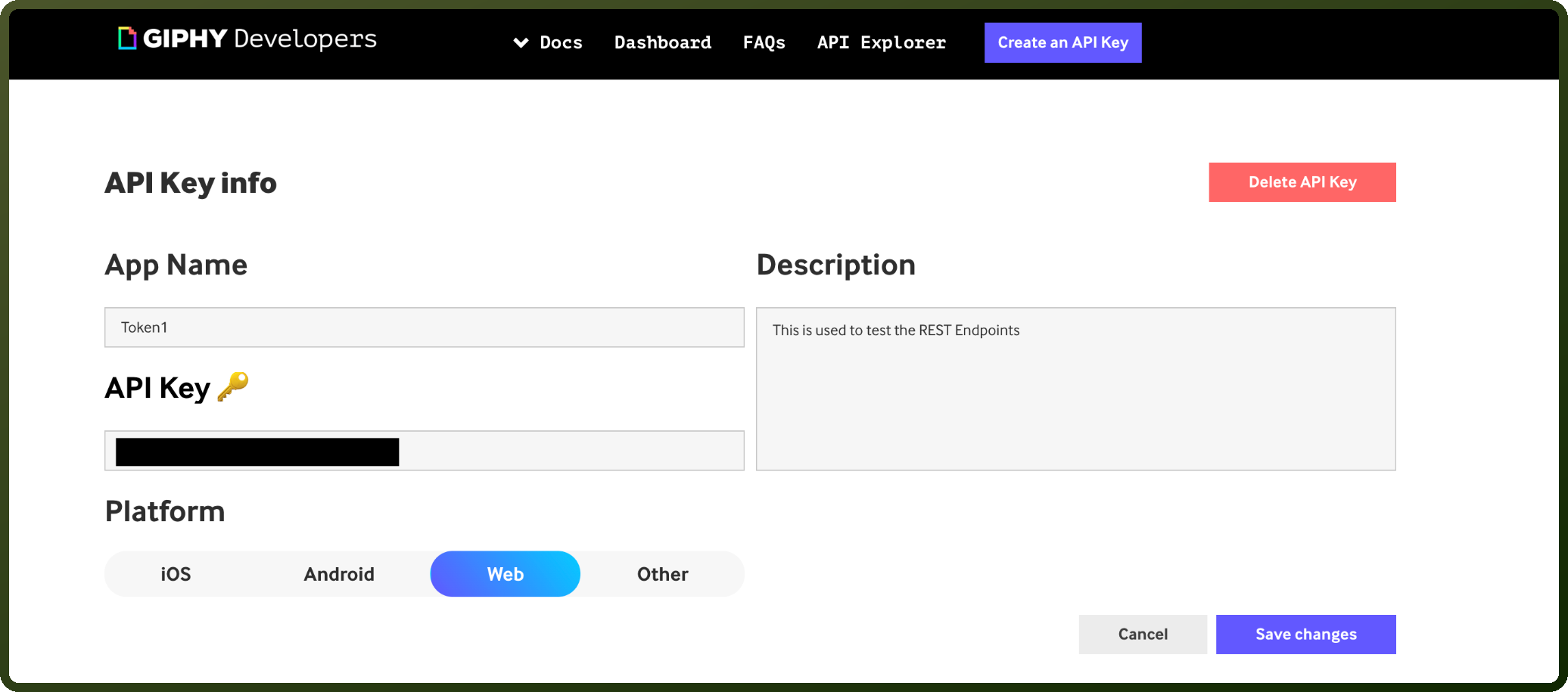
Click Create an API Key.
Follow the on-screen prompts to name your app and submit the request to generate the key.
Copy the API key shown on your dashboard and store it securely for further authentication purposes.
Actions
Action Name | Description |
|---|---|
Find GIFs | Finds a random GIF that matches your specified keyword(s) |
Get GIF by ID | Fetches GIF’s metadata based on the GIF ID specified |
Random GIFs | Fetches random GIF metadata based on the word or phrase entered |
Translate phrase to GIF | Translate converts words and phrases to the perfect GIF |
Trending GIFs | Fetch GIFs currently trending online |