


Use the Groq connector to run fast AI inference workloads.
Integrating your application with Groq lets you use these operations in an automation. It exposes 5 actions, listed below. Add the connector from the Connections area, authenticate, then select its operations in the automation builder. Capabilities: actions.
Authentication
Before you begin, make sure you have the following information:
Connection Name: Choose a meaningful name for your connection. This name helps you identify the connection within your application or integration settings.
Authentication Type: The authentication method for this connector is defined in the connection setup. Select the connector in the Connections area to see the fields it requires.
Obtaining Your API Key
Go to console.groq.com and sign in, or create a free account with Google, GitHub, or your email.
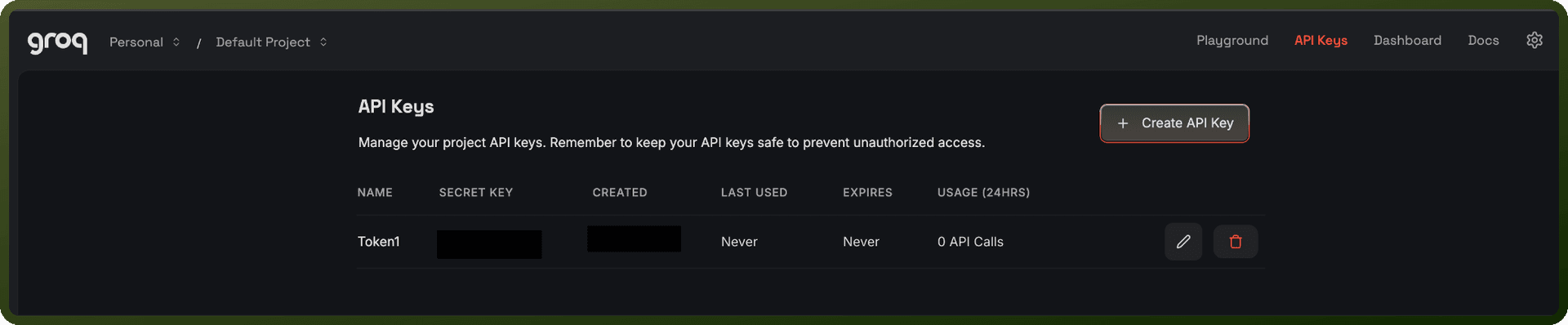
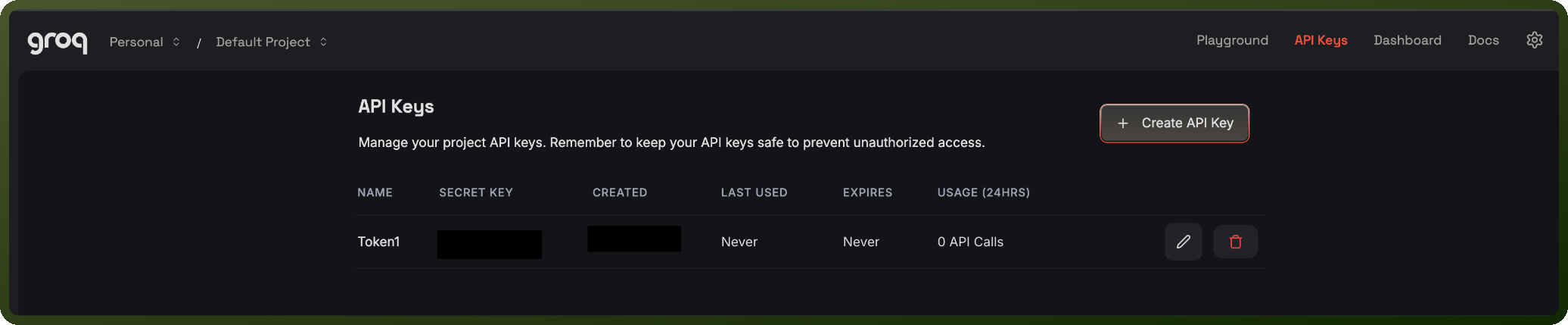
In the left-hand navigation, click API Keys.
Click Create API Key.
Enter a name for the key so you can identify it later, then confirm to generate it.
Copy the generated key and store it securely — GroqCloud only displays the full key once.
Actions
Action Name | Description |
|---|---|
Create audio transcription | Creates an audio transcription in Groq |
Create audio translation | Creates an audio translation in Groq |
Create chat completion | Creates a model response for the given chat conversation in Groq |
Create streaming chat completion | Creates a model response for the given chat conversation in Groq in a streaming fashion |
List models | Lists models in Groq |