


Use the Aha connector to plan product roadmaps and strategy initiatives.
Integrating your application with Aha lets you use these operations in an automation. It exposes 15 actions, listed below. Add the connector from the Connections area, authenticate, then select its operations in the automation builder. Capabilities: actions, knowledge (RAG).
Authentication
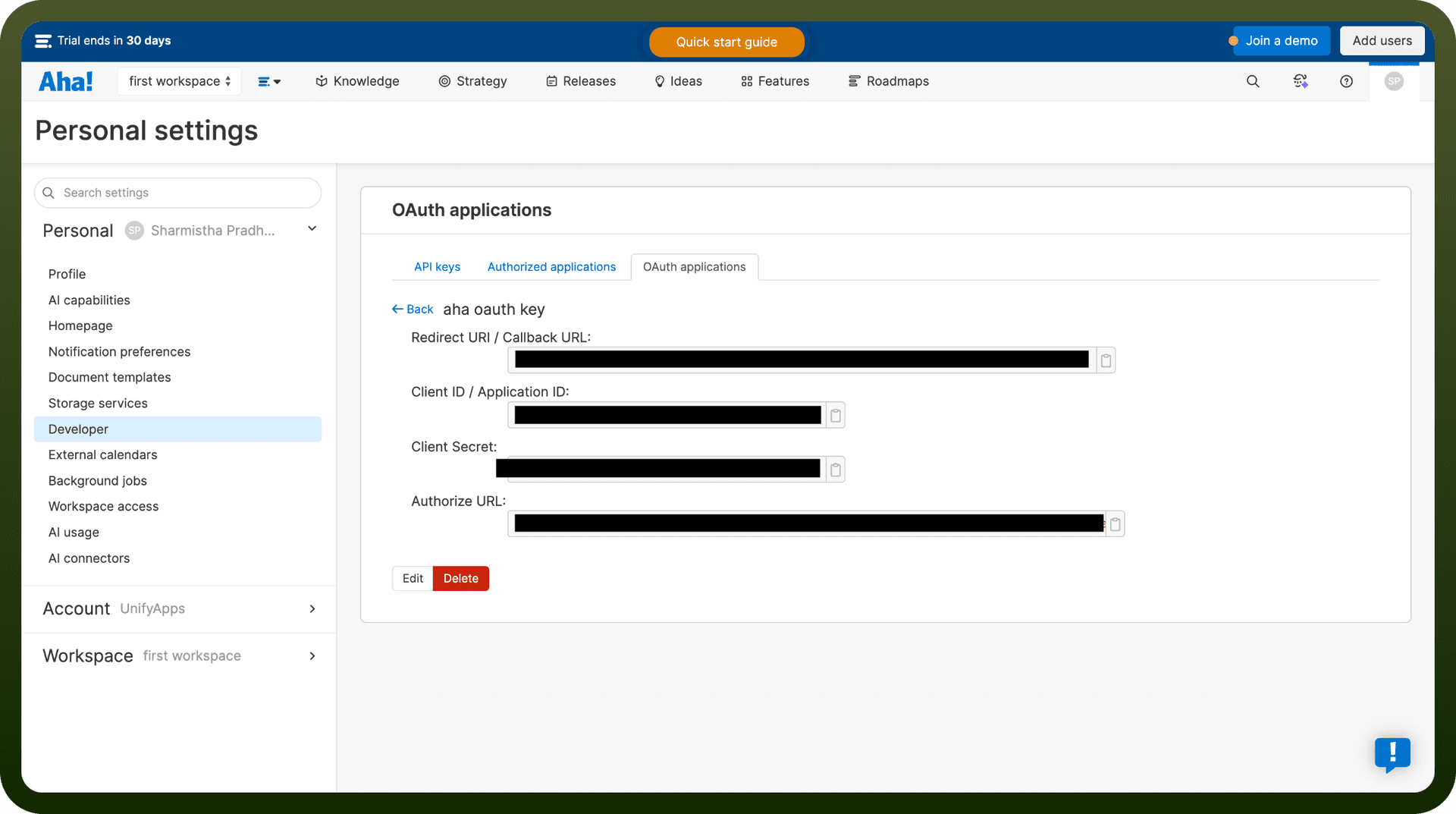
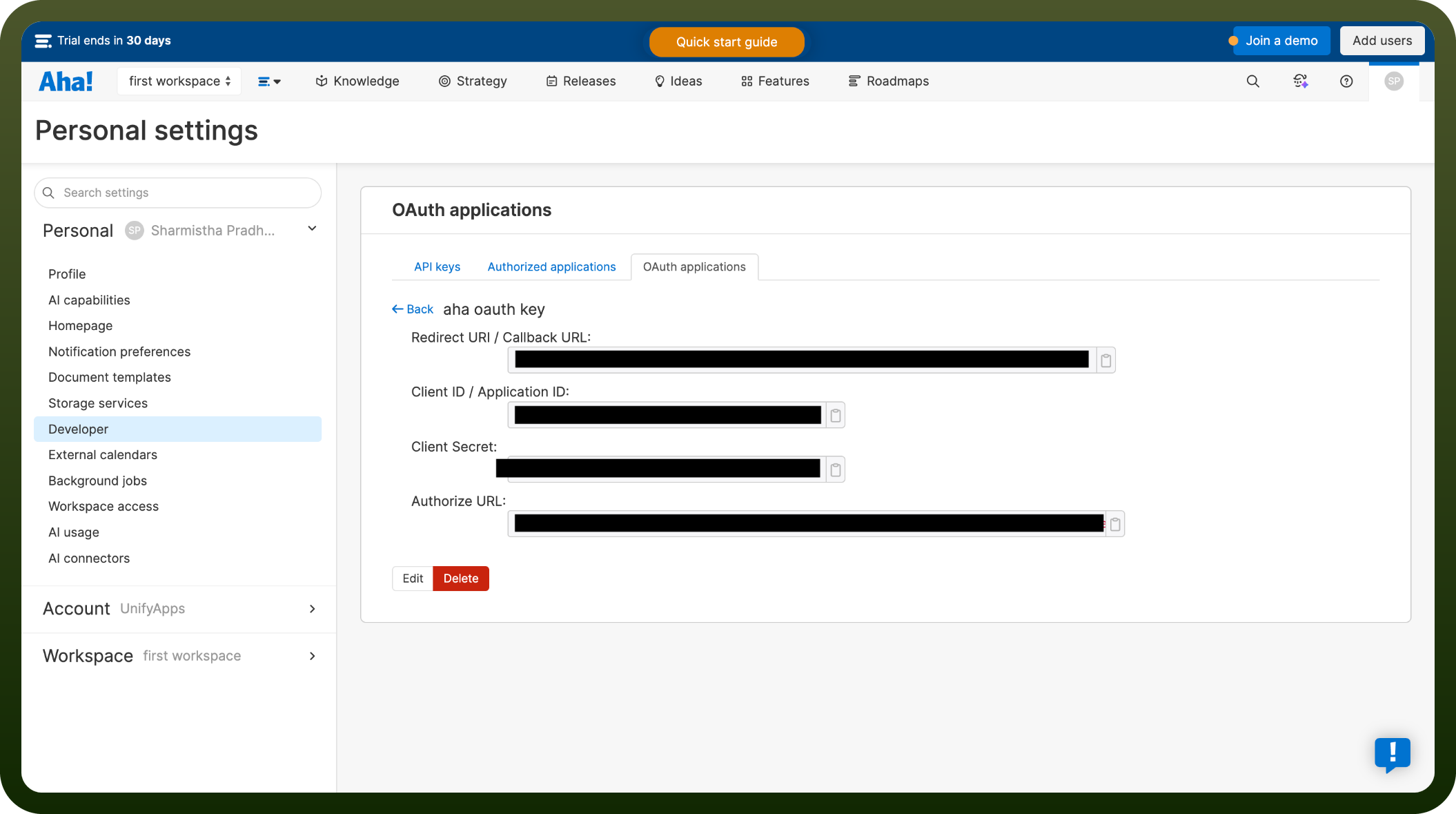
Before you begin, make sure you have the following information:
Connection Name: Choose a meaningful name for your connection. This name helps you identify the connection within your application or integration settings.
Authentication Type: Aha supports OAuth authentication.
Actions
Action Name | Description |
|---|---|
Create feature | Creates feature in Aha |
Create product | Creates a product in Aha |
Create task | Creates a task in Aha |
Delete feature | Deletes a feature by ID in Aha |
Delete task | Deletes a task by ID in Aha |
Get feature | Gets a feature by ID in Aha |
Get idea | Gets an idea by ID in Aha |
Get product | Gets a product by ID in Aha |
Get task | Get a task by ID in Aha |
List features | Lists features in Aha |
List ideas | Lists ideas in Aha |
List product users | Lists product users in Aha |
Update feature | Updates feature in Aha |
Update product | Updates product in Aha |
Update task | Updates task in Aha |