


Use the BoldSign connector to create and manage digital signatures.
Integrating your application with BoldSign lets you use these operations in an automation. It exposes 5 actions, listed below. Add the connector from the Connections area, authenticate, then select its operations in the automation builder. Capabilities: actions.
Authentication
Before you begin, make sure you have the following information:
Connection Name: Choose a meaningful name for your connection. This name helps you identify the connection within your application or integration settings.
Authentication Type: The authentication method for this connector is defined in the connection setup. Select the connector in the Connections area to see the fields it requires.
Authentication & setup
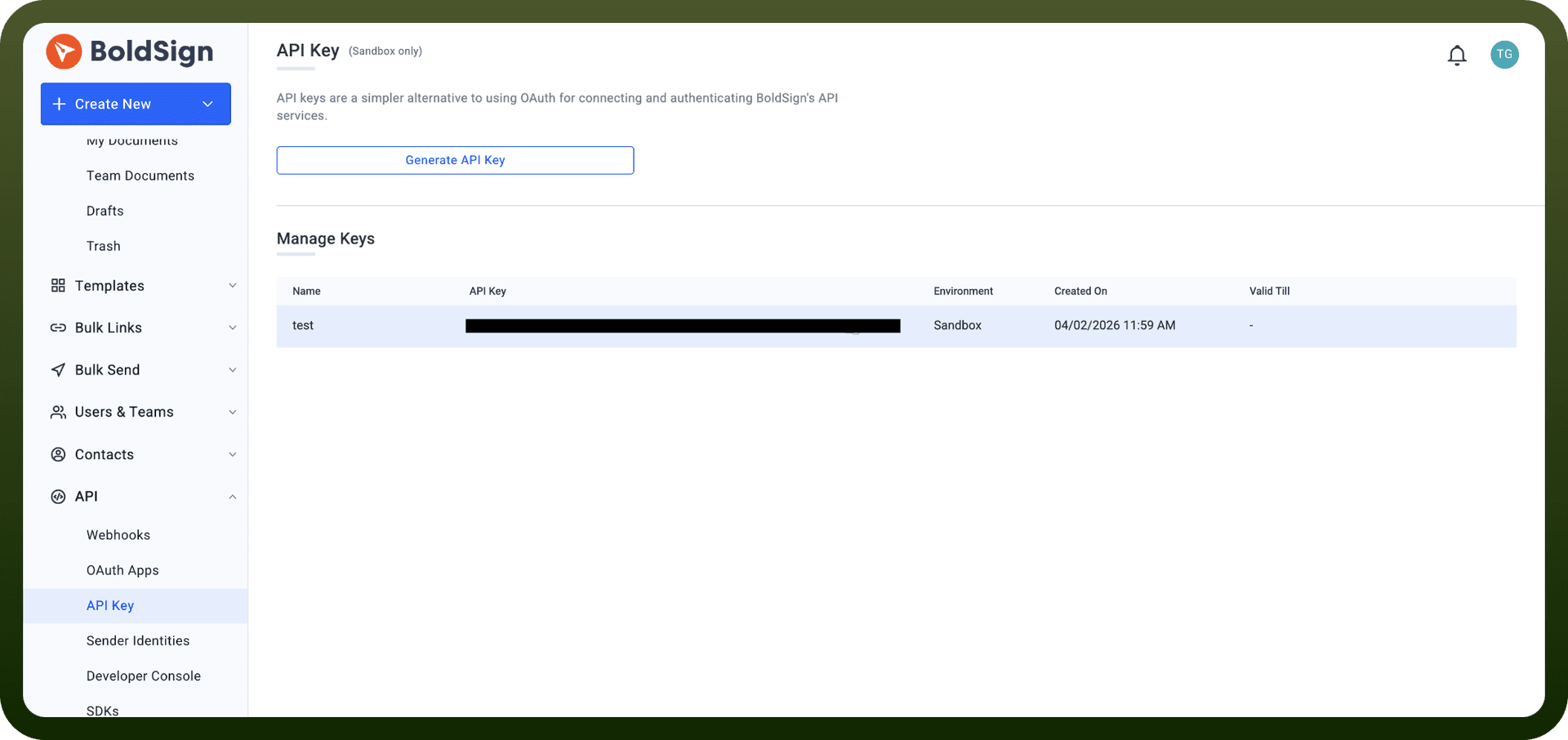
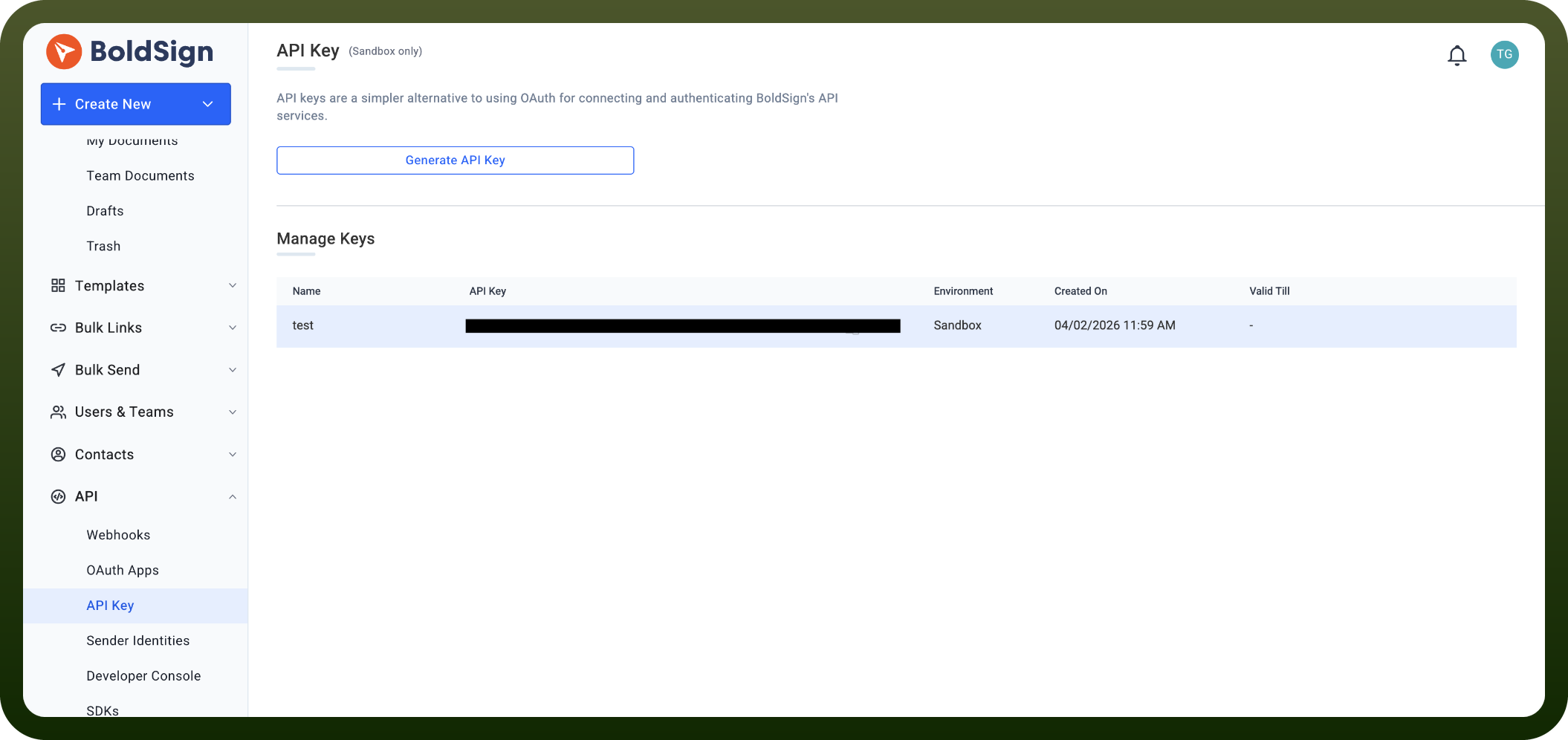
API Key Authentication
Generate API keys from your BoldSign account dashboard
Generate up to 4 keys (max 2 per environment: Live or Sandbox)
Include API key in request header: X-API-KEY: {api_key}
Requires BoldSign subscription (free plan available with sandbox access)
OAuth 2.0
Supports authorization code grant flow (user consent) and client credentials flow (machine-to-machine)
Obtain client ID and secret from developer settings
Follow OAuth 2.0 token exchange process
Actions
Action Name | Description |
|---|---|
Delete document | Deletes document from BoldSign |
Download document | Downloads document from BoldSign |
List documents | Lists documents in BoldSign |
Revoke document | Revokes document in BoldSign |
Send document | Sends document in BoldSign |
About the API
BoldSign provides REST APIs for e-signature document management. The platform enables document creation, sending for signature, template management, and workflow automation. The API supports role-based access control with granular permission scopes (e.g., BoldSign.Documents.Create, BoldSign.Templates.Read). Sandbox environment rate limits: 50 req/hr. Live environment: 2000 req/hr. All requests must use HTTPS; plain HTTP requests will fail.
Official documentation
https://developers.boldsign.com/authentication/introduction/