


Seismic is a sales enablement and content management platform that helps organizations manage content, training, buyer engagement, and analytics. Through its secure APIs, organizations can integrate Seismic with external systems to automate workflows, synchronize data, and build custom applications.
Authentication
Integrating your application with Seismic enables secure access to Seismic APIs using OAuth 2.0.
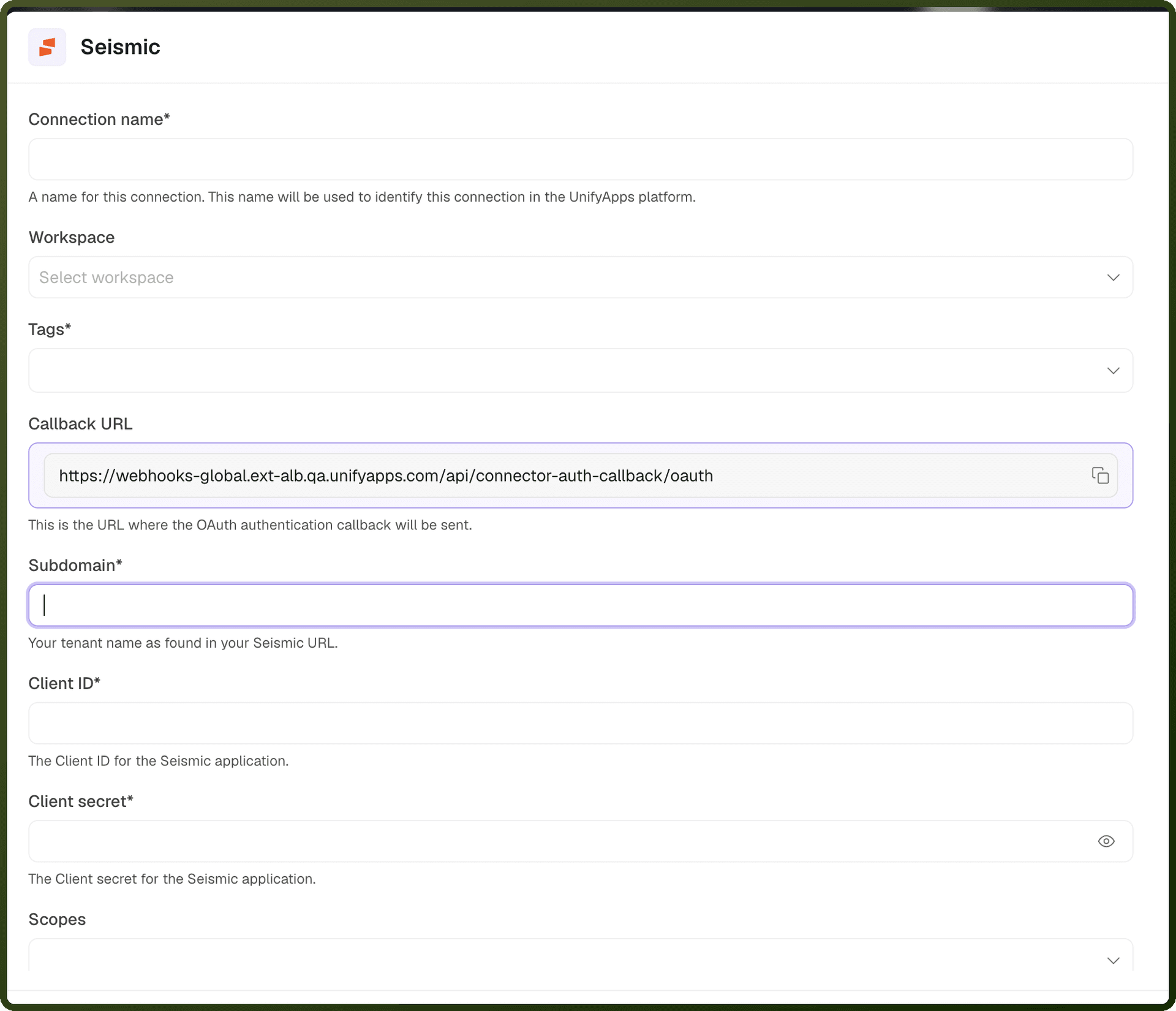
Before starting, ensure you have the following information:
Connection Name: Choose a meaningful name for your connection (e.g., MySeismicConnection). This helps identify the connection within your application or integration settings.
Authentication Type: Seismic supports OAuth 2.0–based authentication.
Subdomain: Your Seismic tenant name from your Seismic account URL.
Client ID: The client ID of your registered application.
Client Secret: The client secret of your registered application.
Scopes: Select the permissions (scopes) to request for this connection. Include offline_access to get a long-term Refresh Token.
Setup Steps
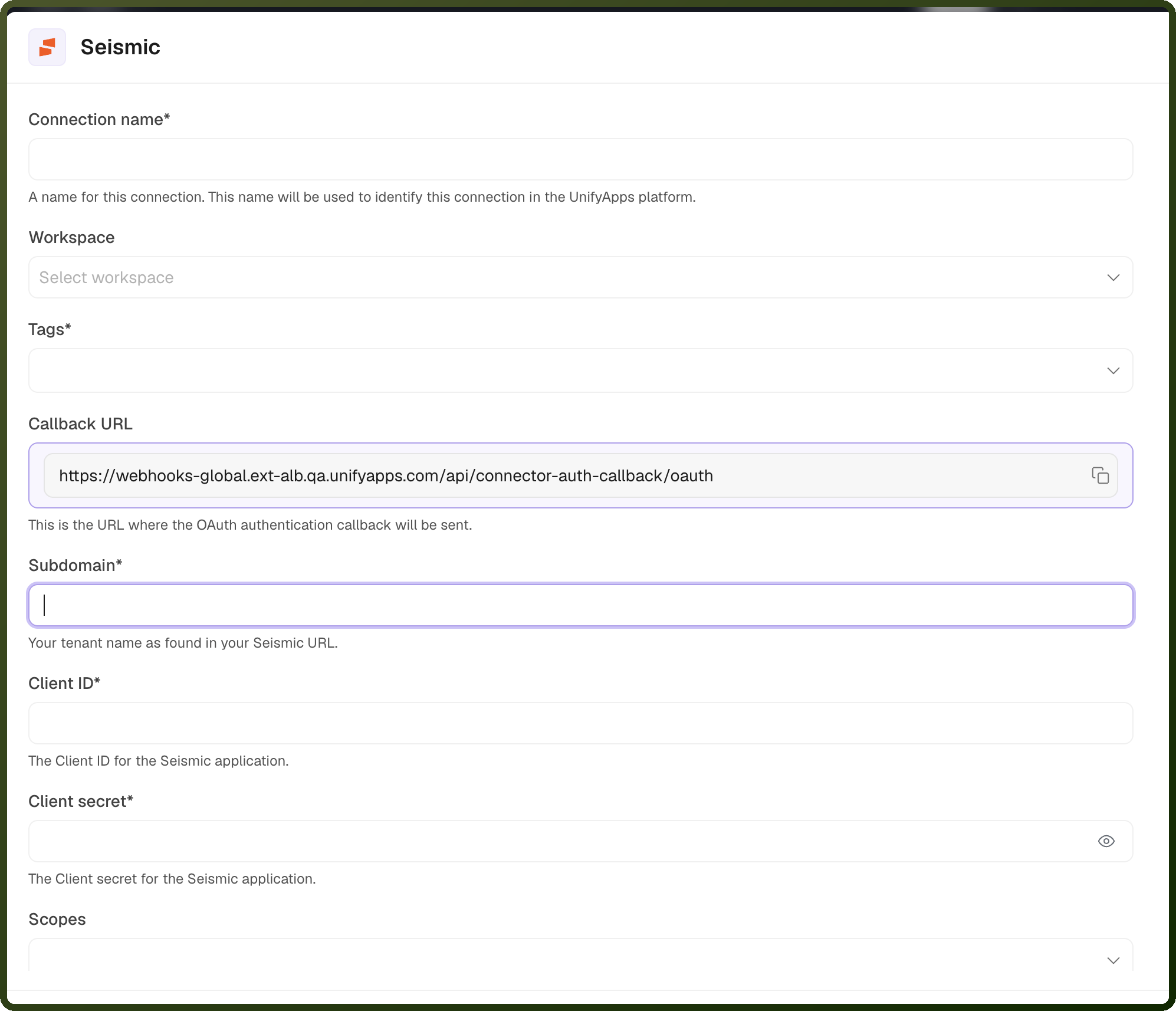
Fill in all the required details listed above in the connection form.
Click the Authorize button at the bottom of the form.
A Seismic login pop-up window will appear.
Log in to your Seismic account using your credentials.
You will be redirected back to UnifyApps, and your connection will be successfully set up.
OAuth 2.0 Based
Log in to the App Registration Portal using your tenant admin credentials. Only tenant admins have the necessary permissions to create applications.
Click Create an App and enter an app name
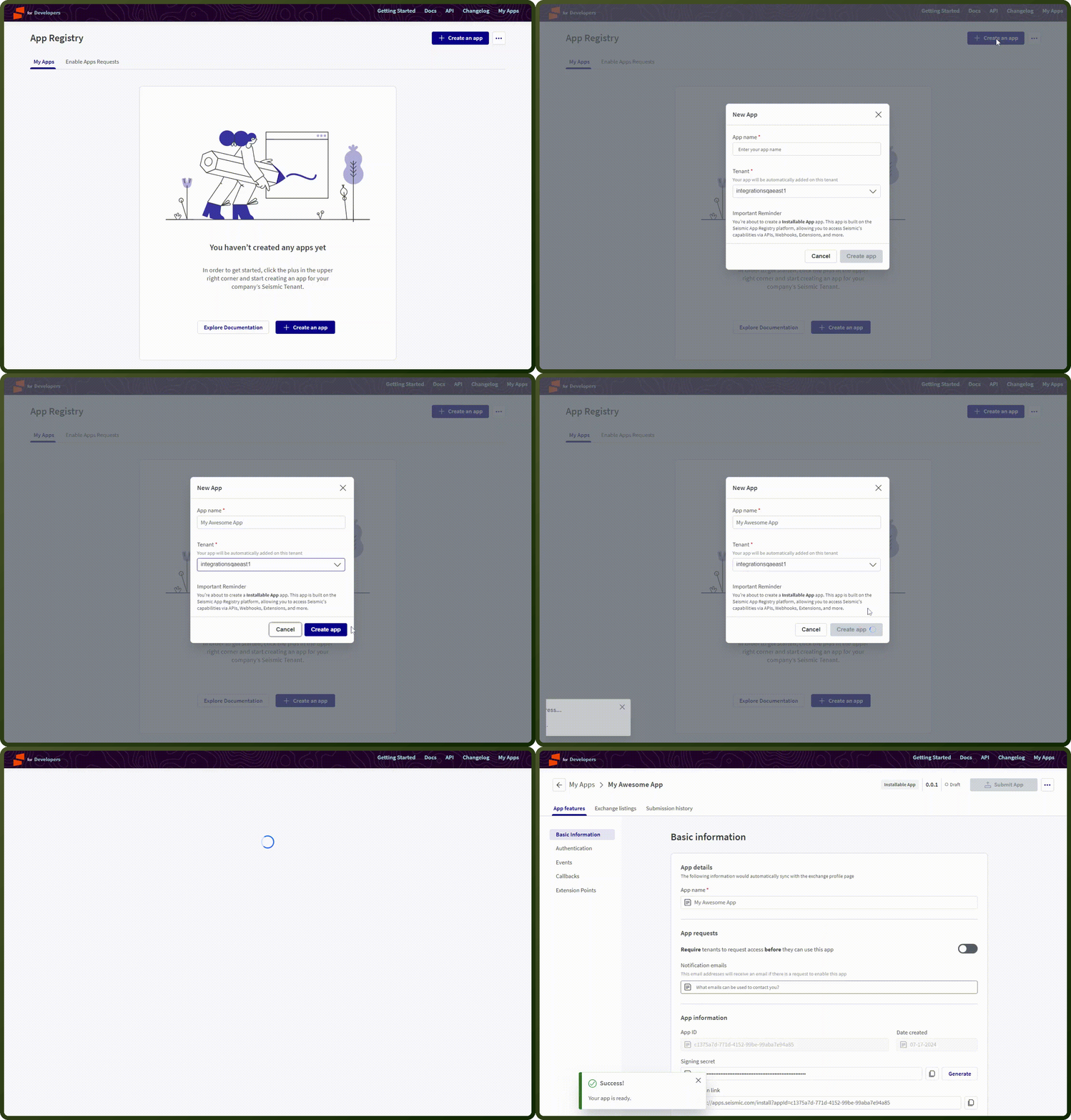
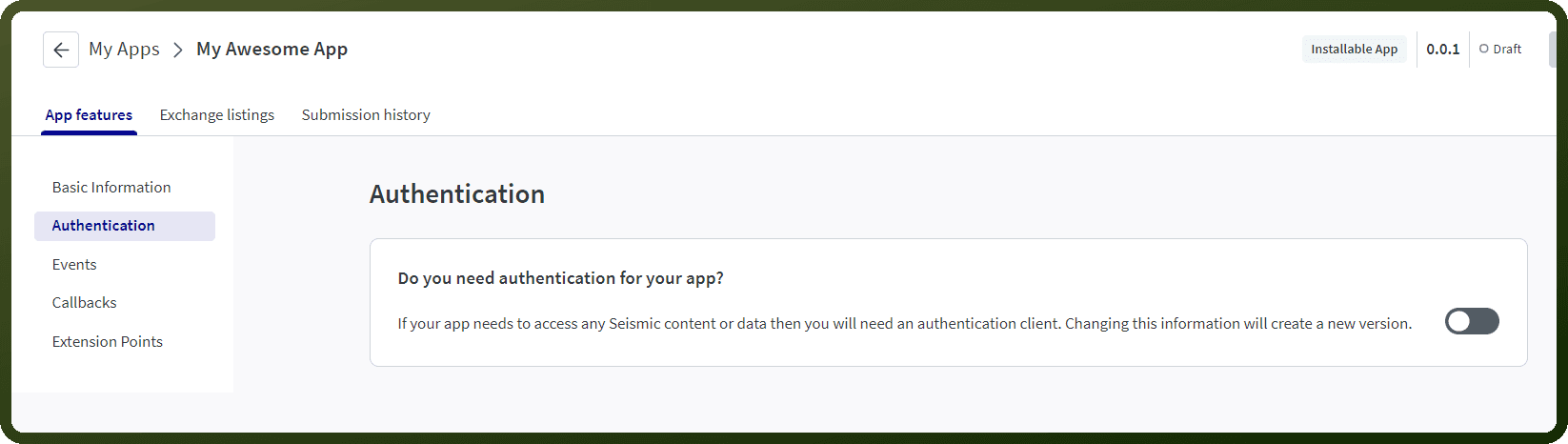
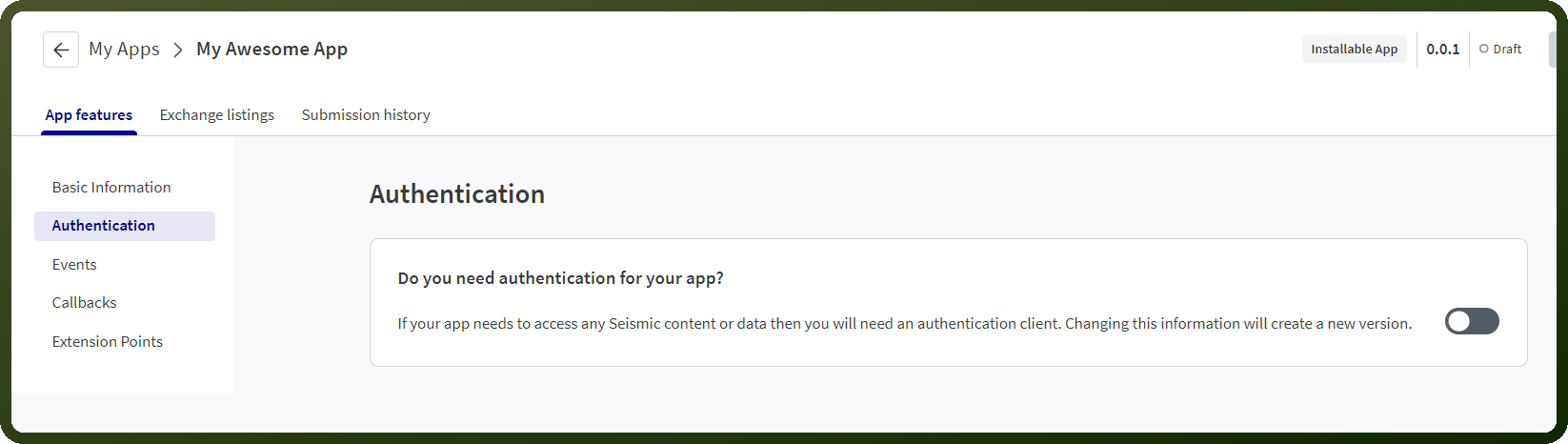
Open the app and enable Authentication.
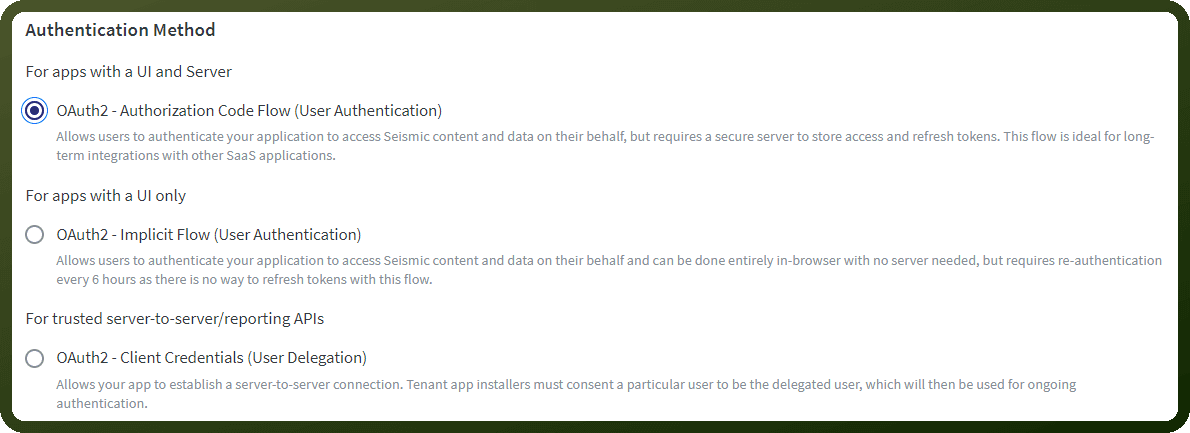
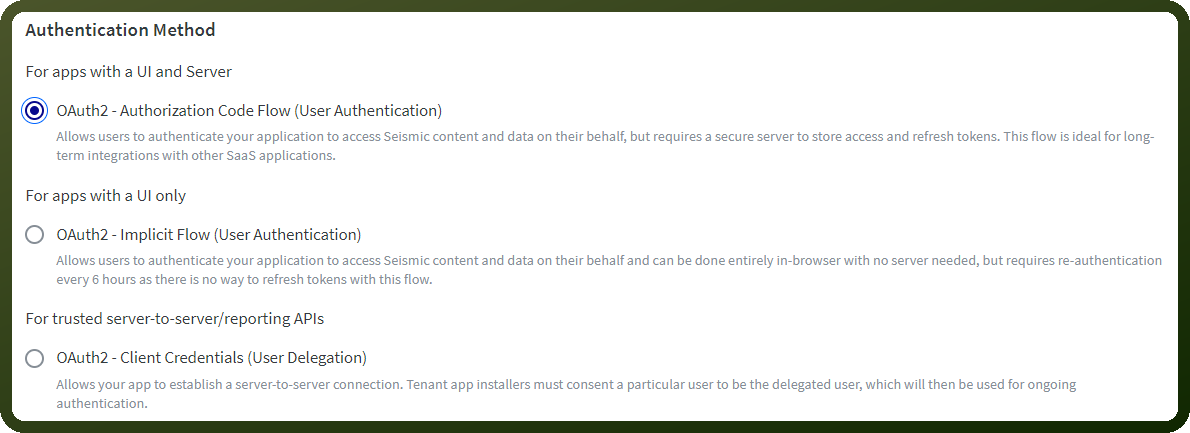
Select OAuth 2.0 Authorization Code Flow.
Add your application's Redirect URI.
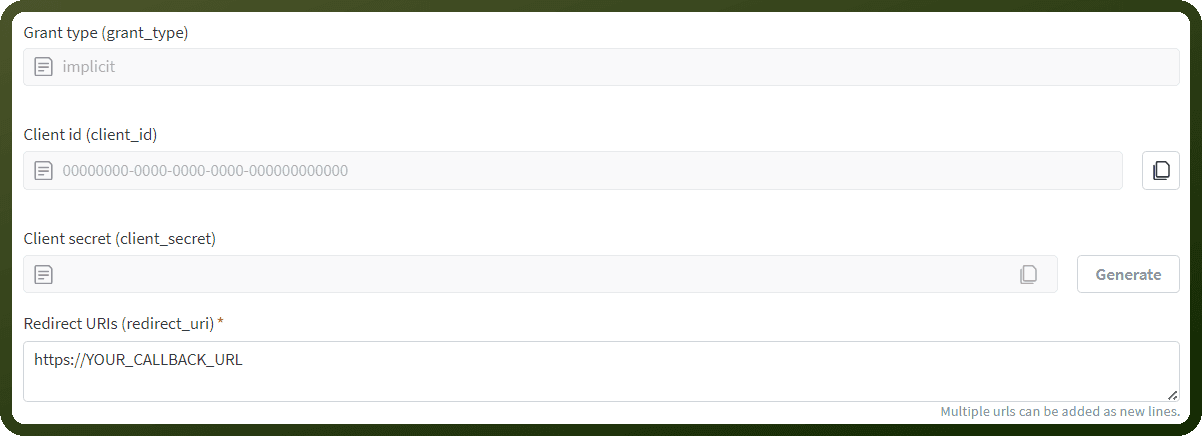
Click Generate to create the Client Secret and copy it securely.
Copy the displayed Client ID.
Select the required Scopes. To find out what scope you would need, look at the particular API's documentation page. Once you have decided the required scopes for your app, select them in your app.
In your Seismic tenant, go to Admin Settings → My Apps and enable the app.
Wait 5–10 minutes for the credentials to become active.
Actions
Action | Description |
|---|---|
| Adds a member with a specific role to a content item in Seismic workspace |
| Creates record in Seismic |
| Deletes record in Seismic |
| Get generative search result along with source files from DocCenter, NewsCenter and Knowledge content in Seismic |
| Retrieves file information and properties in Seismic |
| Retrieves details of any standard record via its ID from Seismic |
| Retrieves a user by their ID (GUID) from Seismic |
| Search content in Seismic |
| Retrieves a list of records that match your search criteria from Seismic |
| Retrieves all users or users matching specific criteria from Seismic |
| Updates record in Seismic |
| Uploads a file to Seismic workspace from a URL or base64 content |