


Overview
Data Backup and Protection ensure that critical information remains safe, available, and recoverable in case of data loss, system failure, cyberattacks, or human error. Regular backups create copies of data stored in secure, separate locations (such as cloud or off-site storage), while protection measures like encryption, access controls, and monitoring prevent unauthorized access or corruption. Together, these practices help maintain data integrity, support business continuity, and reduce the risk of permanent data loss.
Data Backup in UnifyApps
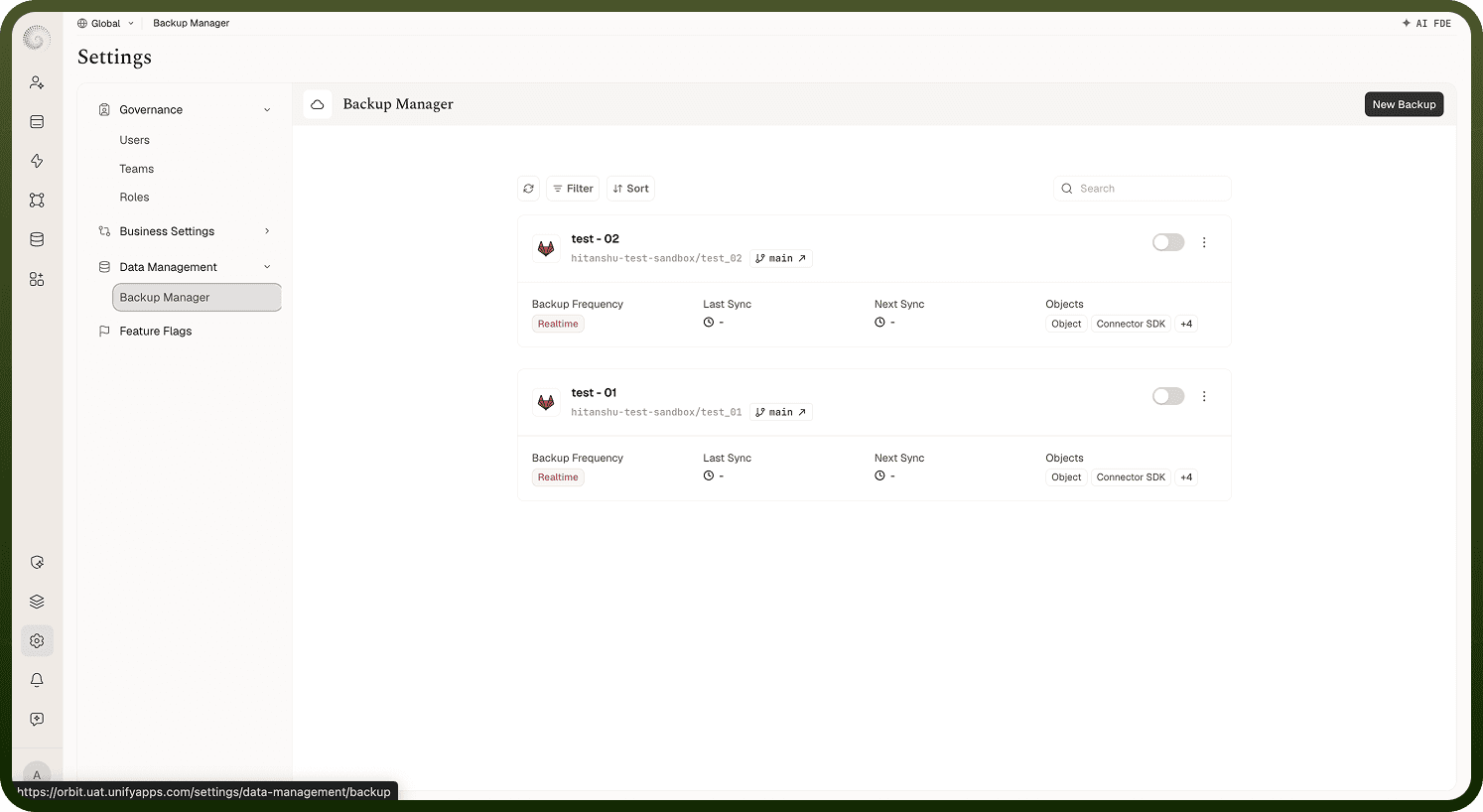
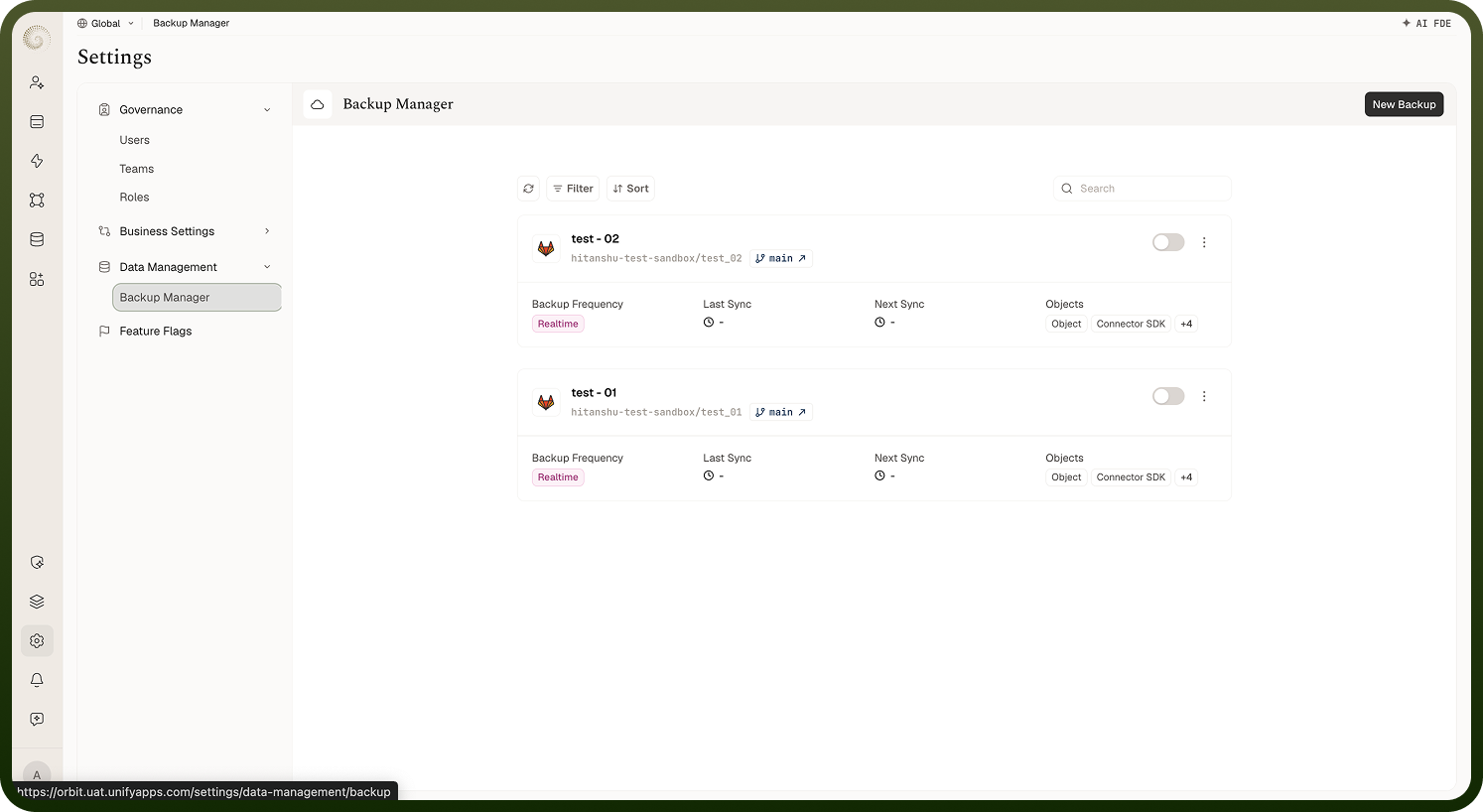
To set up a backup, go to Settings › Data Management › Backup Manager and click New Backup. The wizard then asks for the backup's configuration details. For the full walkthrough, including Sync Now, Clone and Delete, see Platform backup (Backup Manager).
Enter a Name for the backup configuration, choose the Backup Provider (the Git host the backup repository lives on), then pick the Connection to use for the backup. For GitHub, also enter the committer User Name and Email used on backup commits.
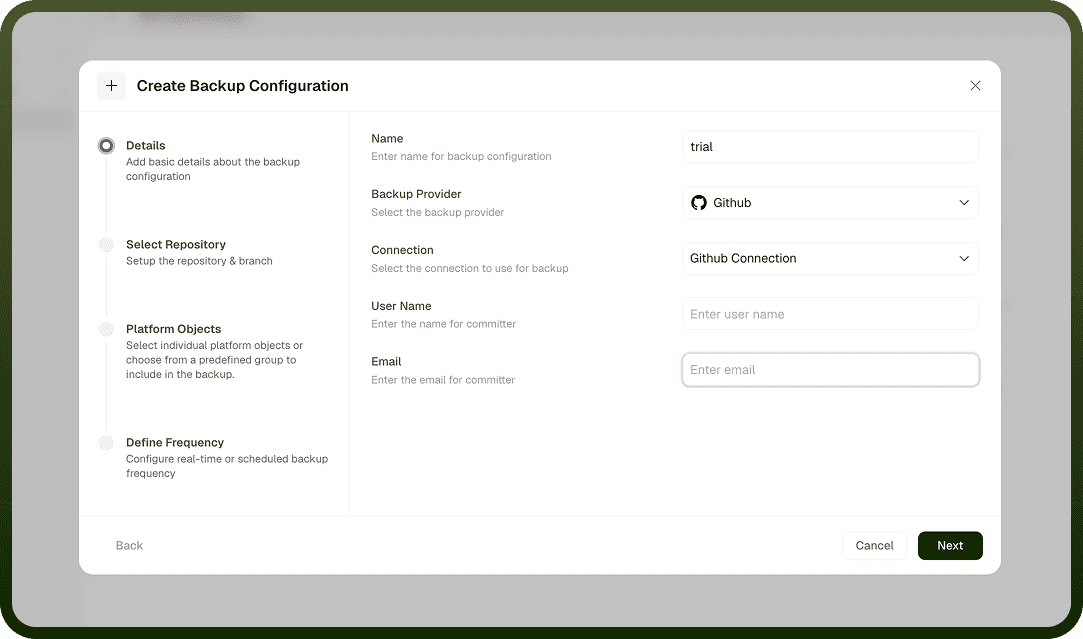
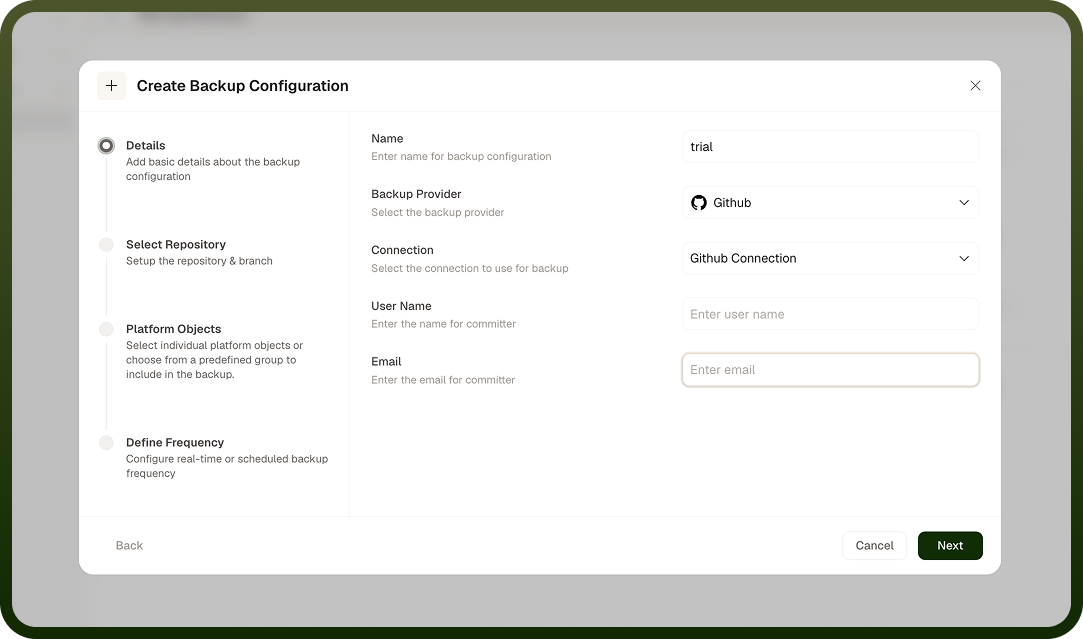
While choosing the connection, click on ADD CONNECTION to make a new connection. Adding a new connection will require you to fill the connection configurations. The instructions are already given to ease your journey.
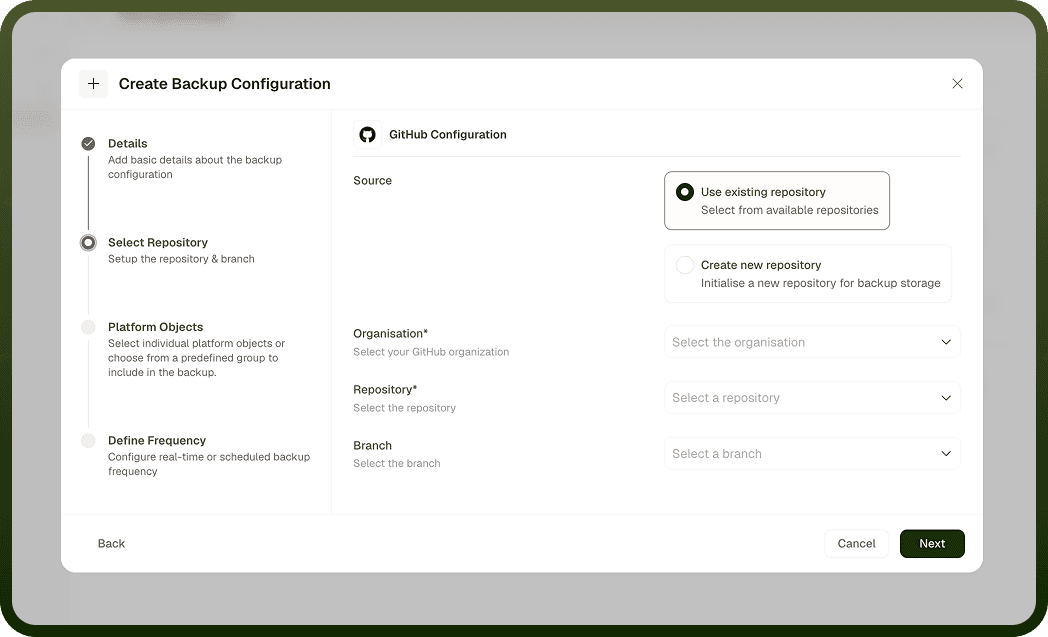
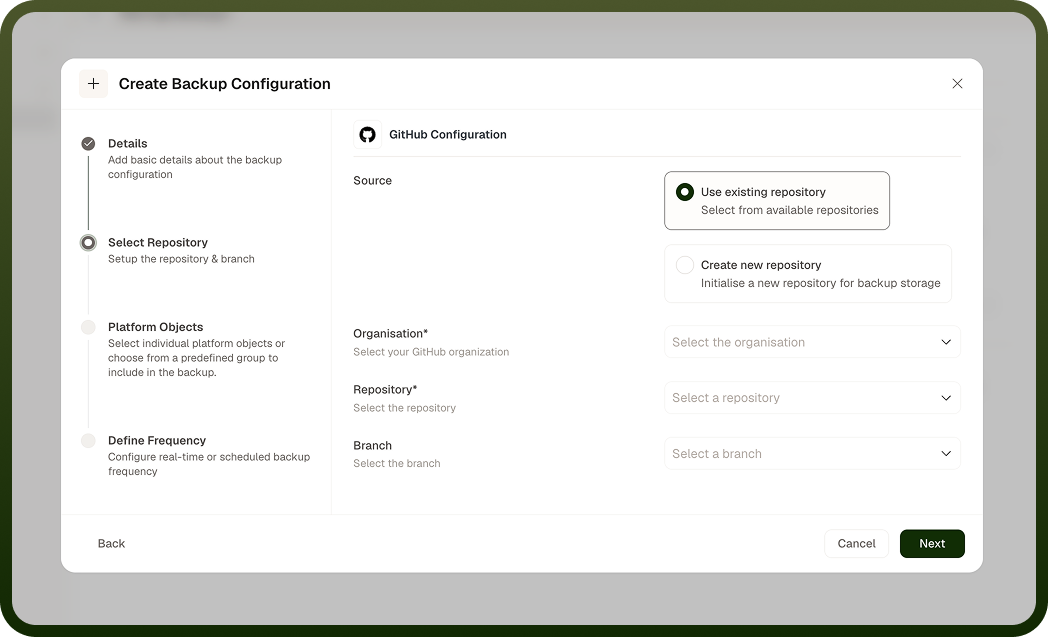
Choose the relevant details and click on CREATE. Select the repository and branch you want to connect. You can use an existing repository or create a new one to connect.
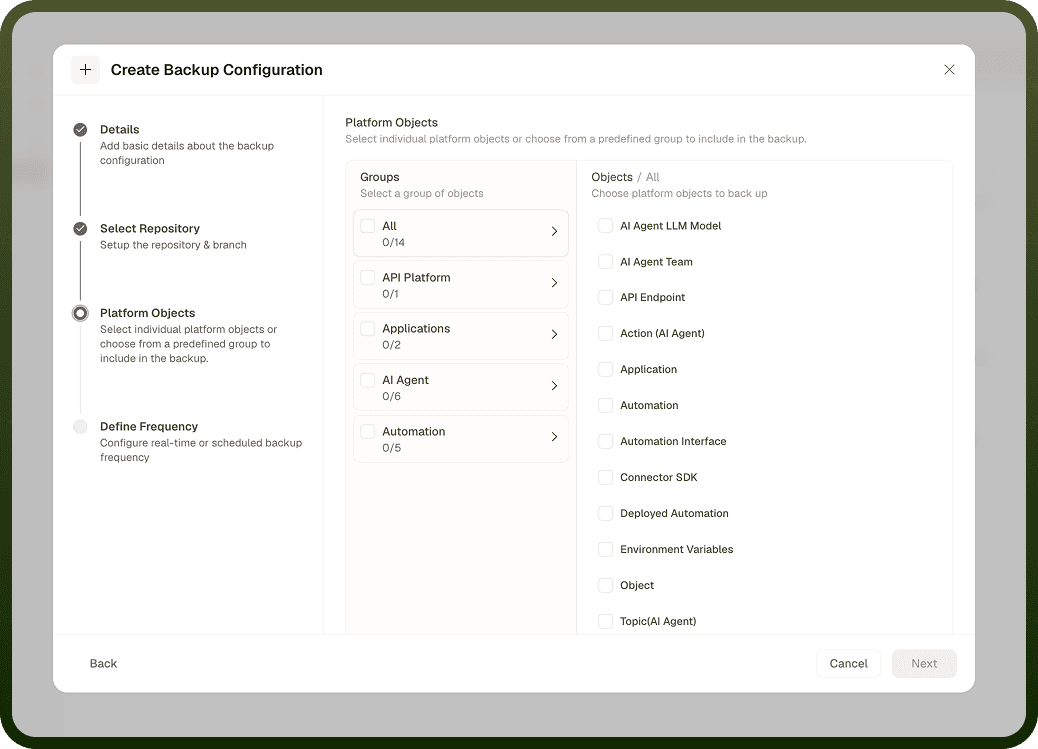
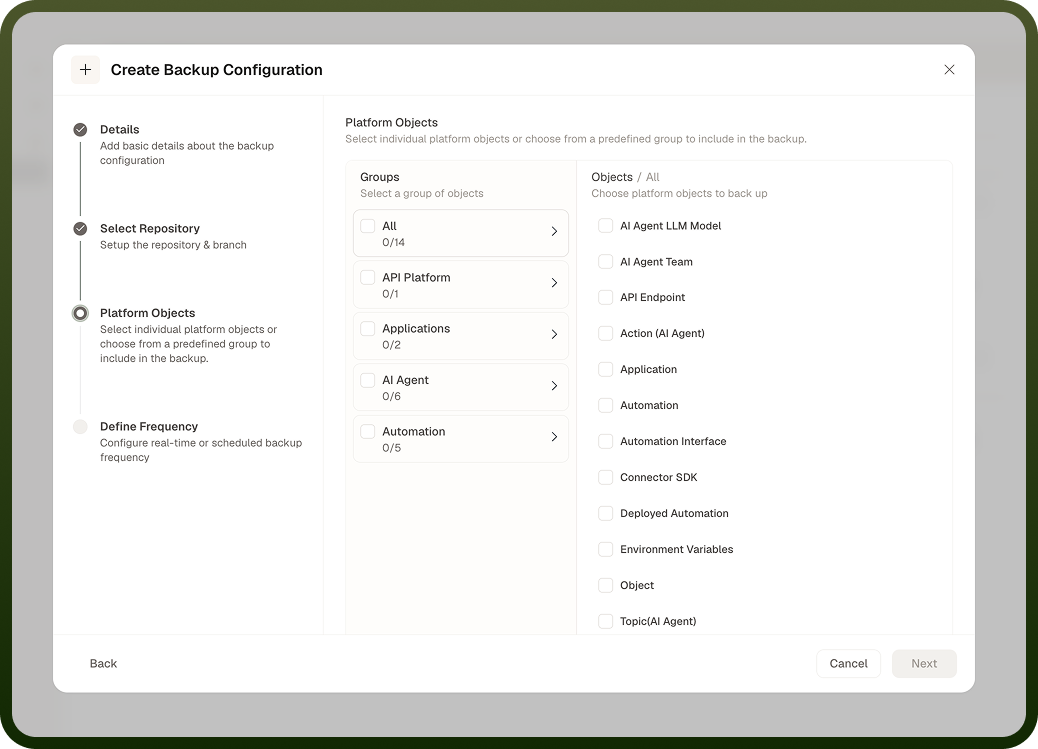
Select the Platform Objects to include in the backup. You can choose individual platform objects or from a predefined group to include in the backup.
Choose the Backup Frequency: Scheduled or Real time. Real-time backups trigger immediately upon data modifications, while scheduled backups execute at specified intervals. For Scheduled, choose a Schedule type: Interval (a duration and its unit, such as minutes, hours or days) or Cron expression (UTC/GMT).
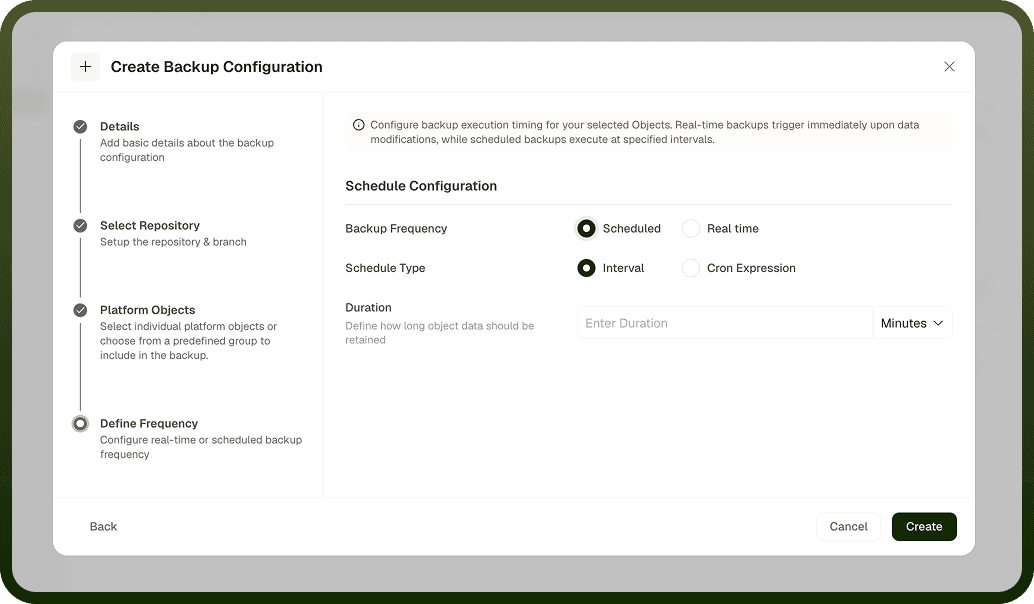
Click the CREATE button to confirm the creation of the backup.
Use cases
Configuration history in your own Git repository: keep a versioned copy of your platform objects in a repository you control.
Recovery after an accidental change: look up an object's earlier configuration in the Git history when something is changed or deleted by mistake.
Audit trail: backups are pushed to Git as commits, so you can see what changed and when.
Approval workflows for moving changes between environments are set up on Connected Environments. Retention policies are covered in Data Retention.