


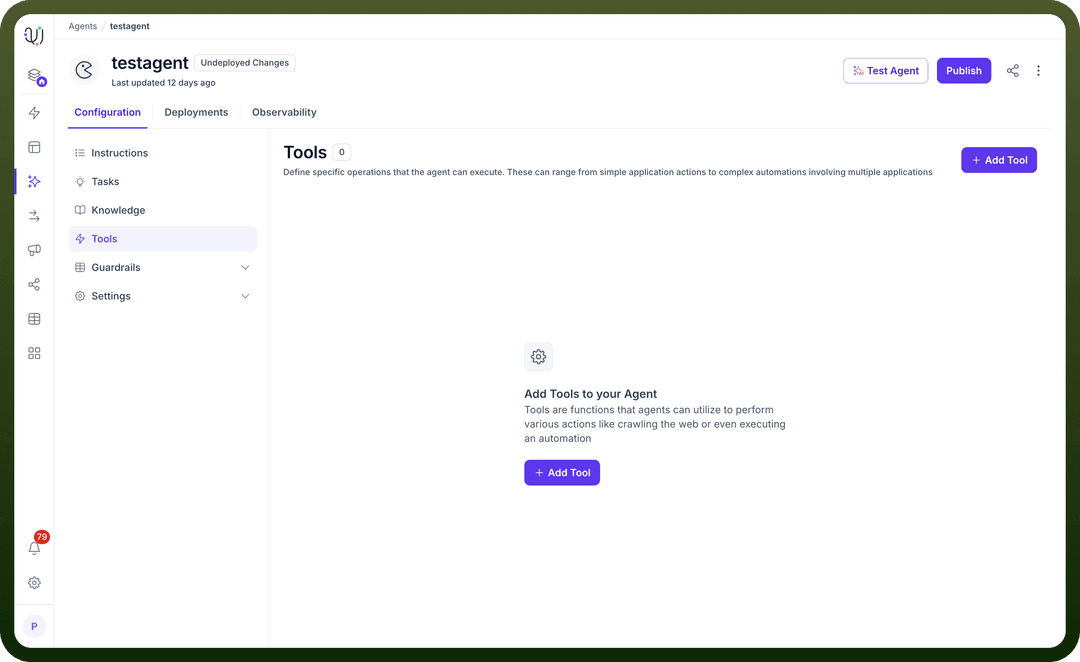
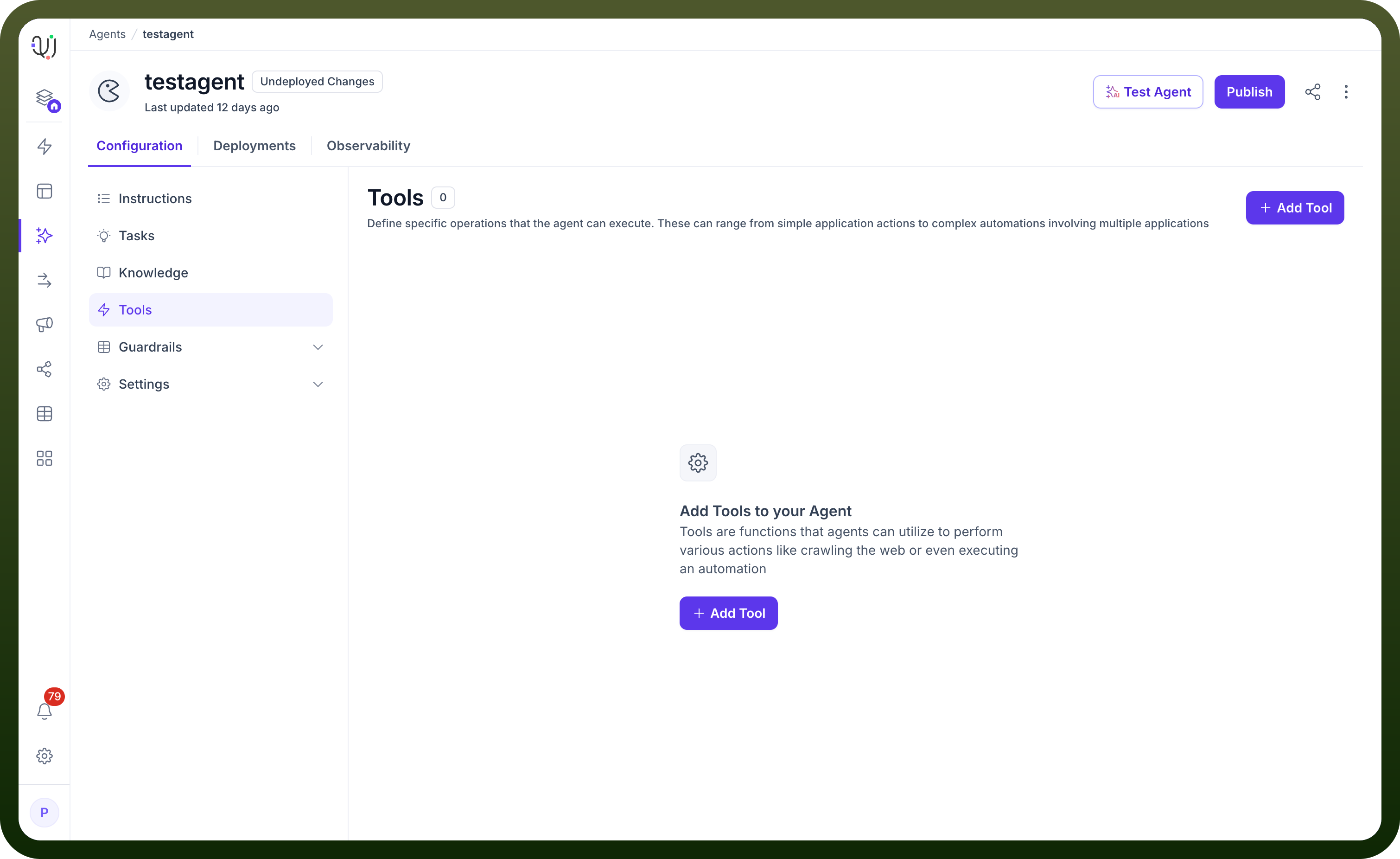
Capabilities are built-in functions that you switch on for an agent, such as Web Search, Deep Research, Execute Code, document analysis, and file generation. The Tools section is for custom connector actions, MCP servers, custom HTTP endpoints, and workflows-as-tools that you add and configure.
Understanding tools and capabilities
To add a custom tool, go to Agent editor > Tools > Add tool, select an app, select an action, choose a Connection, and configure the tool.
Pull Real-time Data: Access information from various platforms to provide accurate, up-to-date responses
Trigger Workflows: Initiate complex multi-step processes based on user interactions or specific conditions
Execute Actions: Perform operations like creating records, updating information, or sending notifications
Connect Systems: Bridge different applications to create unified workflows across your organization
How to use tools and capabilities
Direct Data Access: Configure your AI Agent to pull information directly from integrated tools. For instance, use Azure CosmosDB to retrieve customer data or Bitrix24 to access CRM records during conversations.
Pre-existing Connection Utilization: Leverage established connections to trigger specific workflows. Your AI Agent can use these connections to execute complex operations without requiring users to authenticate repeatedly.
Multi-tool Orchestration: Combine multiple default tools to create sophisticated workflows. For example, configure your AI Agent to pull customer data from Airtable, send personalized emails through Gmail, and then log the interaction in Slack, all triggered by a single user request.
Conditional Logic Implementation: Apply branching and conditional processing to determine which tools to use based on user input or data conditions.
Implementation Best Practices
Tool Selection Strategy: Choose tools that align with your existing tech stack to maximize efficiency and minimize integration complexity.
Authentication Management: Set up secure connections once and reuse them across multiple AI Agent tasks, ensuring seamless user experiences.
Data Flow Optimization: Design your tool usage to minimize API calls and optimize performance, especially when dealing with high-volume operations.
Error Handling: Implement robust error handling for tool interactions to ensure your AI Agent can gracefully manage connection issues or API limitations.
Testing Workflows: Thoroughly test each tool integration in isolation before combining them into complex workflows.
Real-World Use Cases
Customer Support Enhancement: Combine Azure Service Bus for message queuing, Bitrix24 for CRM data access, and Benchmark Email for automated follow-ups to create a comprehensive support system.
Sales Automation: Use Better Proposals for document generation, BigCommerce for order processing, and Billetto for event registration, all orchestrated by your AI Agent based on customer interactions.
Project Management: Integrate Awork for task tracking, Backlog for issue management, and Azure DevOps for development workflows, allowing your AI Agent to provide comprehensive project updates and automate routine tasks.
By leveraging UnifyApps' extensive library of default tools, you can transform your AI Agents from simple conversational interfaces into powerful automation engines that seamlessly integrate with your entire business ecosystem. These pre-built integrations eliminate the complexity of API development while providing the flexibility to create sophisticated, enterprise-grade solutions.