


Datasets form the foundation of AI agent testing by providing structured collections of test cases. These test cases enable systematic evaluation of agent responses across various scenarios, from simple question-answer pairs to complex conversational flows.
Dataset Types
The platform accommodates two primary test case categories:
LLM Test Cases: Designed for single input-output validation, particularly useful for RAG (Retrieval-Augmented Generation) use cases
Conversational Test Cases: Built to test multi-turn dialogues and complete user journeys
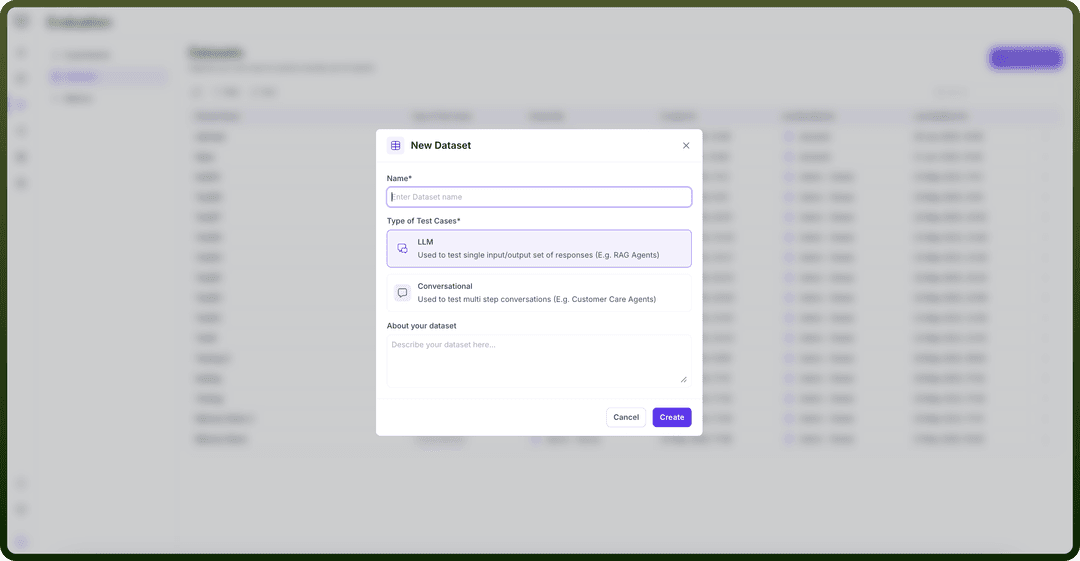
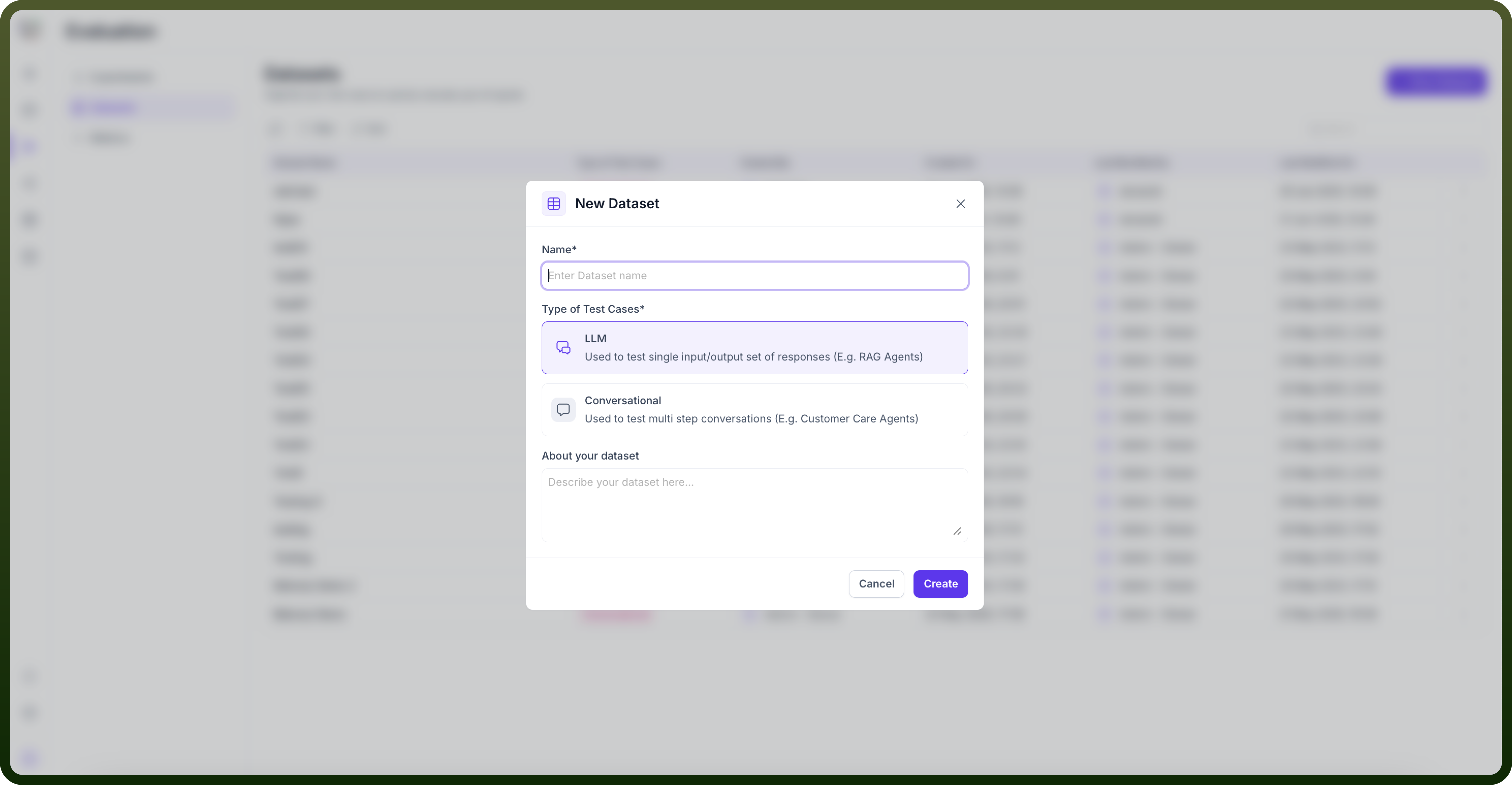
Creating Datasets
Step 1: Name Your Dataset
Begin by providing a descriptive name that reflects the dataset's purpose and scope.
Step 2: Choose a creation method for test cases
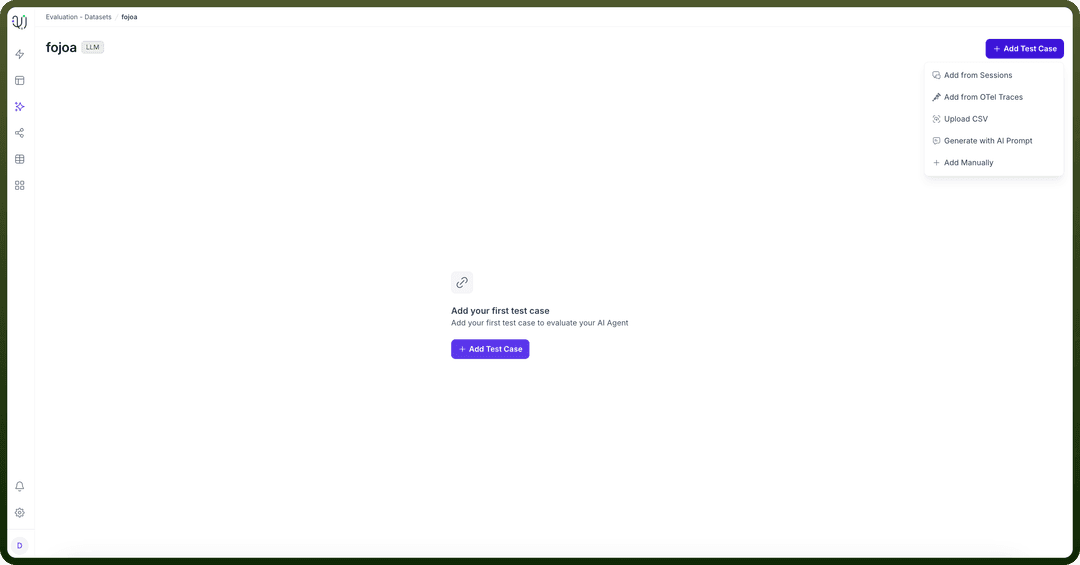
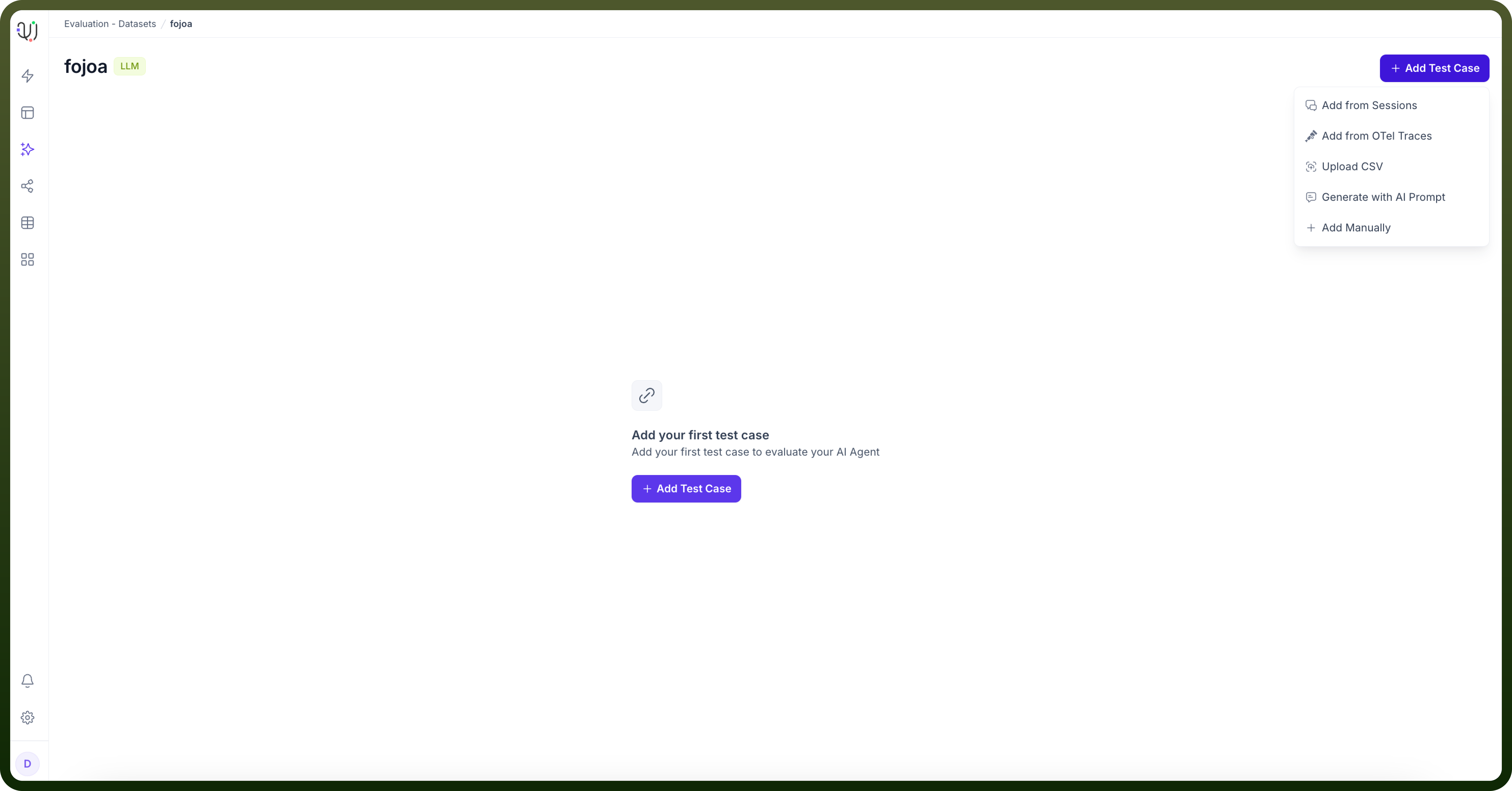
You can add test cases manually, upload a CSV, add cases from sessions, add cases from OTel traces, generate cases with an AI prompt or AI agent, import cases from a knowledge set, and—for conversational datasets—generate scenarios.
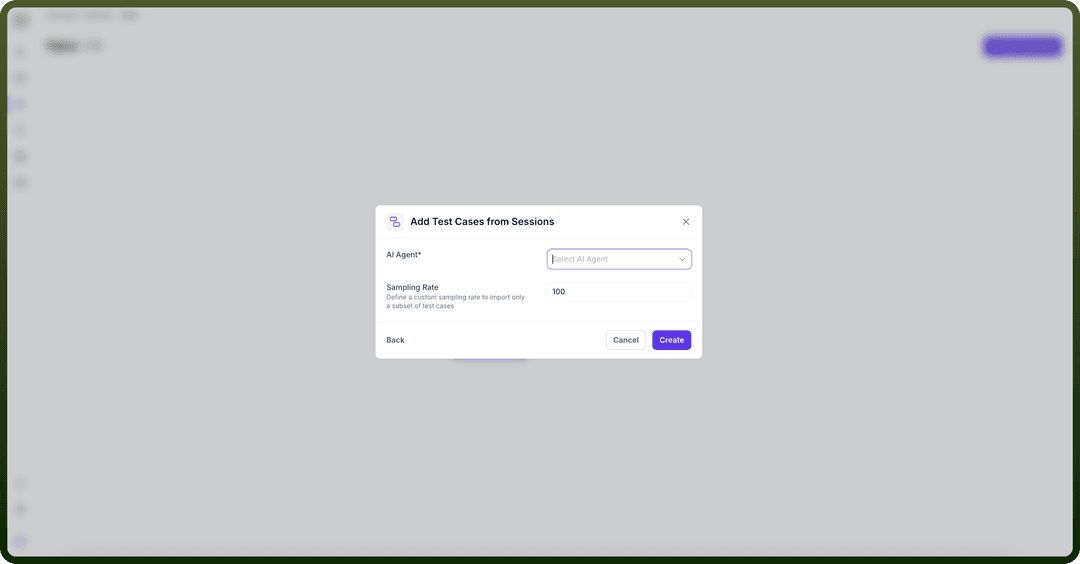
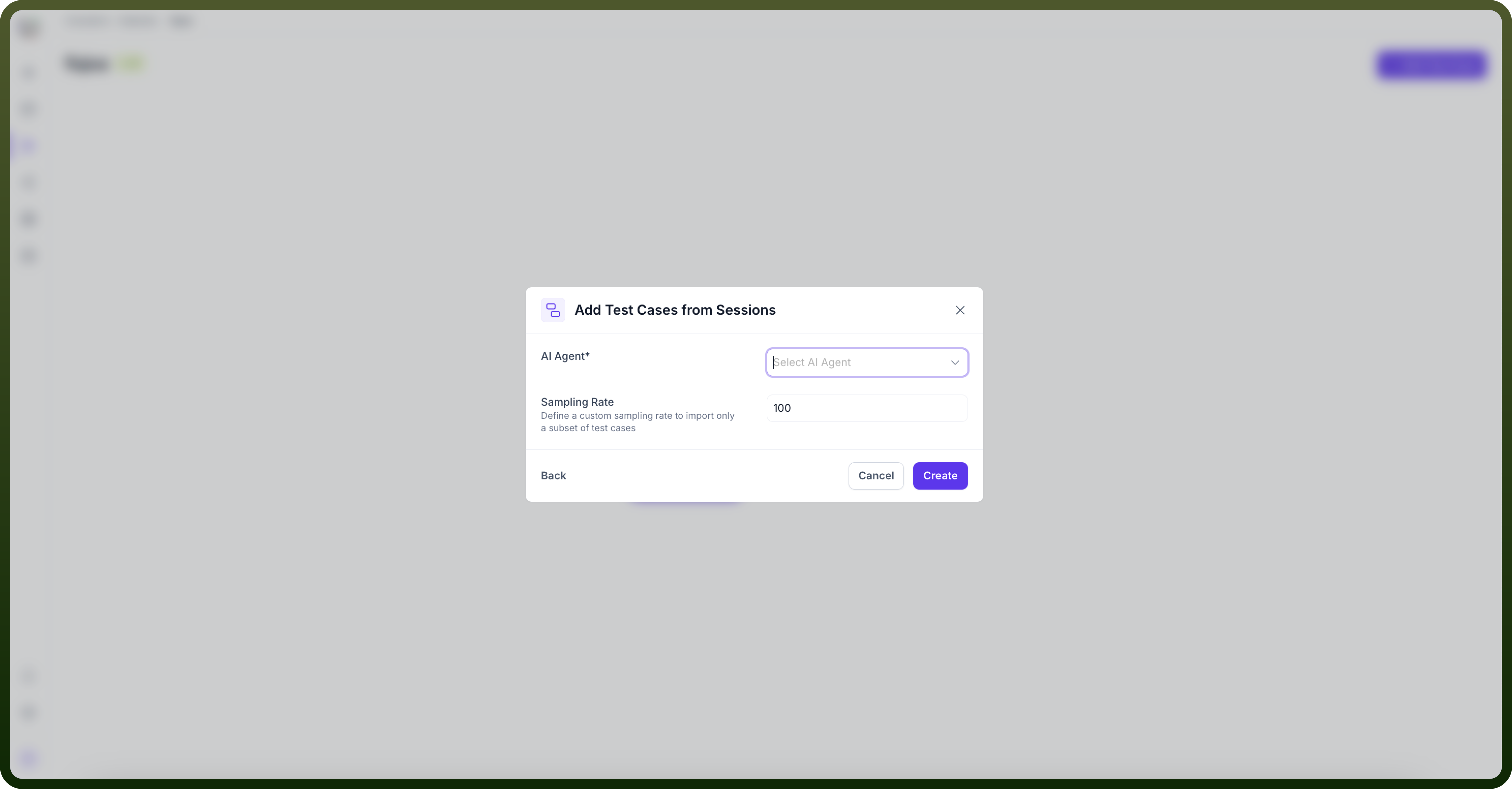
From Sessions: Import test cases directly from existing agent sessions
Select the specific agent whose sessions you want to import
Define a sampling rate to control the volume of imported cases
Review and potentially filter the imported data for relevance
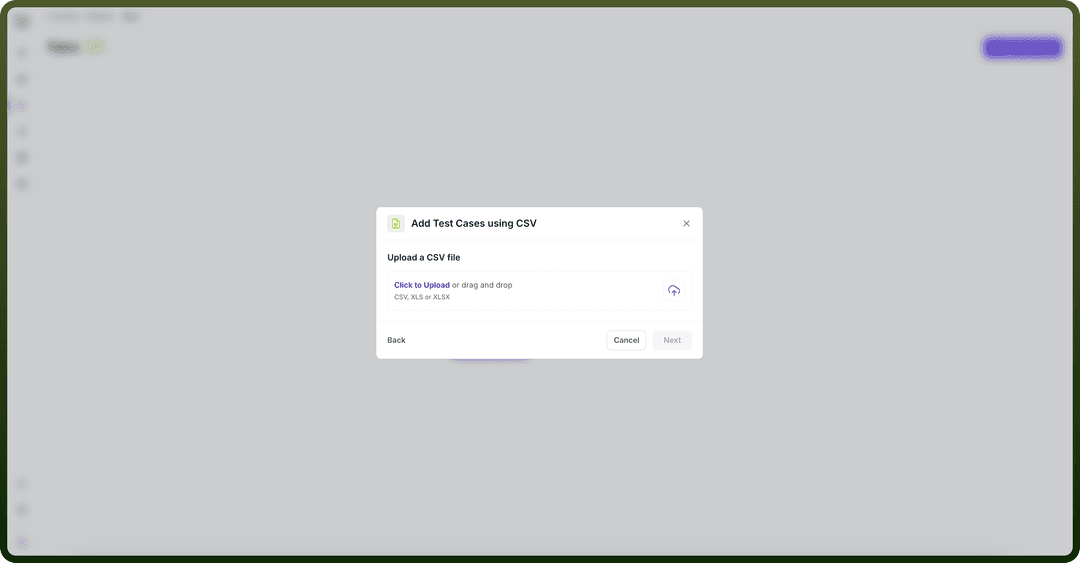
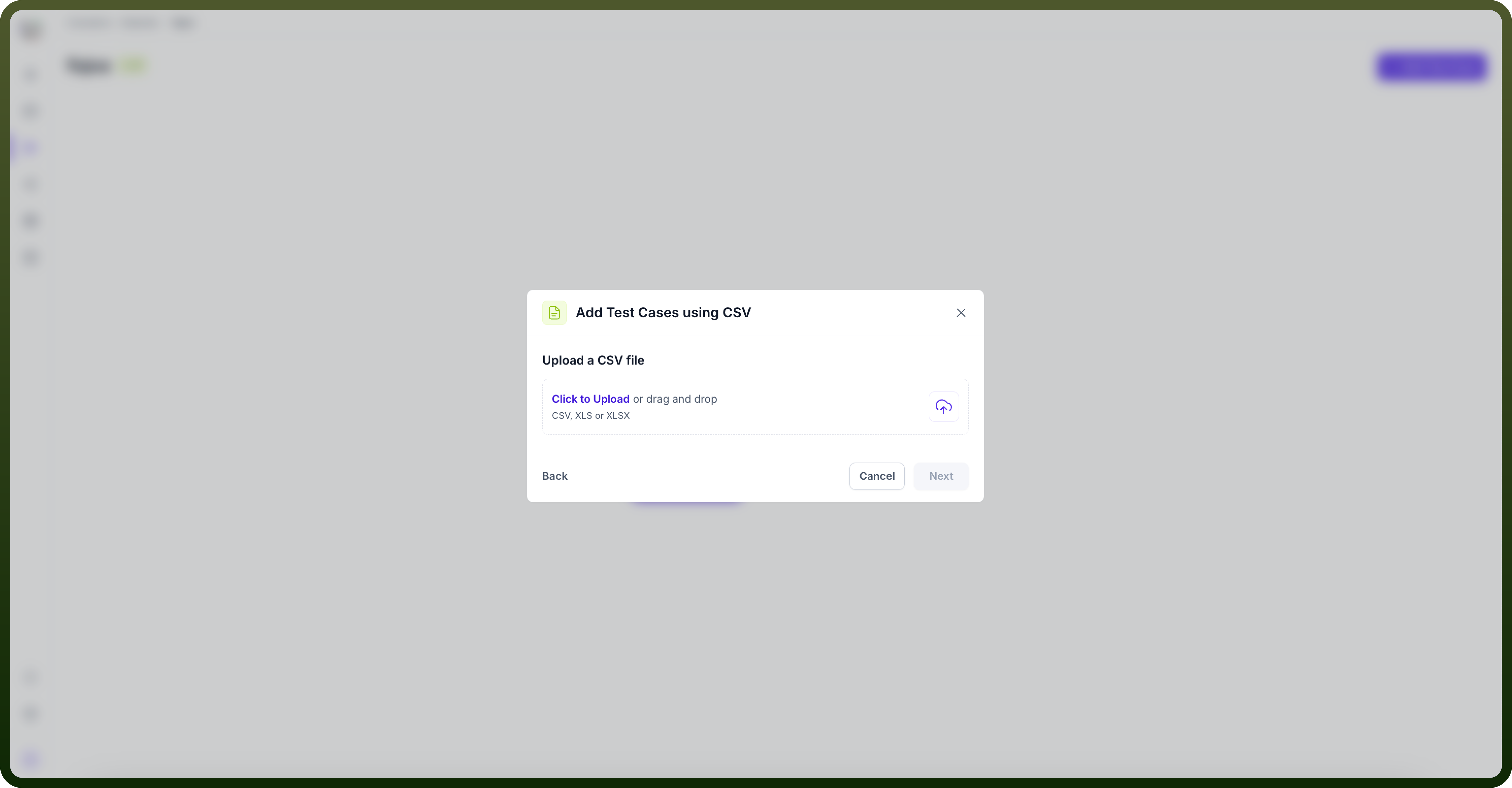
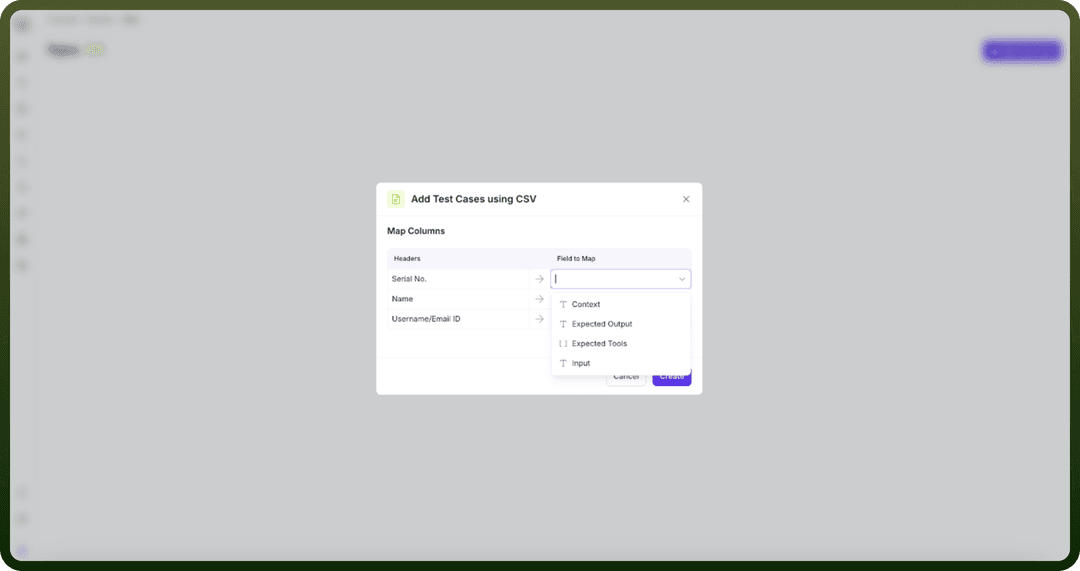
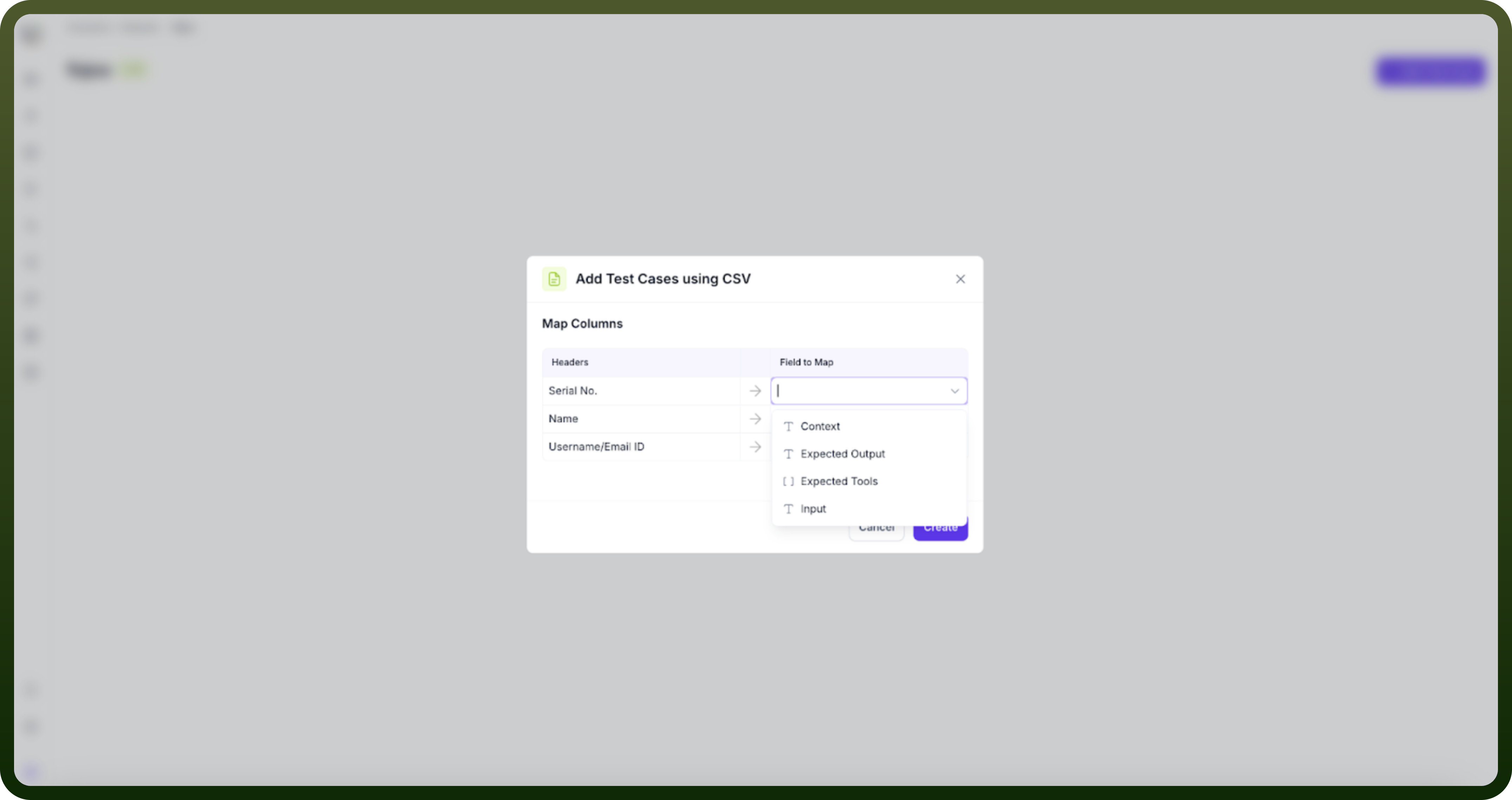
Upload CSV: Bulk import test cases via CSV files
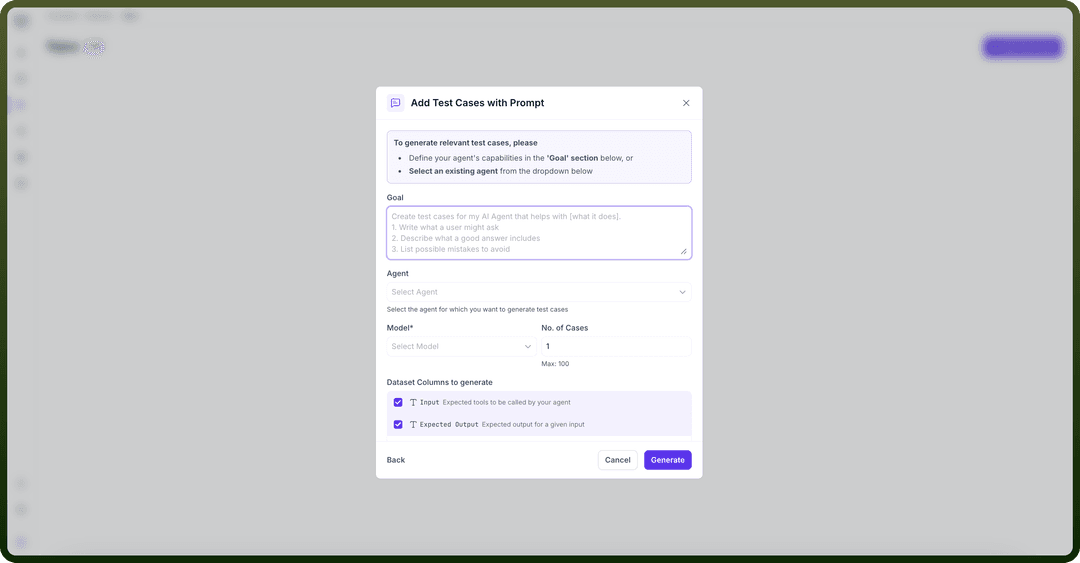
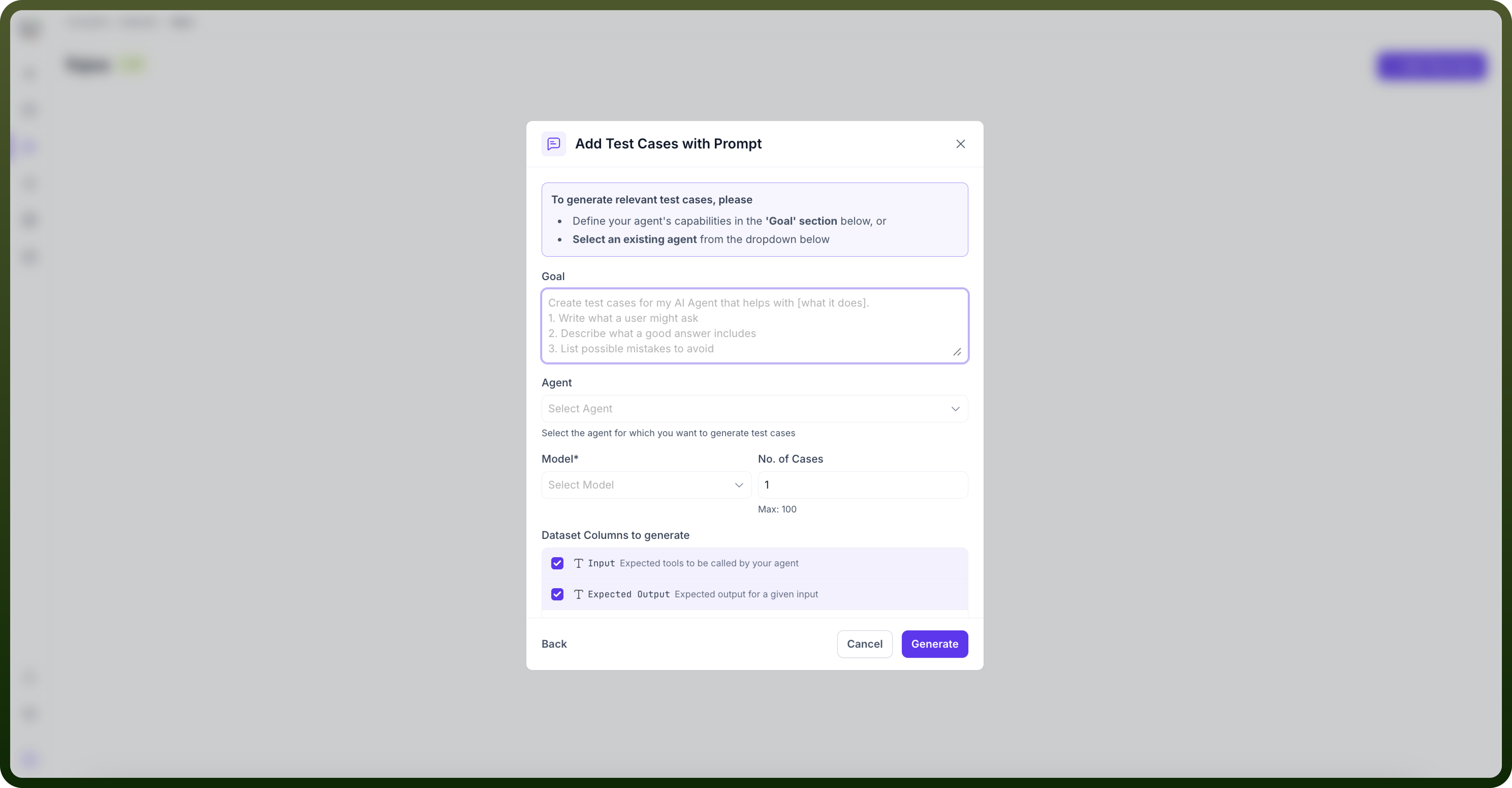
Generate with Prompts: Auto-generate test cases by defining dataset goals
Define clear, specific goals for your dataset
Select agent for which you want to prepare test cases
Choose the AI model and the number of test cases to generate
Select columns to generate
Add manually: Manually input questions and expected answers
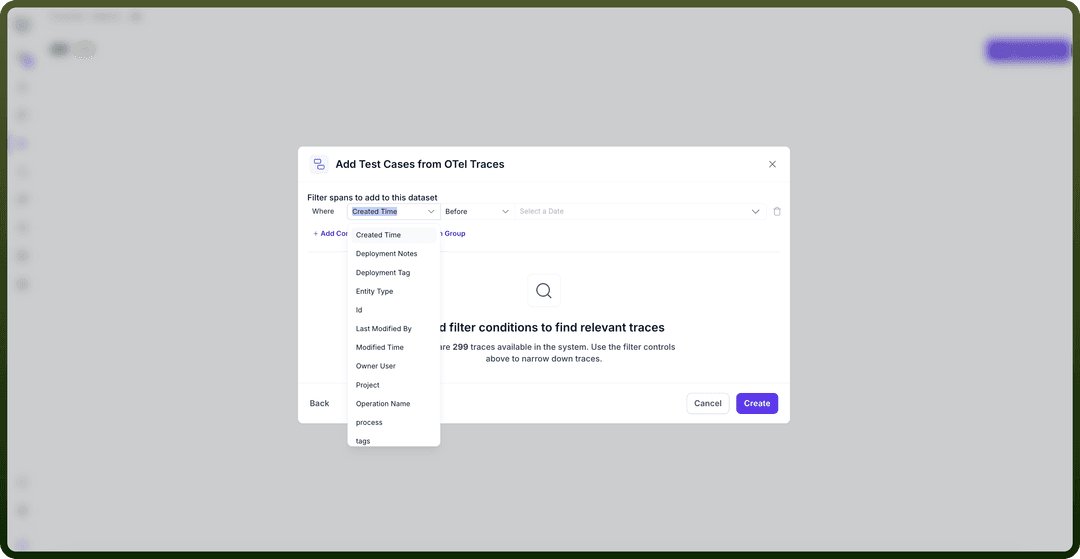
Create OTel Cases: Transform OpenTelemetry trace data from sessions on different platform into test cases
Select “
add from otel traces” after clicking on “Add test case” buttonYou will see no. of traces available in system
Add a condition or condition group based on your use case and requirements.
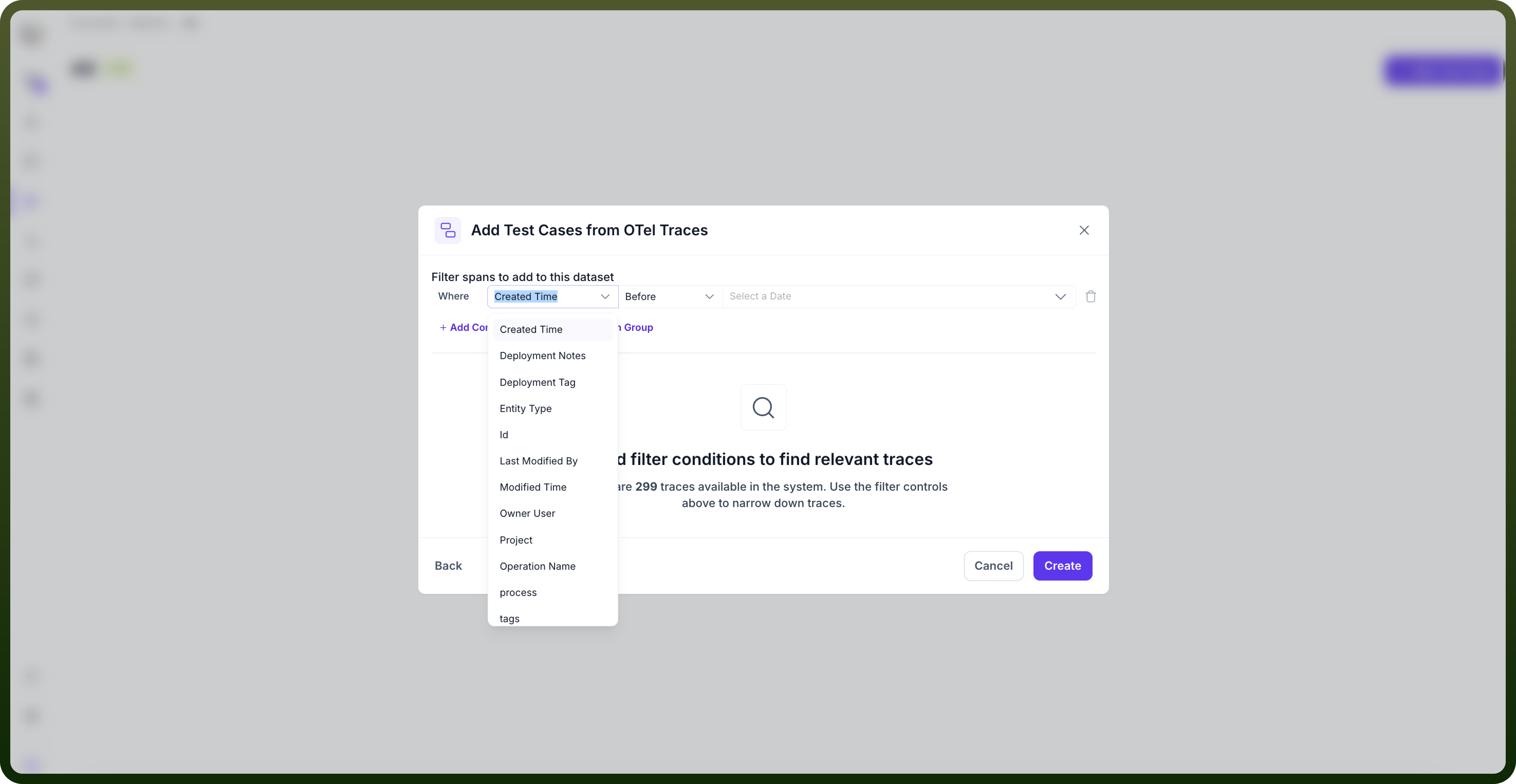
Click on “
create” button. You will see that the dataset has been created.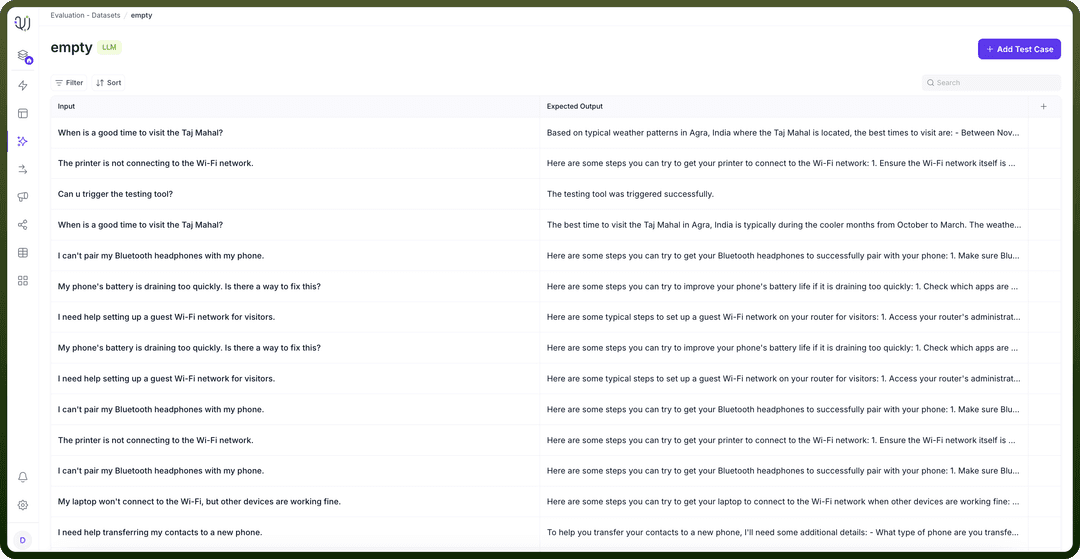
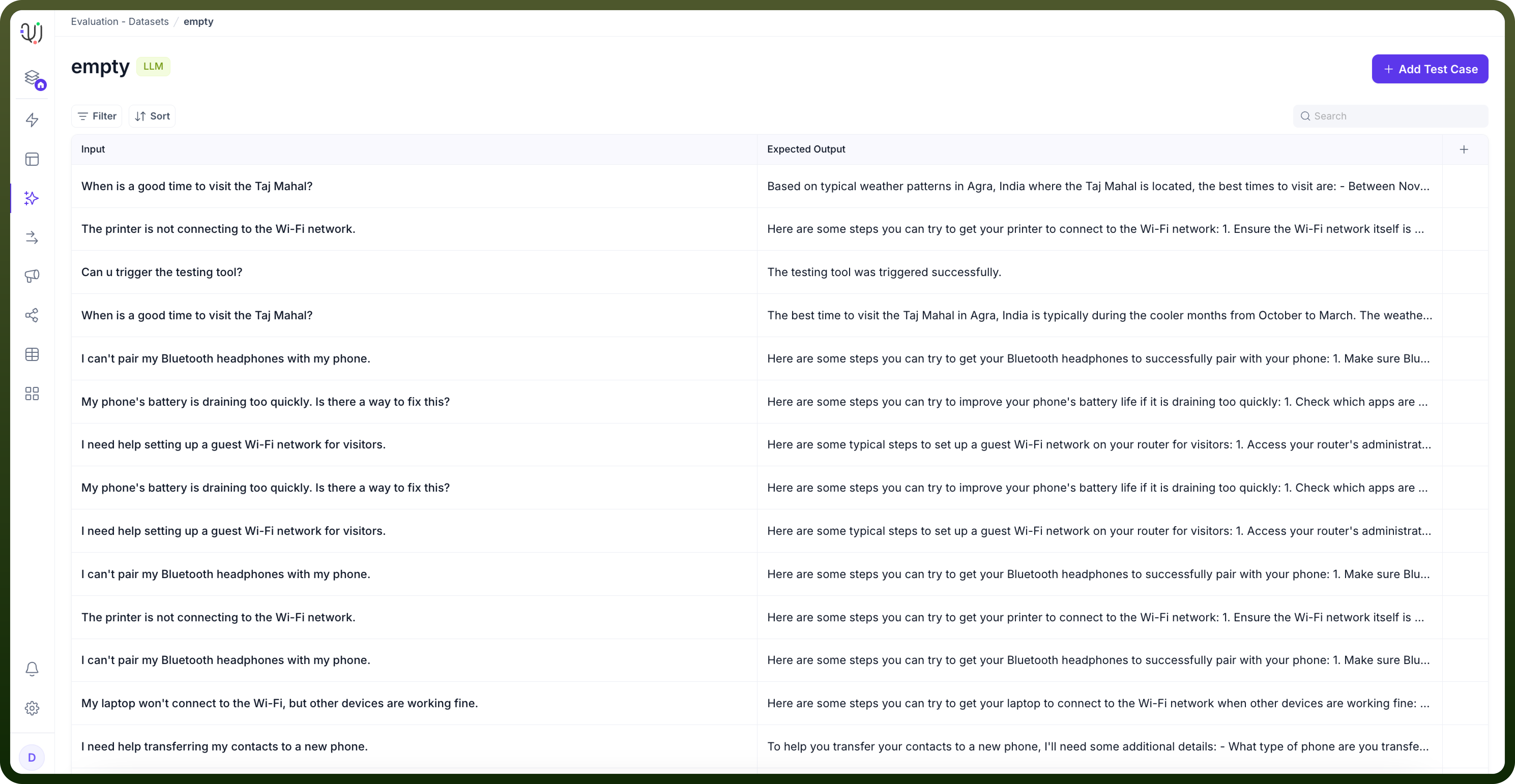
Step 3: Define Test Case Fields
A test case includes standard fields such as Input, Expected Output, Context, Expected Toolss, Actual Output, Retrieval Context, and Tools Called. It can also include Turns, Agent Role, Latency, Tokens, Cost, and dataset metadata fields.
Input (mandatory): The user query or prompt
Expected Output (mandatory): The desired agent response
Expected Tools: Expected tools to be called by your agent
Context: Additional background information
You can add custom fields according to your requirement
This flexible approach ensures datasets can be tailored to specific testing requirements while maintaining consistency across different evaluation scenarios.