


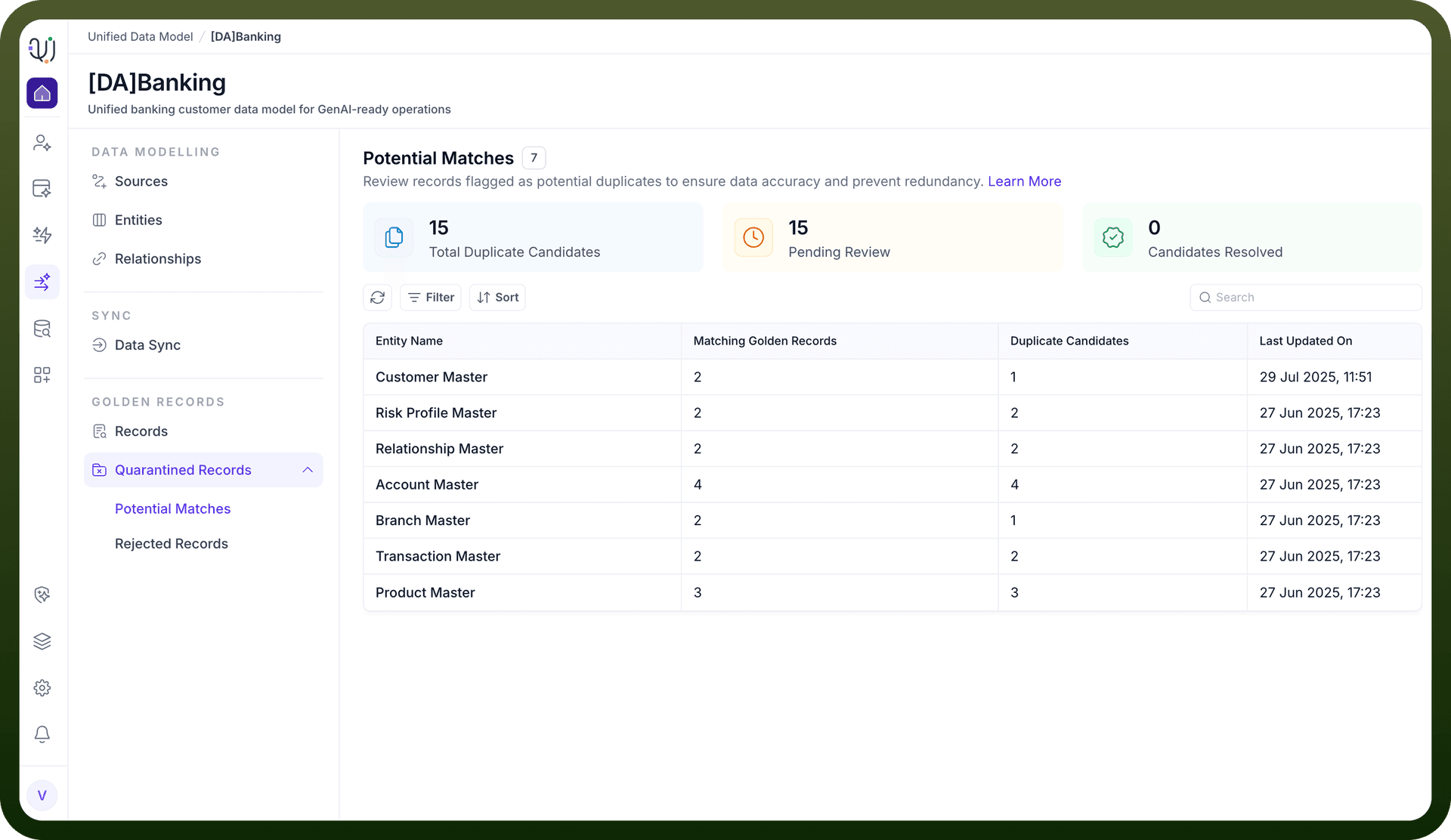
Potential Matches are records that the UnifyApps platform identifies as possible duplicates during the data ingestion, transformation, and deduplication process. These records are not immediately merged or rejected; instead, they are flagged for further review because the system detects a significant similarity with existing records but cannot confidently determine if they are true duplicates.
How Are Potential Matches Identified?
Match Rules Configuration:
The system uses configurable match rules to compare incoming records with those already present in the golden repository.
Match rules can be:
Exact Match: e.g., identical branch codes, customer IDs, or other unique identifiers.
Fuzzy Match: e.g., similar names, addresses, or other fields where minor differences may exist (like typos or formatting).
Scoring and Thresholds:
Each potential match is assigned a similarity score (typically between 0 and 1).
Administrators can set thresholds to determine what constitutes a potential match versus an automatic match or a non-match.
For example, a score above 0.8 might be considered a strong match (auto-merge), while a score between 0.5 and 0.8 is flagged as a potential match for manual review .
What Happens When a Potential Match Is Detected?
Merge Policy Application:
The system applies a merge policy to decide the next step for the flagged record:
Automatic Merge: If the match score is very high, the system can automatically merge the records using survivorship rules (e.g., most recent data wins).
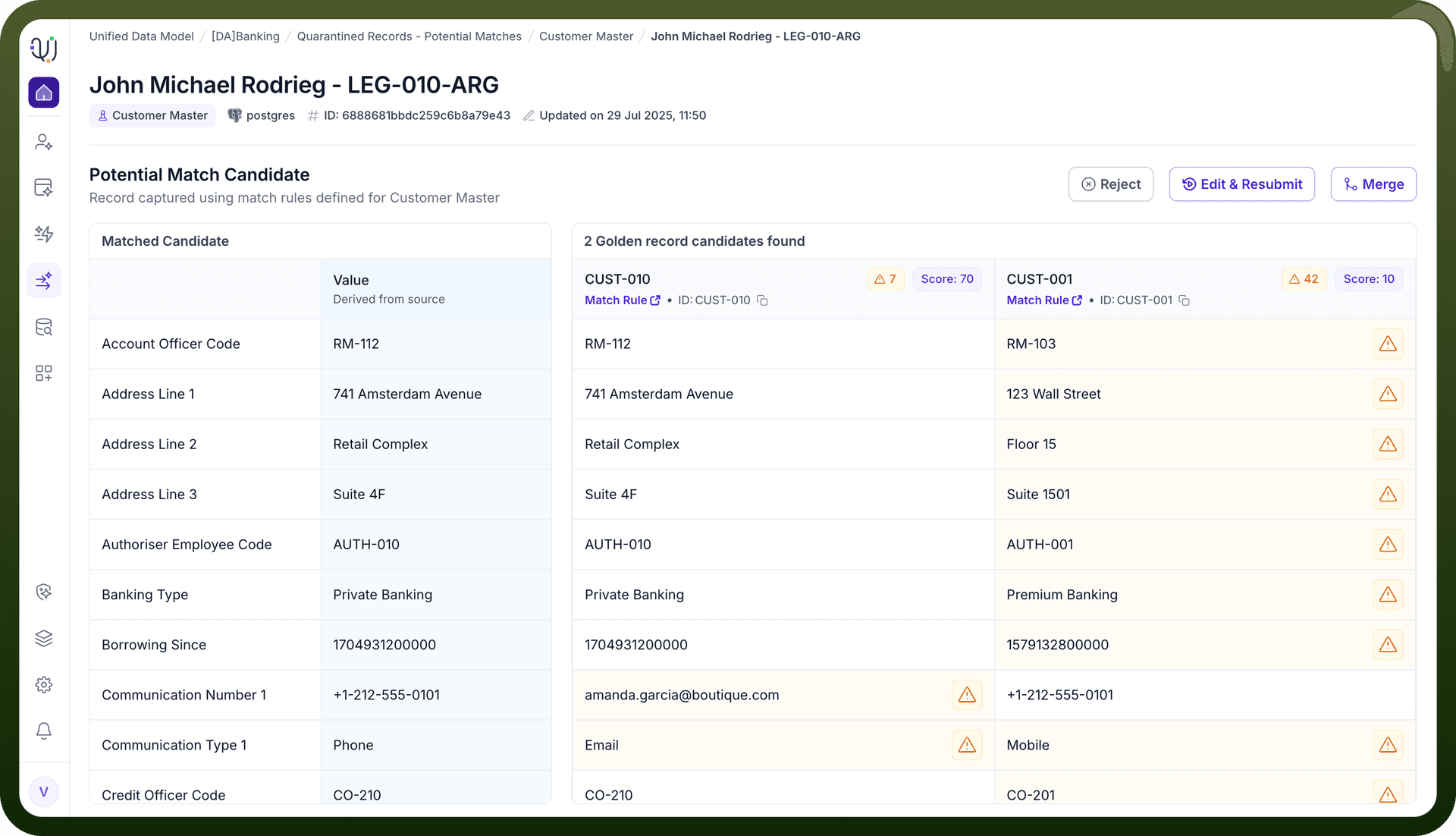
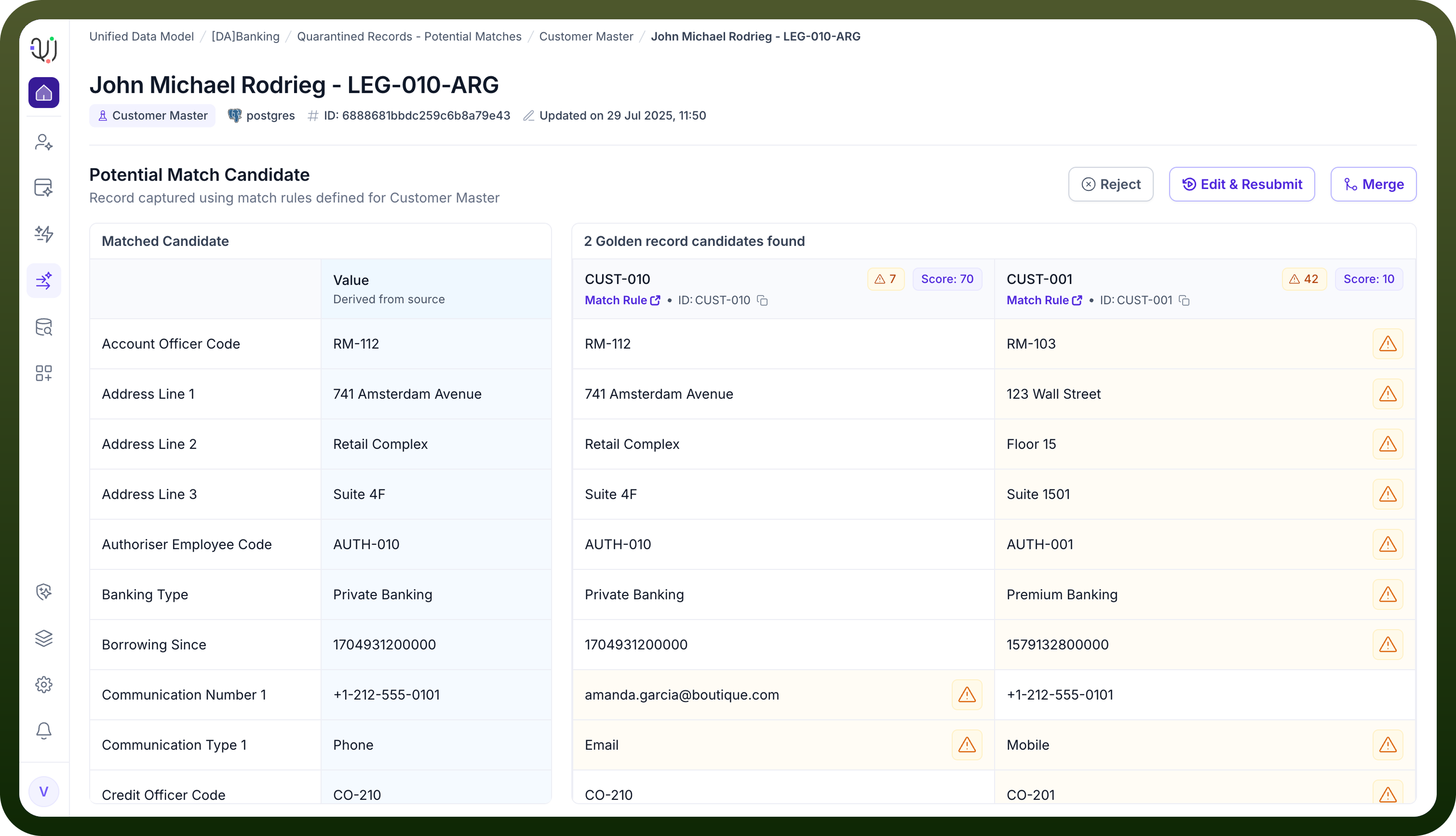
Flag for Review: If the match score is moderate, the record is flagged as a potential match and placed in a review queue for manual intervention.
Relevance-Based Action: The system can use a relevance-based approach, where different actions are taken based on the similarity score (e.g., auto-merge for >80%, quarantine for 50–80%, reject for <50%) .
Quarantine Section:
Potential matches are often moved to a quarantine or review section within the MDM module.
Manual Review and Actions
Review Process:
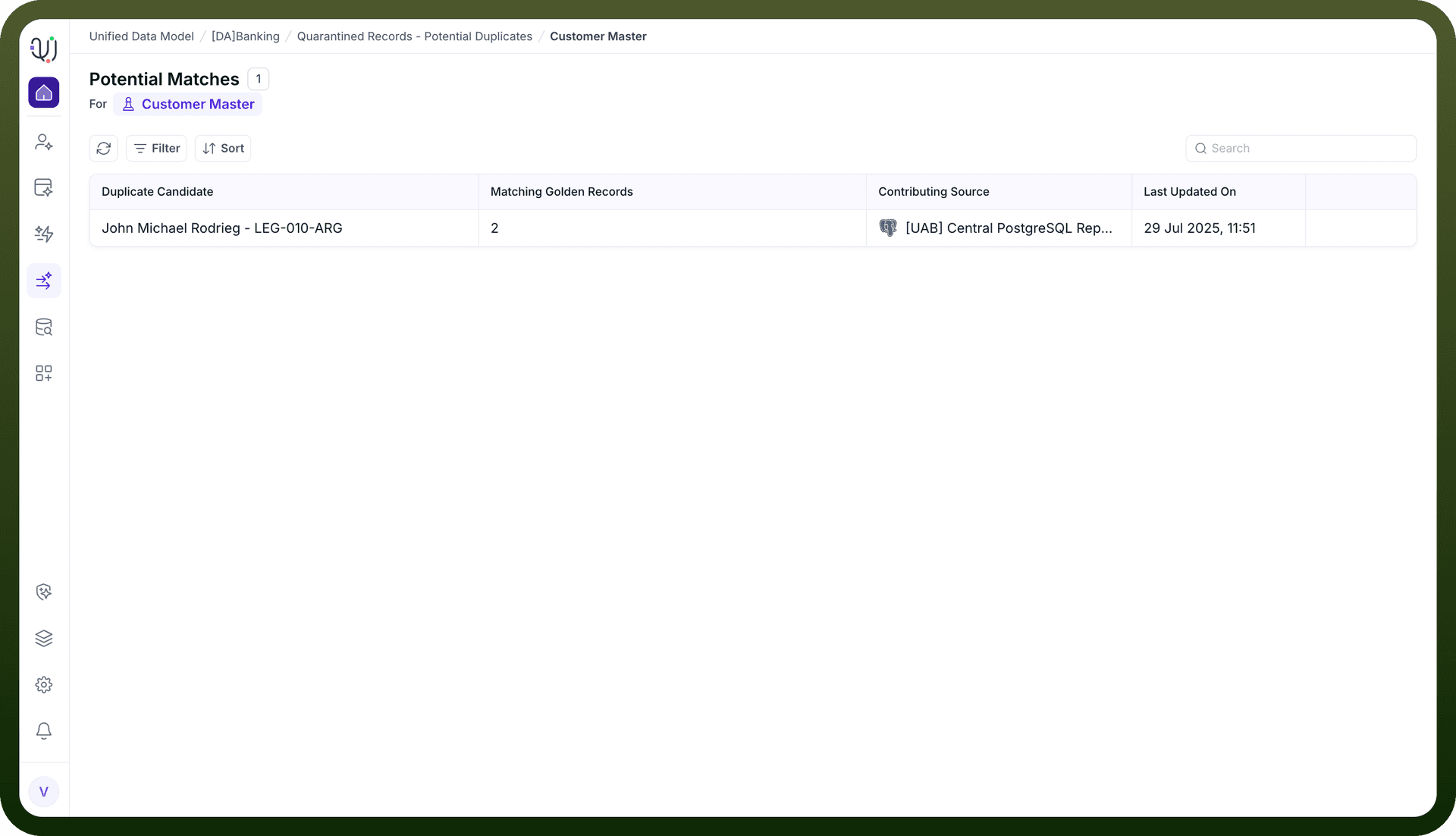
Data stewards examine the details of both the incoming and existing records.
They can compare field values, review the similarity score, and check the audit trail for each record.
Available Actions:
Merge: Combine the records, selecting which field values to retain (using survivorship strategies such as recency, max/min value, or custom rules).
Reject: Decide that the records are not duplicates and keep them separate.
Audit and Traceability:
All actions taken on potential matches are logged for compliance, traceability, and future audits .
Why Are Potential Matches Important?
Data Quality: Prevents duplicate or conflicting records from polluting the golden repository.
Human Oversight: Allows ambiguous cases to be resolved by knowledgeable data stewards rather than relying solely on automated rules.
Compliance: Ensures that all decisions regarding data merging or rejection are auditable and traceable.
Flexibility: Supports complex business scenarios where not all duplicates can be detected or resolved automatically.