


Overview
In the UnifyApps Data Model, data rarely exists in isolation. Relationships are the connective tissue that links your disparate Entities together, transforming standalone tables into a cohesive, intelligent Knowledge Graph.
By defining how entities relate to one another (e.g., linking a Customer to their Orders), you enable the platform to perform complex cross-entity queries, maintain referential integrity, and provide a unified 360-degree view of your business data.
Visualization Modes
The Relationships dashboard offers two distinct ways to view and manage your data model structure:Interactivity: You can toggle Hide Disconnected Entities to focus only on active clusters within your model.
Graph View This is a visual, interactive Entity-Relationship Diagram (ERD). It displays your entities as nodes and relationships as connector lines, allowing architects to visualize the "shape" of the data network.
Legend: The lines use standard notation (such as | for One and * for Many) to indicate cardinality at a glance.
Interactivity: You can toggle Hide Disconnected Entities to focus only on active clusters within your model.
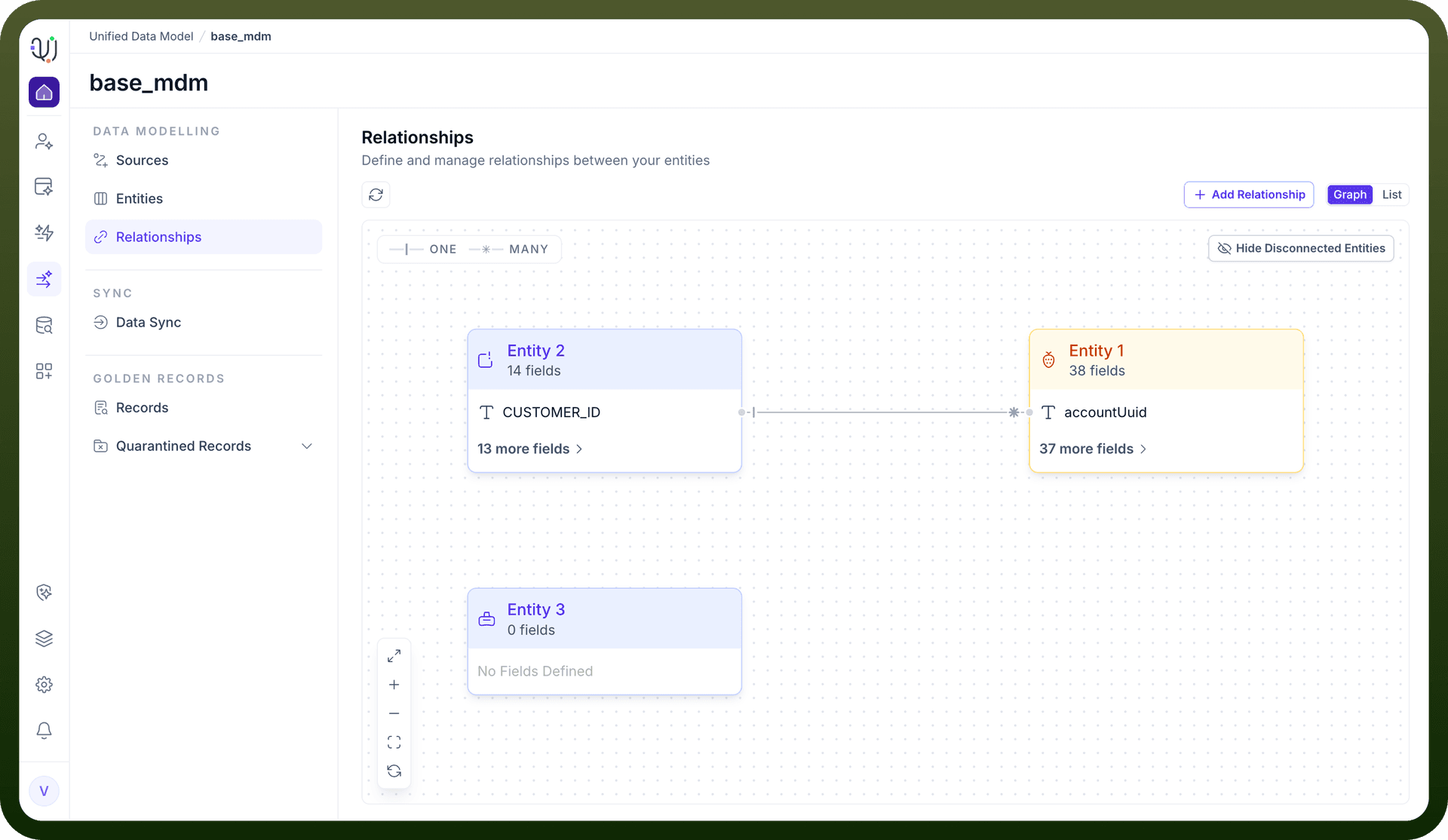
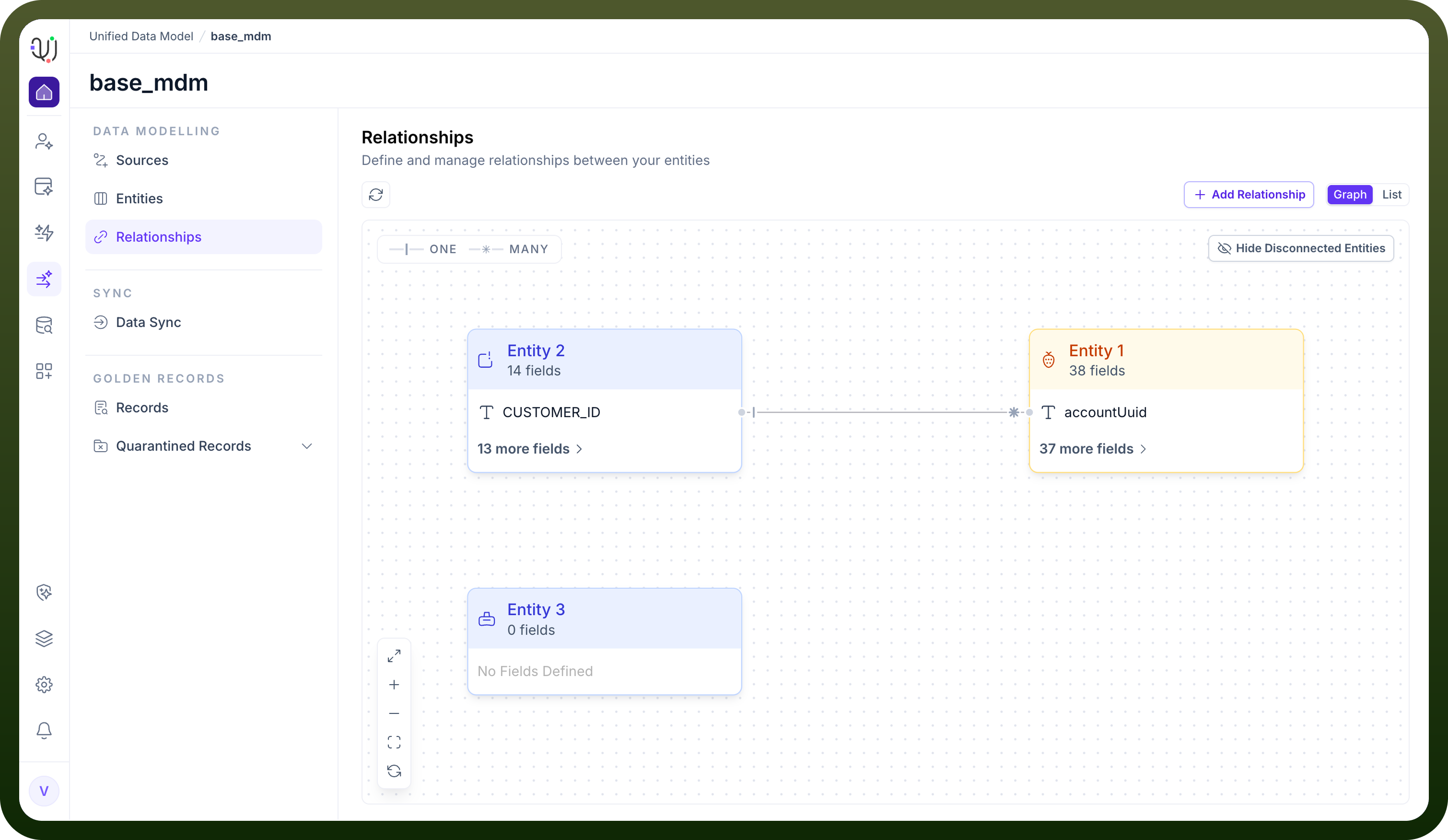
List View For a more detailed, tabular perspective, the List view provides an inventory of all defined connections. It specifies the Relationship Name, the Source Field (Primary Key), the Target Field (Foreign Key), and the specific Cardinality type (e.g., One to Many).
Core Configuration Concepts
Creating a relationship requires defining three fundamental components via the New Relationship modal:
• Directionality (Source & Target):
You must define a Source Entity (the starting point) and a Target Entity (the destination). This establishes the parent-child or peer-to-peer hierarchy.
• Field Mapping (Keys):
Relationships are physically established by linking specific fields:
Primary Key: A unique identifier in the Source Entity (e.g., Customer_ID).
Foreign Key: The corresponding reference field in the Target Entity (e.g., accountUuid).
• Cardinality:
UnifyApps allows you to define the volume of the relationship by configuring "One" or "Many" toggles on both sides of the connection:
One-to-One: A single record in Entity A links to a single record in Entity B.
One-to-Many: A single record in Entity A links to multiple records in Entity B (e.g., One Customer has Many Orders).
Many-to-Many: Multiple records in Entity A link to multiple records in Entity B.