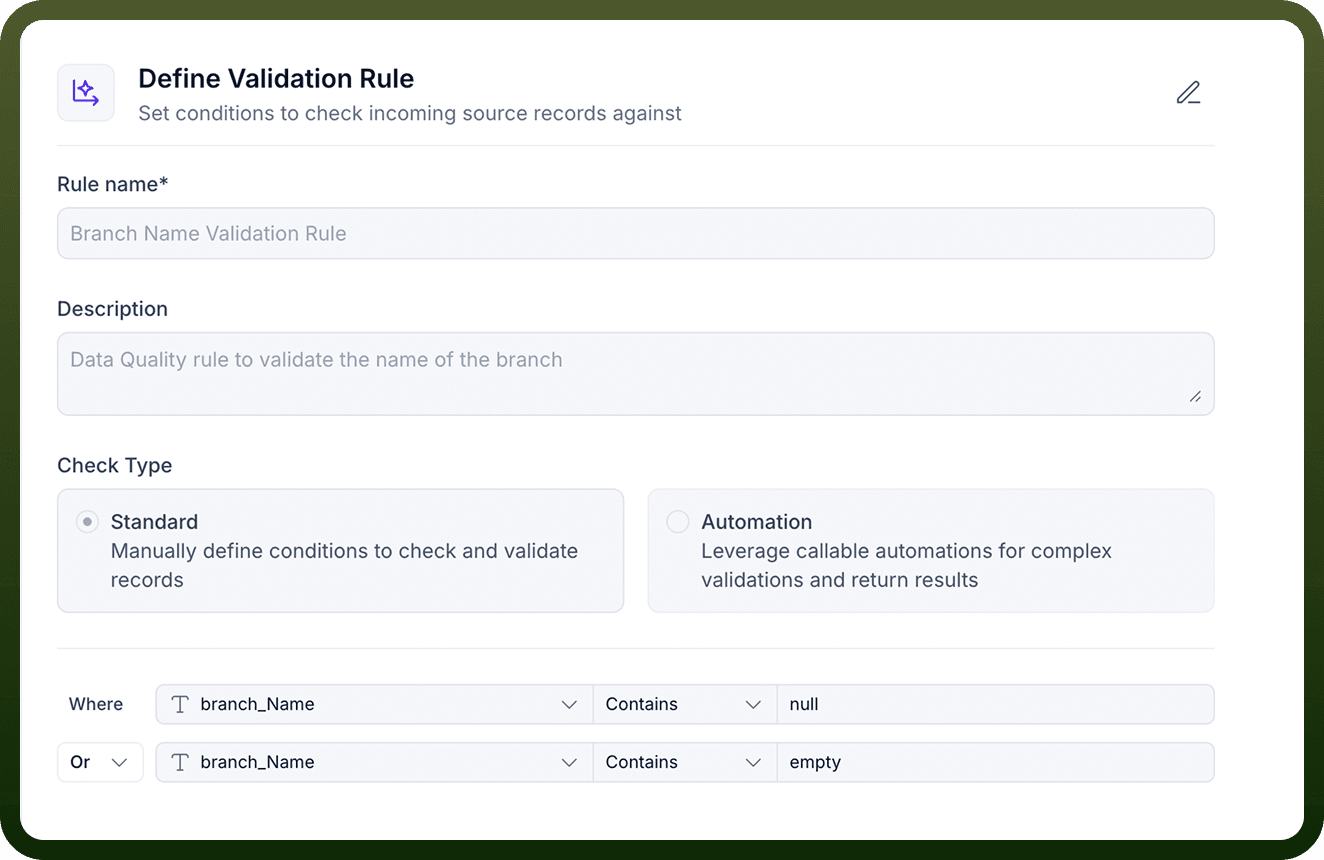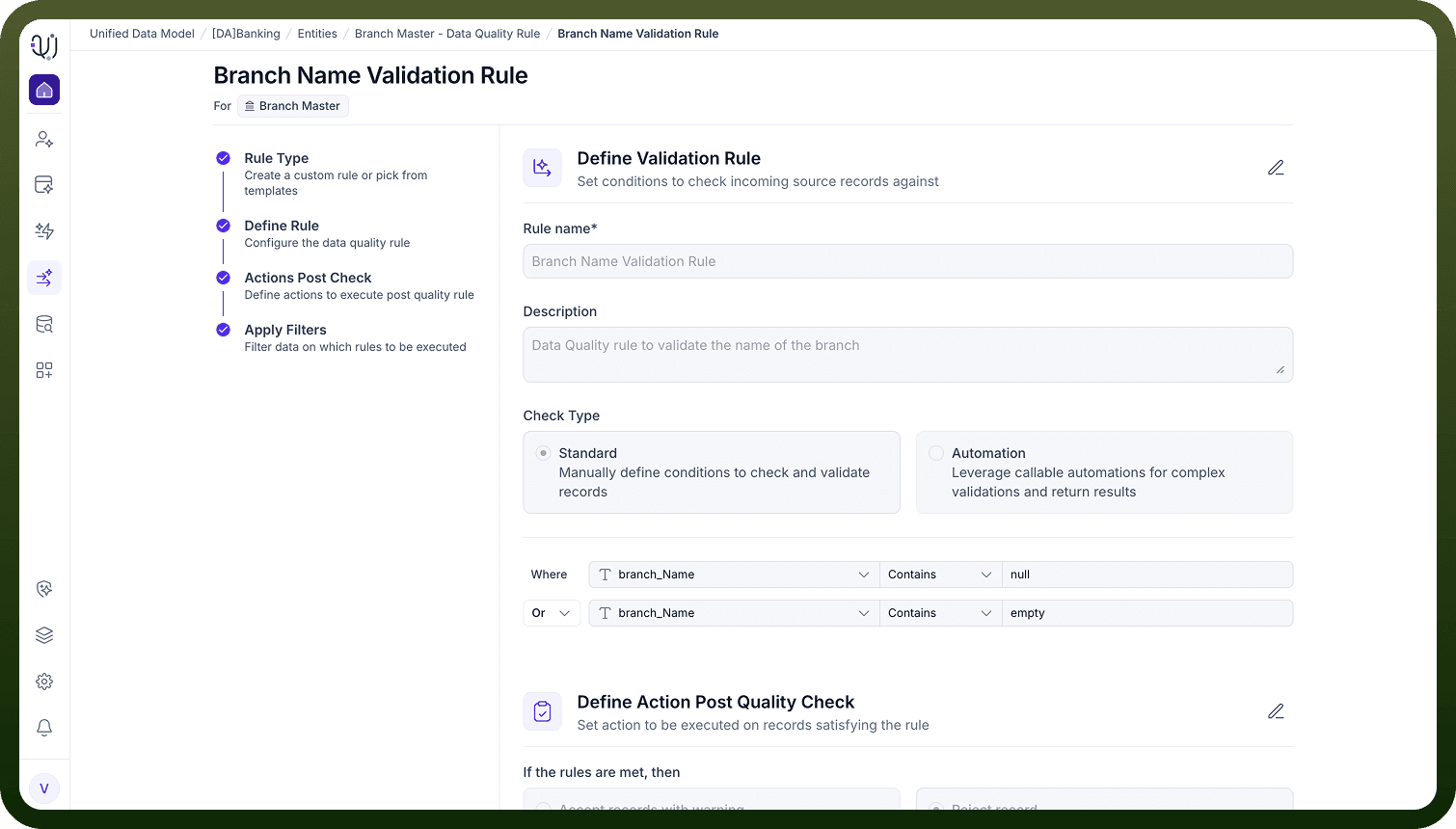
Validation Rules are verification mechanisms that test whether data conforms to predefined criteria, business logic, or technical constraints. These rules act as quality checkpoints that prevent invalid, incomplete, or non-compliant data from entering or propagating through your systems. Validation helps us to find whether our data meet our quality standards.
Purpose
Ensure Data Integrity: Verify that data adheres to defined formats, data types, and structural requirements
Enforce Business Logic: Confirm data satisfies business-specific rules and constraints
Prevent Downstream Errors: Stop invalid data before it causes failures in dependent systems
Maintain Compliance: Ensure data meets regulatory and governance requirements
Technical Implementation in UnifyApps
UnifyApps supports two primary approaches for implementing data validation, depending on the complexity of the logic required and where the validation needs to occur.
Standard Validation Rules
Standard rules are built using simple conditions or grouped conditions applied directly to Entity attributes. They are ideal for enforcing common data requirements such as:
Required fields
Value ranges
Pattern or format checks
Cross-field comparisons Automation-Based Validation Rules For scenarios requiring more advanced logic, UnifyApps allows validation to be implemented through workflow automations in the iPaaS layer. This method supports:
Multi-step or conditional logic
Complex decision trees
Calls to third-party services for external validation
Branching outcomes based on rule results
Automated alerts or corrective workflows
Validation Type
Description
Example
Format Vaidation
Ensures data matches expected pattern
Email format, phone number format, postal code
Range Validation
Checks numeric values fall within bounds
Age between 0-120, percentage 0-100
Length Validation
Verifies string length constraints
Password min 8 chars, description max 500 chars
Type Validation
Confirms data type correctness
Field expecting number doesn't contain text
Uniqueness Validation
Ensures no duplicate values
Email must be unique, order number unique
Dependency Validation
Validates based on other field values
If country=USA, state must be US state code
Custom Business Rules
Application-specific validation logic
Order total equals sum of line items