

The Entity Identity settings provide descriptive and representational metadata for an entity within the Unified Data Model (UDM). These settings help define how the entity appears throughout the system but do not alter structural or storage behavior.
1. Overview
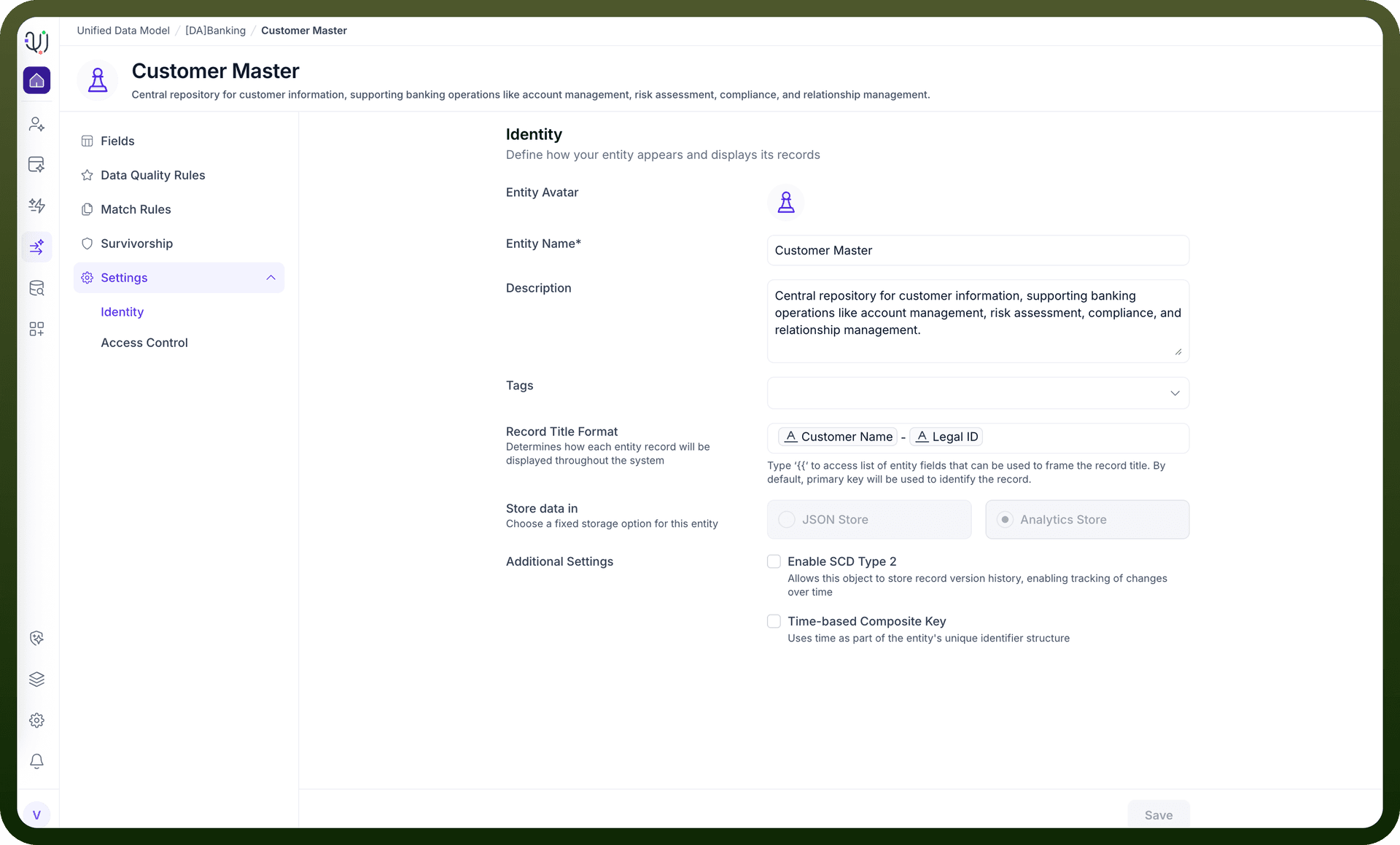
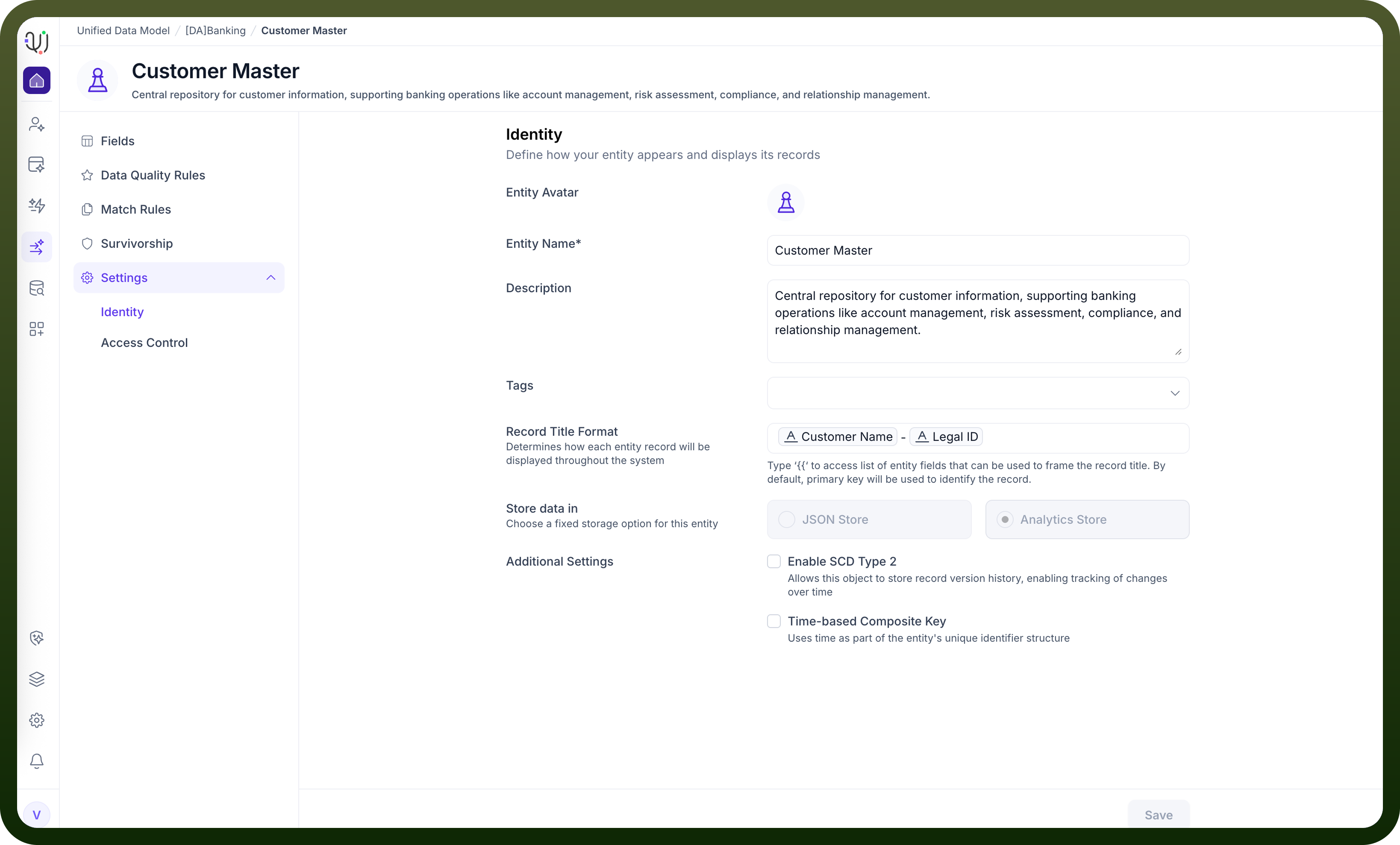
The Identity tab displays key attributes associated with the entity, including:
Entity avatar
Entity name (read-only)
Description and tags
Record title format
Display-only storage configuration and technical behaviors
These elements support discoverability, documentation, and consistent user experience across the platform.
2. Identity Fields
Entity Avatar
A visual icon used to represent the entity throughout the UDM interface. This is the only visual identity component that can be modified directly in this screen.
Entity Name (Read-Only)
Displays the formal, system-defined name of the entity. This field cannot be edited from the Identity page. Example: Customer Master
Note: Entity Name is defined during entity creation or through model-level configurations.
Description
A text field used to describe the purpose, behavior, and business context of the entity. This field is editable and recommended for documentation and governance.
Tags
Optional labels that help categorize and organize entities for easier filtering and search.
3. Record Title Format
This editable section defines how individual records for the entity will appear within the UI. Users can select visible fields to craft a meaningful, user-friendly record label.
Customer Name – Legal ID
This does not affect underlying data structure—only the display representation.
4. Storage Settings (Read-Only)
The Store data in options—JSON Store and Analytics Store—indicate how the entity’s data is stored internally.
These settings are display-only and cannot be modified within the Identity tab.
They reflect the underlying model configuration determined when designing the entity outside this interface.
5. Technical Behavior Settings (Read-Only)
The following technical behaviors may appear in the Identity view, but cannot be enabled or disabled from this screen:
Enable SCD Type 2 (Display Only)
Indicates whether Slowly Changing Dimension Type 2 versioning is active for the entity. When enabled at the model level, the system maintains attribute-change history over time.
Time-based Composite Key (Display Only)
Shows whether the entity uses a composite identifier structure that incorporates time-based components.
These settings are controlled elsewhere in the modeling environment and are shown here strictly for informational purposes.
6. Saving Changes
Users may edit:
Avatar
Description
Tags
Record Title Format
System-controlled attributes (name, storage type, SCD Type 2, composite key) cannot be modified here.
Click Save to apply changes to editable fields.