


The Manual Merge Flow is a structured process that allows users to review, compare, and resolve records flagged as “potential matches” (possible duplicates) in the UDM. Instead of relying solely on automated rules, this flow introduces human oversight to ensure only true duplicates are merged, preserving data quality and integrity.
Step Breakdown of the Manual Merge Flow
The flagged records are moved to a special “Potential Matches” or quarantine section for manual review .
Accessing the Potential Matches Queue
User Interface: User can access the potential matches section via the UDM dashboard.
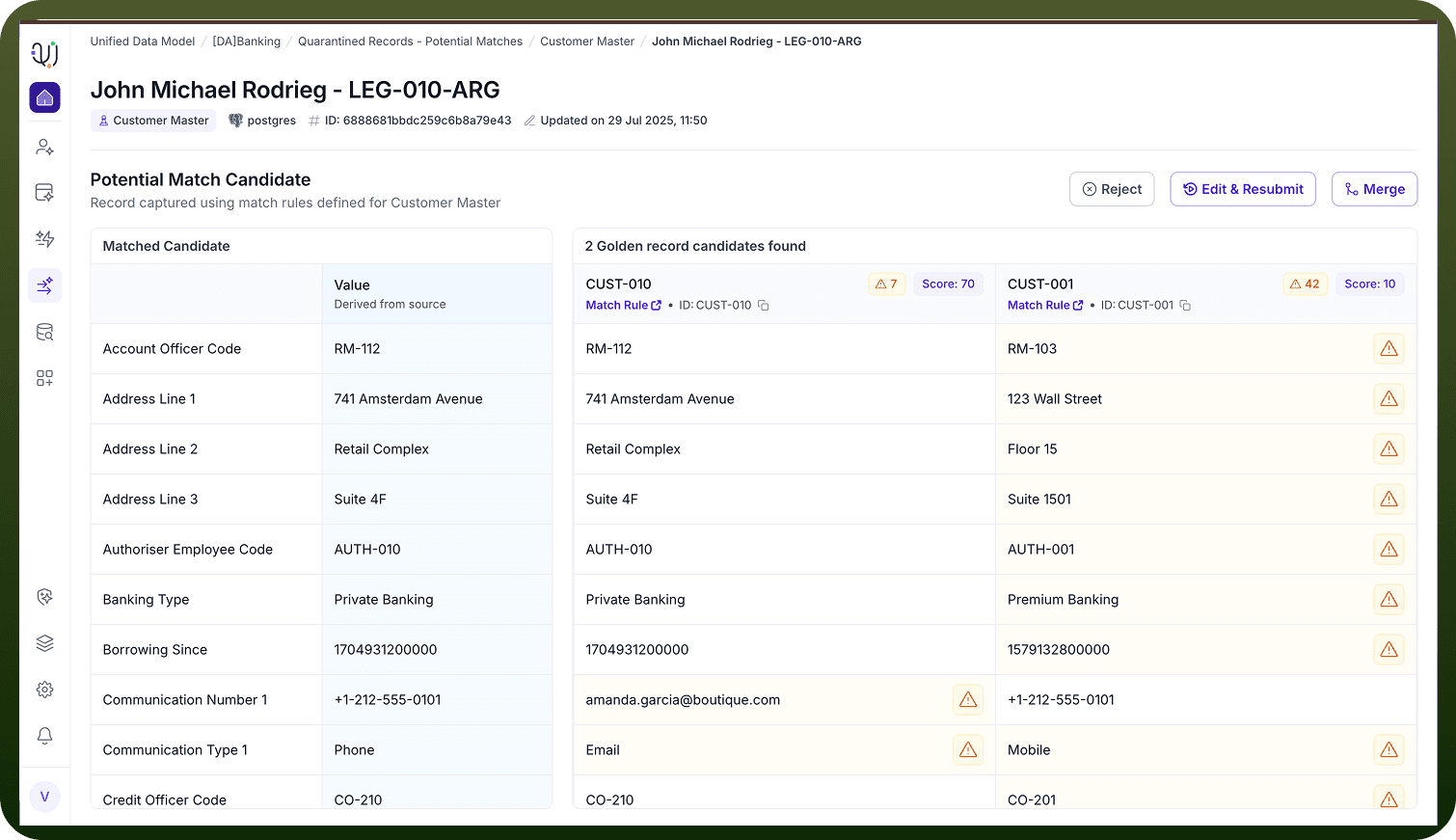
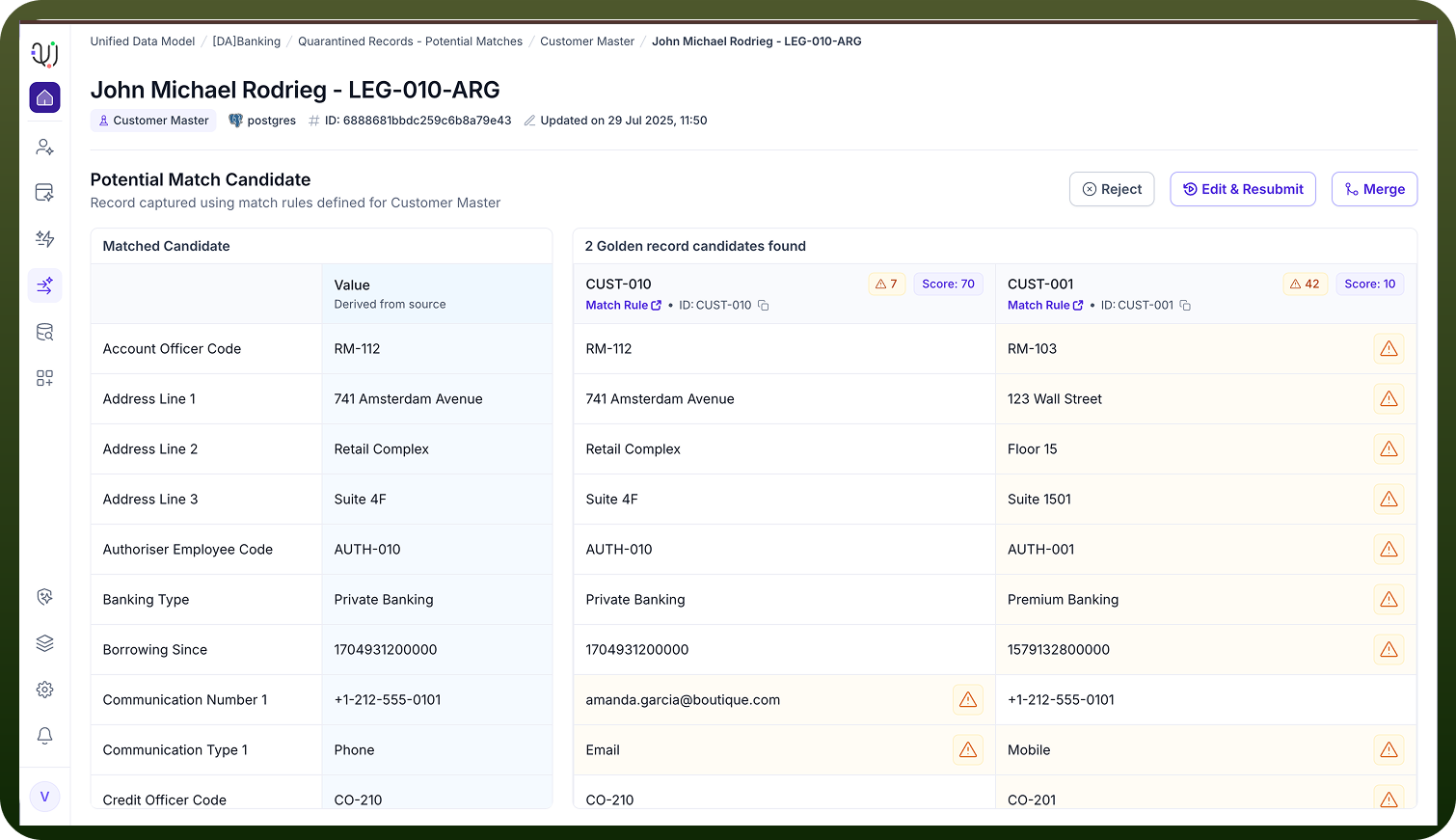
Record Pairing:Each entry typically displays the incoming record alongside the existing record(s) it potentially matches, with key fields highlighted for comparison.
Manual Review and Comparison
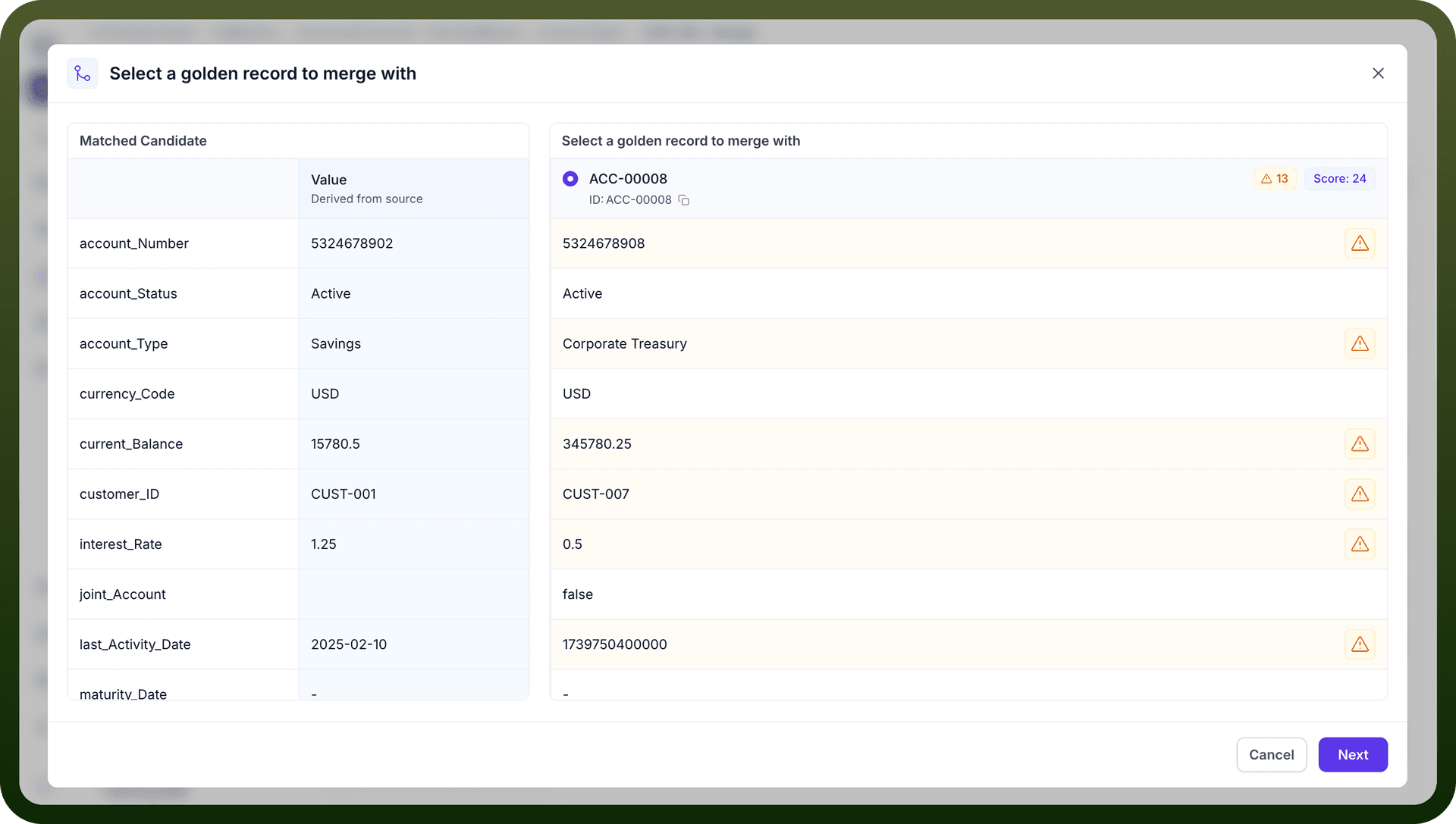
Field-by-Field Comparison: The user reviews all relevant fields (e.g., name, address, contact info, IDs, custom fields) side by side.
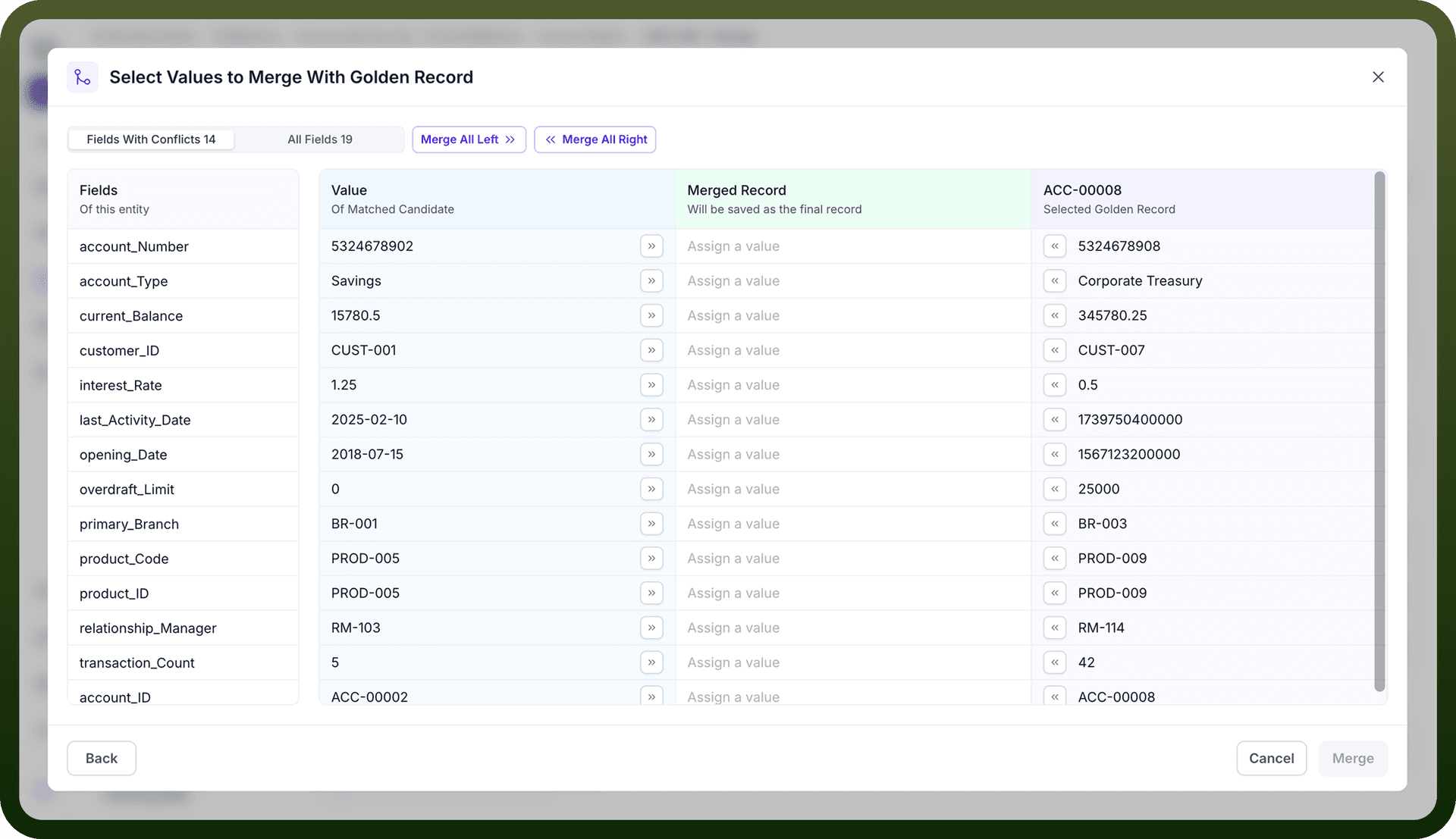
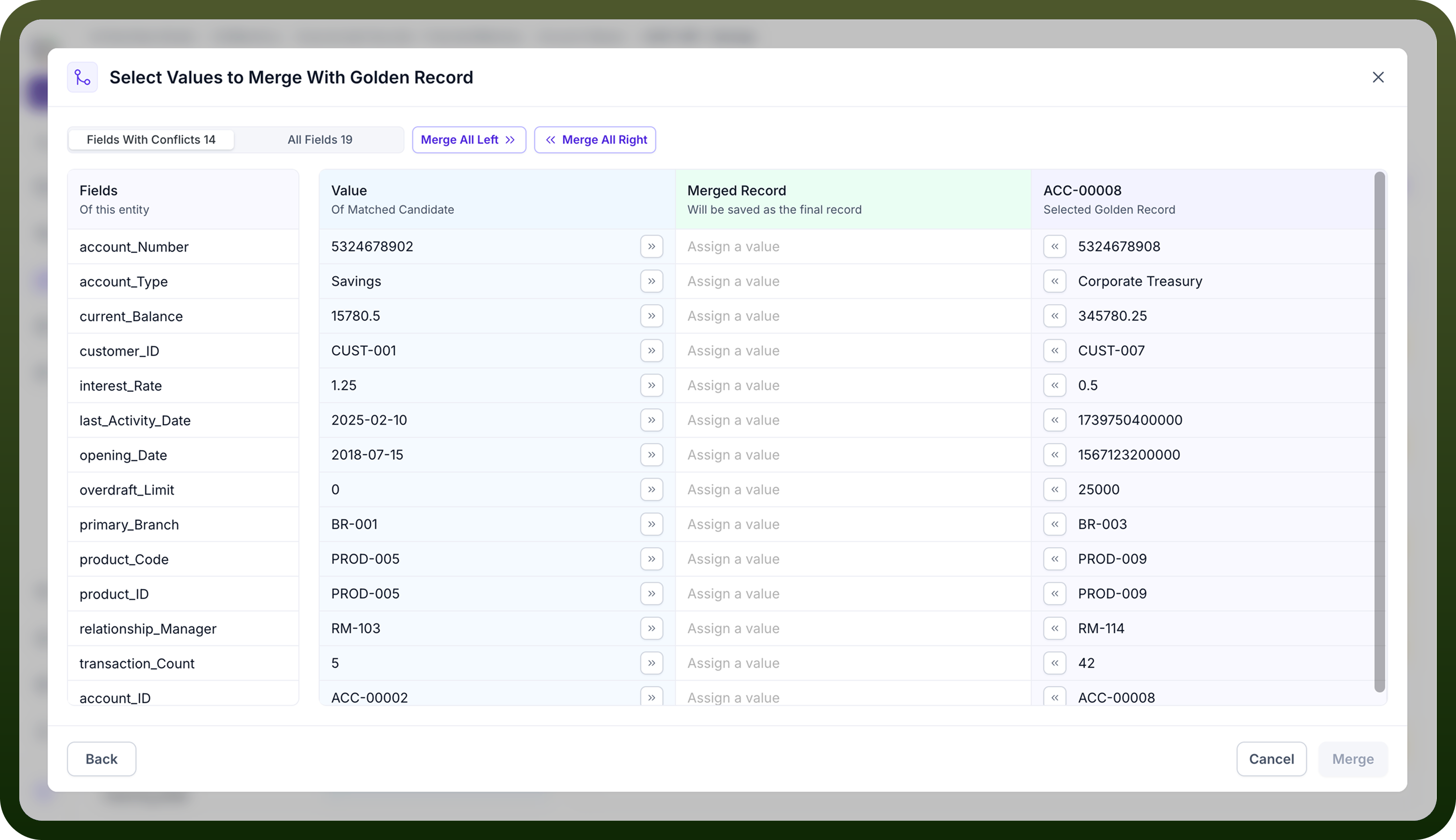
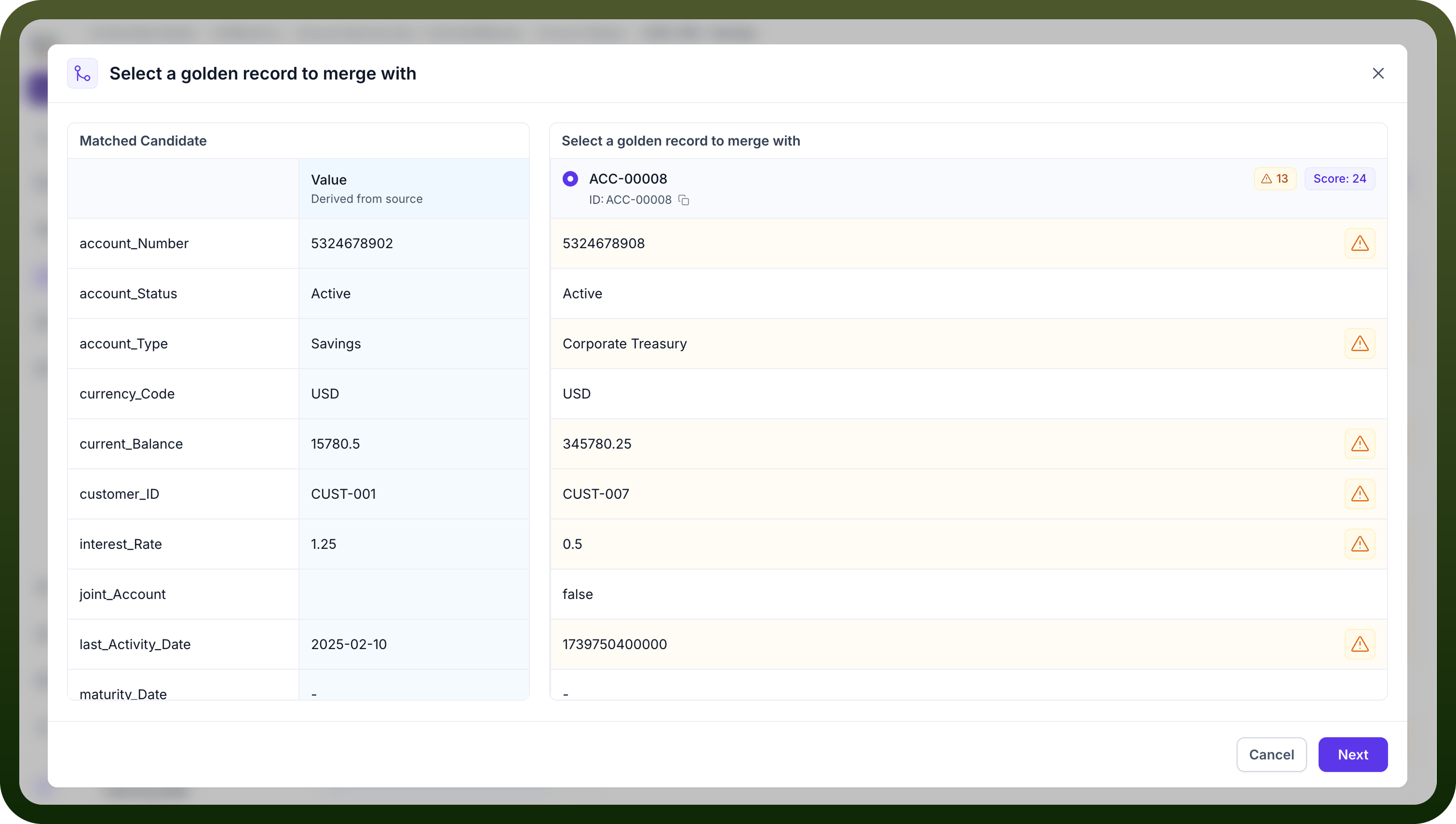
Merge: If the user determines the records are true duplicates, they proceed to merge.