


Authentication Methods determine how a client proves its identity on every request to your managed APIs. Each access profile uses one of five methods: JSON Web Token, Auth Token, Basic Auth, External Authentication, or No Auth.
Overview
Before any routing, authorisation, or policy enforcement runs, the platform validates the caller's credentials. The method chosen on the access profile controls what the client must send and how the platform verifies it. A missing, wrong, or expired credential always results in 401 Unauthorized. Pick the method that matches how the consuming application is built and how strong a security guarantee you need.
Auth Token
With Auth Token, the access profile is issued a token (an API key) the client sends with every request. Configure:
Header name — the name of the request header the token is sent in (for example, api-token); this is the default delivery method.
Query parameter — optionally allow the token in a query parameter instead of (or in addition to) the header.
Prefix — optionally prepend a fixed string to the token value.
On each call the platform looks up the access profile by the token value; if it matches an active profile the request is authenticated. Auth Token is the simplest method — good for server-to-server integrations — but because the token is a long-lived secret, keep it secure and rotate it if it is ever exposed.
Basic Auth
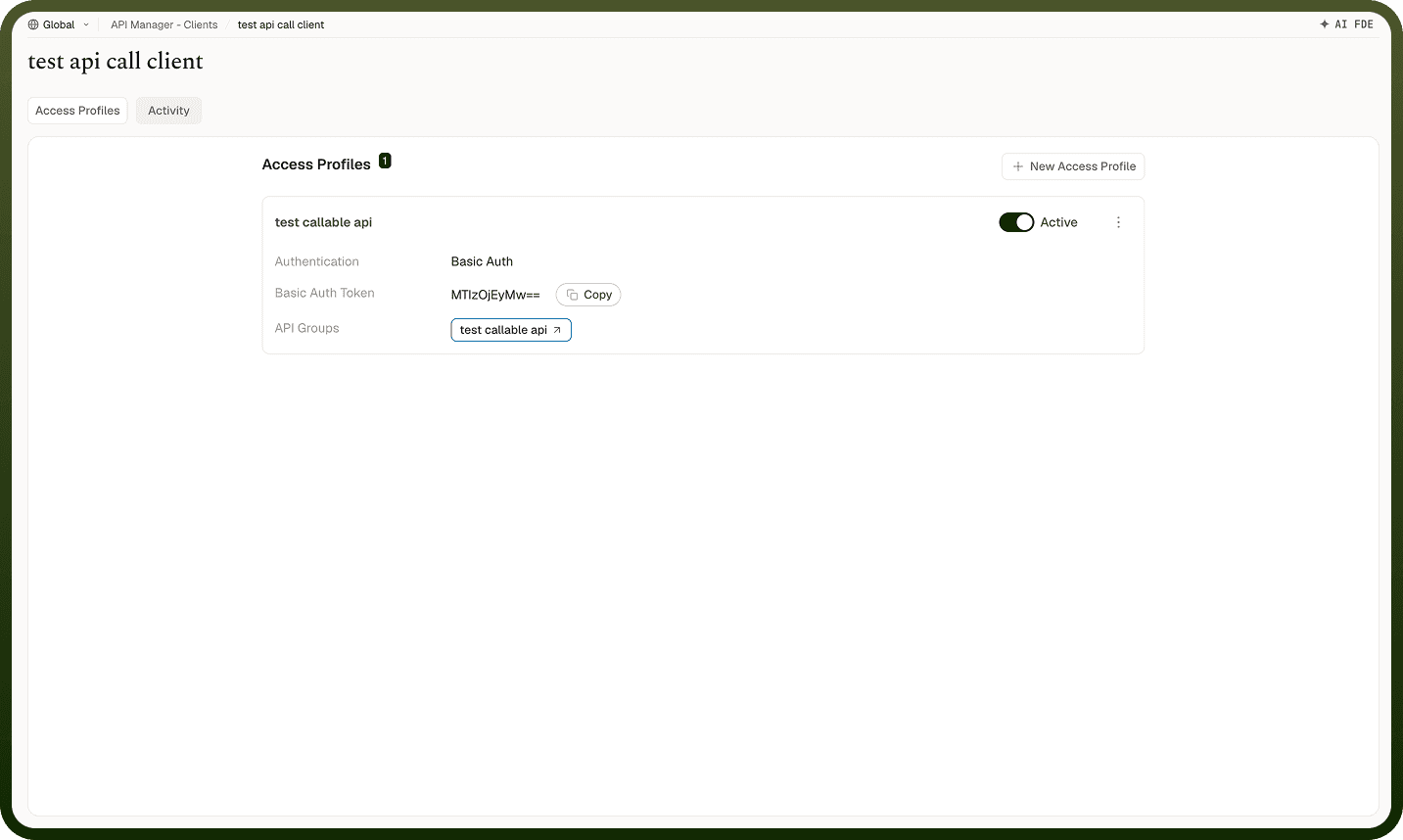
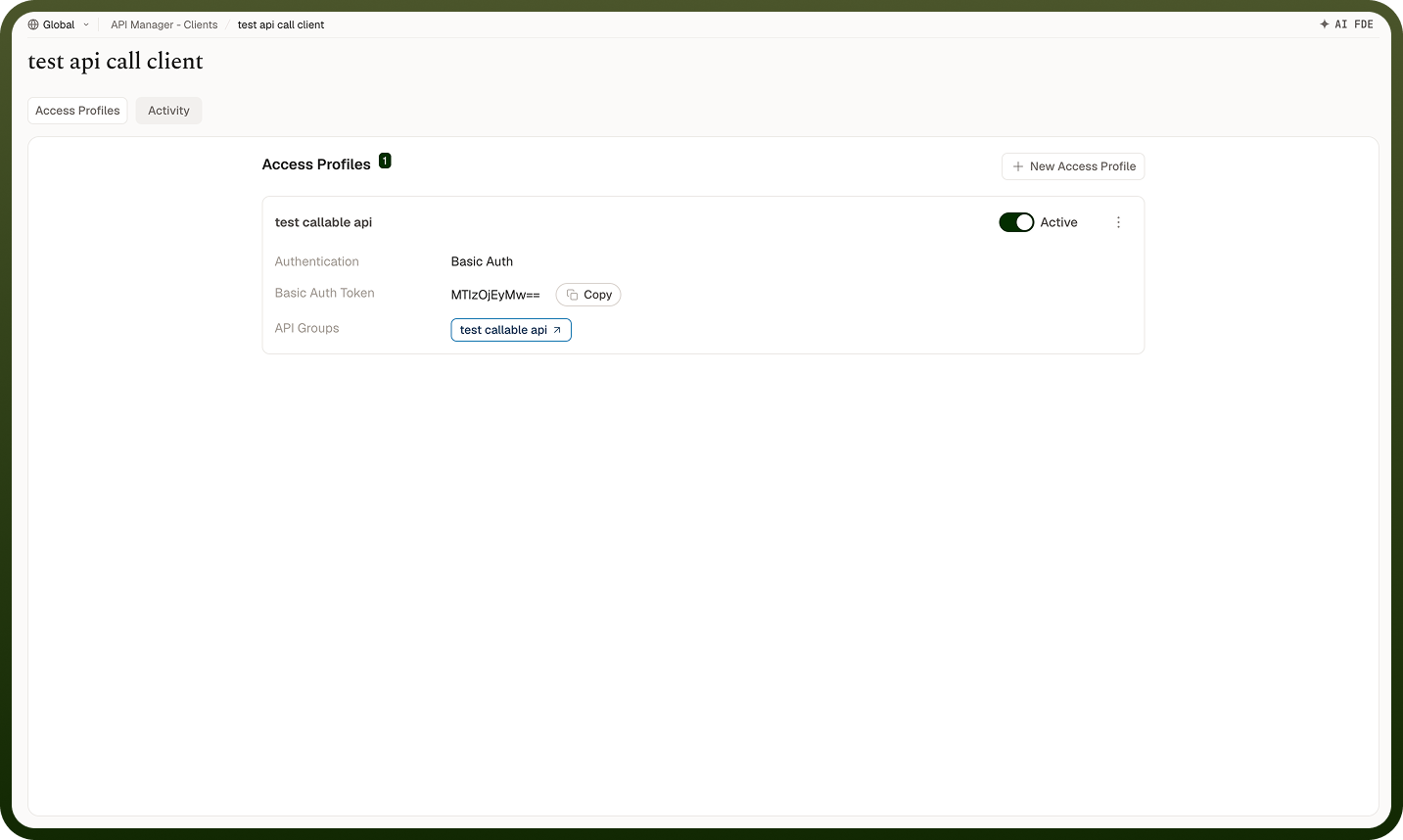
With Basic Auth, the access profile carries a username and password, and the client sends them in the standard Authorization: Basic … header (username and password joined with a colon, then base64-encoded). The platform compares the supplied credentials against the profile's stored values. Basic Auth is widely supported by HTTP clients and easy to set up, but credentials are sent on every request, so it must only be used over HTTPS. Choose it when the consuming application expects classic username/password authentication.
JSON Web Token
With JSON Web Token, the client sends a signed JWT in the Authorization: Bearer … header. The platform verifies the token's signature and the claims you configure:
Signing algorithm and key — a shared secret for HMAC algorithms, or an RSA public key for asymmetric signing.
Reserved claims to enforce — standard JWT claims such as exp (expiry), nbf (not-before), iss (issuer), aud (audience), iat, jti, sub.
Accepted issuers — the identity providers whose tokens you trust.
Custom claims — additional claims that must be present and match a given value.
A token with a bad signature, expired or not-yet-valid time, wrong issuer or audience, or missing required claims is rejected with 401. JWT is the strongest method: tokens can be short-lived and verified without a shared secret (with RSA), making it the right choice when an identity provider already issues tokens for your consumers.
External Authentication
With External Authentication, the platform delegates credential validation to an external identity provider instead of managing the credential itself. Choose a provider type and configure it:
Okta — connect via your Okta domain using the Authorization Code grant type. Configure the domain, client ID, and client secret.
Open ID — connect to any OpenID Connect-compatible provider. Configure the authorization URL, access token URL, and client ID.
Custom Auth — integrate a custom identity provider with your own authentication logic.
Custom OAuth2.0 — integrate any OAuth 2.0-compatible provider with custom endpoint and credential configuration.
Use External Authentication when your consumers already authenticate against a centralized identity provider and you want the API gateway to honour those credentials directly rather than issuing separate API keys.
No Auth
With No Auth, the access profile requires no credentials — all requests reaching the endpoint are accepted without any authentication check. Use this only for endpoints that are intentionally public, such as health-check endpoints or public data feeds where caller identity does not matter. Apply collection-level policies such as IP-based access control to restrict traffic even when no credential is required.
Choosing the Right Method
Method | Best For | Key Consideration |
|---|---|---|
JSON Web Token | Partners and distributed systems where an identity provider already issues tokens; scenarios requiring short-lived credentials. | Requires the consumer to obtain and refresh tokens; strongest security guarantee. |
Auth Token | Server-to-server integrations and quick internal integrations. | Long-lived secret — must be kept secure and rotated if exposed. |
Basic Auth | Consumers that specifically expect username/password auth. | Credentials travel on every request — only use over HTTPS. |
External Authentication | Consumers already authenticated by Okta, OpenID Connect, or a custom OAuth2.0 provider. | Delegates trust to an external provider; configure the provider integration correctly before use. |
No Auth | Intentionally public endpoints where caller identity is not required. | No credential check — use only when the endpoint is meant to be open; apply other controls such as IP filtering. |
Whichever you choose, scope the access profile to the minimum collections and endpoints the consumer needs. Authentication proves identity; the profile's scope limits the blast radius if a credential leaks.
Notes
JWT is the default and the preferred method for external partners — short-lived tokens reduce the window for a stolen credential to be exploited.
Rotate Auth Tokens immediately if a key is suspected to be compromised — the refresh operation issues a new token and invalidates the old one instantly.
Basic Auth must only be used over HTTPS — credentials are base64-encoded, not encrypted, so they are readable in plain text on an unencrypted connection.
When configuring JWT, enforce the exp claim to prevent tokens from being valid indefinitely.
Scope access profiles tightly regardless of the method chosen — a leaked credential with a broad scope is far more damaging than one with a narrow scope.