


Modify API responses before they reach the client by adding, removing, renaming, or replacing headers and body fields.
Overview
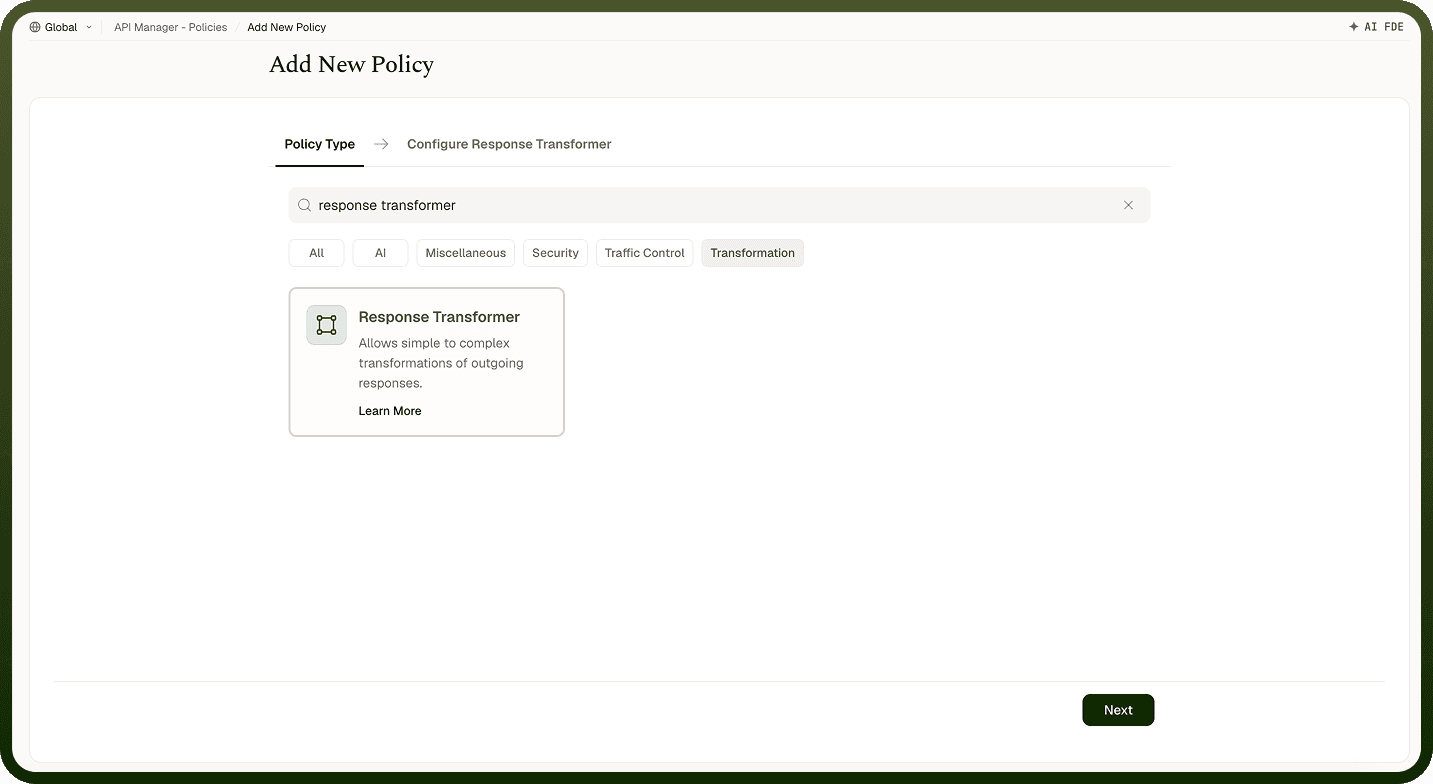
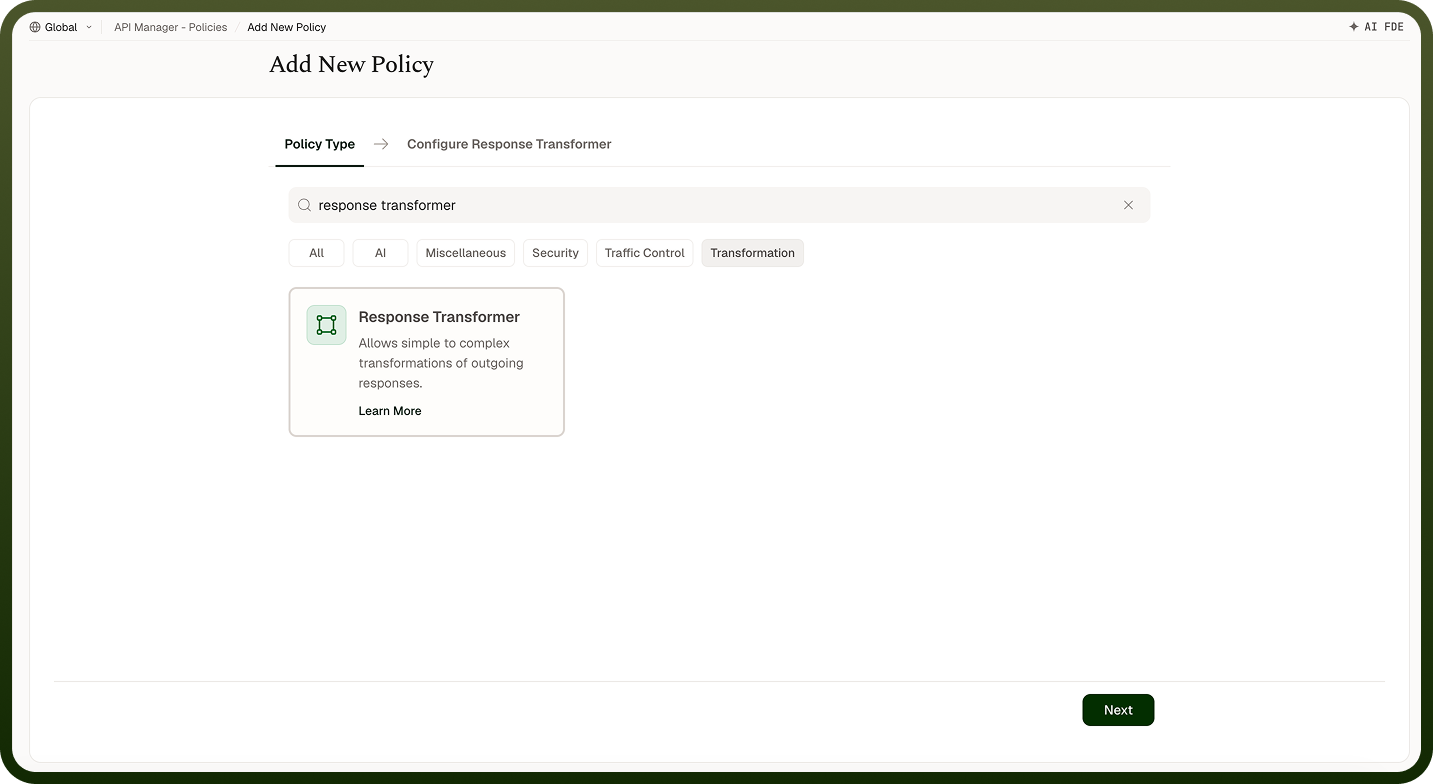
A Response Transformer Policy modifies API responses before they are sent back to the client. Use it to add, remove, rename, or replace headers and body fields — for example, to standardize response formats, mask sensitive data, or adapt backend output to match what your clients expect without touching the backend service itself.
Field Reference
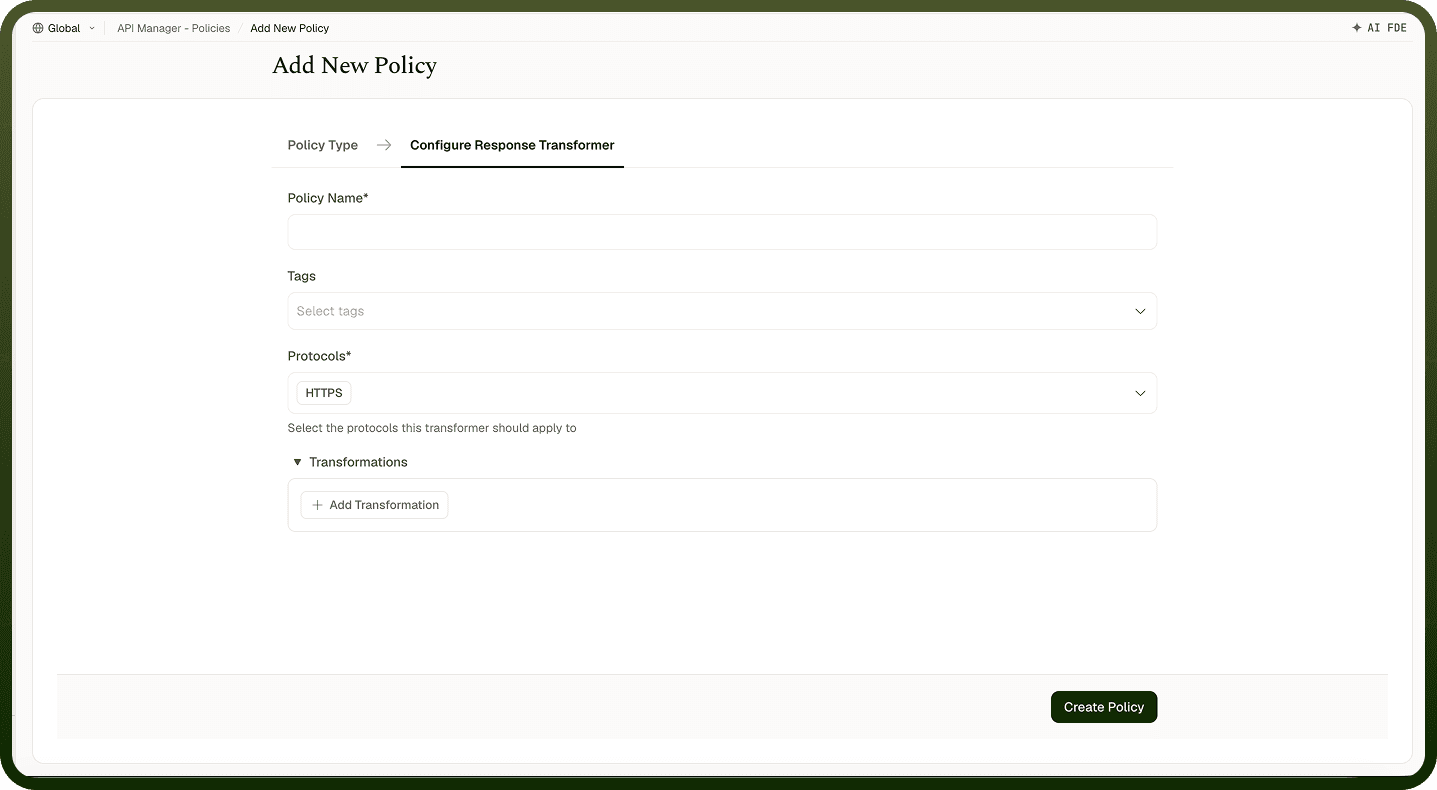
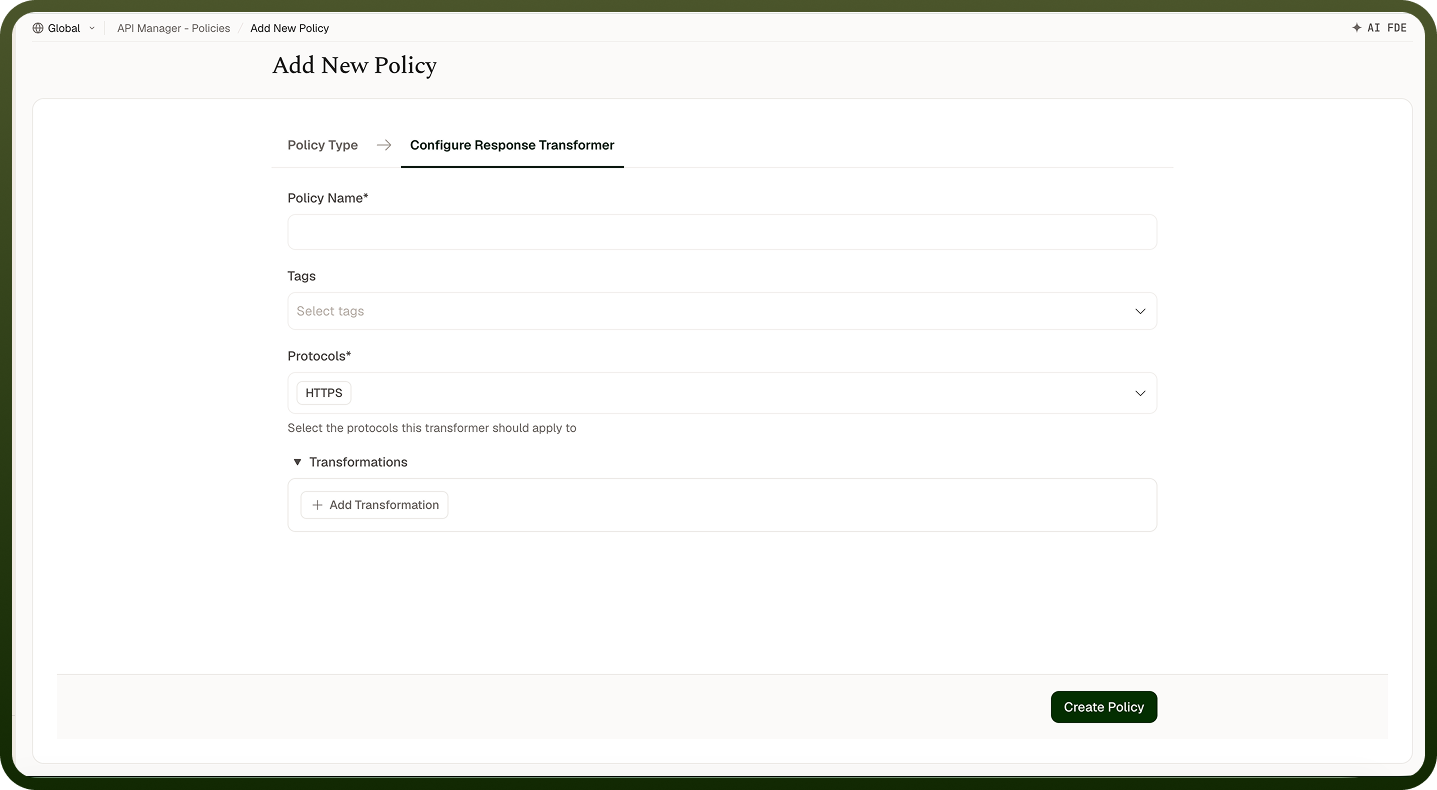
Field | Description |
|---|---|
Policy Name * | A unique identifier used across logs, dashboards, and API group configurations. |
Tags | Custom labels to organize and filter the policy by environment, team, or functionality. |
Protocols * | The response protocols for which this policy applies (e.g., HTTP, HTTPS). Only matching responses trigger the policy. |
Transformations * | One or more transformation rules. Each rule specifies an Operation, Location, Key, and Value. |
Transformation Rule Fields
Sub-field | Description |
|---|---|
Operation | Upsert — add or update a field; Remove — delete a field; Rename — rename an existing field; Replace — replace a field's value. |
Location | Header — modify HTTP response headers; Body — modify the response payload. |
Key | The field name to transform. For Header, the header name; for Body, the payload field name. |
Value | For Upsert/Replace: the new value. For Rename: the new key name. For Remove: the field to delete. |
How It Works
Response received from backend — The backend service returns a response to the gateway.
Policy evaluation — The response is checked against the configured protocols to determine if the policy applies.
Transformation execution — Each rule is applied in sequence: headers or body fields are added, updated, renamed, replaced, or removed per the configured location.
Modified response returned — After all transformations, the updated response is sent to the client.
Attaching to an API Group
Once a Response Transformer Policy is created, attach it to one or more API Groups from the group's policy settings. Multiple policies can be applied to a single group; drag them into the desired execution order.
Notes
Transformation rules are applied in the order you define them — if rules depend on each other (e.g., rename before replace), order them deliberately.
Use Remove to strip internal or sensitive fields (internal IDs, debug headers) before the response reaches clients.
Use Upsert to inject standard headers (e.g., X-API-Version) across all responses without changing every backend endpoint.
Test transformations against sample responses before attaching to a production group to confirm the output shape is what clients expect