


Publish Interface renders a form or interactive UI to the user and waits for them to submit it before the automation continues. Use it when you need structured input — selecting options, filling out fields, confirming an action — rather than a free-text conversational reply.
Overview
Publish Interface is the structured counterpart to Publish Response. Where Publish Response sends a message and moves on, Publish Interface pauses the automation until the user interacts with and submits the rendered form. The submitted data is returned as structured output that downstream steps can act on directly. Fields in the interface definition can be pre-filled with values from prior steps, allowing the form to present context-aware defaults rather than a blank slate.
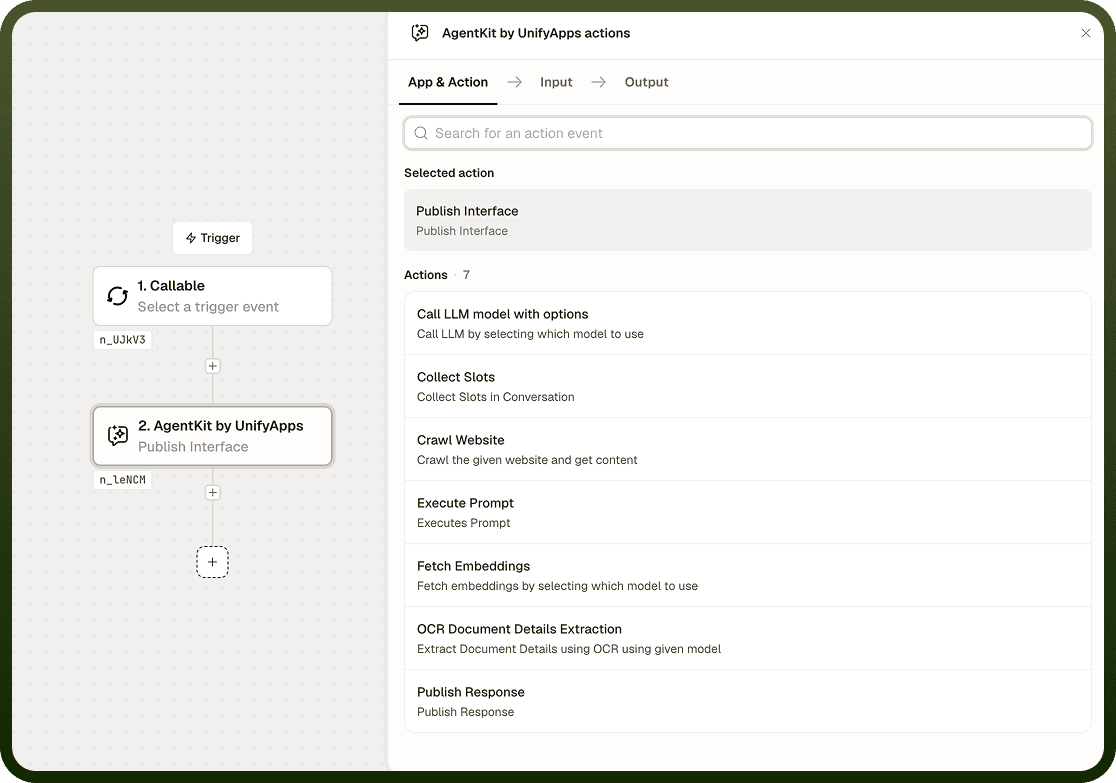
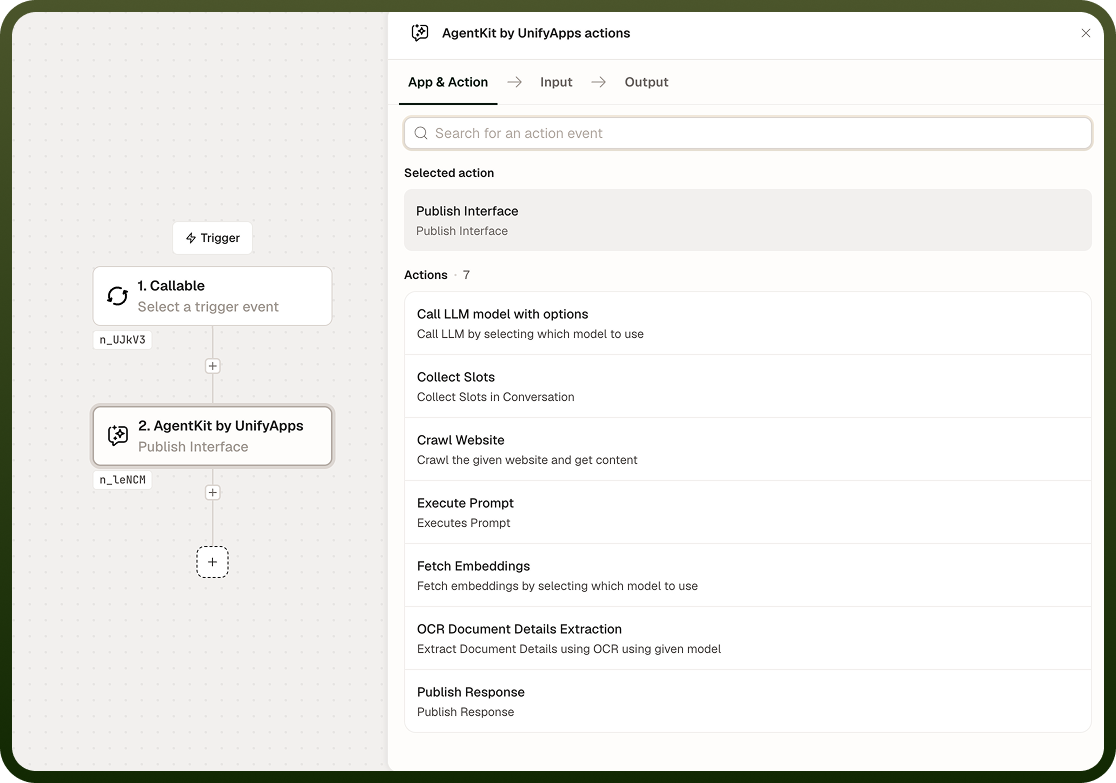
Input
Field | Description | Required* |
|---|---|---|
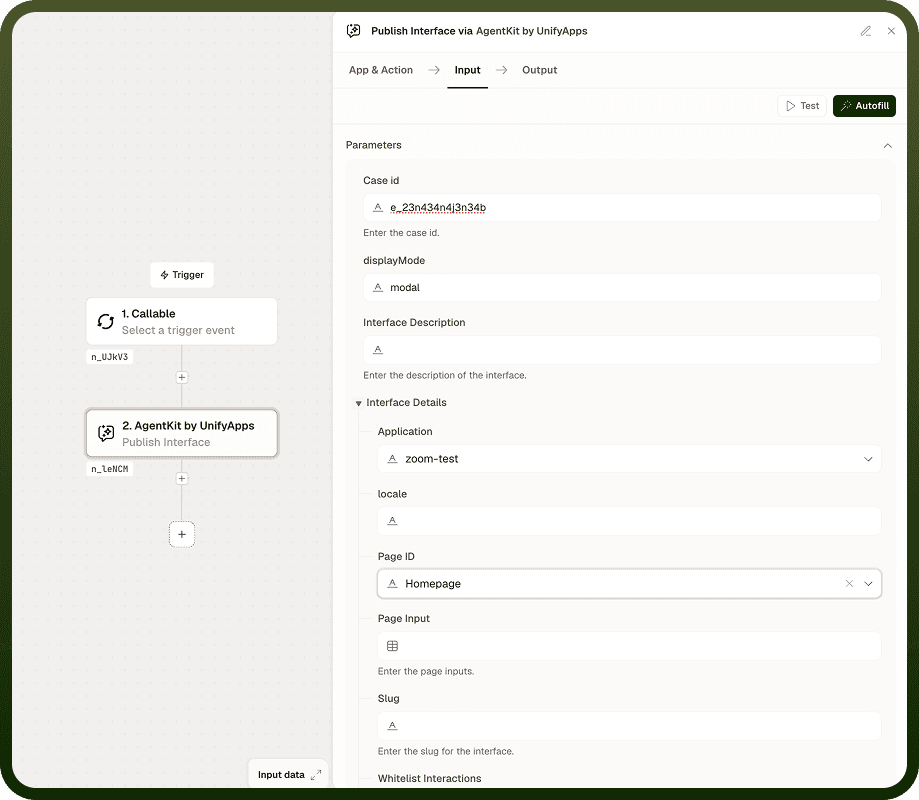
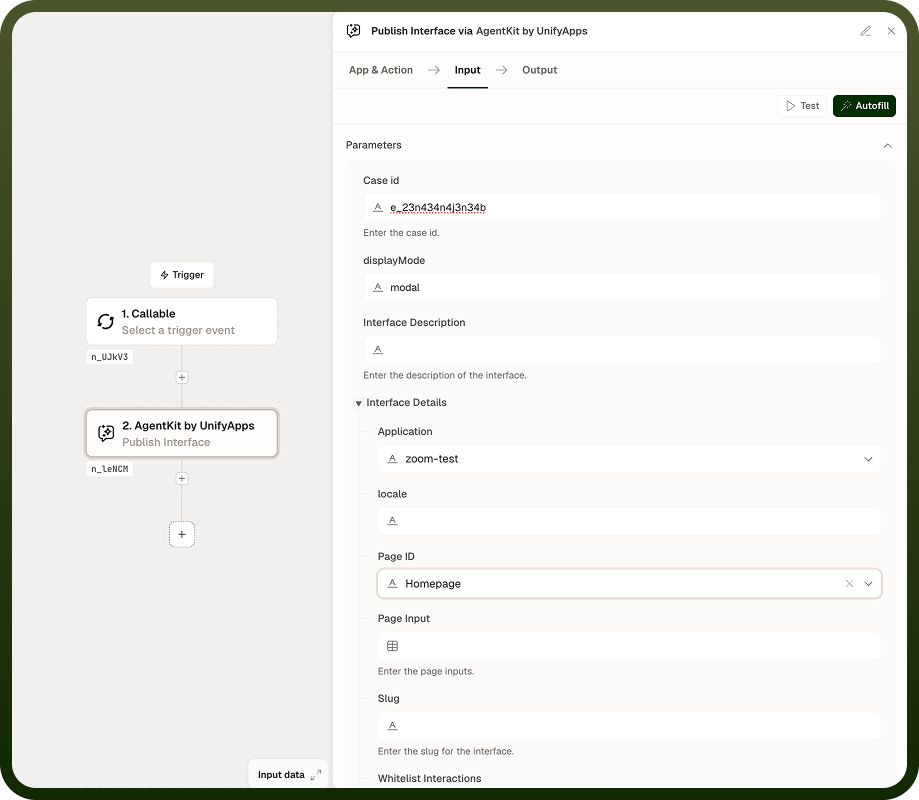
Interface Definition | The form or interface specification to render to the user. Defines the overall structure and layout of what is shown. | Yes |
Fields | Individual field definitions for the form — labels, input types (text, dropdown, checkbox, and so on), and any validation rules. Pre-fill values using dynamic data from prior steps to present context-aware defaults. | No |
Output
The node returns one value after the user submits:
User Response — the structured data submitted by the user through the interface, keyed by field name. This is available to all downstream steps once the user submits.
Notes
The automation pauses at this node and waits for the user to submit the interface. No downstream steps run until submission occurs.
Use Publish Interface when you need typed, validated, or structured input. Use Publish Response for output-only steps where no reply is needed.
Field values from prior steps — such as Collect Slots output or LLM-extracted data — can be used to pre-fill form fields, giving users context-aware defaults to review or adjust rather than starting from blank.
Combine with Collect Slots when a flow needs both guided conversational collection and a final structured confirmation or additional form-based input.
Consider what happens in your automation if the user closes the interface without submitting — design downstream logic to handle the case where no response arrives.