


Automation and API Events triggers start an automation when an automation run fails or is cancelled, or when an API access profile changes. Use them to build self-healing workflows, fire failure alerts, and audit credential changes before sensitive access profile data leaves the platform.
Overview
Automation and API Events are real-time, webhook-style subscriptions. They fire the instant the platform emits the event — no polling. Each automation gets its own subscription and can apply a filter condition to limit the events it reacts to. Both event categories carry specific security considerations described below.
Automation Run Events
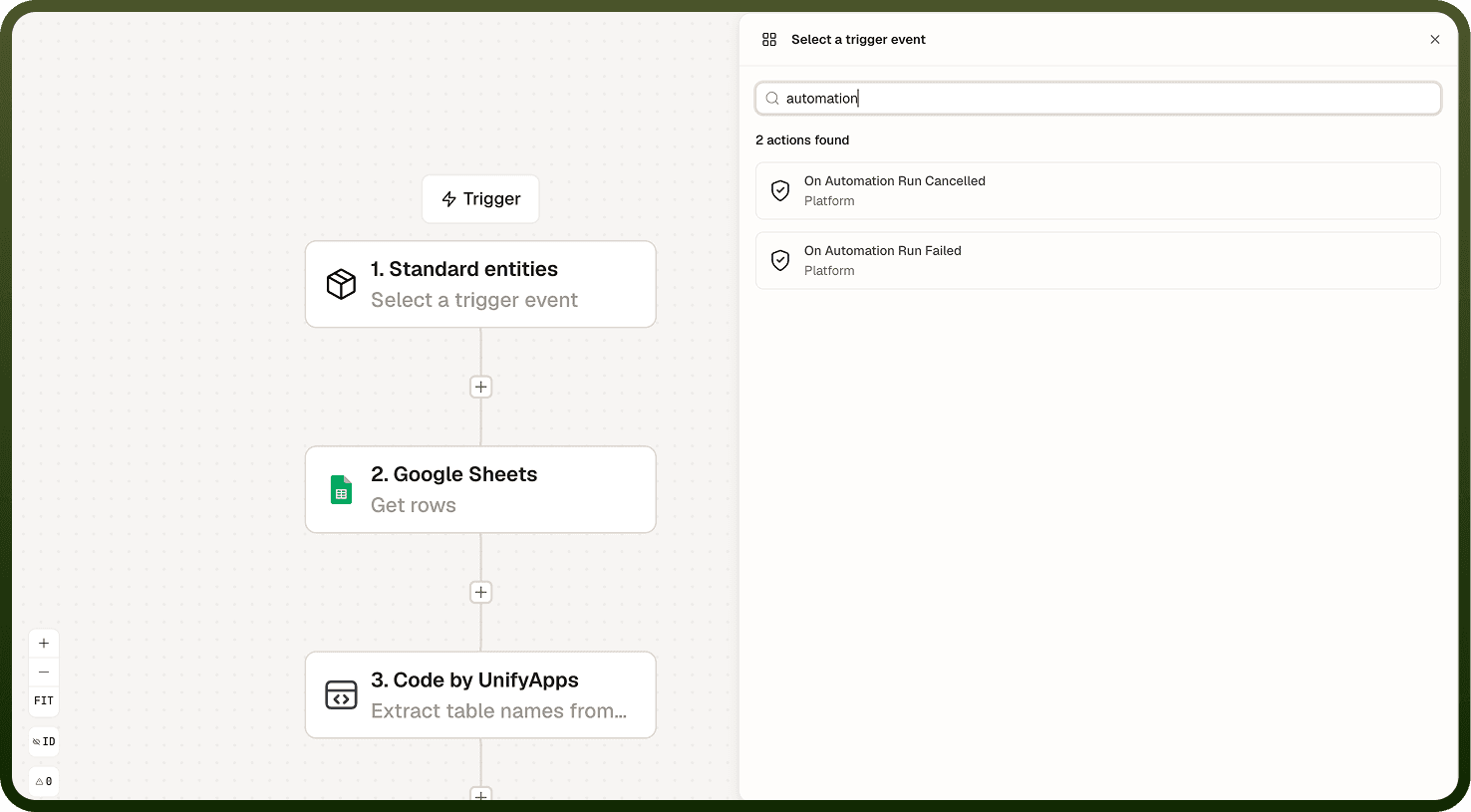
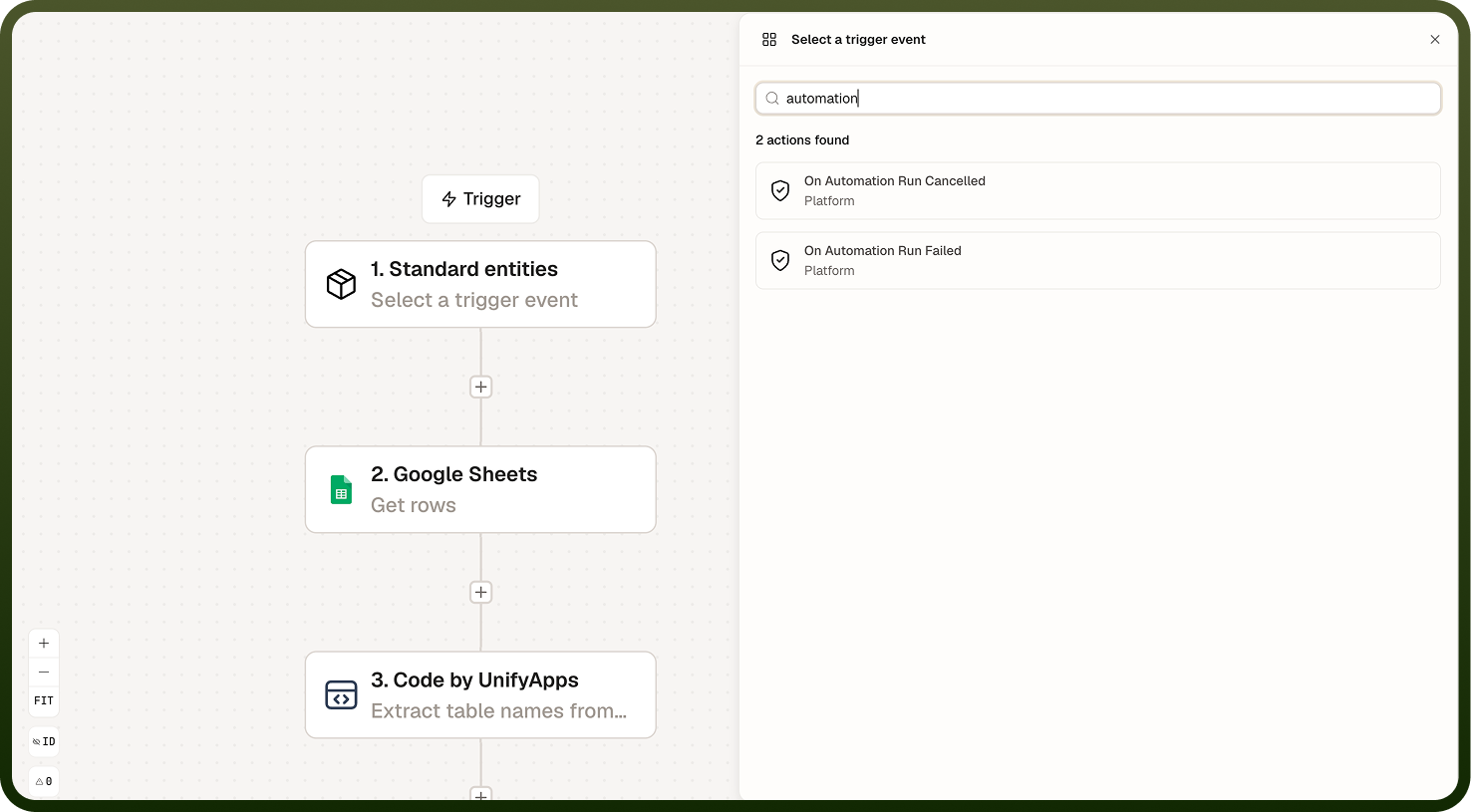
Two automation run events are available as triggers:
Automation run failed — fires when an automation run ends in an error. The payload includes details about the failure, but the event fires for any error type — a bad input value, a timeout, and a permission error all produce the same trigger. Read the error details in the payload to classify the failure before deciding how to respond.
Automation run cancelled — fires when an automation run is explicitly cancelled before it completes. Use it to clean up any partial state the cancelled run may have left behind, or to notify a team that a run did not finish.
All errors look the same at the trigger: The automation-run-failed event fires regardless of what caused the failure. A bad input, a timeout, and a permission denial all produce an identical trigger — inspect the error details in the payload to classify and route the failure appropriately.
API Access Profile Events
One API access profile event is available as a trigger:
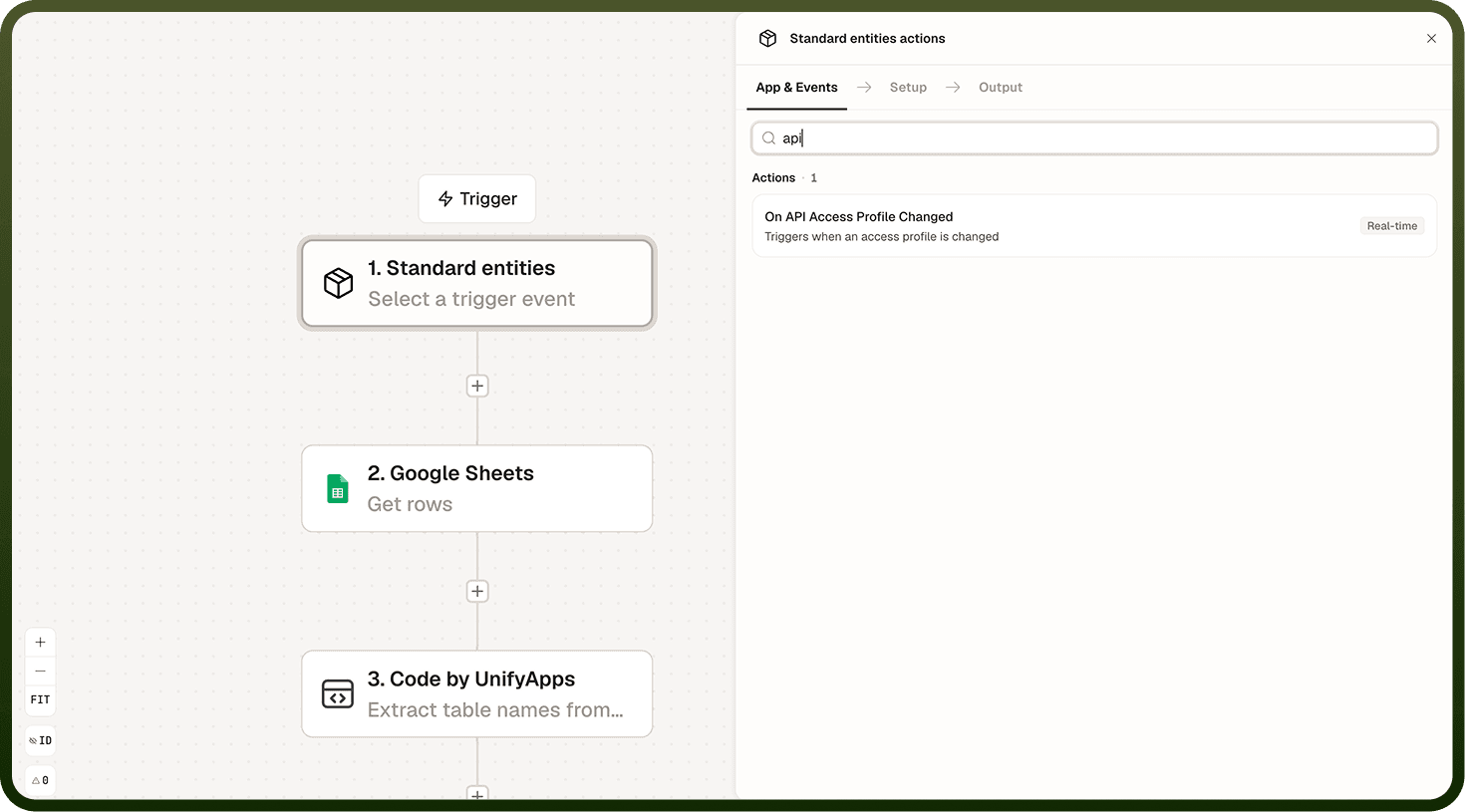
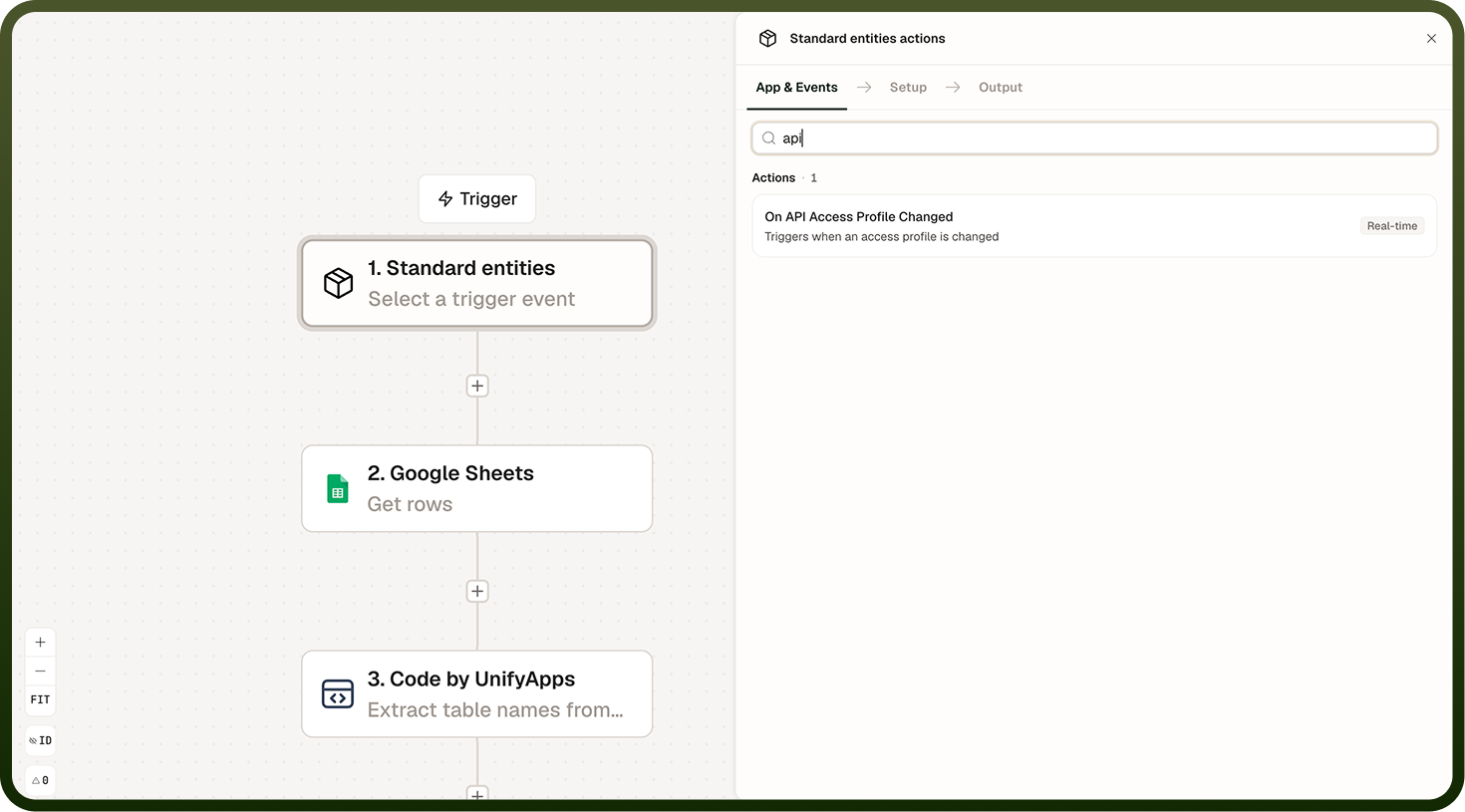
API access profile changed — fires when an API access profile is modified. This includes changes to permissions, associated credentials, client secrets, or any other profile configuration.
Use this trigger for compliance auditing (log every profile change), security alerting (notify a team when a profile's permissions are elevated), or governance workflows (require a second approval before a change takes effect in downstream systems).
This payload may contain secrets: The before and after snapshots in the API access profile changed event payload can include credentials — passwords, client secrets, and API keys. Do not log this payload verbatim, forward it to external systems, or store it without masking sensitive fields first.
Delivery and Filtering
All Automation and API Events fire in real time. Most triggers accept a filter condition — use filters to scope the automation to specific runs or profiles. For run-failed events, filtering by automation name or ID prevents a single noisy automation from triggering alerts for every other automation on the platform.
Notes
Keep the following in mind when working with Automation and API Events triggers.
The automation run failed event fires for every error — bad inputs, timeouts, permission denials, and any other failure mode. Read the error details in the payload to determine the root cause before taking action.
The automation run cancelled event fires when a run is explicitly cancelled. It does not fire for runs that fail or time out — use the run-failed event for those.
The API access profile changed payload may carry credentials in before/after snapshots. Never log this payload without masking sensitive fields, and never forward it to external systems unmasked.
Apply filter conditions to run-failed triggers to scope them to specific automations. Without a filter, the trigger fires for every failing run across the platform.
Each automation gets its own event subscription. Multiple automations can independently react to the same run-failed or profile-changed event.
When building failure-response automations, test with representative error types to confirm your classification logic handles bad inputs, timeouts, and permission errors correctly before deploying to production.