


The Audience Segments node computes and retrieves audiences — the set of records that currently match a saved segment. A segment is a saved filter rule over a data entity (for example, "customers in the EU who ordered in the last 30 days"), not a static list. Use it to target campaigns, drive personalization, or feed a downstream sync with exactly the people who currently qualify.
Overview
Three operations are available. Understanding which to use — and when — prevents stale or truncated results.
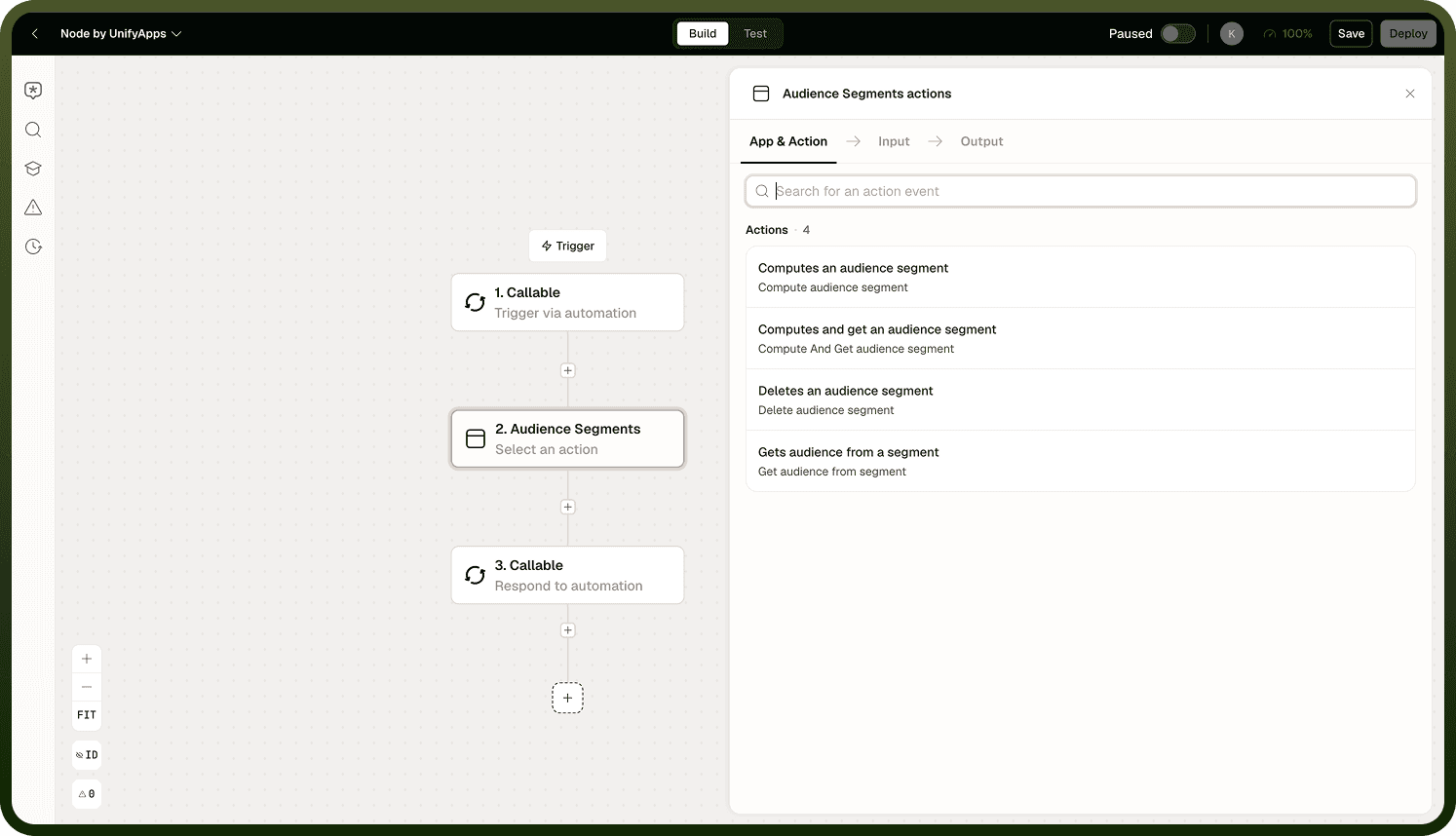
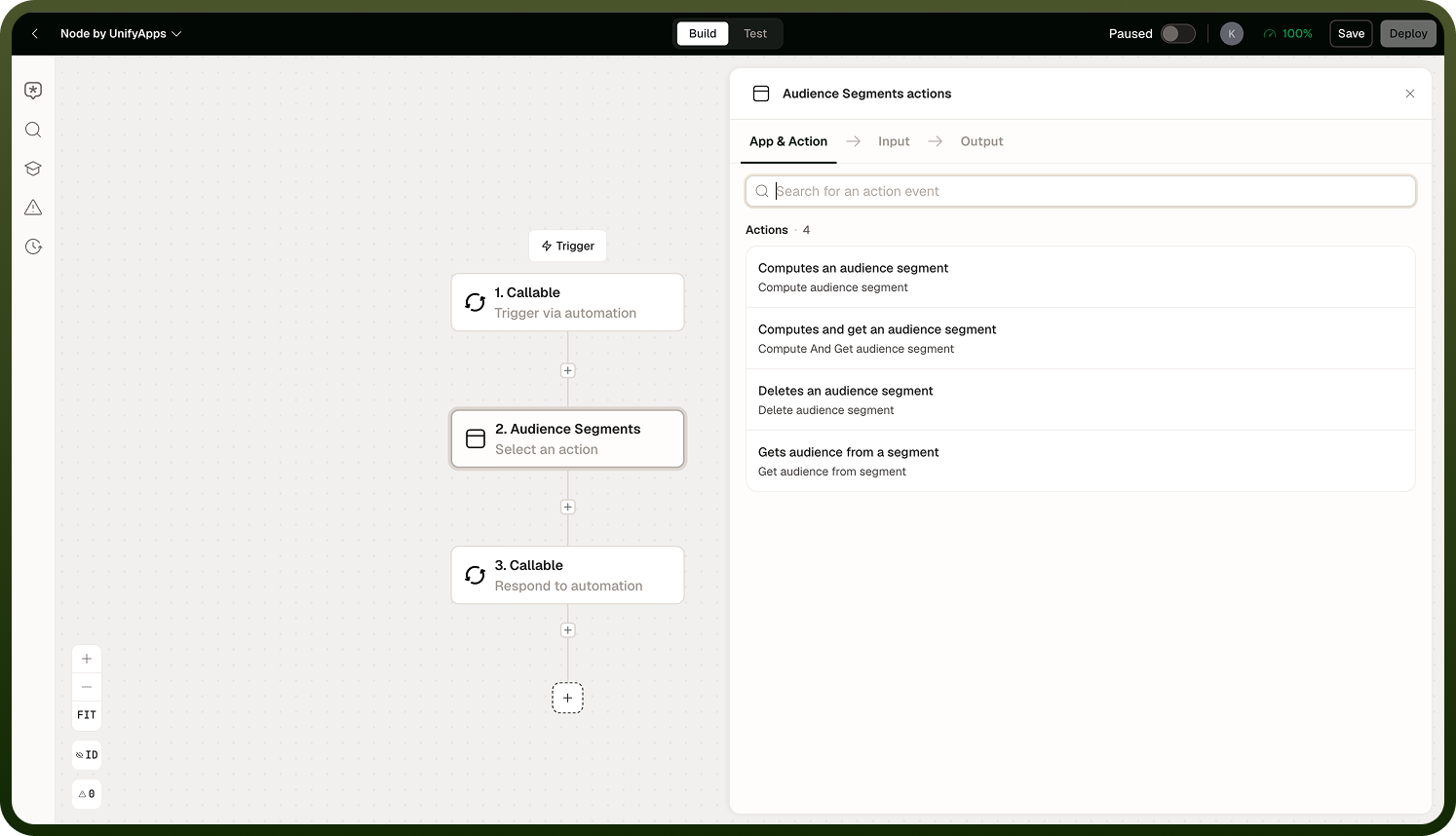
Operation | What it does | Returns | Best for |
|---|---|---|---|
Compute Segment | Runs the segment rule and stores the resulting audience. | A count of matched records (not the members). | Large audiences; asynchronous pre-computation before a later read. |
Compute and Get | Runs the rule and returns the members inline. | The matching records directly. | Small segments only (under ~1,000 records). |
Get Audience | Reads back a previously computed audience, with pagination. | Paginated member records. | Reading a large audience after Compute Segment has run. |
Audience Segments Node configuration
Compute Segment
Runs the segment rule and stores the resulting audience for later retrieval. Returns a count, not the member records. Can run asynchronously: the node kicks off the computation and returns without waiting for it to finish.
Input Field | Description |
|---|---|
Segment | The saved segment (filter rule) to run. Identified by name or ID. |
Asynchronous | When enabled, the node returns immediately after starting the computation rather than waiting for it to complete. The stored audience is updated in the background. |
Audience Segments Node additional configuration
Output: The count of records that matched the segment rule. The audience is stored and can be retrieved with Get Audience.
Compute and Get
Runs the segment rule and returns the matching members in the same call. Intended for small segments only. Results are effectively truncated beyond approximately 1,000 records — do not use this operation for large audiences.
Input Field | Description |
|---|---|
Segment | The saved segment to run. |
Output: An array of the matching records, returned inline. Truncated if the audience exceeds the size limit.
Do not use Compute and Get for audiences that may grow beyond ~1,000 records. Use Compute Segment followed by Get Audience (with pagination) for any sizable audience.
Get Audience
Reads back the members of an already-computed audience. Supports pagination via cursor and page size. Returns whatever was last stored by a Compute Segment run — if the segment has never been computed (or was deleted), the result will be empty.
Input Field | Description |
|---|---|
Segment | The segment whose stored audience to retrieve. |
Cursor | The pagination cursor from the previous page. Omit for the first page. |
Page size | The number of records to return per page. |
Output: A page of audience member records and a cursor for the next page (empty when the last page is reached).
Delete Audience
Removes a stored audience (the computed result set). The segment definition itself is not affected — only the stored audience data is deleted.
Input Field | Description |
|---|---|
Segment | The segment whose stored audience to delete. |
Output: Confirmation that the stored audience was deleted.
Notes
The Audience Segments node works best when you match the operation to your audience size and keep data freshness in mind:
The reliable pattern for large audiences: run Compute Segment first, then use Get Audience with pagination to page through the members.
Get Audience returns stale data if recomputed infrequently. It reads whatever was last stored. Always compute before reading if you need current membership.
Compute and Get is not suitable for large segments. Results are truncated beyond approximately 1,000 records. Use it only for small, bounded audiences.
Asynchronous computation (on Compute Segment) means the node returns before the audience is fully stored. If the next step immediately calls Get Audience, the audience may still be computing. Add a brief wait or design the flow to compute in an earlier step.
Deleting a stored audience does not delete the segment definition. The segment can be re-computed at any time.
A well-designed Audience Segments workflow uses Compute Segment for large audiences and always re-computes before reading when current membership is required.