


The flow builder shows two at-a-glance health indicators for the automation you are editing: an issues badge on the canvas toolbar that counts configuration problems, and a workflow score badge in the header that gives an overall quality rating. The issues count updates as you build; the score is recalculated each time you save.
Error Count
When the automation has configuration problems — missing required inputs, invalid connections, unresolved data pills — the issues badge on the canvas toolbar (bottom-left, next to the zoom controls) shows how many errors and warnings exist. Hover over it for a summary. Click it, or Issues in the left icon rail, to open the Issues panel, which is split into Errors and Warnings. Each issue points at the step it came from; selecting it jumps to that step and opens its properties panel.
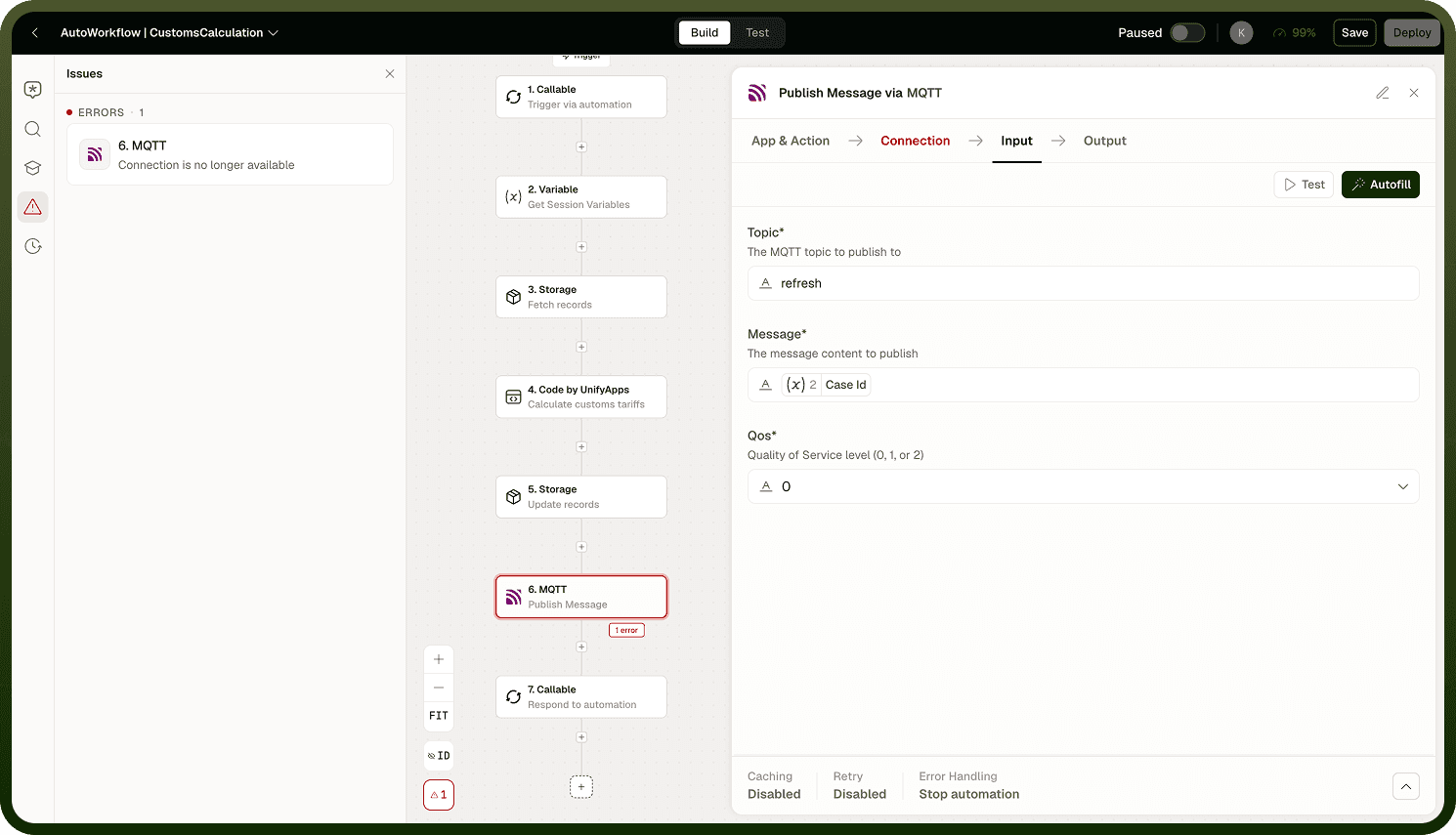
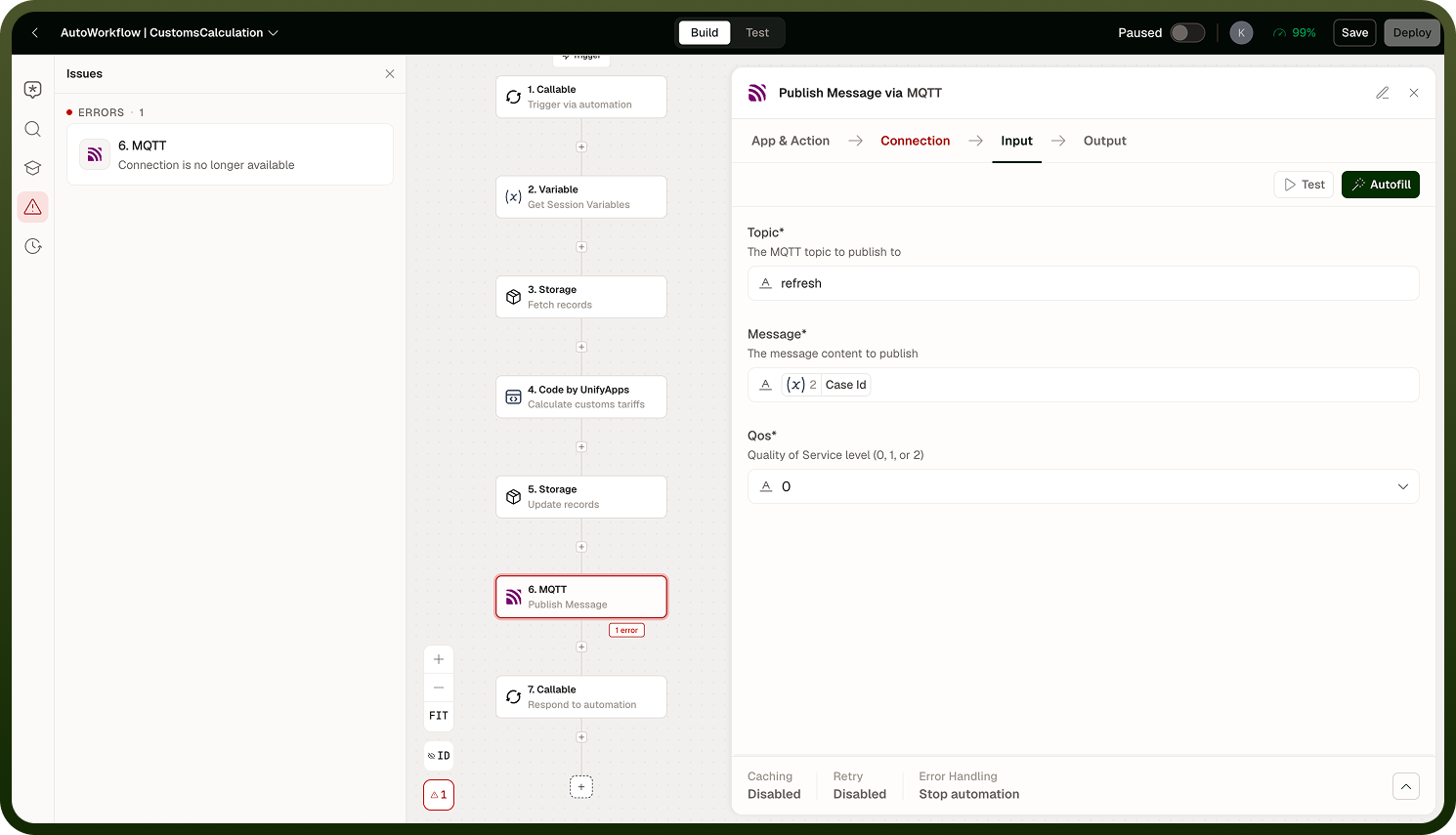
The Issues item in the left icon rail shows No errors as of now when there is nothing to fix. Its icon turns red when there are errors, and amber when there are only warnings.
Note: You can save a draft with errors, but an automation with errors cannot be deployed. Resolve all errors before deploying.
Warnings are recommendations, such as Missing custom indexes or Missing respond node. They are counted in the issues badge but do not block deployment.
Workflow Score Badge
The score badge in the header gives an at-a-glance quality rating for the automation as a whole. Click the score to open Automation Health Overview, which groups findings under Usability, Performance and Security. Use the findings to see which steps are dragging the score down and what you can do to improve it.
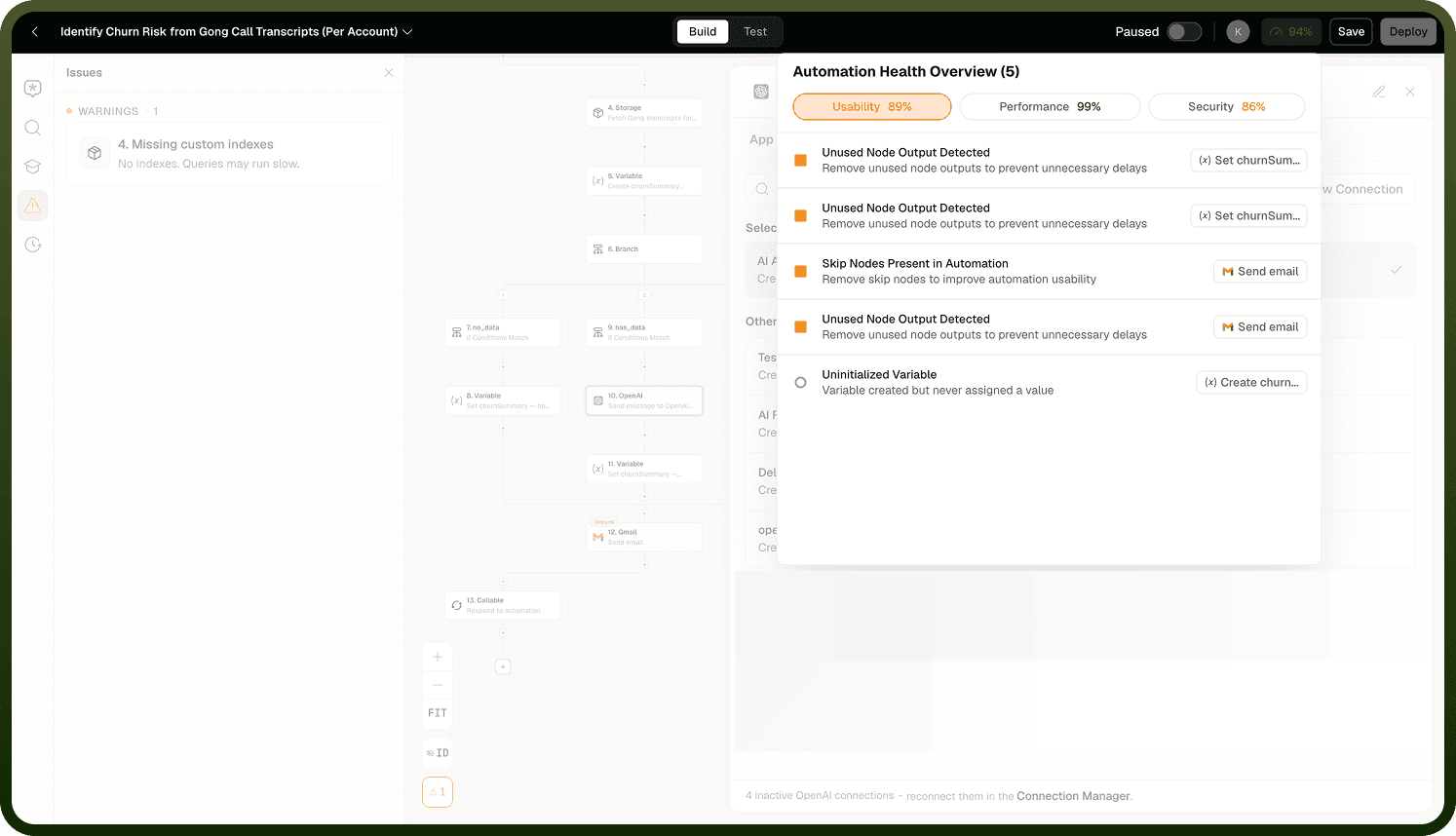
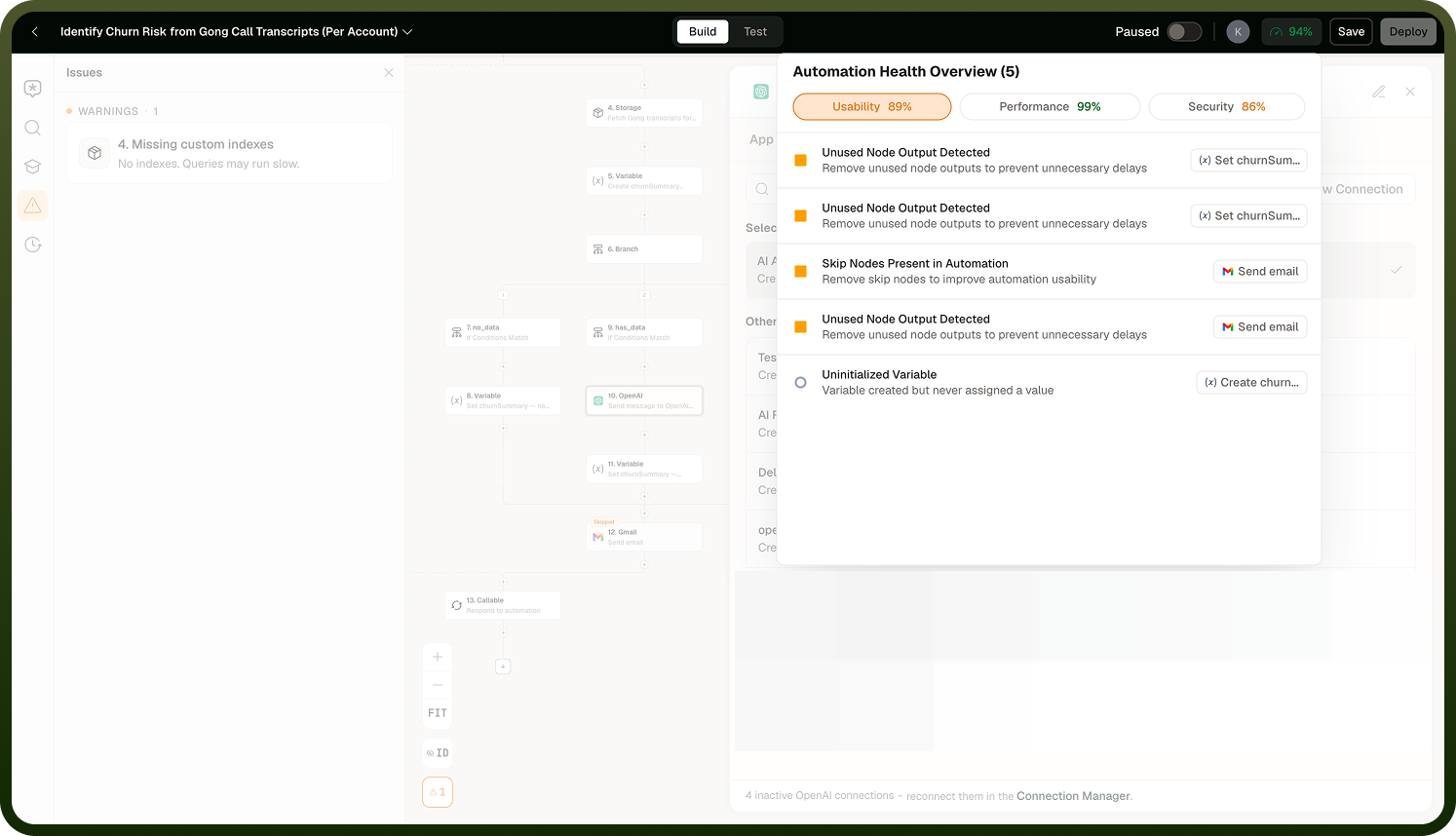
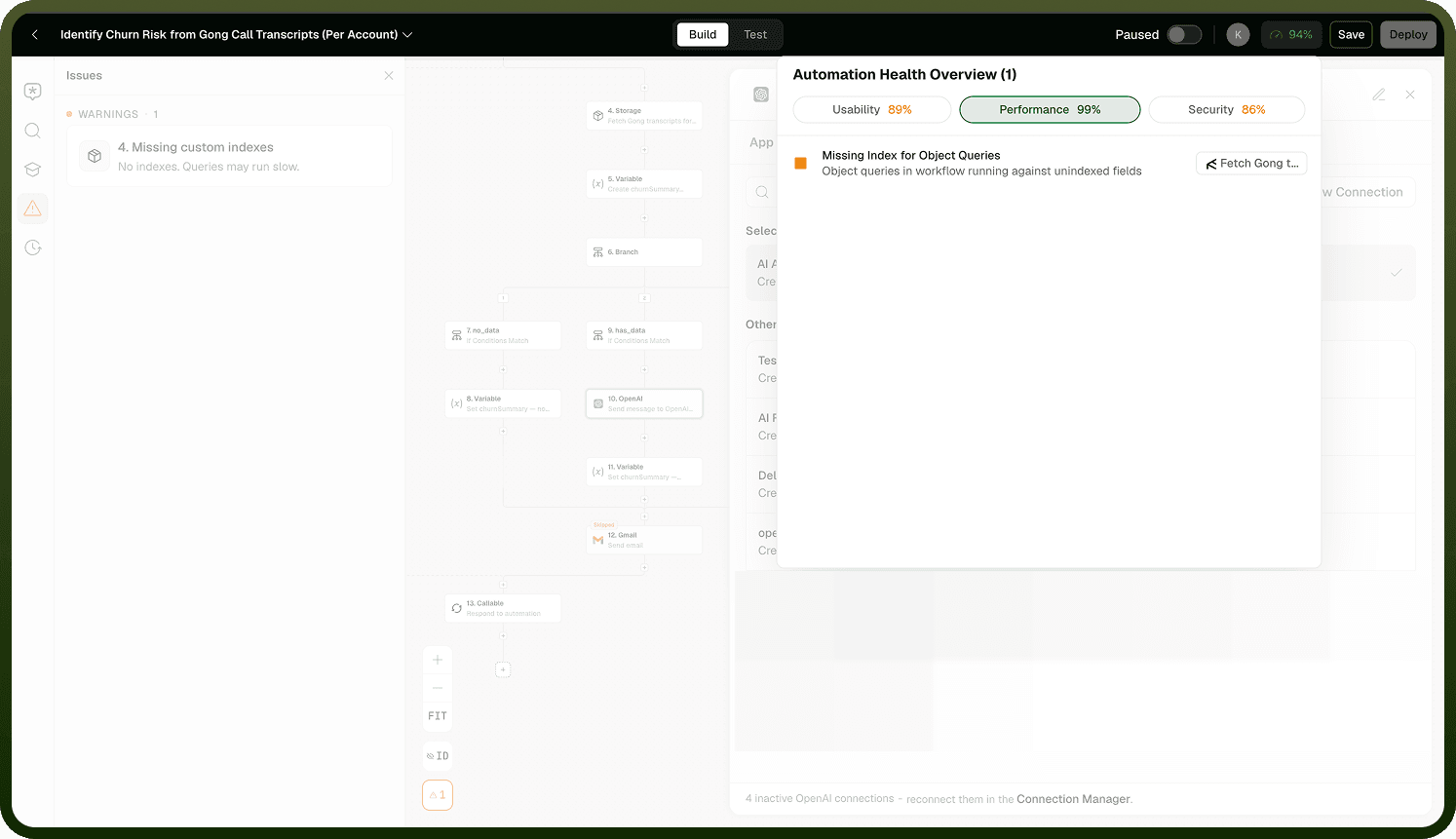
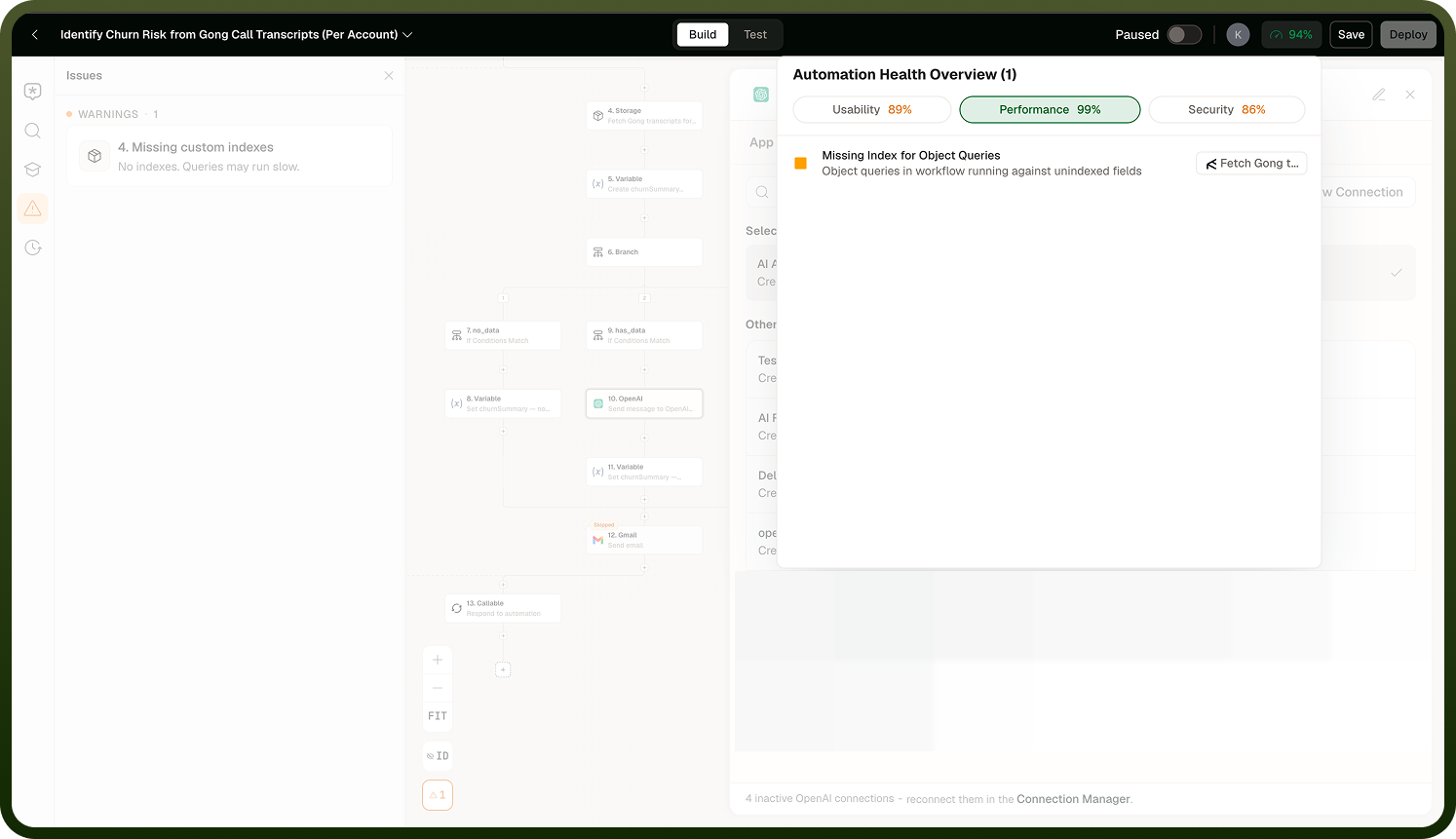
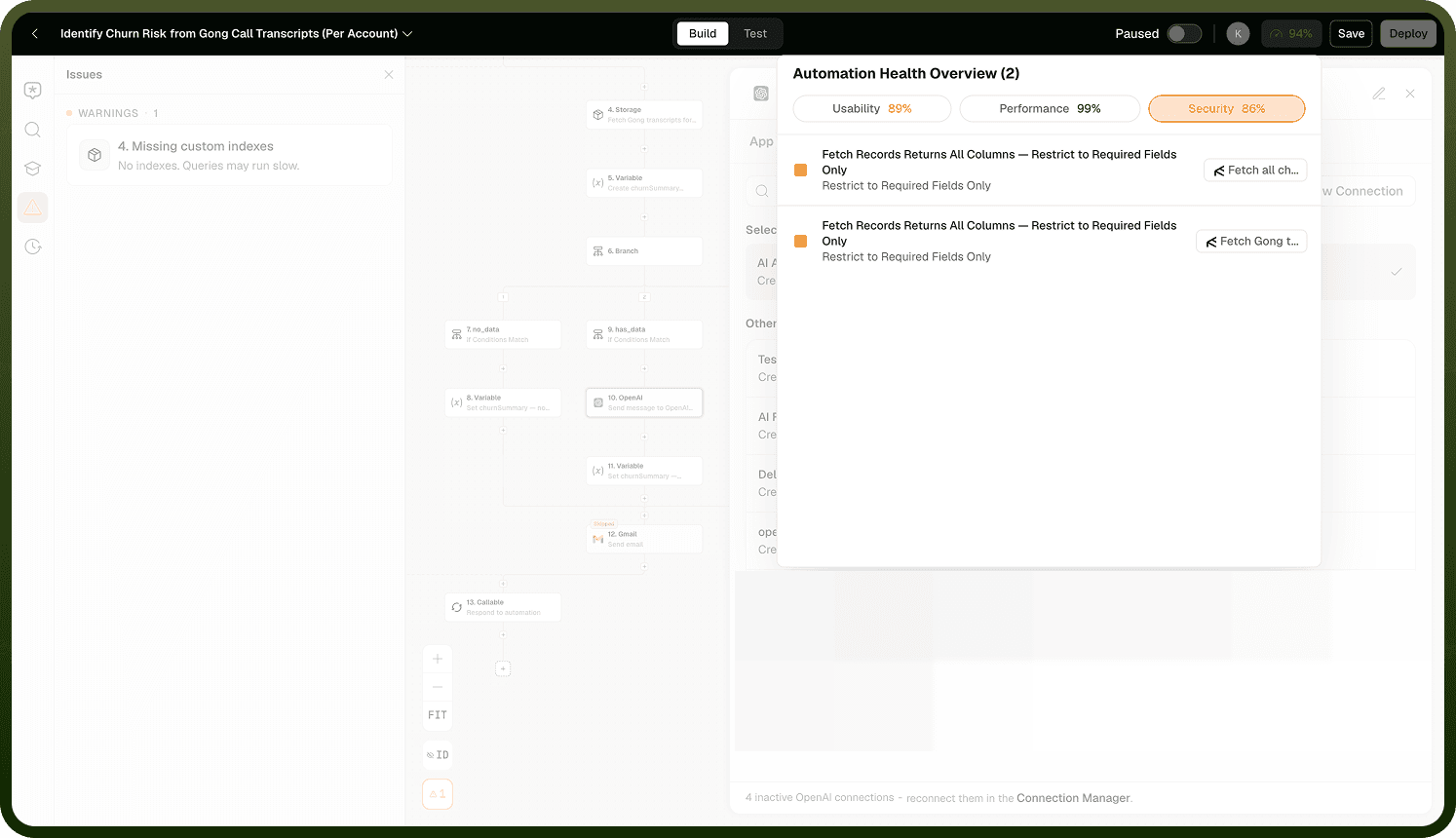
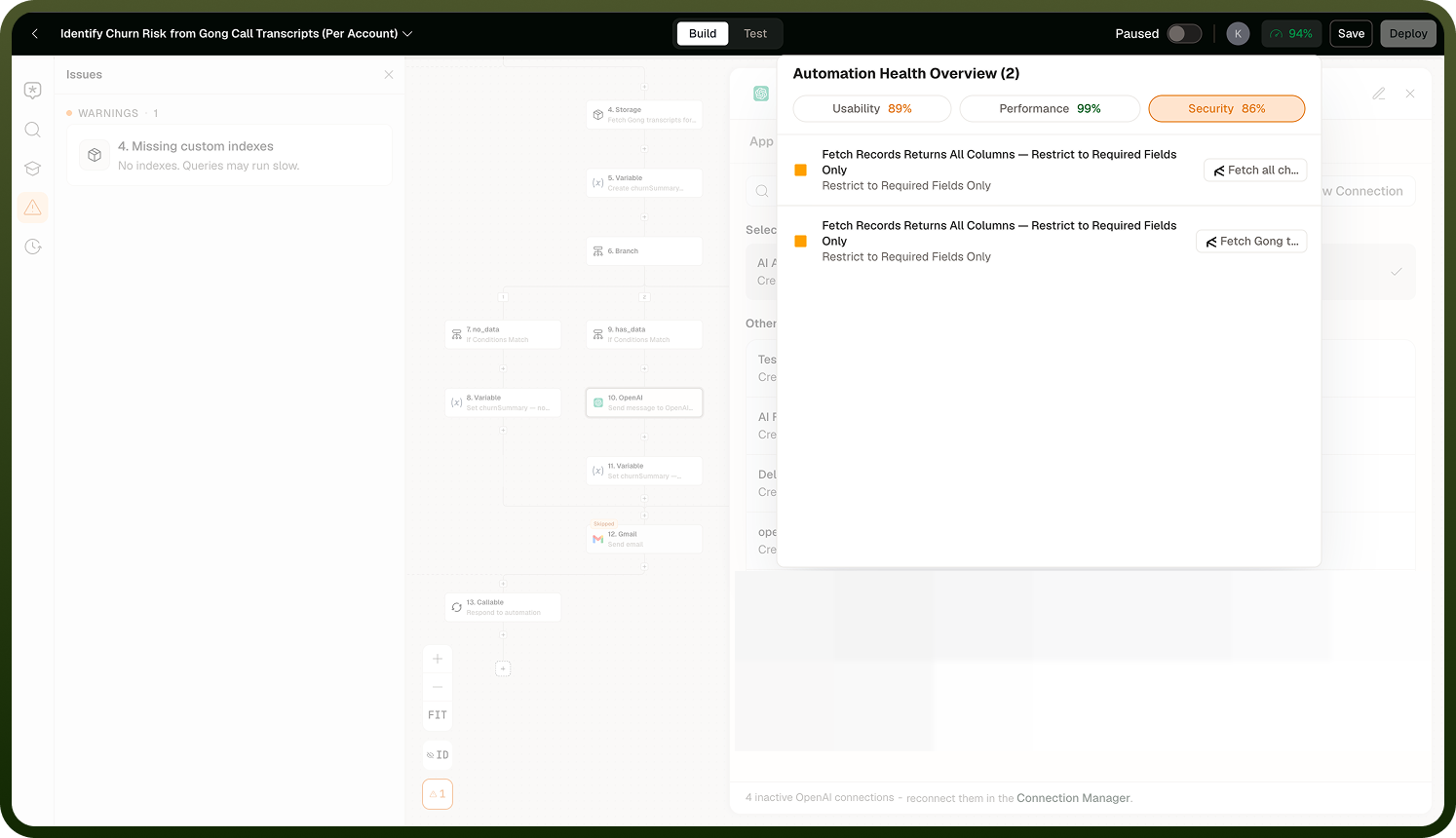
The score is advisory: a lower score does not prevent deployment, but it highlights areas worth reviewing before the automation goes live.
Notes
The Error Count and Workflow Score indicators work best when you follow these practices:
Fix errors in the order the list shows them — earlier steps feeding data pills into later steps mean one missing connection can cascade into multiple downstream errors.
After fixing an error, the count updates immediately when you return focus to the canvas.
The score is separate from the error count — a score can be moderate even with zero errors, if steps are missing optional best-practice settings.