


The Comments node adds collaboration threads to assets from inside an automation. Use it to automate discussion and review — post a comment when something needs attention, collect feedback, or react when new comments appear.
Overview
A comment attaches to any asset you identify (you supply the asset ID and its type). Every comment must have content or an attachment; empty comments are rejected. Threading is strictly one level deep: a comment can have replies, but you cannot reply to a reply.
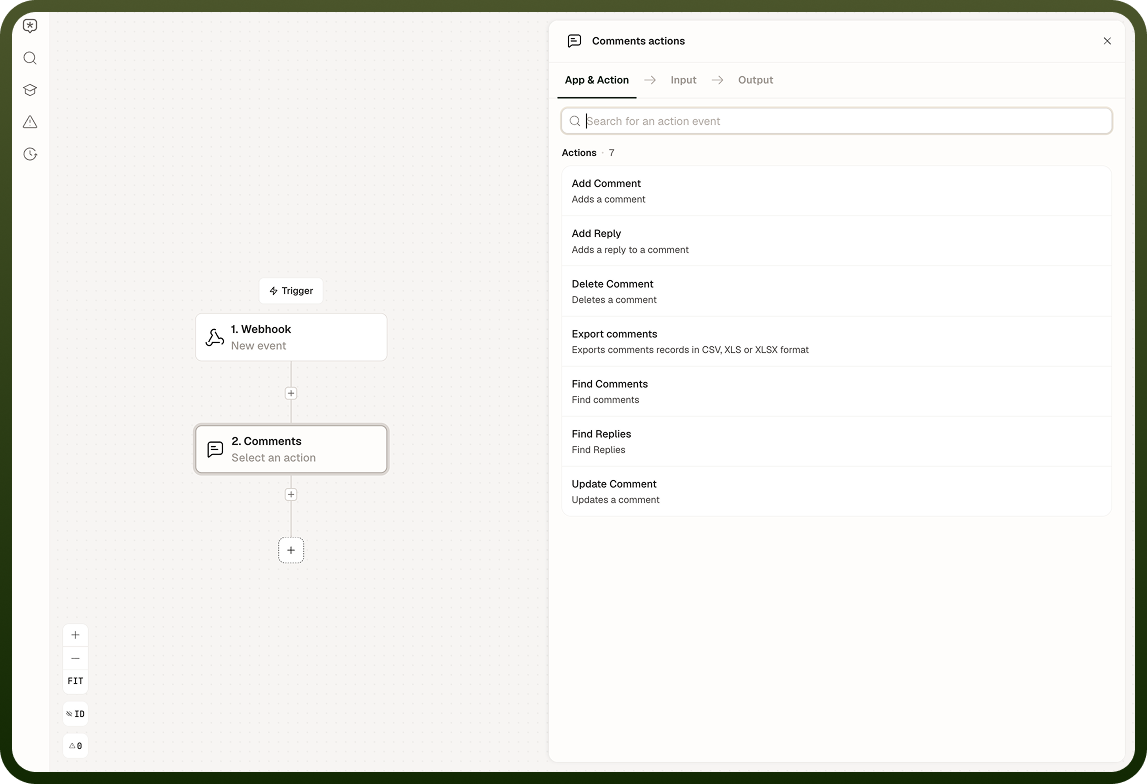
Available actions: add a comment, reply to a comment, edit a comment, delete a comment, find comments, find replies, export comments, and trigger on new comments.
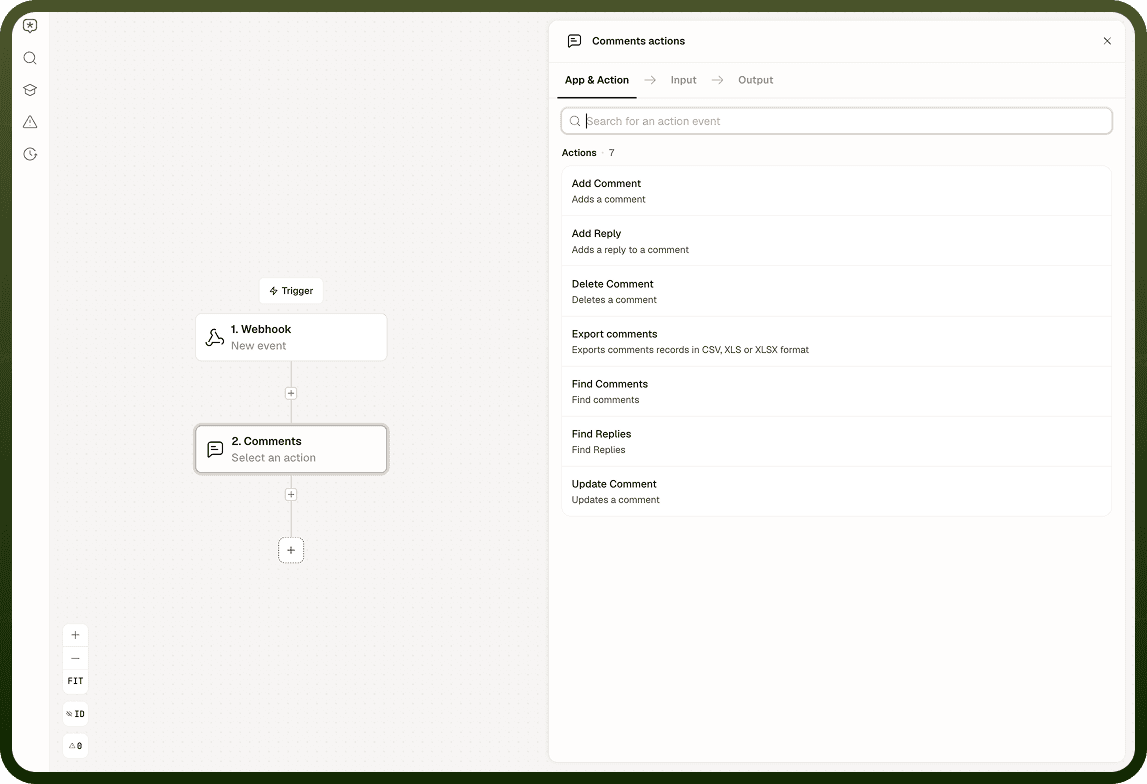
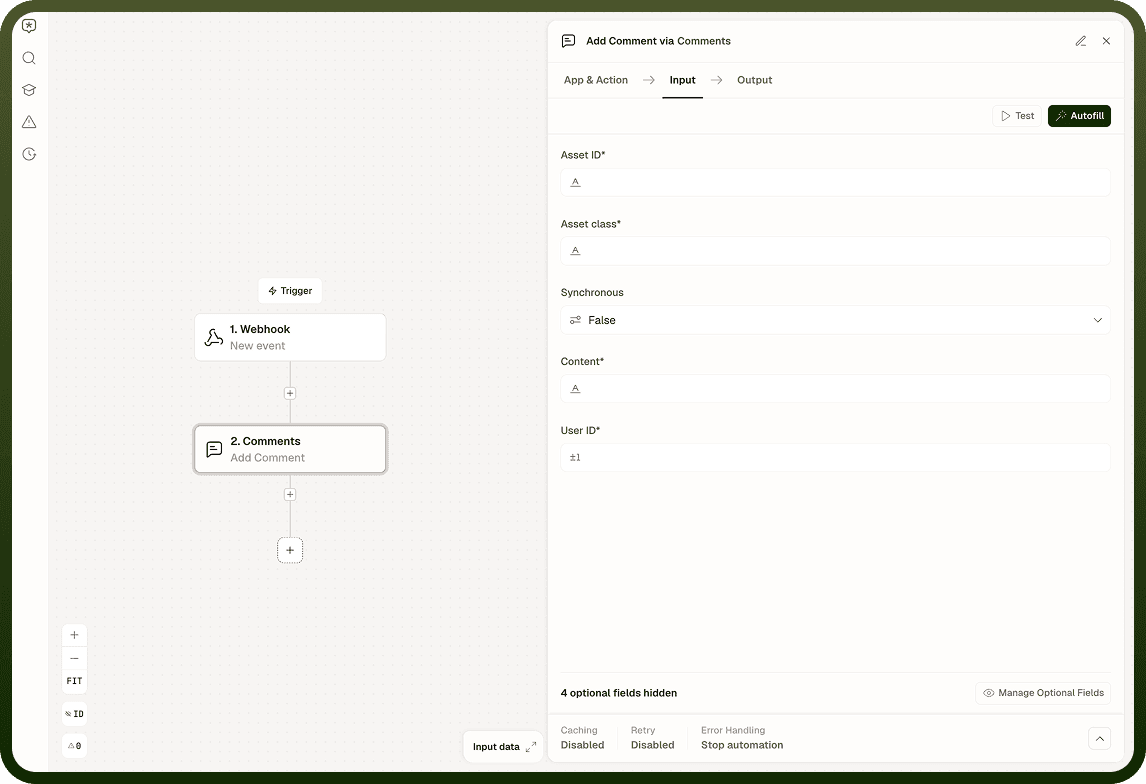
Add Comment
Input Field | Description |
|---|---|
Asset | The asset to attach the comment to (ID or reference). Required. |
Asset type | The type of the asset (for example, record, document, task). Required. |
User ID | The ID of the user the comment is posted as. Required. |
Content | The text body of the comment. Required if no attachment is provided. |
Attachments | Files or references to attach to the comment. Required if no content is provided. |
Synchronous | When enabled, the node waits for the comment to be persisted before continuing. Default is asynchronous. Enable when a subsequent step immediately reads the comment. |
Output: A success flag confirming whether the comment was created.
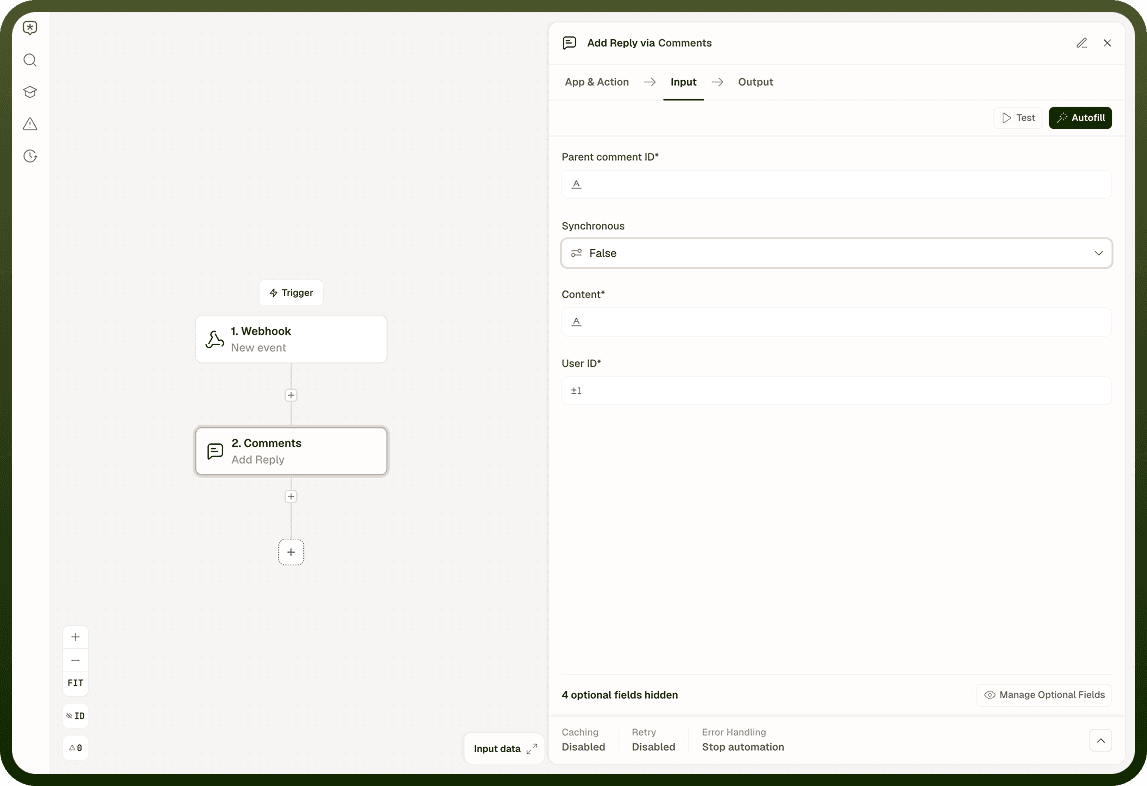
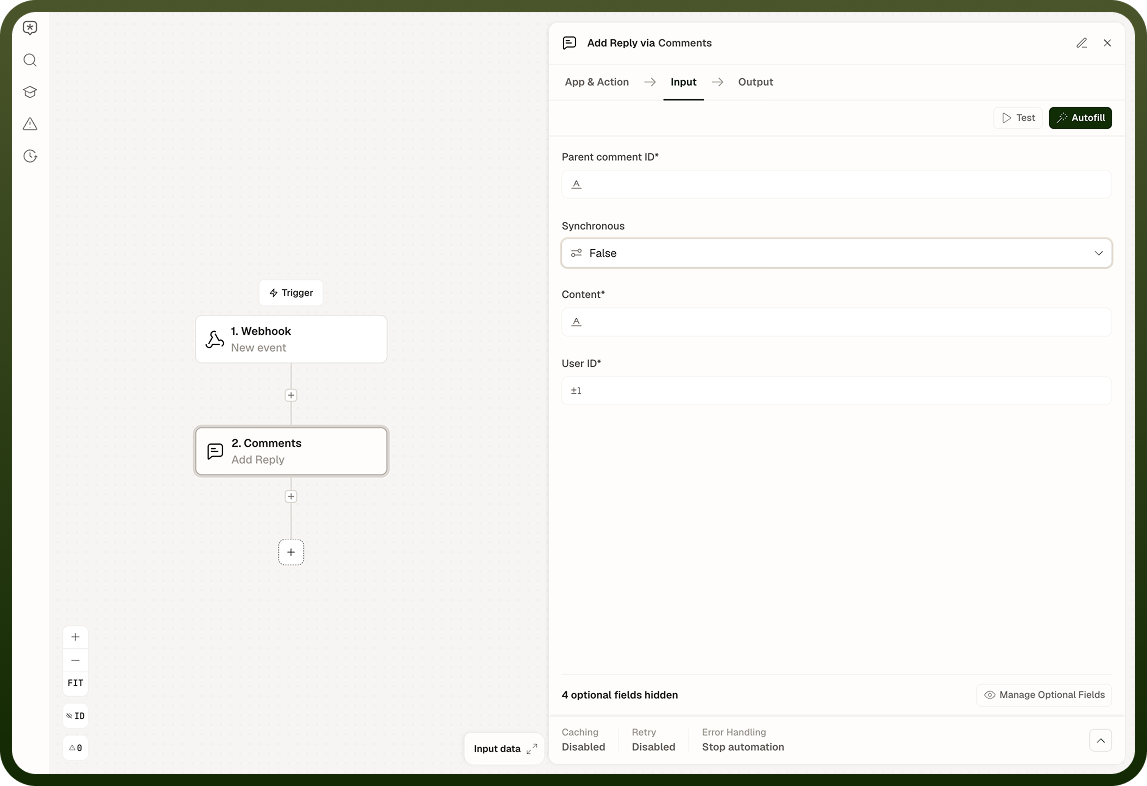
Reply to Comment
Input Field | Description |
|---|---|
Parent comment ID | The ID of the top-level comment to reply to. Must be a top-level comment — replying to a reply is not supported and returns an error. Required. |
User ID | The ID of the user the reply is posted as. Required. |
Content | The text body of the reply. Required if no attachment is provided. |
Attachments | Files or references to attach to the reply. Required if no content is provided. |
Synchronous | When enabled, waits for the reply to be persisted before proceeding. |
Output: A success flag confirming whether the reply was created.
Edit Comment
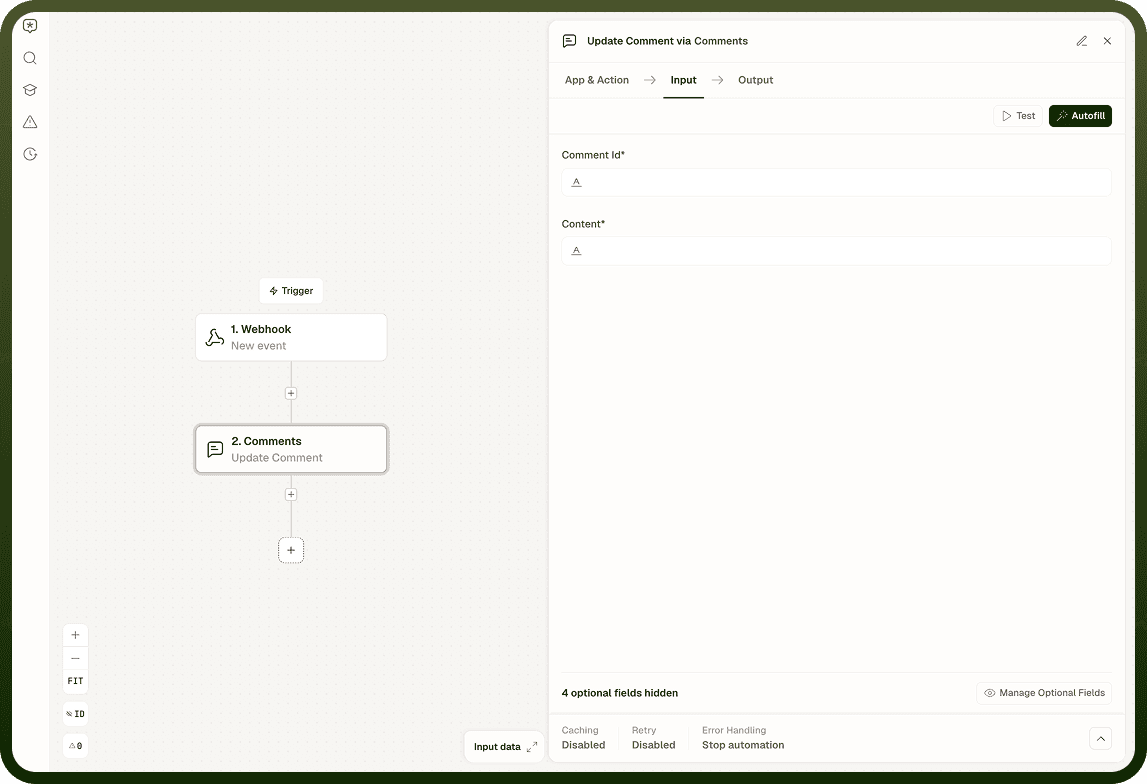
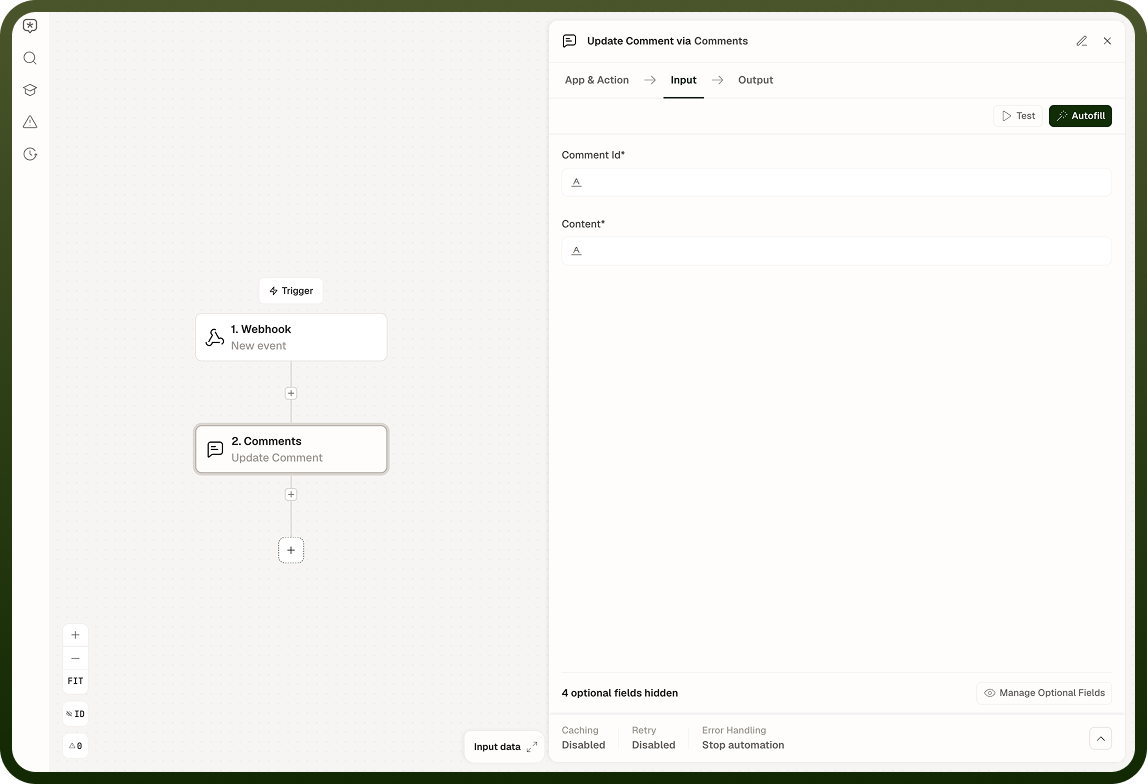
Input Field | Description |
|---|---|
Comment ID | The ID of the comment or reply to edit. Required. |
New content | The updated text body. Required if no attachment is provided. |
Attachments | Files or references to attach to the comment. Required if no content is provided. |
Output: Confirmation that the comment was updated.
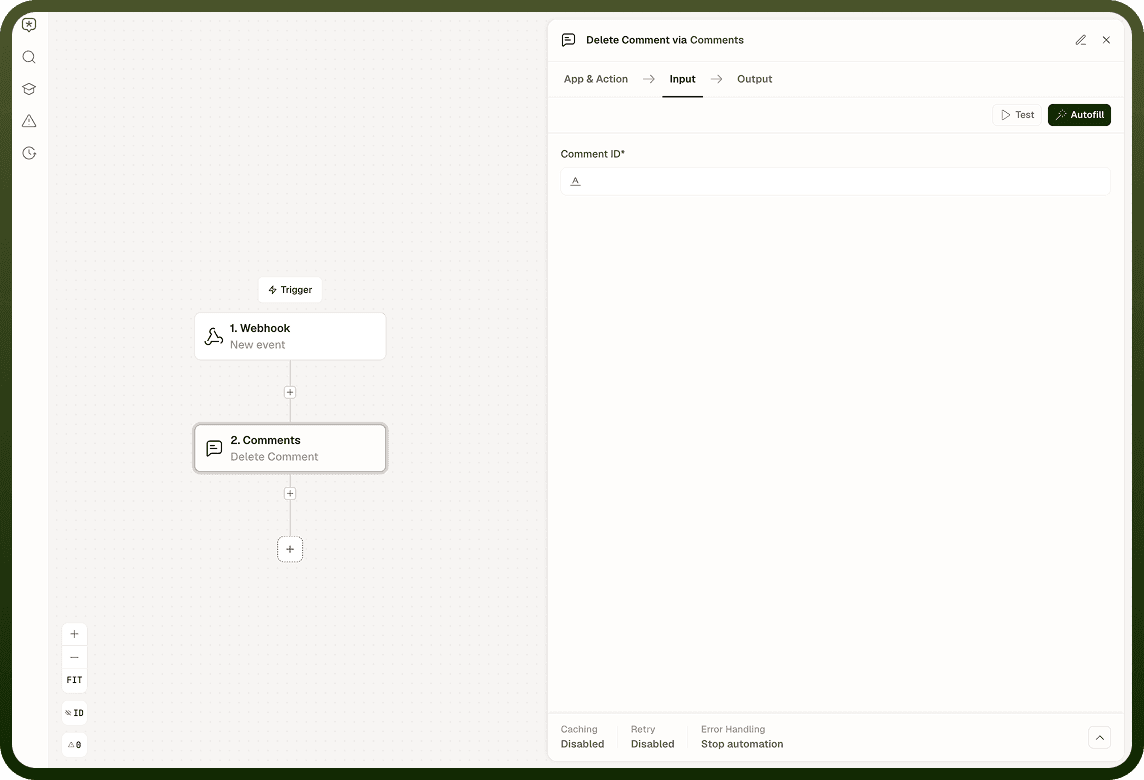
Delete Comment
Input Field | Description |
|---|---|
Comment ID | The ID of the comment to delete. Deleting a top-level comment also deletes all of its replies. |
Output: Confirmation that the comment (and any replies) was soft-deleted.
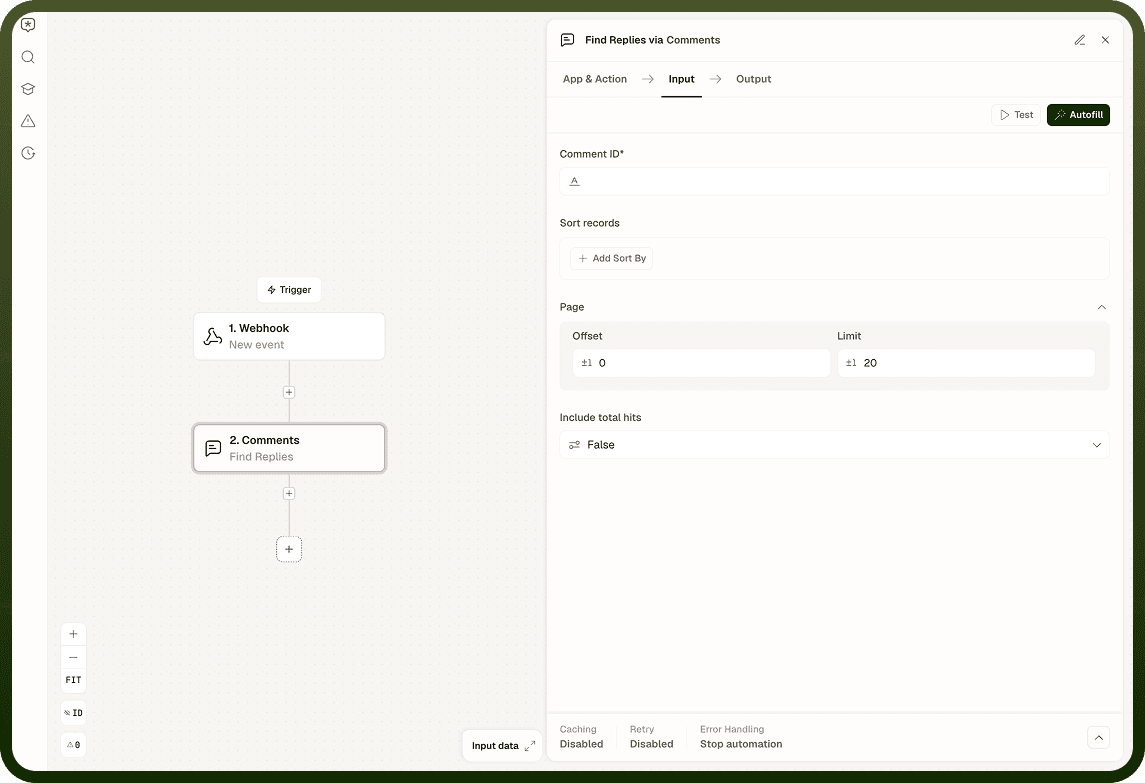
Find Comments and Find Replies
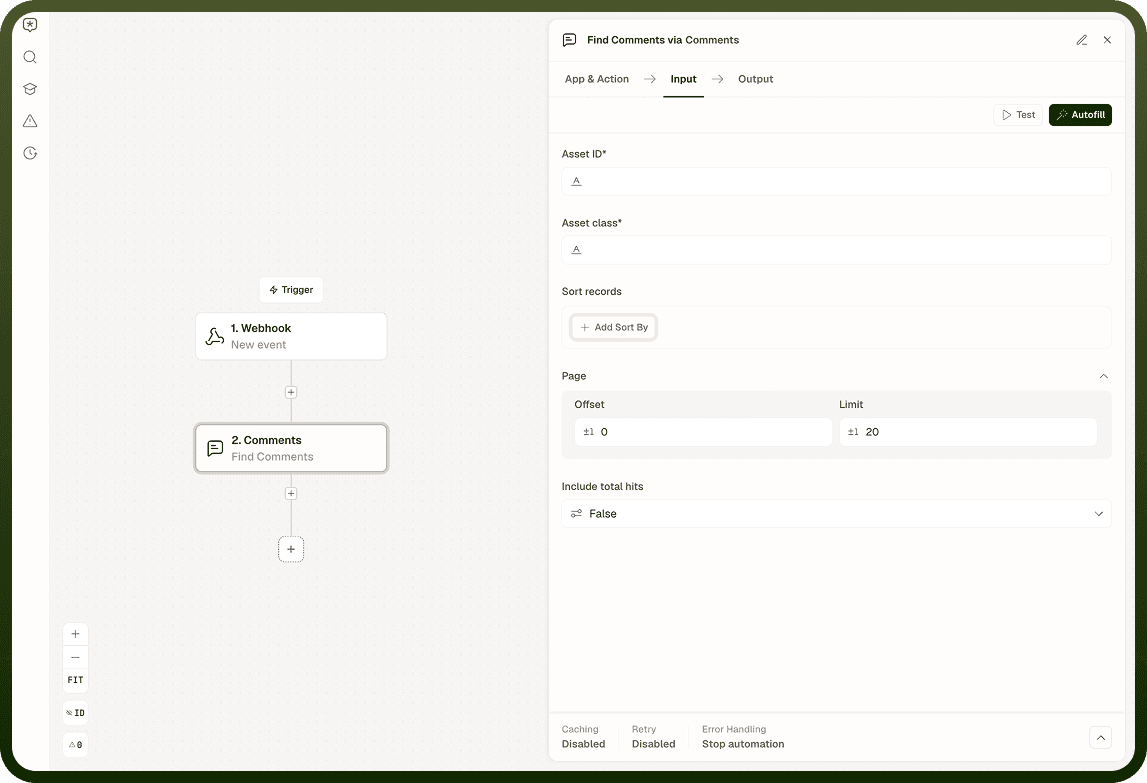
Input Field | Description |
|---|---|
Asset | (Find Comments only) The asset whose comments to retrieve. Required. |
Asset type | (Find Comments only) The type of the asset. Required. |
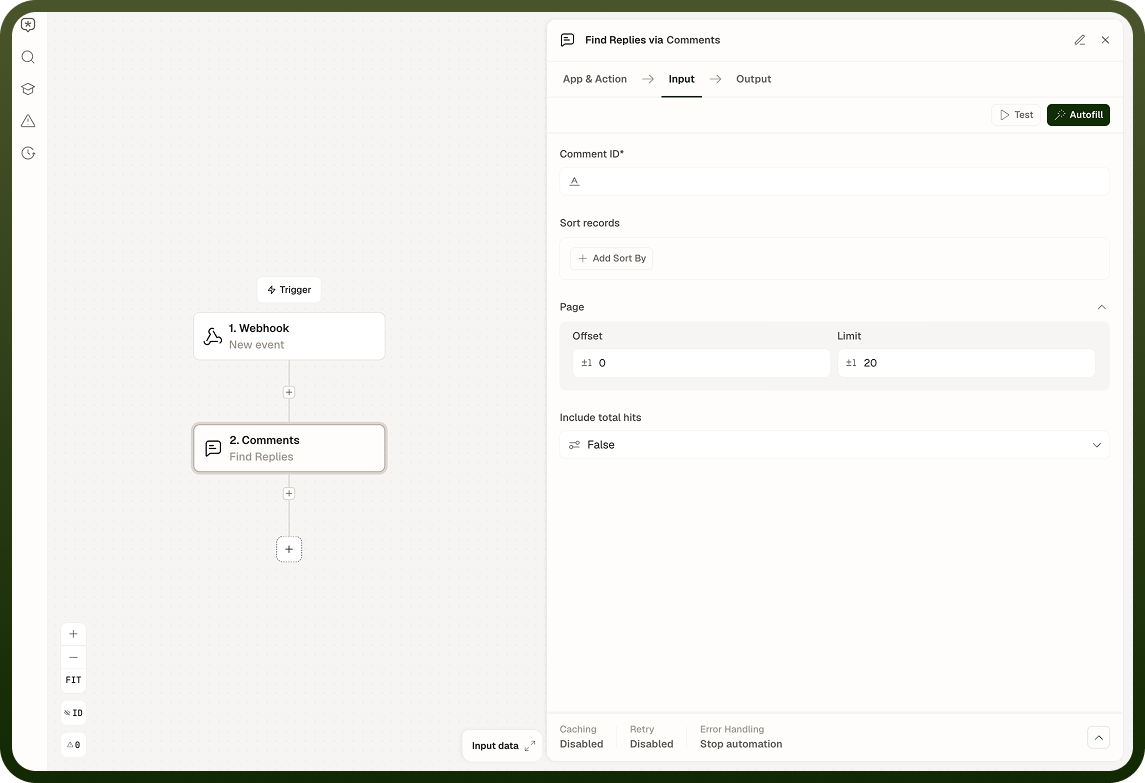
Comment ID | (Find Replies only) The parent comment whose replies to retrieve. Required. |
Sort by | Optional list of fields to sort results by, each with a field name and a sort order (ascending or descending). |
Limit | The maximum number of results to return per page. Default is 20. |
Offset | The number of results to skip before returning results, for pagination. Default is 0. |
Include total hits | When enabled, includes the total number of matching results in the response. Default is off. |
Output: Find Comments returns an array of top-level comments (replies are excluded), each with its ID, asset reference, content, owner user ID, attachments, reply count, and created time, plus a has more flag for pagination. Find Replies returns the same shape for replies under the specified parent comment, with a reference to the parent comment in place of a reply count.
Export Comments
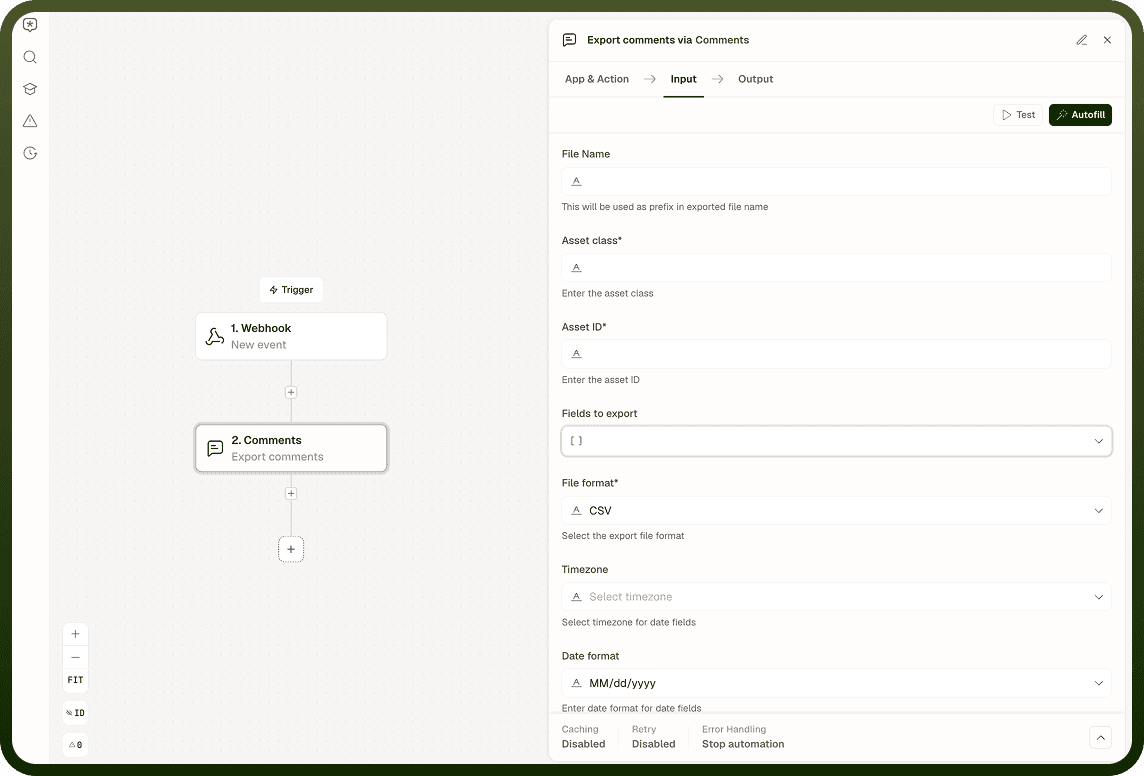
Input Field | Description |
|---|---|
Asset | The asset whose comment thread to export. Required. |
Asset type | The type of the asset. Required. |
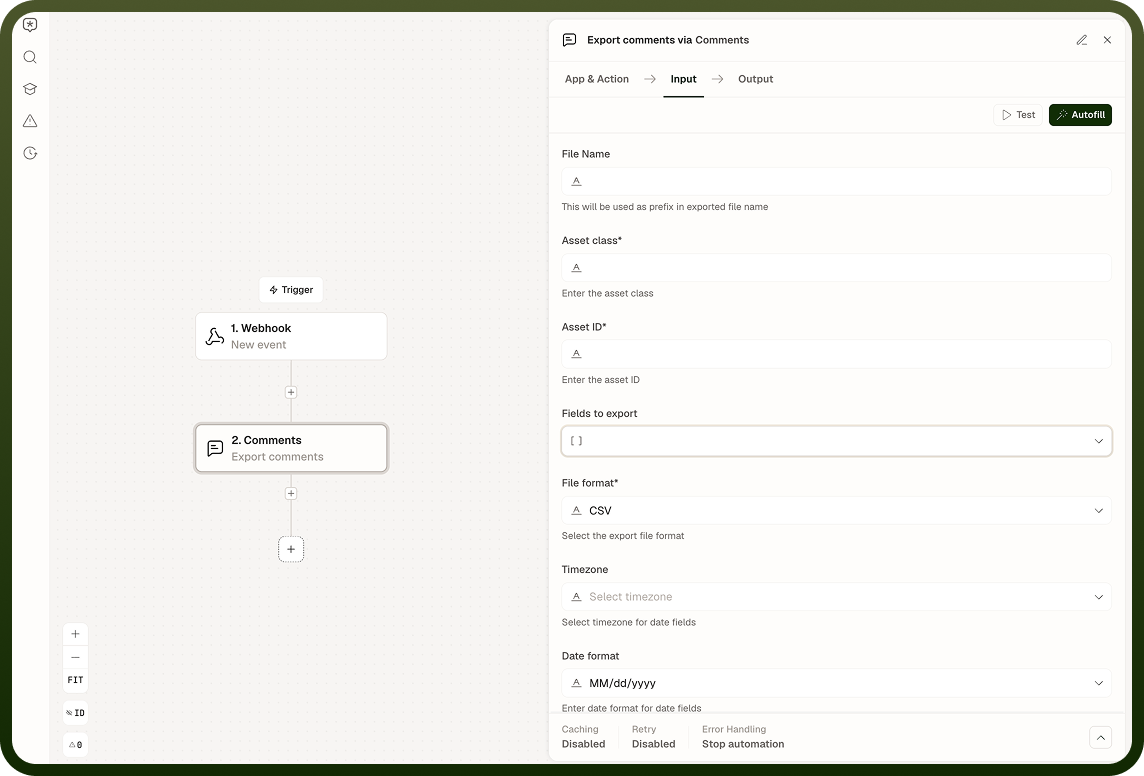
File name | Optional name for the exported file. |
Fields to export | Optional list of specific comment fields to include (for example, ID, content, attachments, owner user ID, created time, reply count). If omitted, the export uses the default field set. |
Export format | The file format for the export: CSV (default), XLS, or XLSX. Required. |
Timezone | Optional timezone used to format date and time fields in the exported file. |
Output: An export ID, plus a reference to the generated export file — its name, source, source type, and file type. The comment data itself is written to that file, not returned inline.
Trigger: On New Comment
A real-time webhook trigger that fires whenever a comment is created on an asset. It fires for both top-level comments and replies.
Input Field | Description |
|---|---|
Trigger conditions | Optional filter conditions the incoming comment must match for the trigger to fire — for example, restricting to a specific asset ID or asset class. |
Output: The comment payload — ID, asset ID and asset class, content, attachments, owner user ID, created time, modified time, reply count, and a replyTo reference indicating whether the comment is a reply (replies carry a reference to their parent; top-level comments do not).
Notes
The Comments Node handles in-platform comment threads reliably when you observe these constraints and behaviors:
Threading is one level only. Replies are children of top-level comments. Attempting to reply to a reply returns an error.
Delete cascades. Deleting a top-level comment removes its entire thread (all replies). Deletion is a soft-delete; the records are marked deleted rather than physically purged.
Creation is asynchronous by default. If a subsequent step reads the comment immediately after creation, enable the Synchronous option on the add or reply action.
Every comment must have at least one of: text content or an attachment. Submitting neither returns a validation error.
A well-configured Comments Node flow accounts for one-level threading and cascading deletes before building logic that reads or acts on comment structure.