


The Text & Messaging Utilities operations in the Utility node parse, transform, and compare text — handling raw email parsing, template resolution, text diffing, translation, and output-value resolution. Use them to extract structure from unstructured inputs, render dynamic content, or prepare text for downstream steps.
Overview
Five operations handle common text and message-processing tasks: extracting structured fields from a raw email, resolving dynamic templates, comparing two text strings and returning their differences, translating text between languages, and resolving an output value from an expression or reference. These are composable glue steps — place one where you need to shape or inspect text before passing it on.
Operations
Operation | What it does |
|---|---|
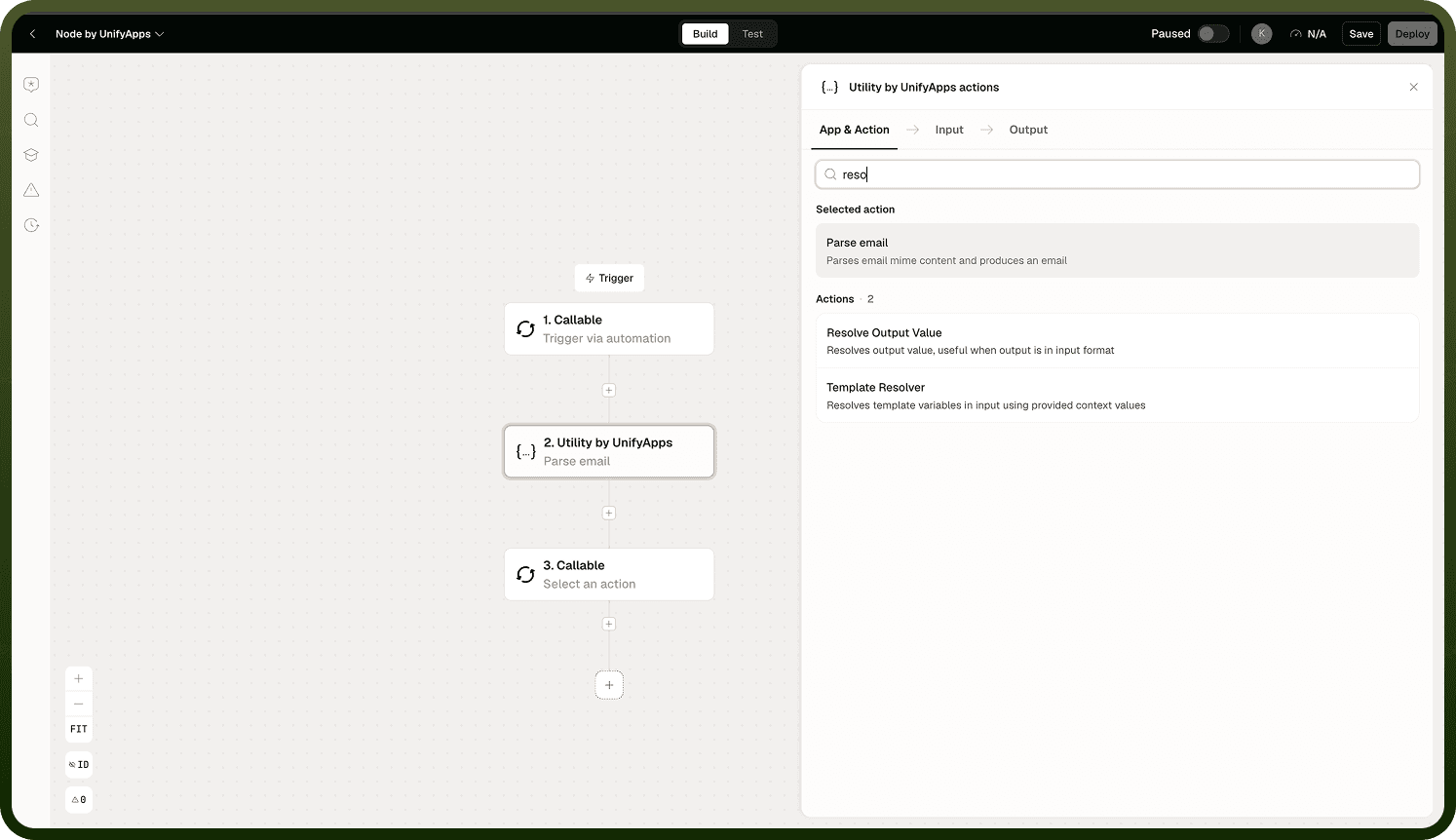
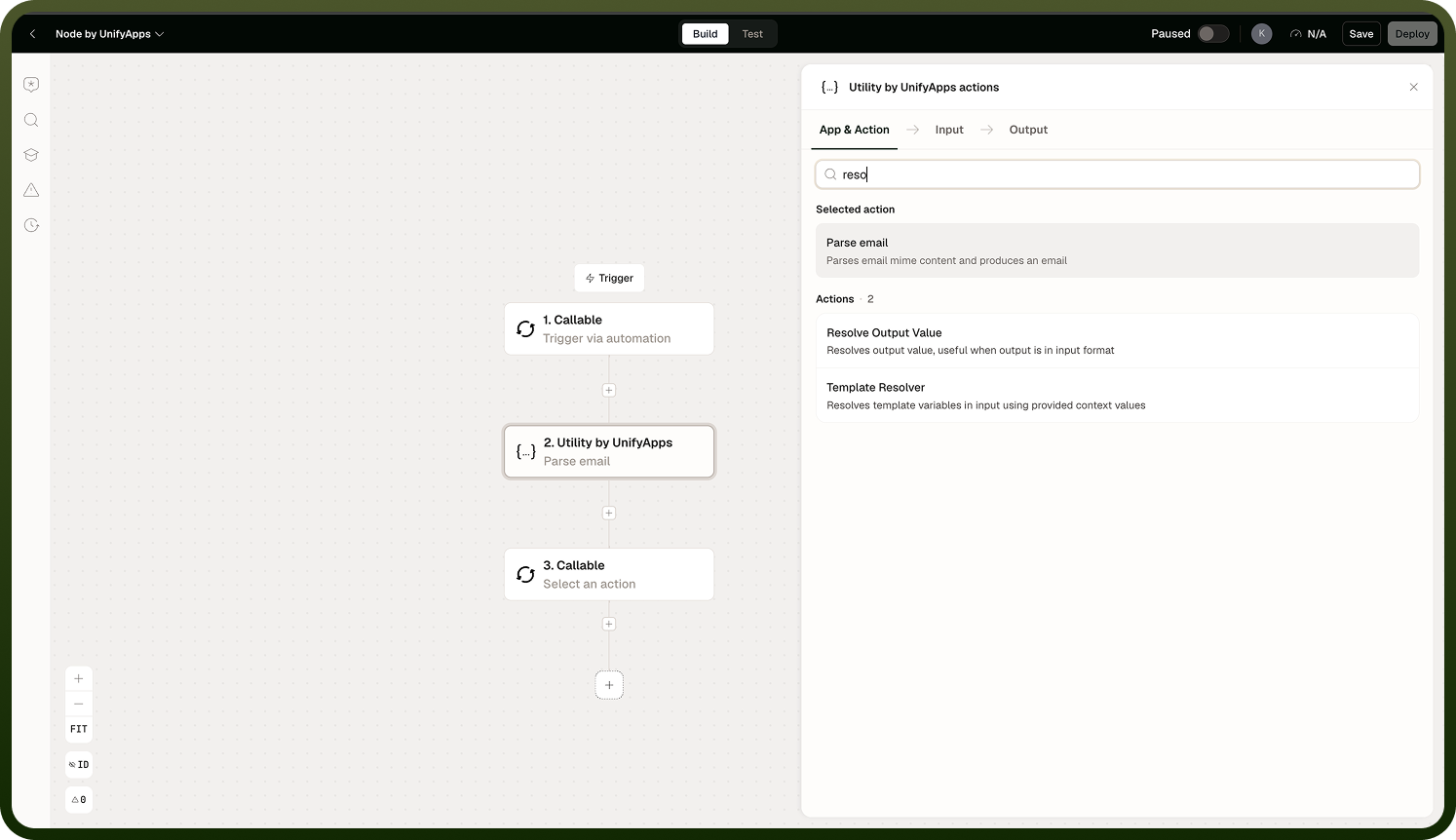
Parse email | Parses a raw email (RFC 2822 format) into structured fields: sender, recipients, subject, body (plain text and HTML), and attachments. |
Resolve Output Value | Evaluates an expression or reference and returns the resolved value. Useful for dynamically selecting which output to pass forward in a workflow. |
Template Resolver | Renders a template string by substituting variable placeholders with values from the current automation context. |
Text Difference Checker | Compares two text strings and returns their differences. Supports three granularity levels: character, word, or line. |
Translate text | Translates a text string from one language to another using a translation service. |
Notes
Keep the following in mind when using these operations.
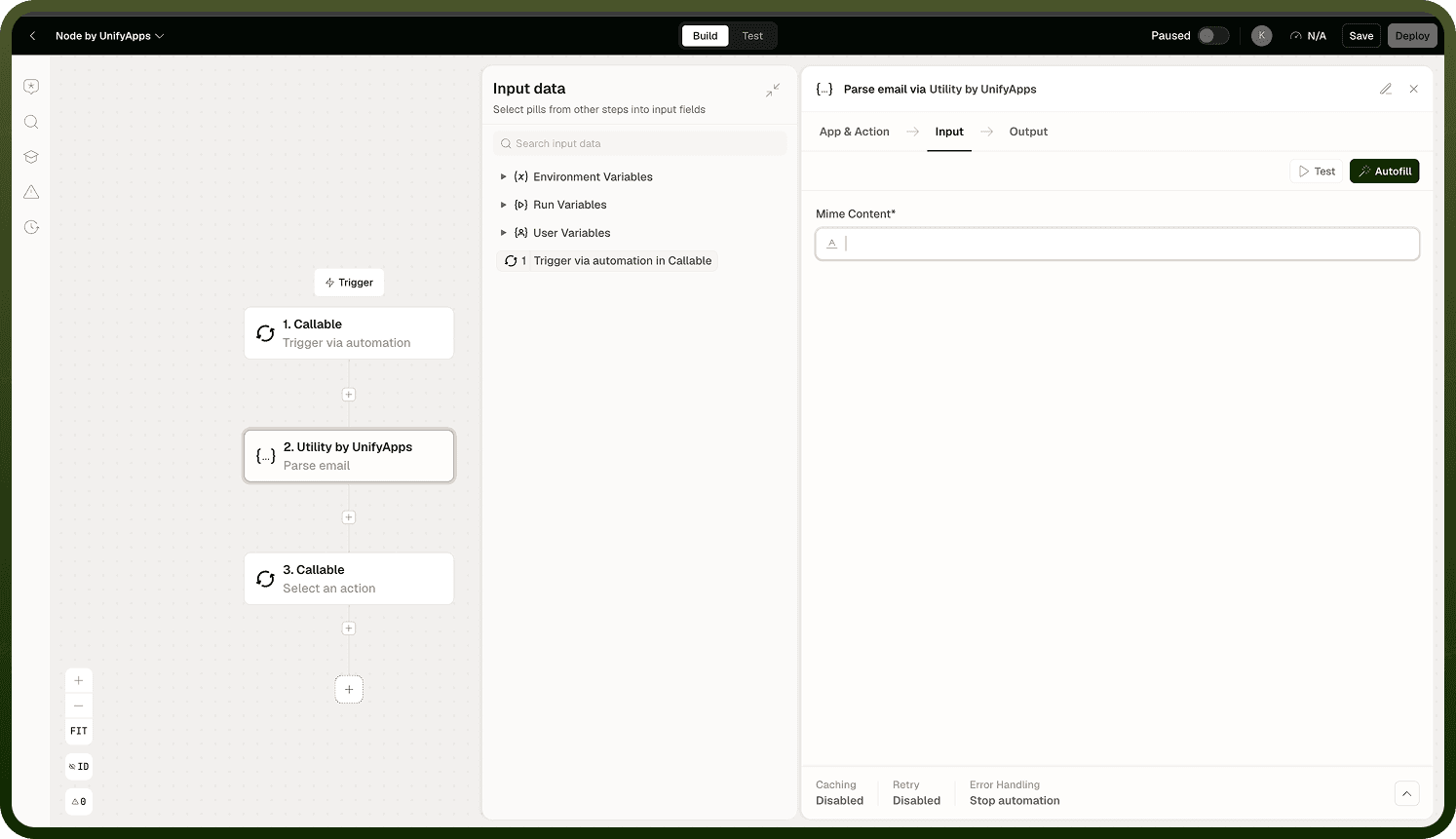
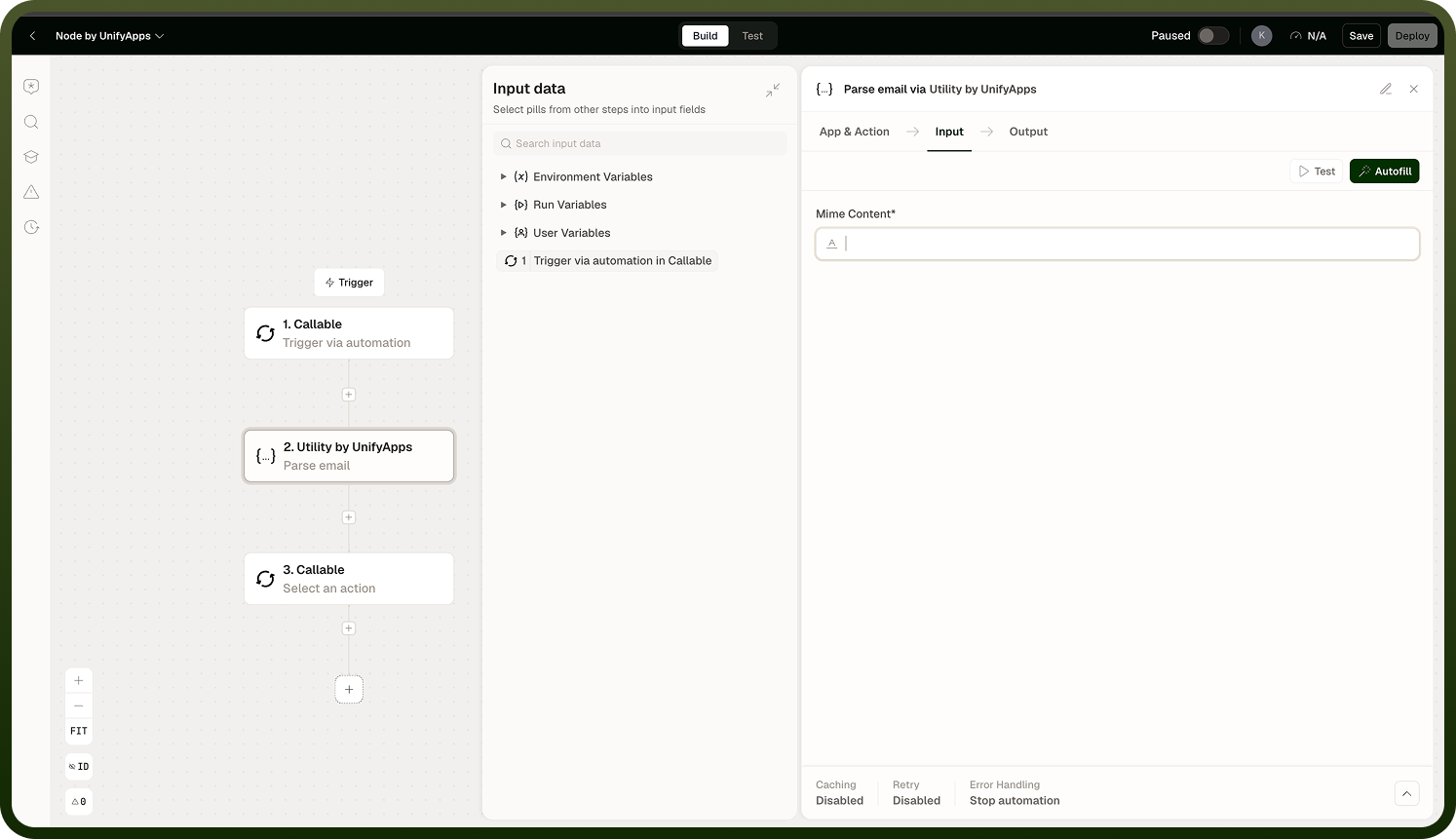
Parse email expects input in RFC 2822 format — the standard raw email message format produced by email servers and clients. Malformed input may result in partial or missing fields. Check whether your trigger supplies the raw message or pre-parsed fields before adding a Parse email step.
Parse email returns both the plain-text and HTML versions of the body when both are present in the email.
Text Difference Checker granularity affects the verbosity of output: character-level diffs are precise but verbose; word-level and line-level diffs are easier to read for human review or change auditing.
Template Resolver substitutes placeholders from the current automation context. Variables that are undefined at resolution time may be left blank or cause an error depending on the configuration — validate that all referenced variables are populated upstream.
Translate text relies on a translation service; output quality depends on the language pair and the service configured in the platform.