


The XML/JSON Serialization operations in the Utility node parse, serialize, and query structured data — converting between XML and JSON, parsing or stringifying JSON objects, producing canonical XML representations, and running SQL queries against file-based data using the DuckDB engine.
Overview
Five operations handle structured-data serialization and querying: deserializing XML or JSON strings into objects you can work with downstream, serializing objects back to JSON strings, generating canonical XML for signing or byte-level comparison, and querying data in a CSV or JSON file with SQL. These are the glue between steps — reshape a payload, query a file, or normalize XML before handing it on.
Operations
Operation | What it does |
|---|---|
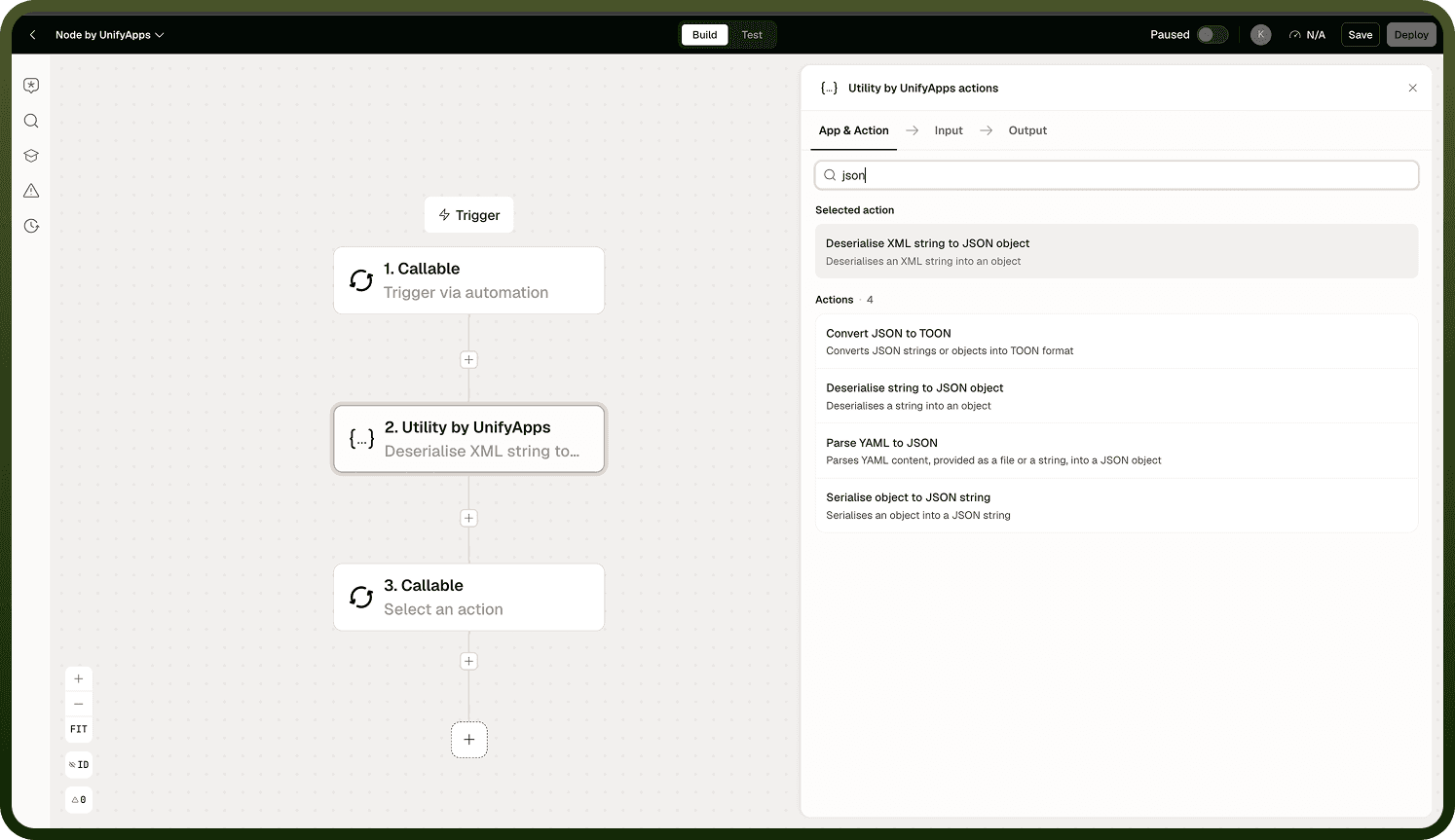
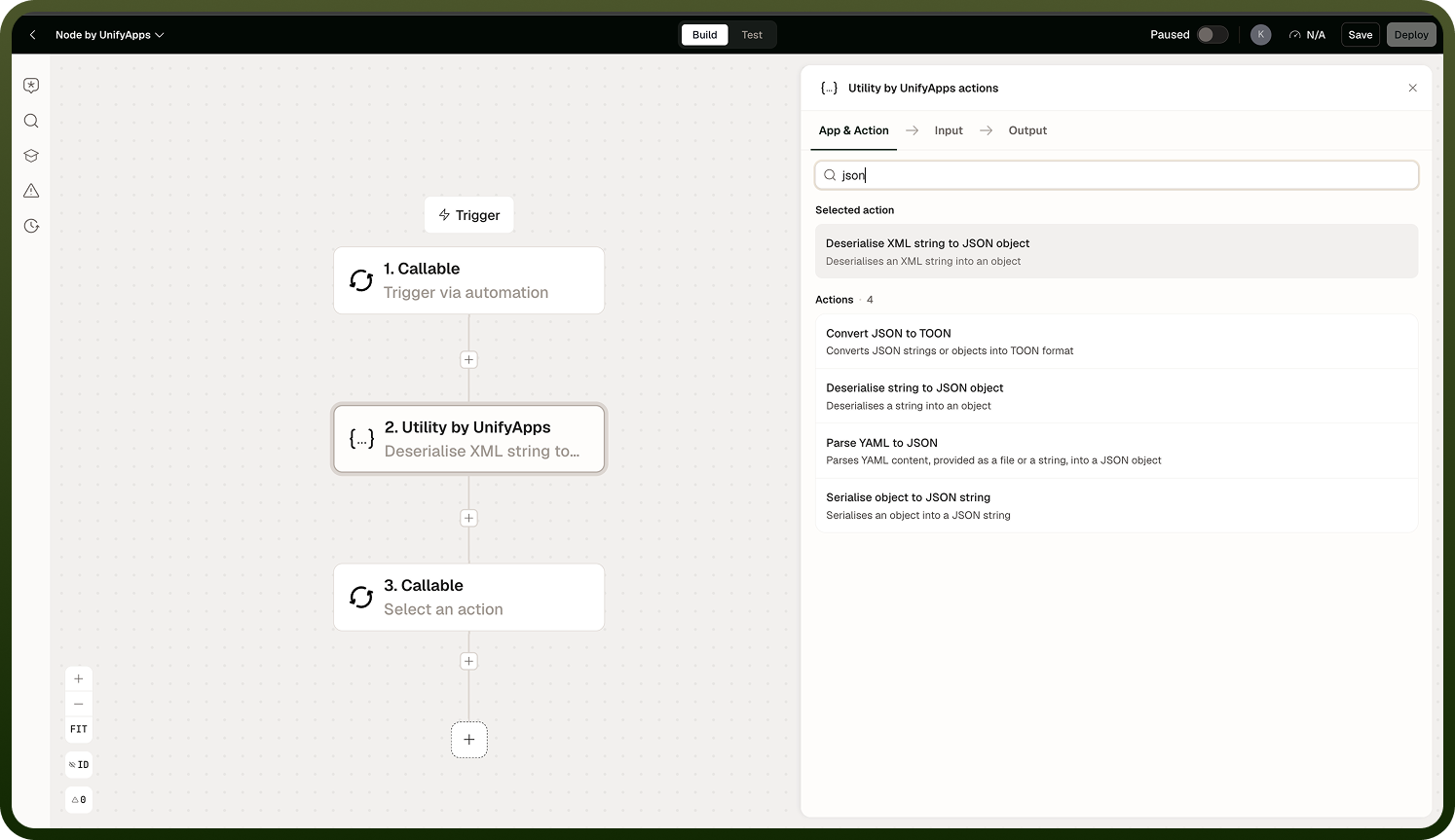
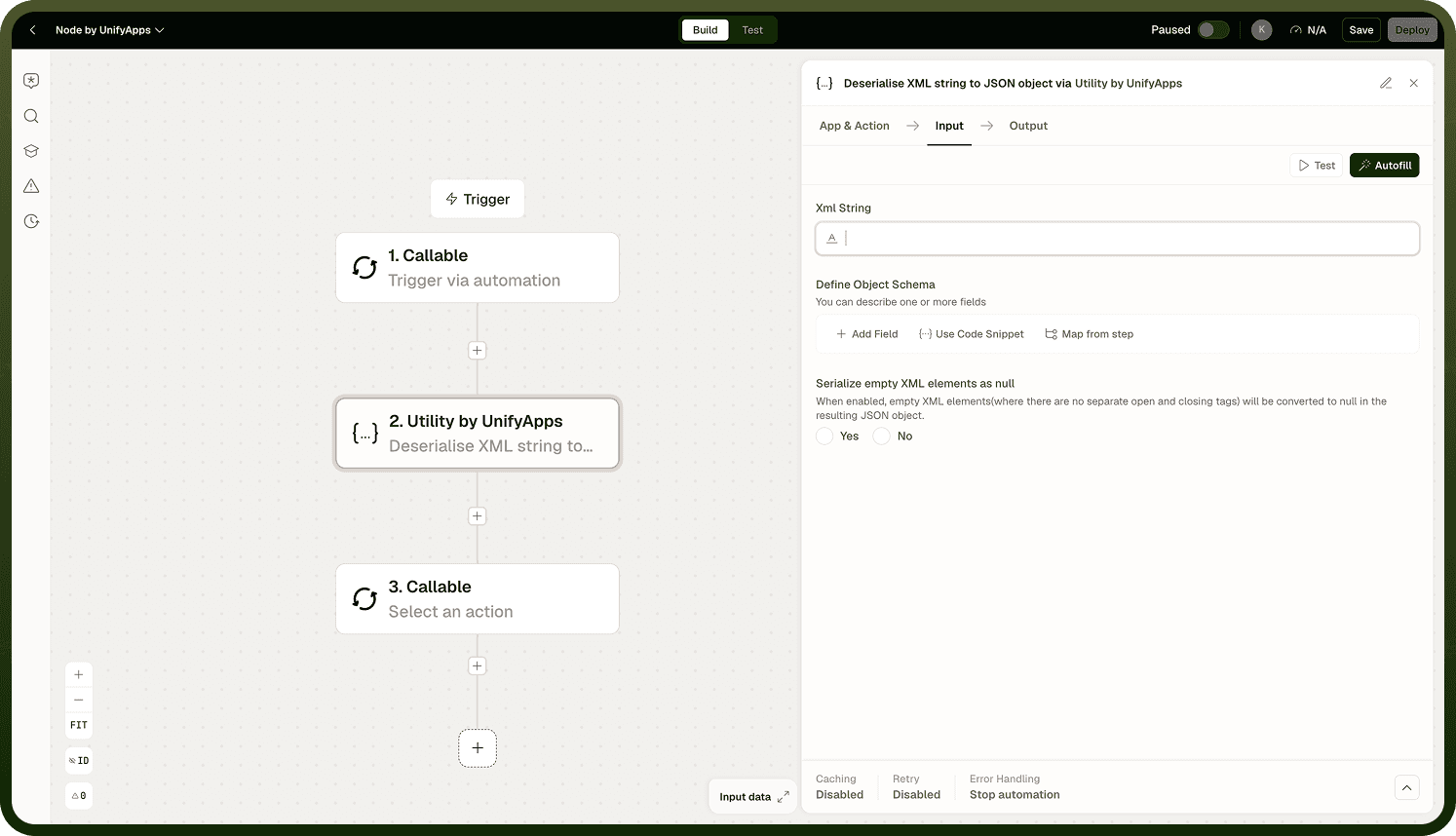
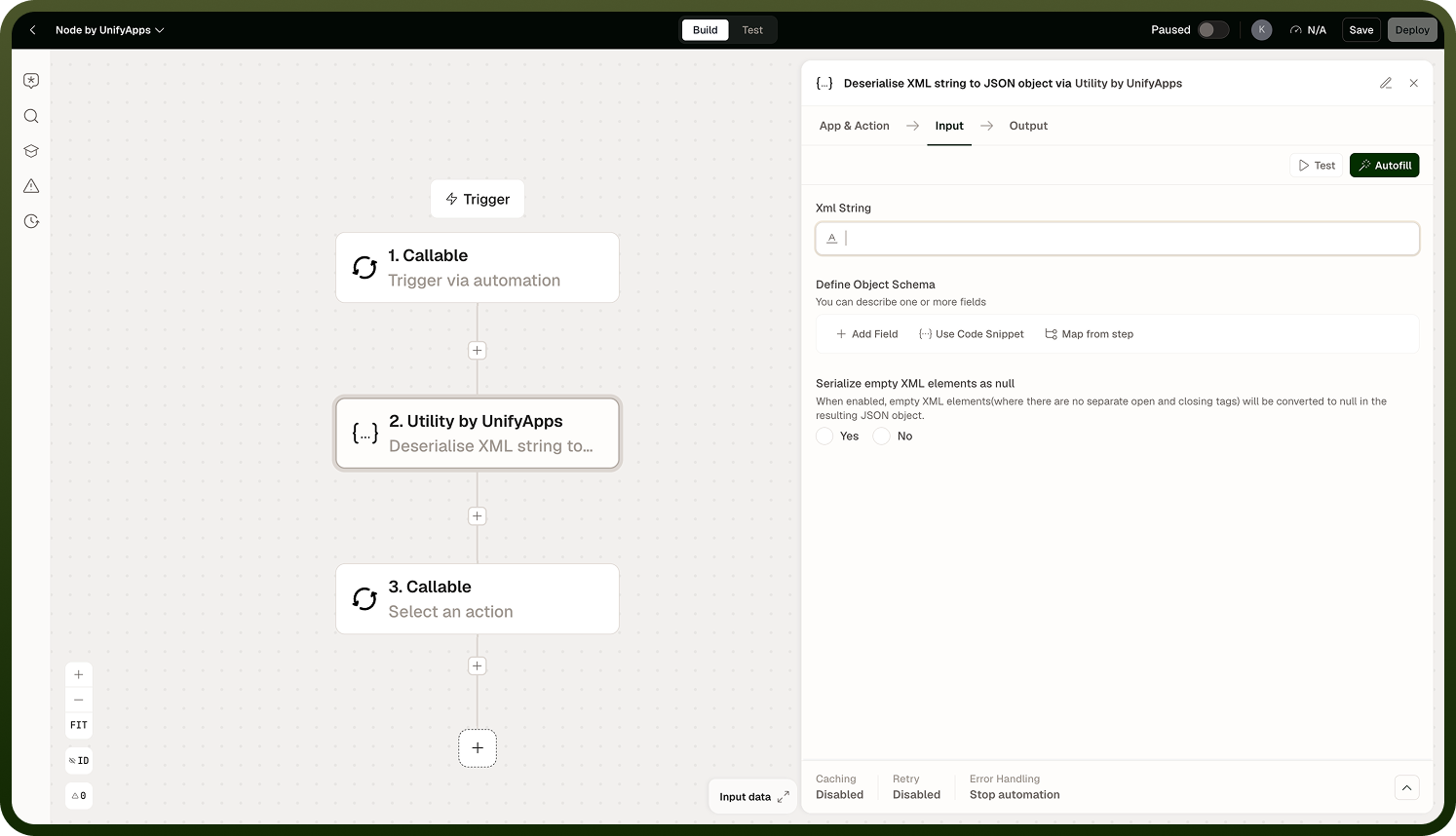
Deserialise XML string to JSON object | Parses an XML string and converts it to a JSON object, making XML data accessible as structured fields in subsequent steps. |
Generate Canonical XML | Produces a canonical (normalized) XML representation of an XML document — consistent whitespace, attribute order, and namespace declarations — suitable for digital signing or deterministic byte-level comparison. |
Deserialise string to JSON object | Parses a JSON string and returns it as a structured object. |
Serialise object to JSON string | Converts a structured object to a JSON string. |
Run SQL query on file | Runs a SQL SELECT query against a CSV or JSON file using the DuckDB engine. Supports joins across multiple file sources. Large files may run asynchronously. |
Notes
Keep the following in mind when using these operations.
Run SQL query on file uses the DuckDB SQL dialect. Write queries using DuckDB syntax; do not assume your data warehouse's dialect (BigQuery, Snowflake, etc.) is compatible.
Run SQL query on file is designed for moderate datasets and ad-hoc shaping of in-automation data. It avoids the need to route files to an external database. Very large files may trigger asynchronous processing transparently.
Generate Canonical XML normalizes whitespace, attribute order, and namespace declarations per the canonical XML specification. Use it when two XML documents must be compared byte-for-byte, or when producing a document for digital signing.
Deserialise string to JSON object will fail if the input is not valid JSON. Validate or sanitize the string upstream when the source is untrusted or variable in format.
Run SQL query on file supports joins across multiple file sources — load two CSV files and join them without routing to a database.