


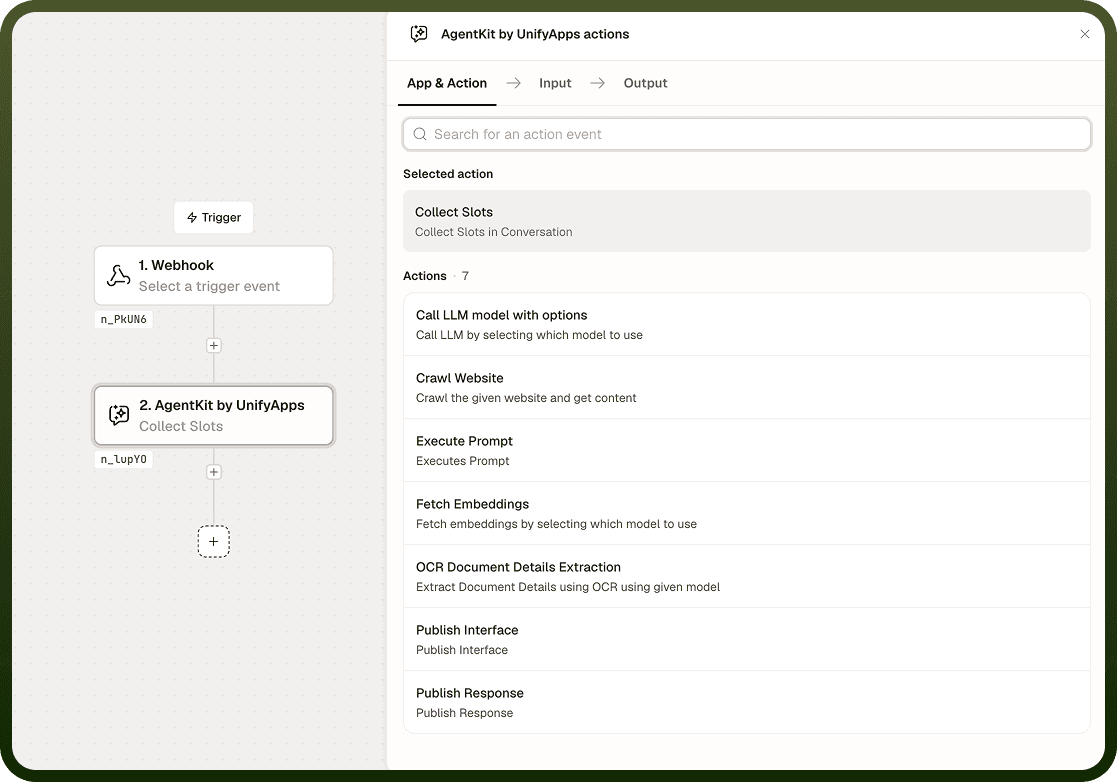
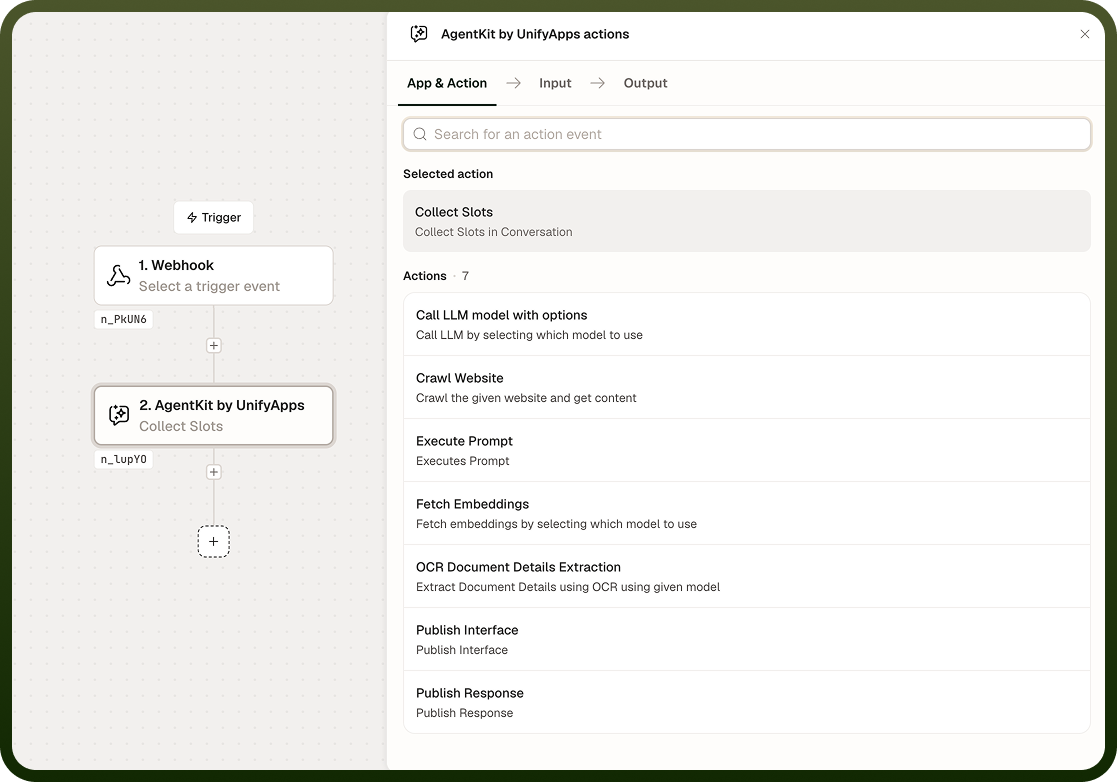
Collect Slots drives a targeted fill-in-the-blanks conversation to gather required inputs from a user. You define the fields — called slots — that the automation needs, and the node asks the user only for what is genuinely missing. Each slot is retried up to three times; if the user still does not provide a valid value, the slot is skipped and the automation continues rather than aborting.
Overview
Collect Slots handles the repetitive work of structured data collection inside a conversational flow. By default it infers slot values from what the user has already said in the conversation, so it only prompts for information that is actually missing — you can disable inference to force an explicit question for every slot regardless of prior context. Because the node skips unfilled slots and continues rather than failing, downstream steps must be written to tolerate missing values.
Input
Field | Description | Required* |
|---|---|---|
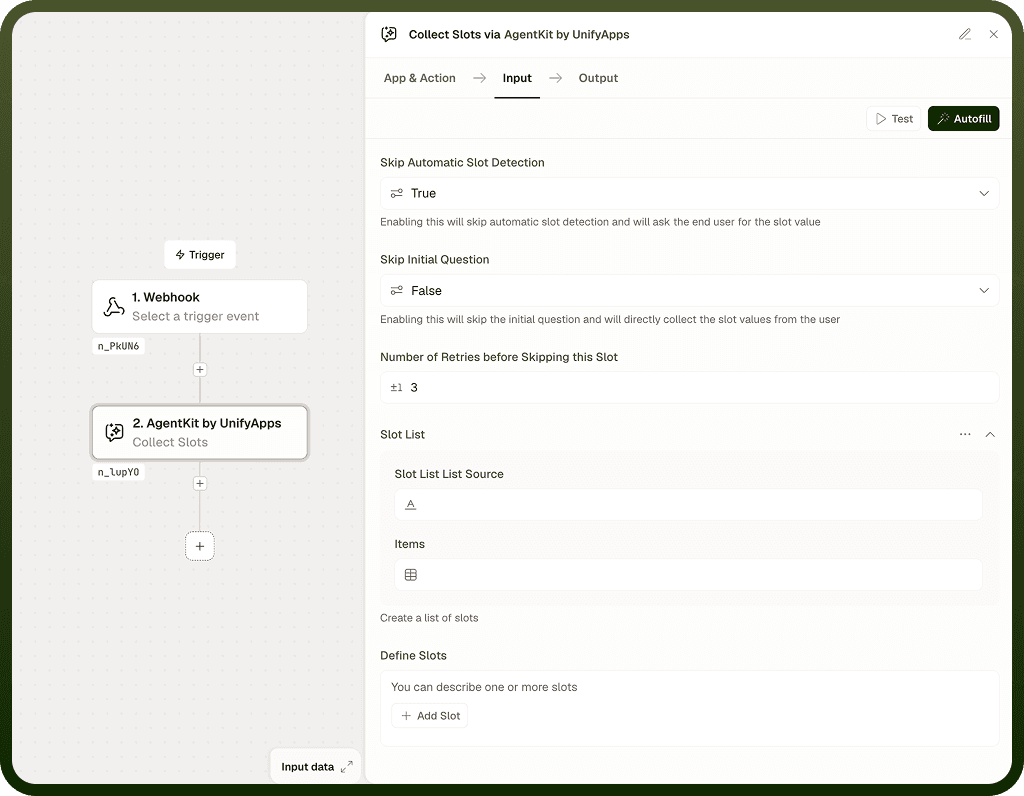
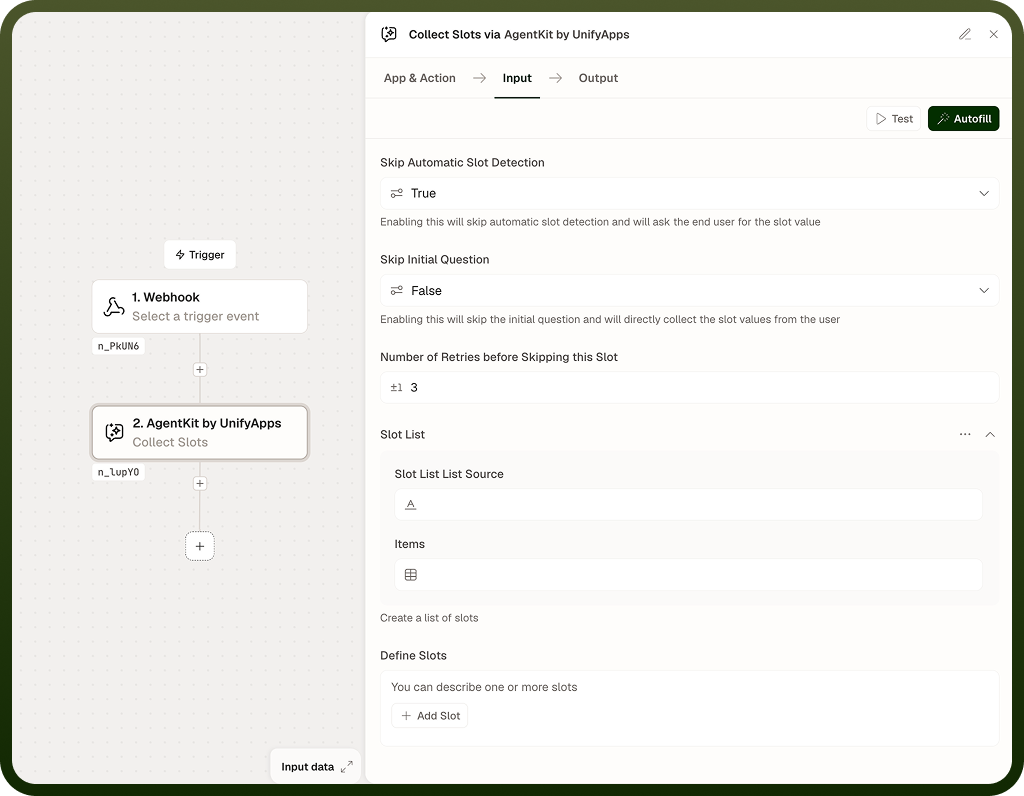
Slots | Definitions of the fields to collect from the user — names, expected formats, and any validation rules. The node asks for each slot that is not already satisfied. | Yes |
Infer from Context | When enabled (the default), the node reads the conversation history and infers slot values from what the user has already said, asking only for what is still missing. Disable this to require an explicit answer for every slot. | No |
Max Retries | Number of times the node re-prompts the user for a slot before skipping it. Defaults to 3. | No |
Output
The node returns two values after the collection conversation completes:
Slot Values — a map of slot names to the values the user provided. Slots that were inferred from context appear here alongside slots the user answered explicitly.
Skipped Slots — a list of slot names the user did not fill within the retry limit. Check this list in downstream steps before relying on a slot's value.
Notes
A skipped slot is not an error — the automation continues. Design downstream steps to check whether each slot value is present before using it.
The default retry limit is 3 attempts per slot. After the limit is reached, the slot is marked as skipped and collection moves on to the next slot.
Inference is on by default. Turn it off only if you need a guaranteed explicit answer for every slot, regardless of what the user has already said.
Slot definitions should be specific. Vague slot names or descriptions produce less reliable collection behavior.
Collect Slots works within a conversational turn — it is designed to be used alongside a Publish Response or Publish Interface node that handles the surrounding interaction.
Plan for missing slots: Because the node skips unfilled slots and continues, every downstream step that reads a slot value should verify the value exists before acting on it — treat all slots as potentially empty.